
Every new feature in iflows answers the same question: how can we make your day easier? Here are our answers in version 4.5.1.14:
NEW — Vehicles: fleet management
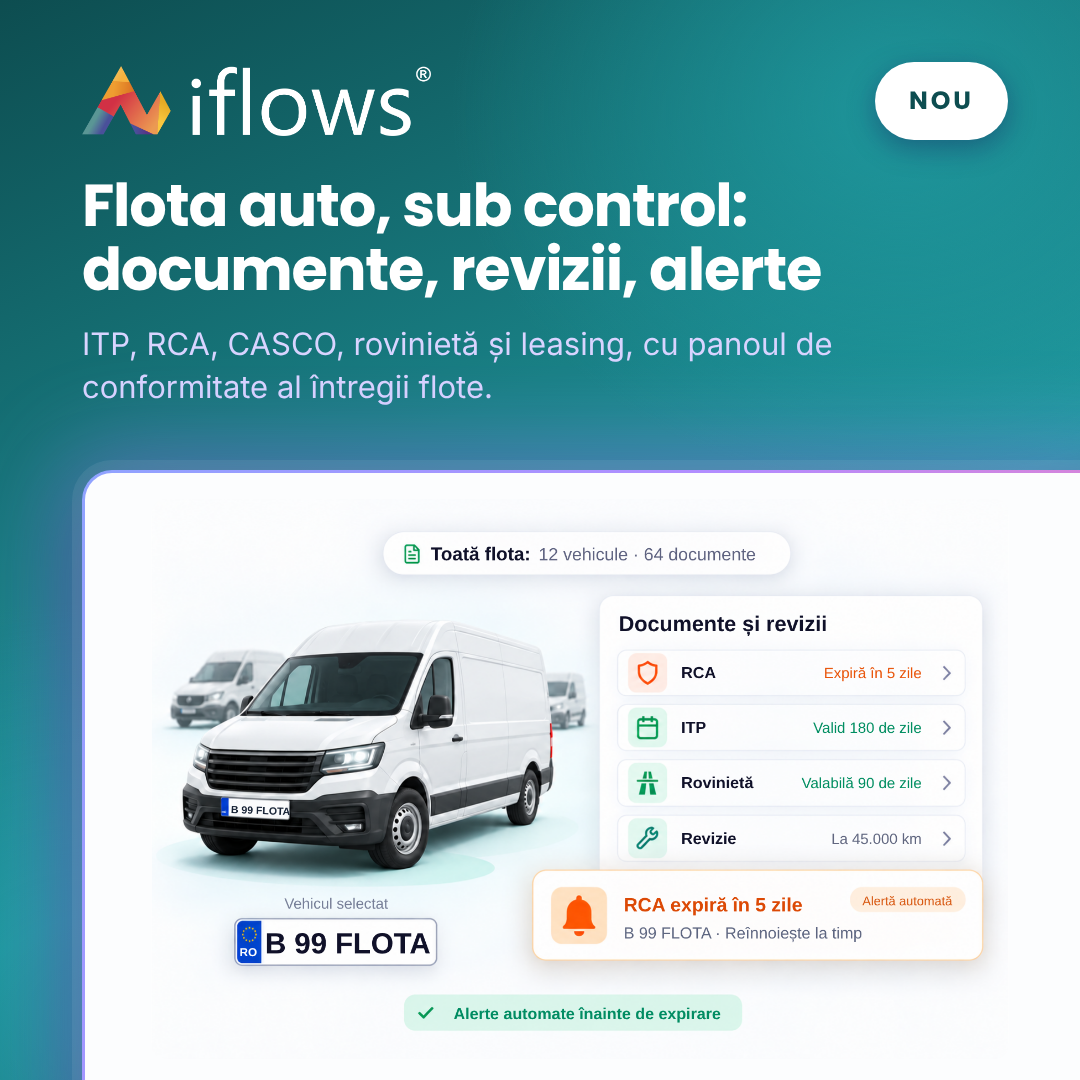
A new module for the company's vehicle fleet. For each vehicle you keep in one place its details, the leasing contract, documents with a validity period (ITP inspection, RCA and CASCO insurance, road vignette), services and costs. The compliance panel shows you in advance what is about to expire across the whole fleet.
CHANGE — Product type and the new product page
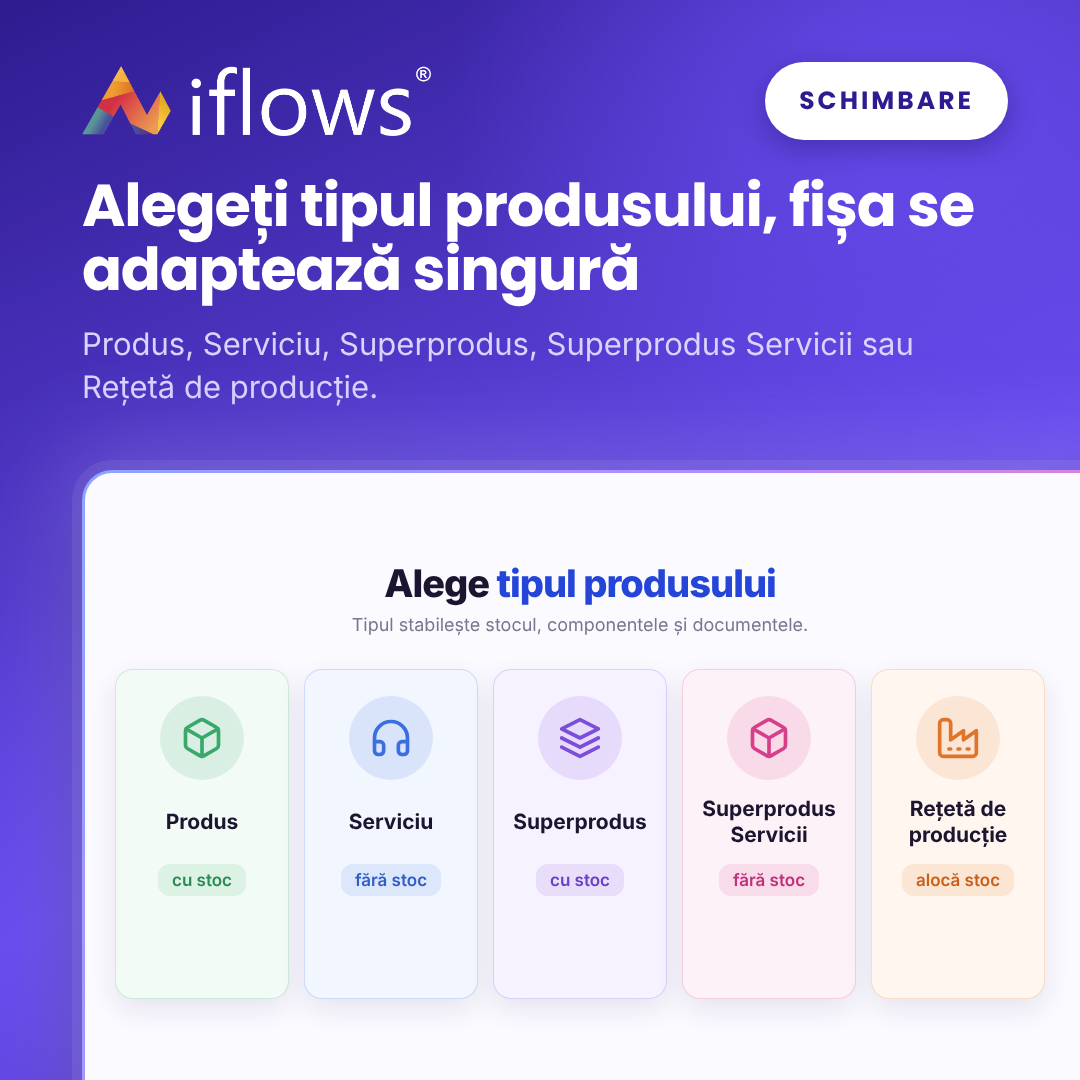
Each product now has a type, chosen when it is created: Product, Service, Superproduct, Service Superproduct or Production Recipe. The type decides which fields the product page has, whether the product has stock and components, and which operations are allowed.
IMPROVEMENT — Quote expiry notification: advanced funnel

The client automatically receives a sequence of reminders before the quote expires, for example 14, 7 and 1 day before. Rules are set per country and client type, with its own e-mail template for each step. Reminders stop on their own when the quote is accepted, declined or turned into an order.
IMPROVEMENT — Supplier orders from client requirements
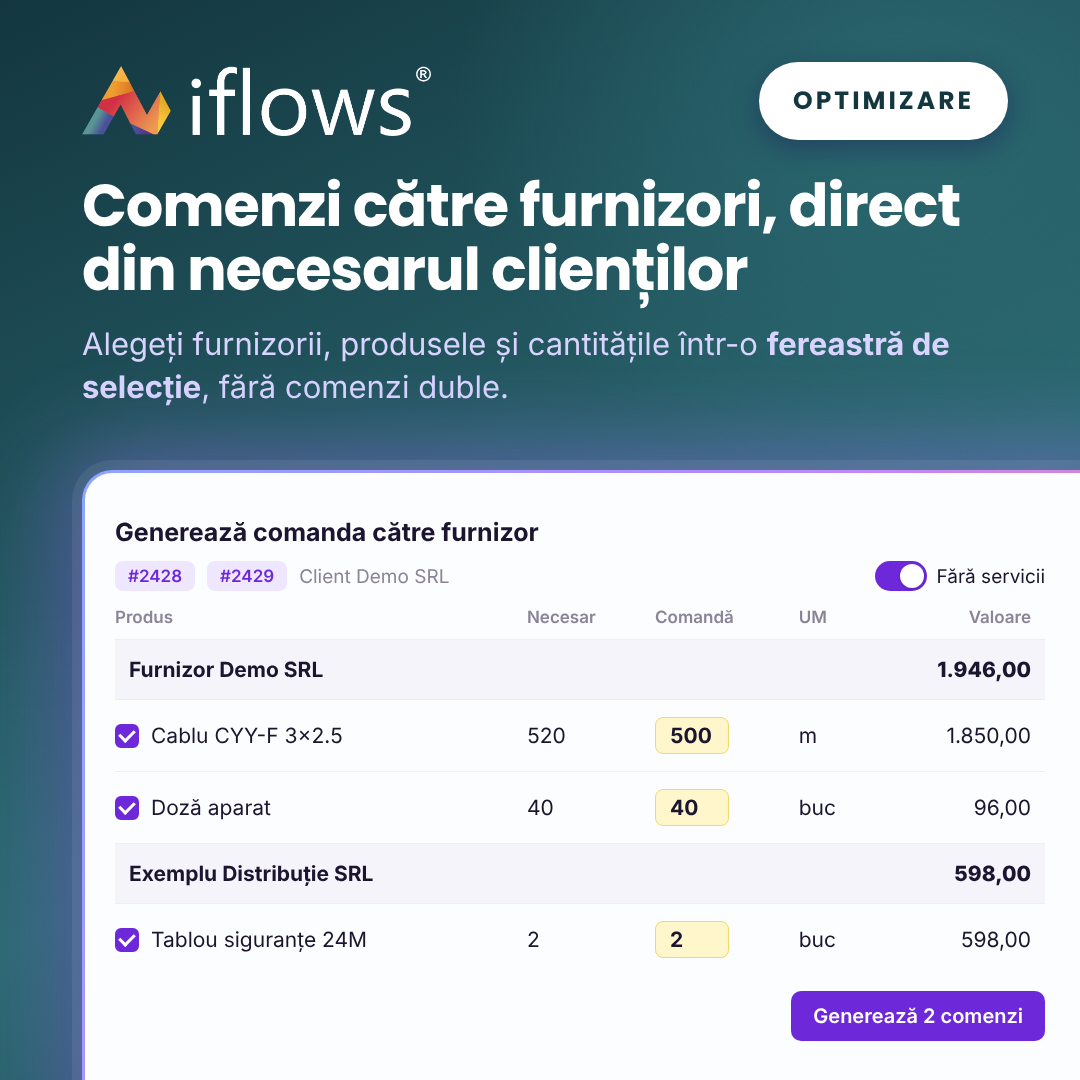
From one or more orders of the same client you generate the orders to suppliers in a selection window. You choose suppliers, products and quantities, see what has already been ordered and how much each order is worth. Duplicate orders are avoided and services are excluded by default.
NEW — Tags on supplier orders
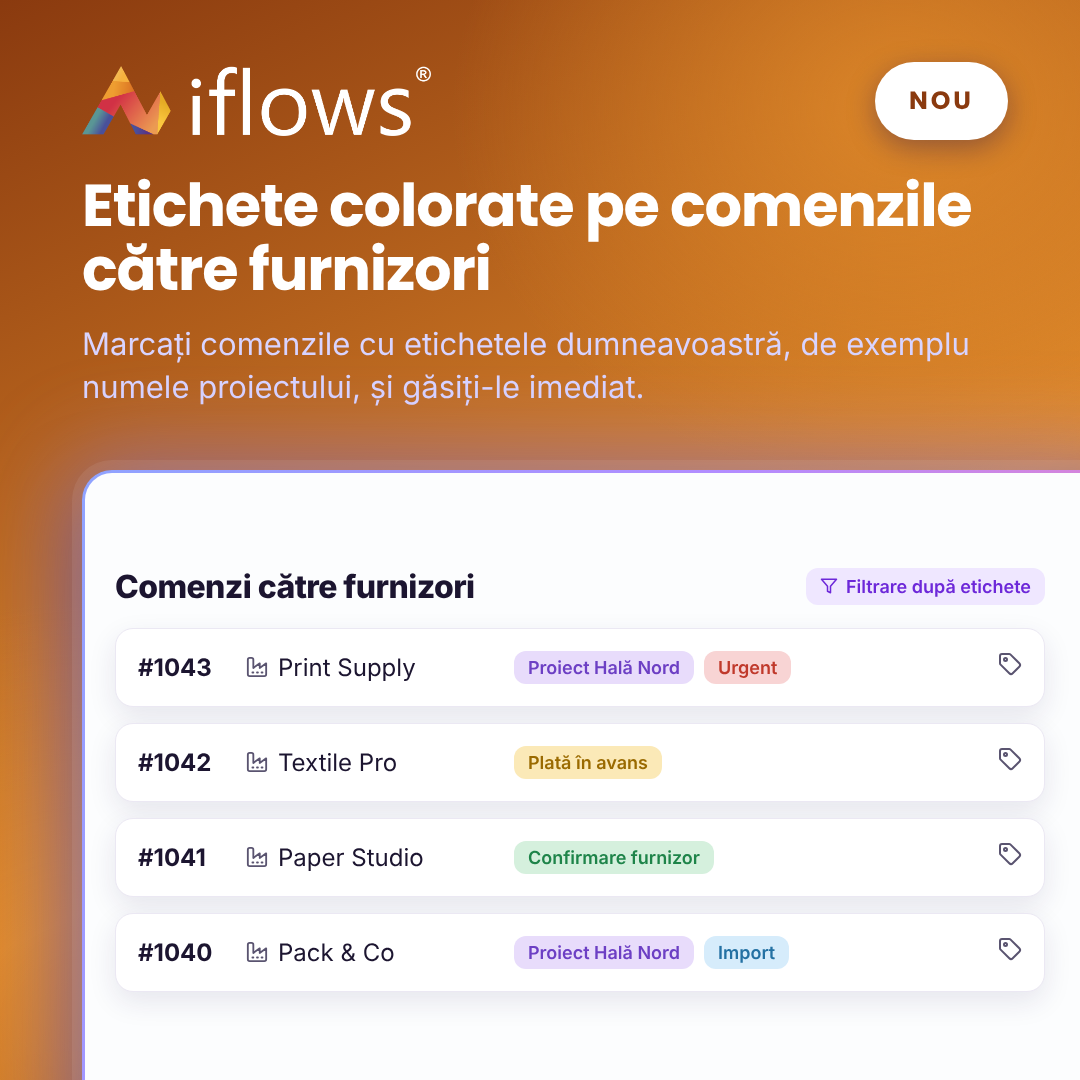
Supplier orders can now be marked with coloured tags, such as "Urgent", "Import" or "Advance payment", just like client orders. The list has a column, a filter and a search by tags, so purchasing and logistics can follow orders by their own criteria.
NEW — Standard document templates imported from Word (.docx)
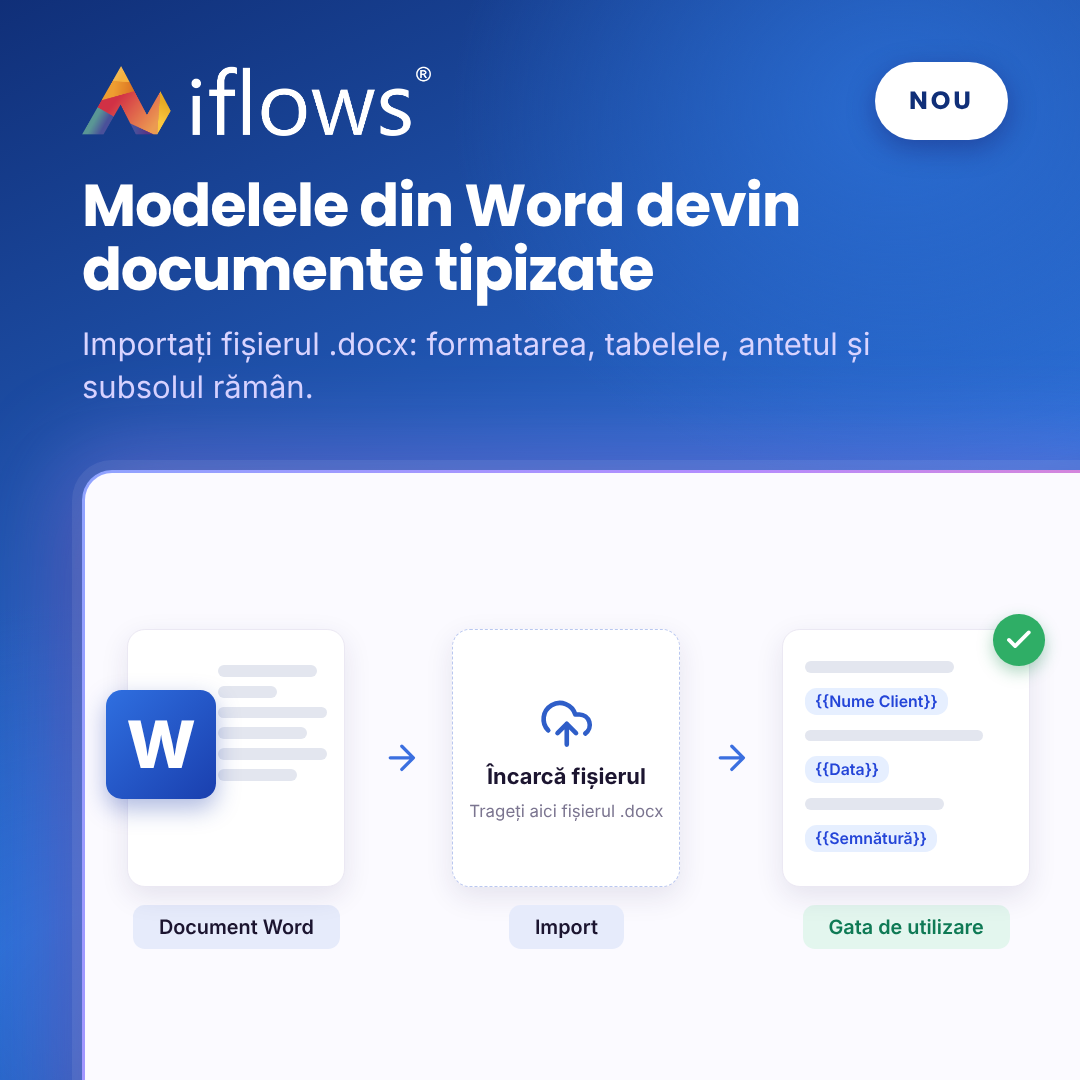
Contracts, handover reports and other templates you already have in Word can be imported directly as templates. Formatting, tables, header and footer are kept. You only add the fields that are filled in automatically with client, order or company data.
NEW — Employee documents with an expiry date
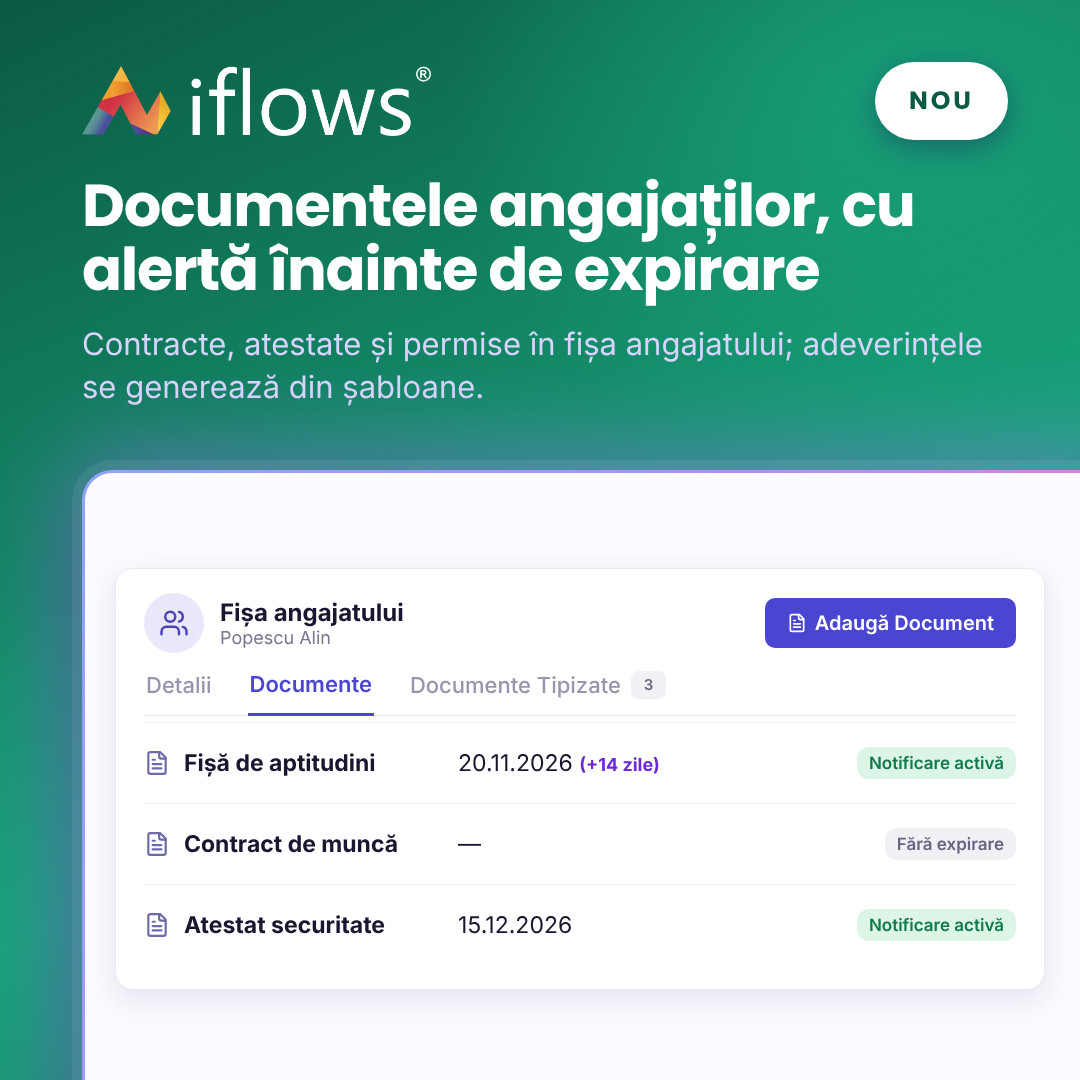
The employee page now has the Documents and Standard Documents tabs. Keep the contract, certificates or driving licence there, with an expiry date and an e-mail notification. Certificates and decisions are generated directly from the employee page, from templates.
NEW — Communications: e-mail history on each document
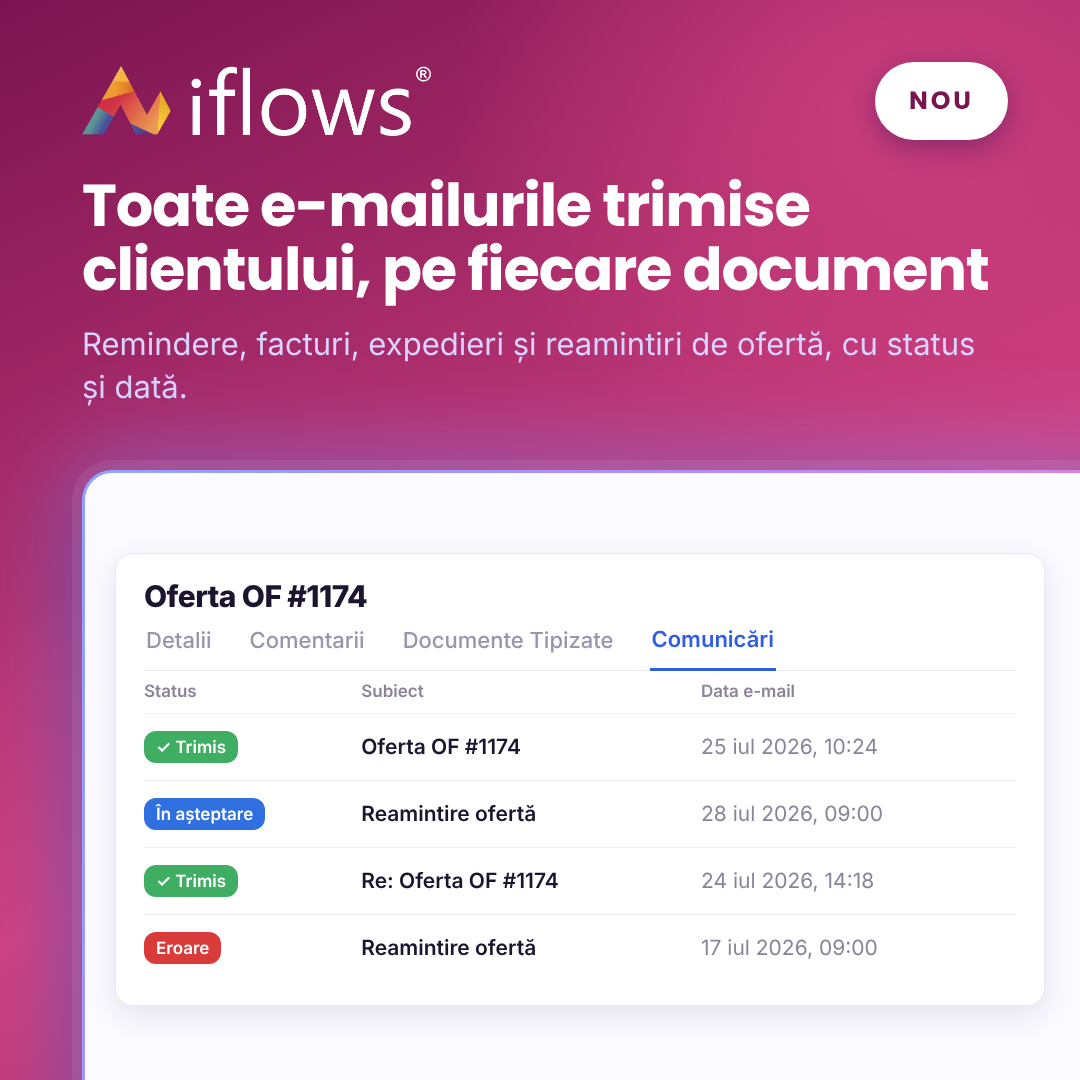
Opportunities, quotes, orders and invoices have a new tab, Communications. There you see every e-mail sent to the client about that document, manually or automatically: payment reminders, the issued invoice, shipping confirmation, quote reminders. For each one you see the status, the recipient and the date.
IMPROVEMENT — Superproducts collapsed in the product table
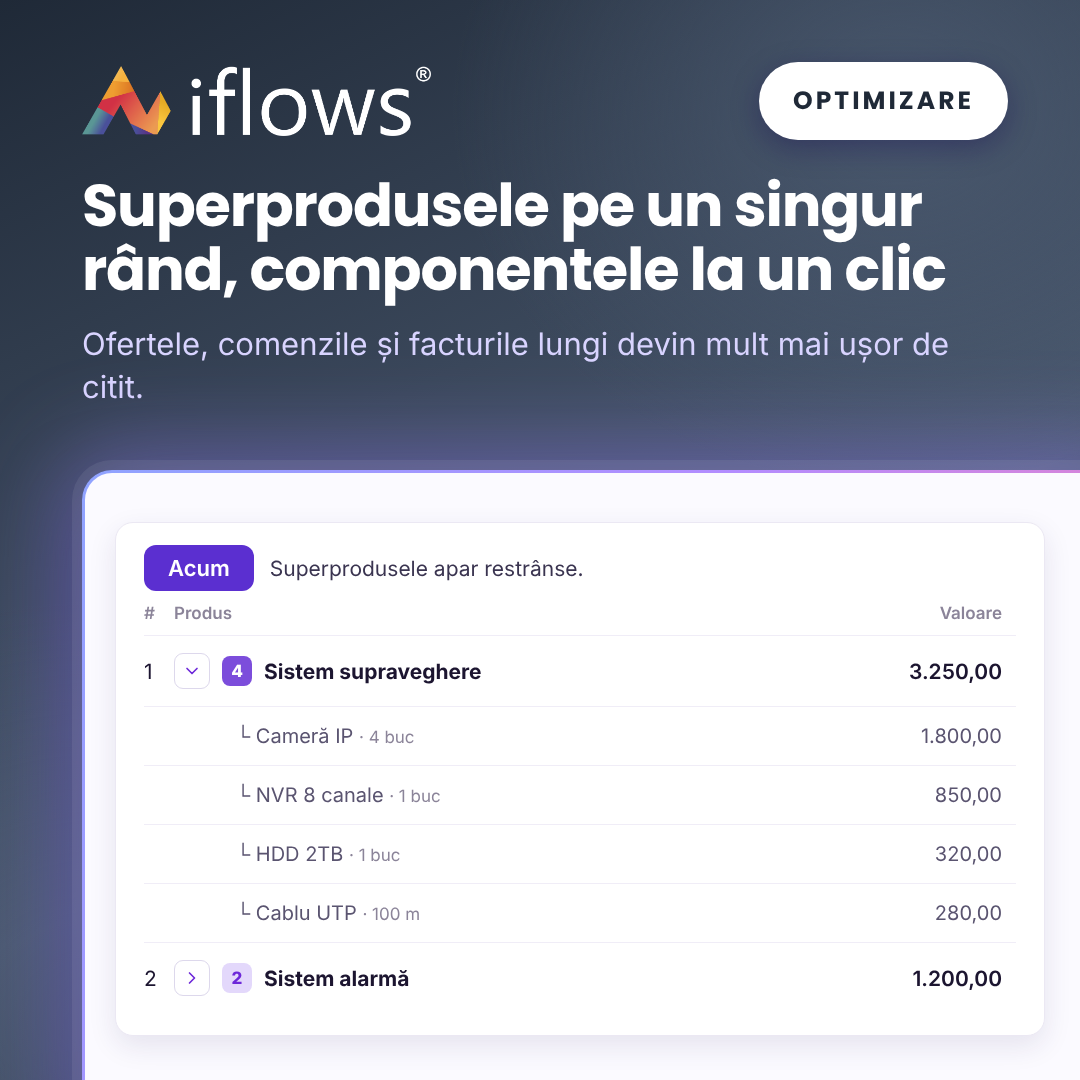
In quotes, orders and invoices, superproducts now appear collapsed, on a single row. Components are shown with one click, for one superproduct or for all at once. Long documents become much easier to read; totals and printed documents stay the same.
NEW — Discount by supplier, category or subcategory
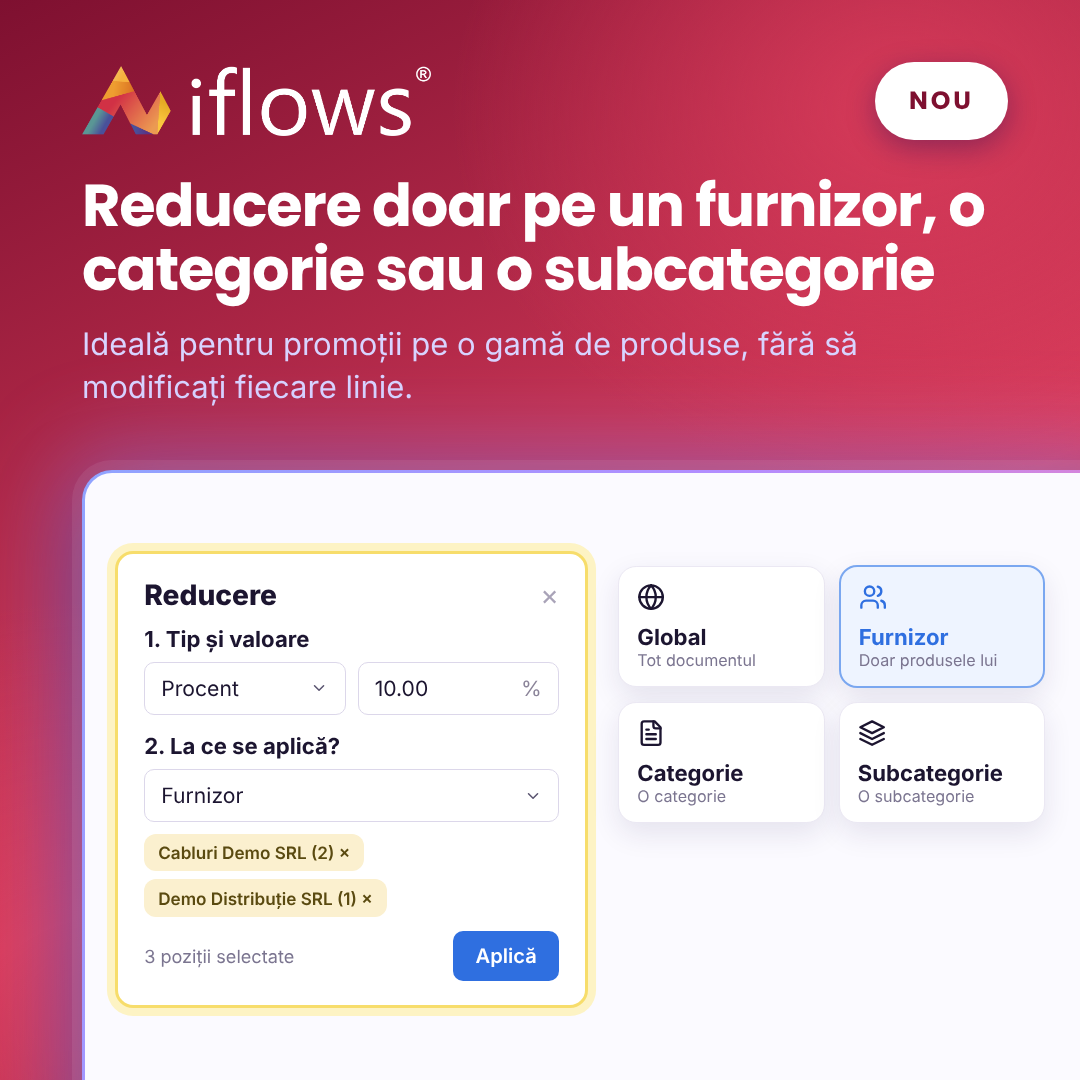
The Apply Discount button now lets you discount only the products of a supplier, a category or a subcategory, not just the whole document. A value discount is split proportionally between the selected lines. Useful for promotions on a product range, without editing each line by hand.
NEW — Service: standard documents on the equipment page
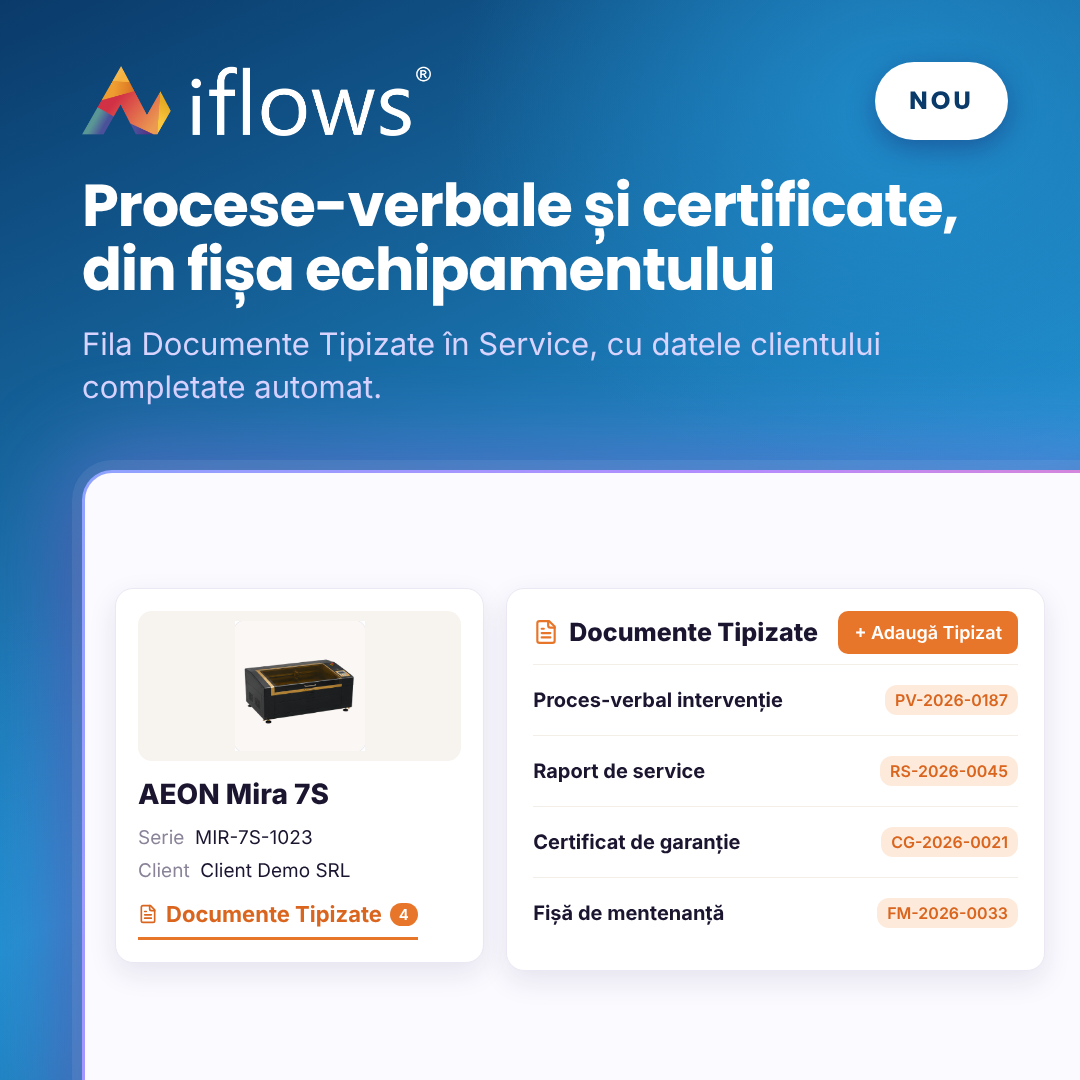
Each equipment page in Service now has the Standard Documents tab. There you see and generate the equipment's handover reports, service reports and warranty certificates. Client and equipment data are filled in automatically.
NEW — Public forms in another language
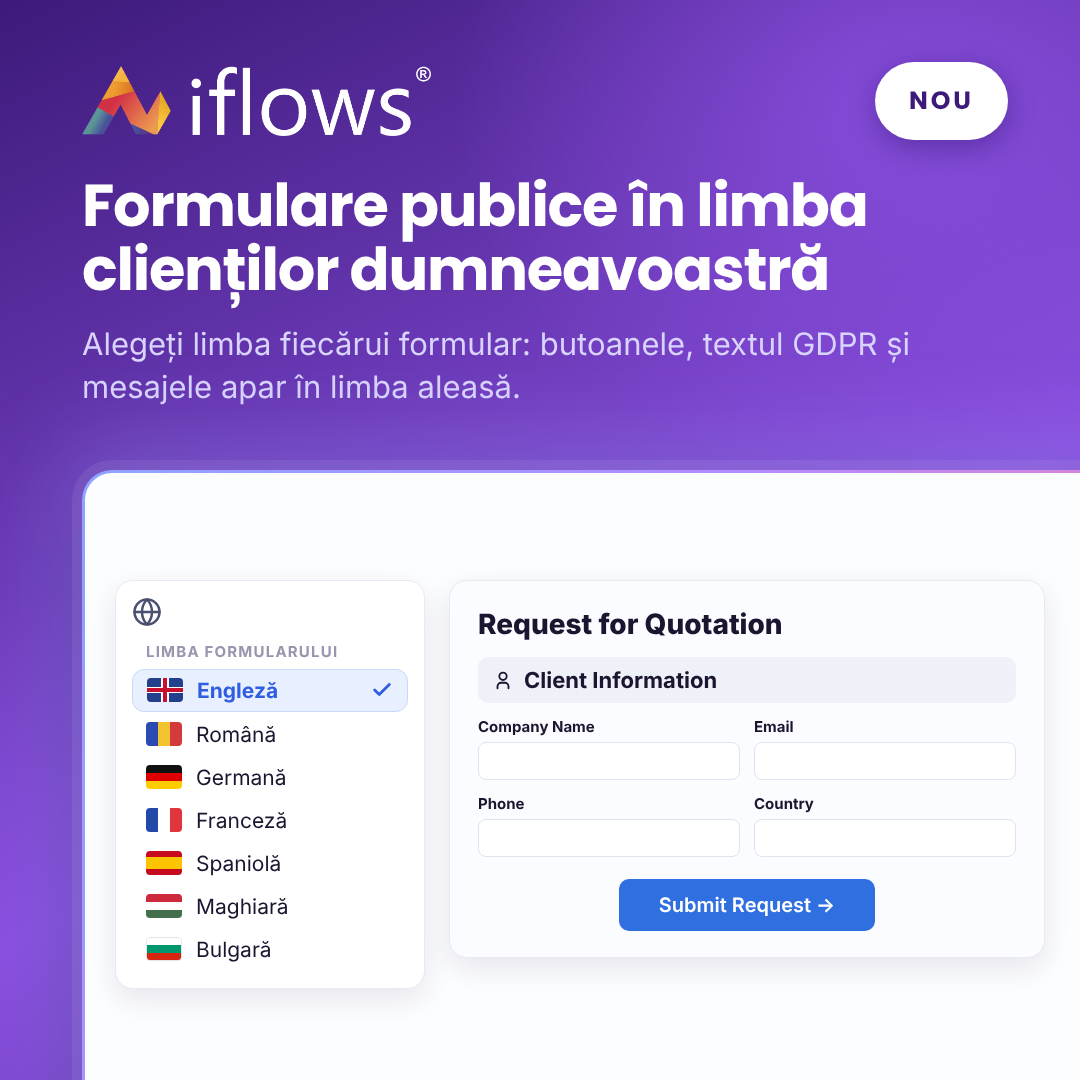
Each public form now has its own language: titles, buttons, the GDPR text and messages appear in the chosen language. You can publish, for example, a form in English or German for foreign clients. Employees keep working in the platform in Romanian.
IMPROVEMENT — The new Resources menu
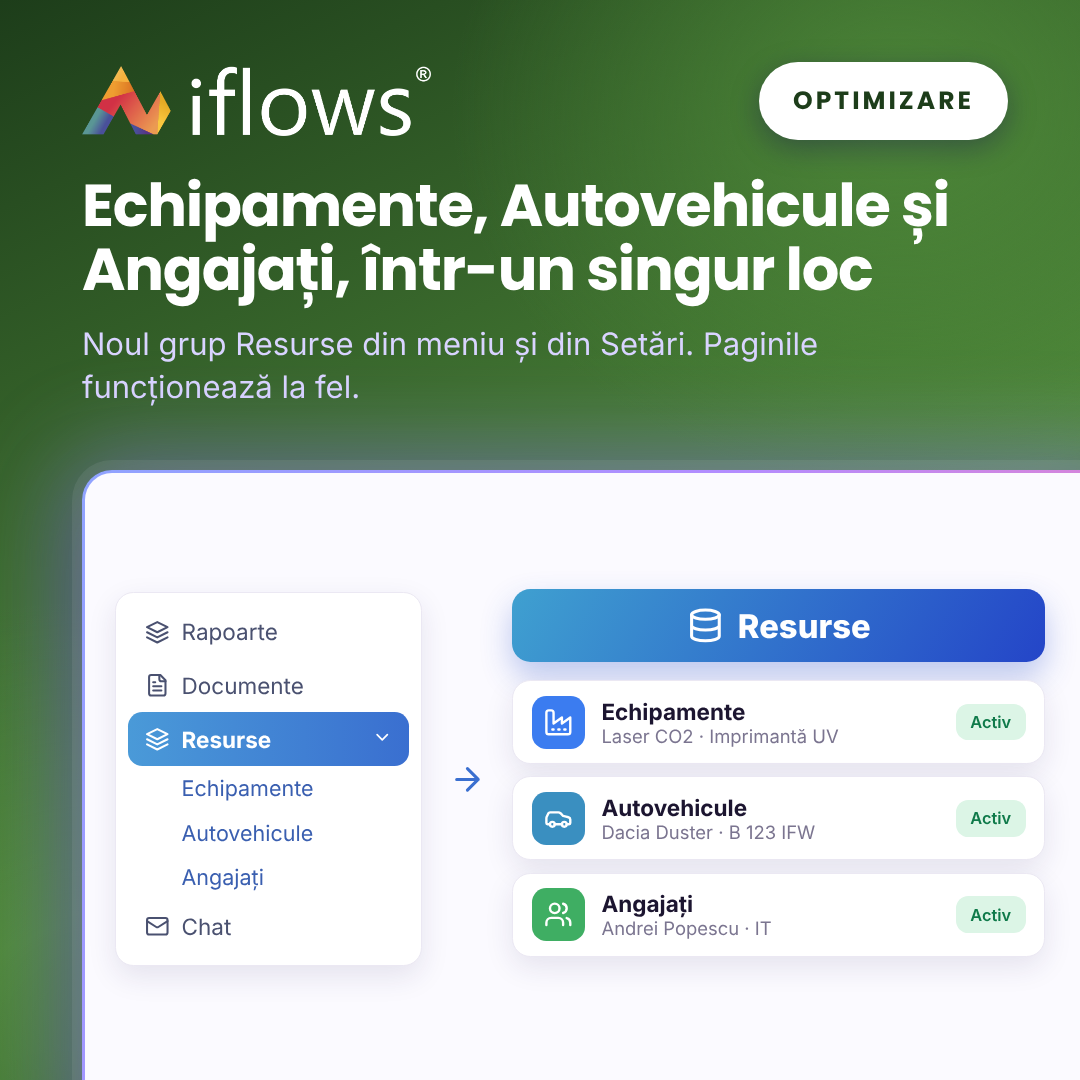
The main menu has a new group, Resources, with Equipment, Vehicles and Employees. Their settings are gathered in as before, you just find them in a new place.
IMPROVEMENT — Importing and exporting products from Excel
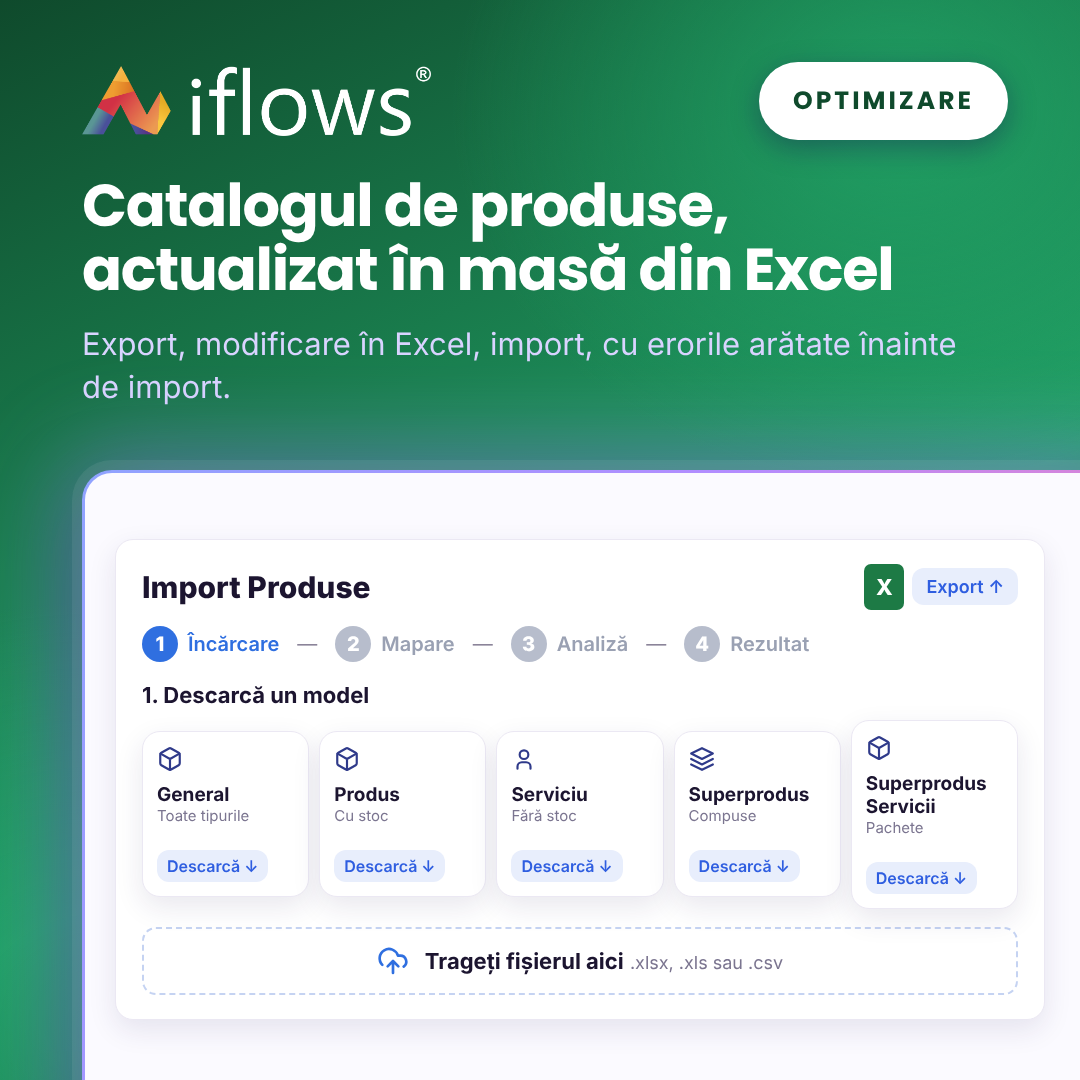
Product import has been rebuilt for the new product types. It has five file templates, each with a PDF guide, and shows you the errors before importing. Export uses the same format, so bulk-changing prices or categories simply means: export, edit in Excel, import.
NEW — Security: the Export Lists permission
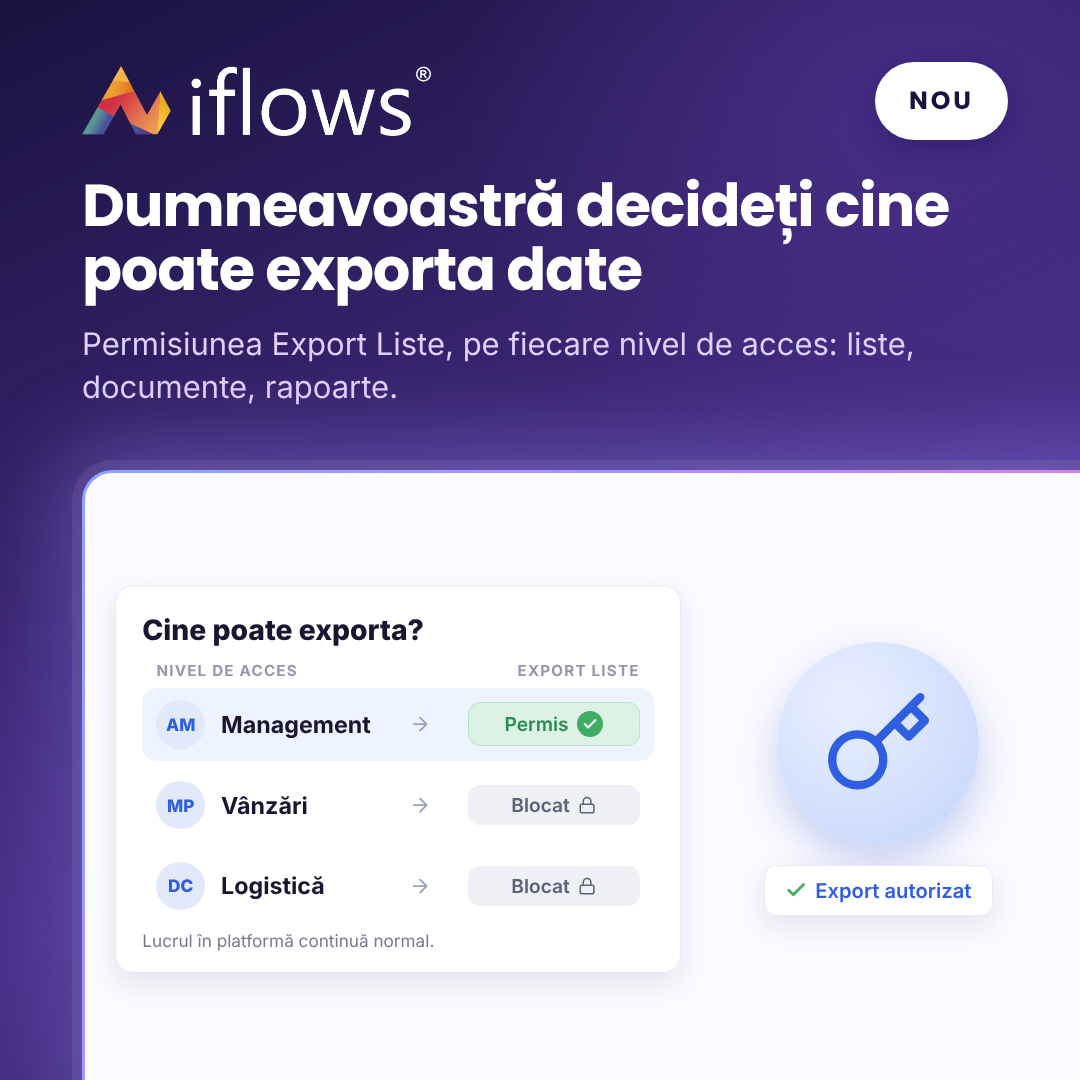
With the new Export Lists permission you decide, for each access level, who can export data from the platform: client lists, products, documents or reports. Employees without this right work normally with the data, but cannot take it out of the platform. All existing access levels have received the right, so nothing changes until you remove it.