
NEW — Calendar
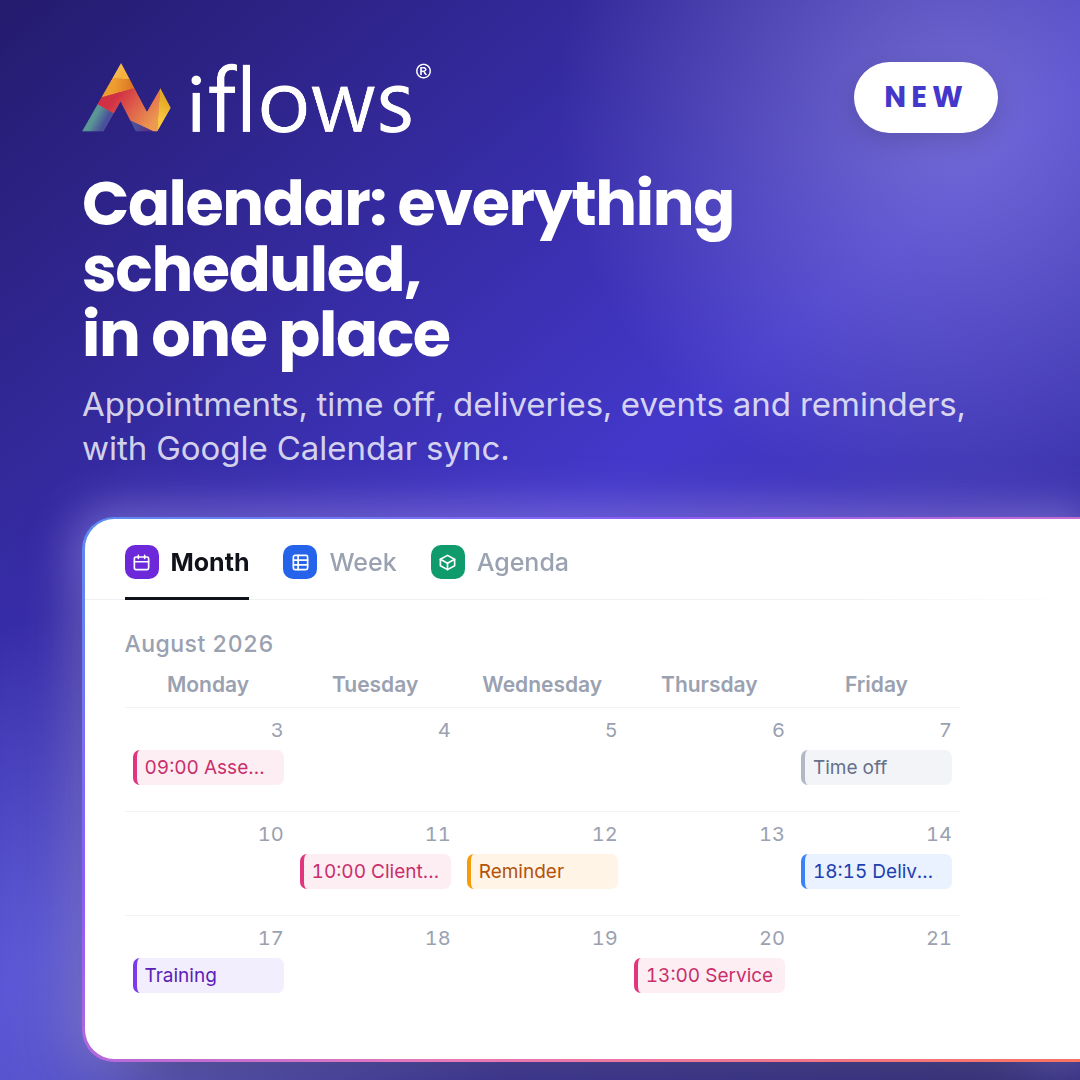
One calendar showing the appointments from your orders, your colleagues' time off, planned deliveries, your events and your reminders. Share it with colleagues and open it in Google Calendar or any other app.
NEW — Appointments linked to a workflow stage
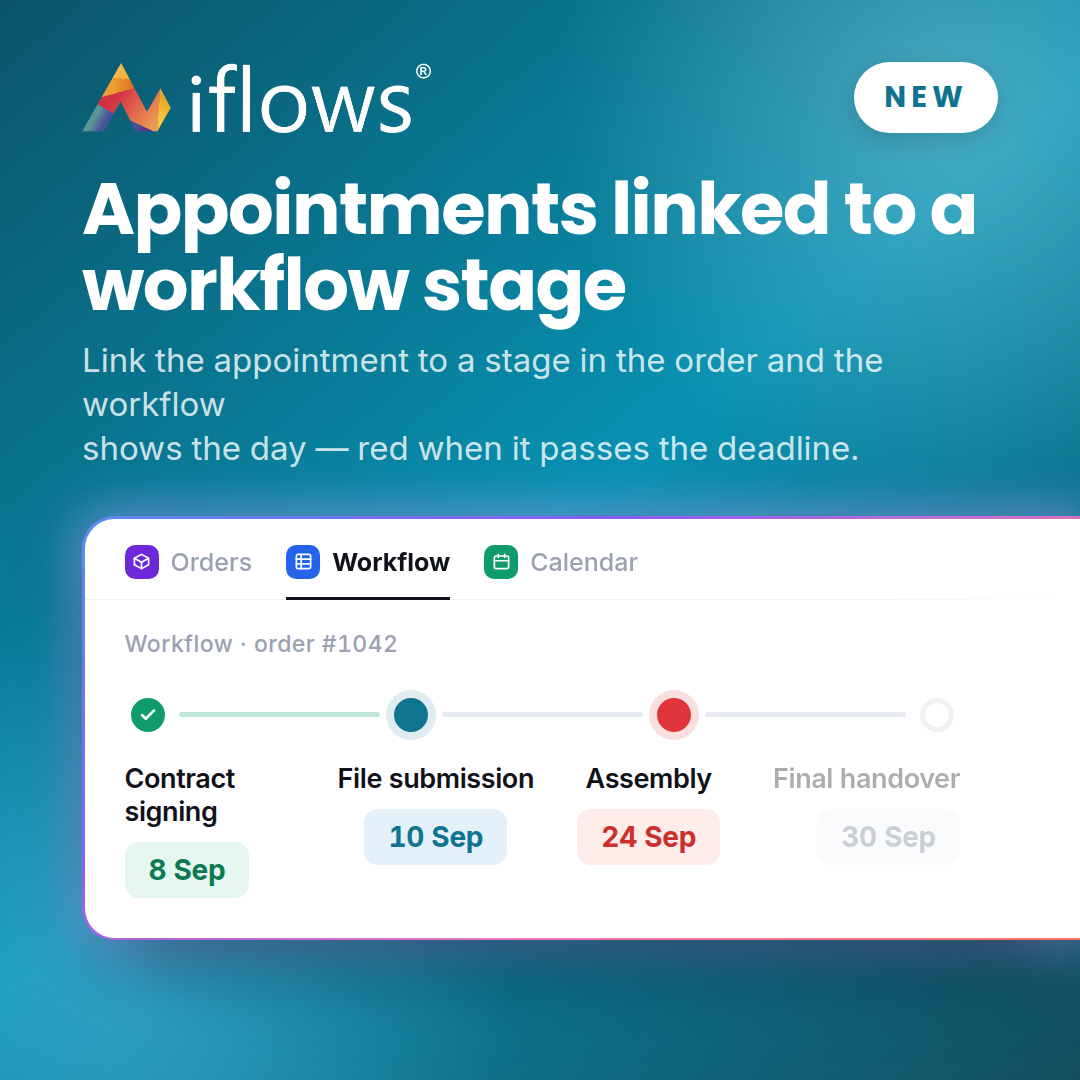
Link an appointment to a stage of the order and the workflow shows the scheduled day right on that stage. If the day passes the stage deadline, the pill turns red.
NEW — Sending an e-mail from an opportunity

Send an e-mail straight from an opportunity, not only from a quote or an order: recipients come from the client record and the dedicated template is already loaded. The message stays in the opportunity's history.
NEW — Validation ID under the signature
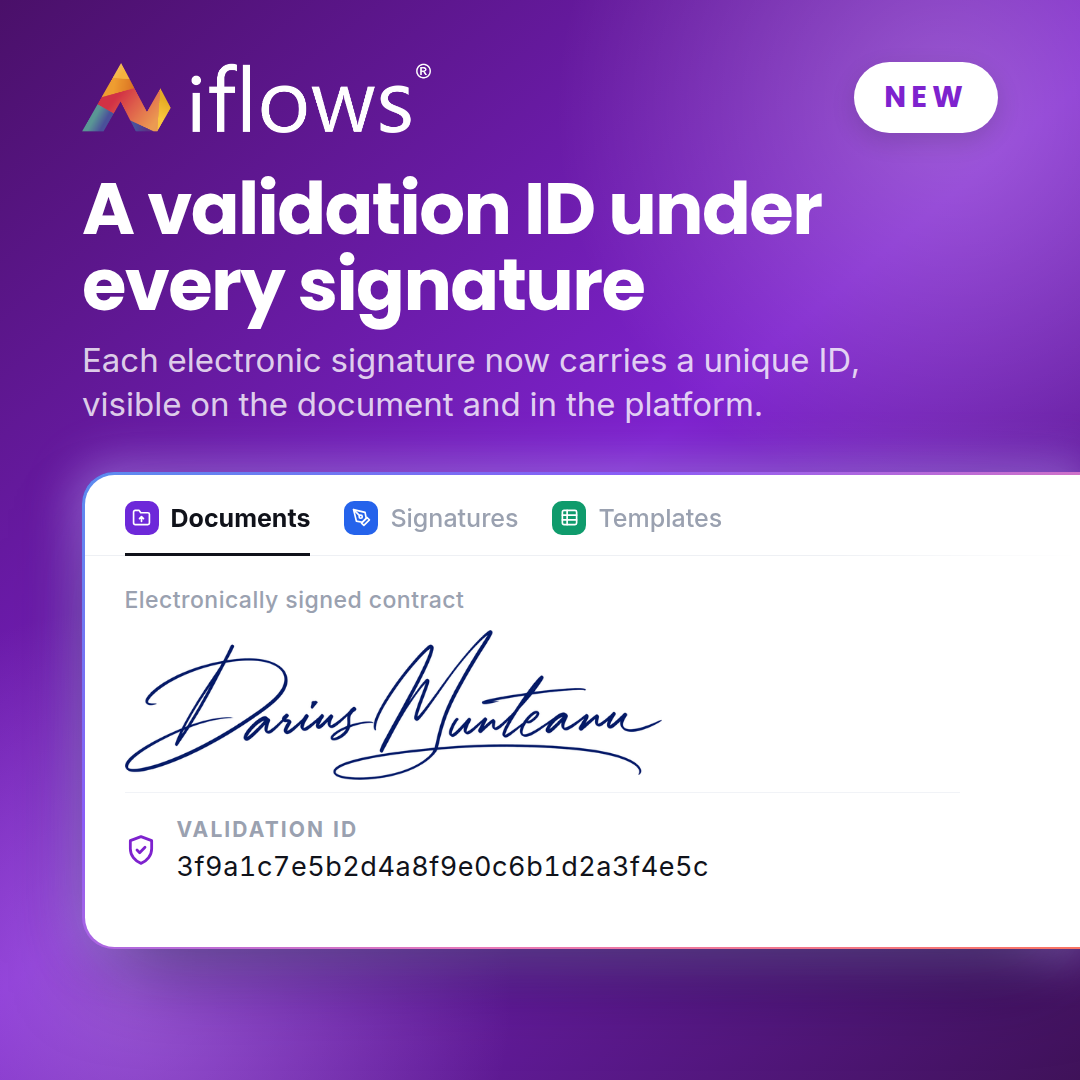
Every electronic signature now carries a unique validation ID, visible both on the document and in the platform.
NEW — Company notifications, per recipient
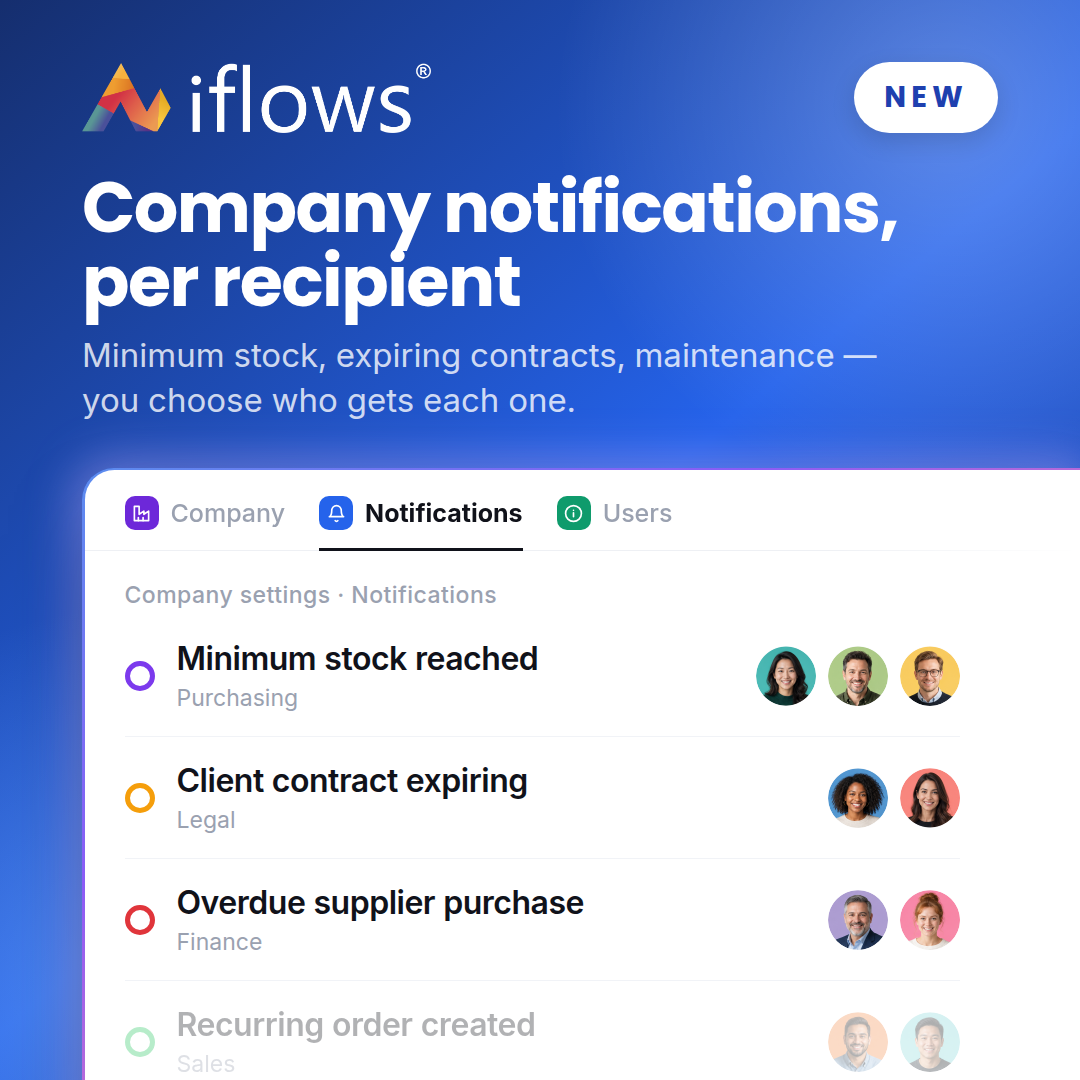
For each company notification — minimum stock, expiring contracts, maintenance and others — you choose separately who receives it: users, e-mail addresses or both. You set it once, in the Company tab.
IMPROVEMENT — Communication preferences per contact
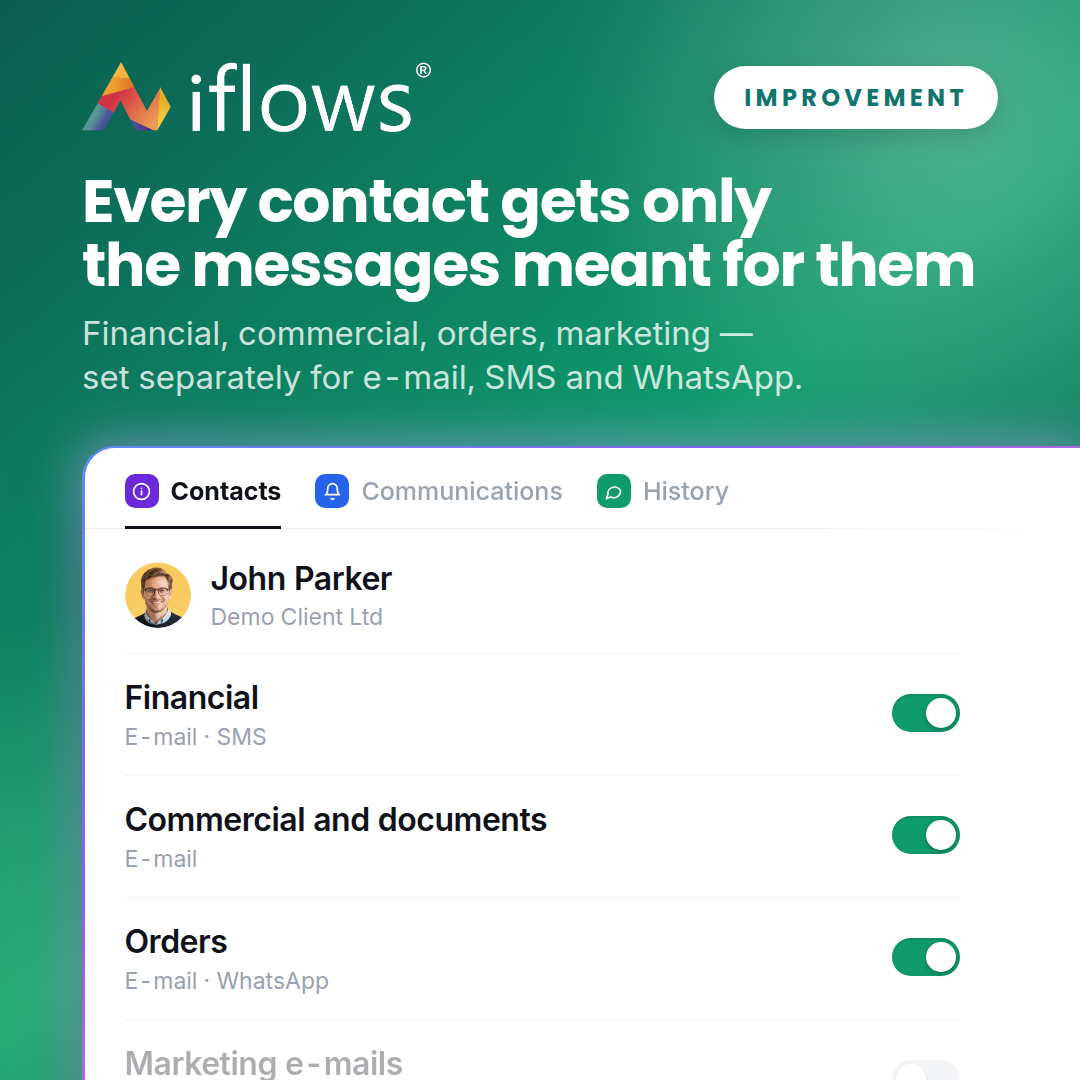
For each client contact you choose the categories of messages they receive — financial, commercial, orders or marketing — separately for e-mail, SMS and WhatsApp. Fewer unwanted messages, fewer unsubscribes.
IMPROVEMENT — The Products variable in standard documents
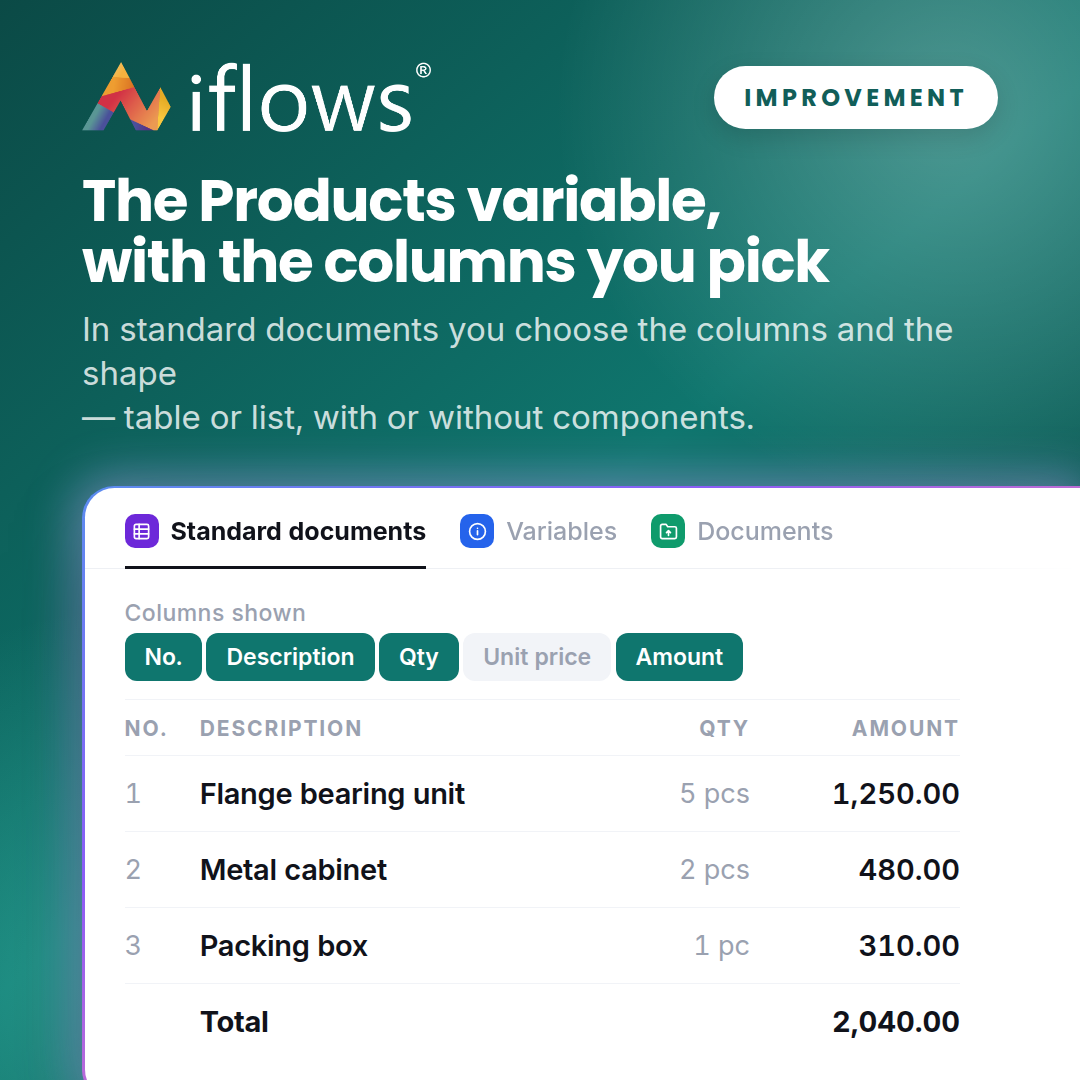
In standard documents, a single Products variable replaces the four you had until now. When you insert it you choose which columns appear and the shape — table or list, with or without components.
IMPROVEMENT — Additional details, visible in the workflow
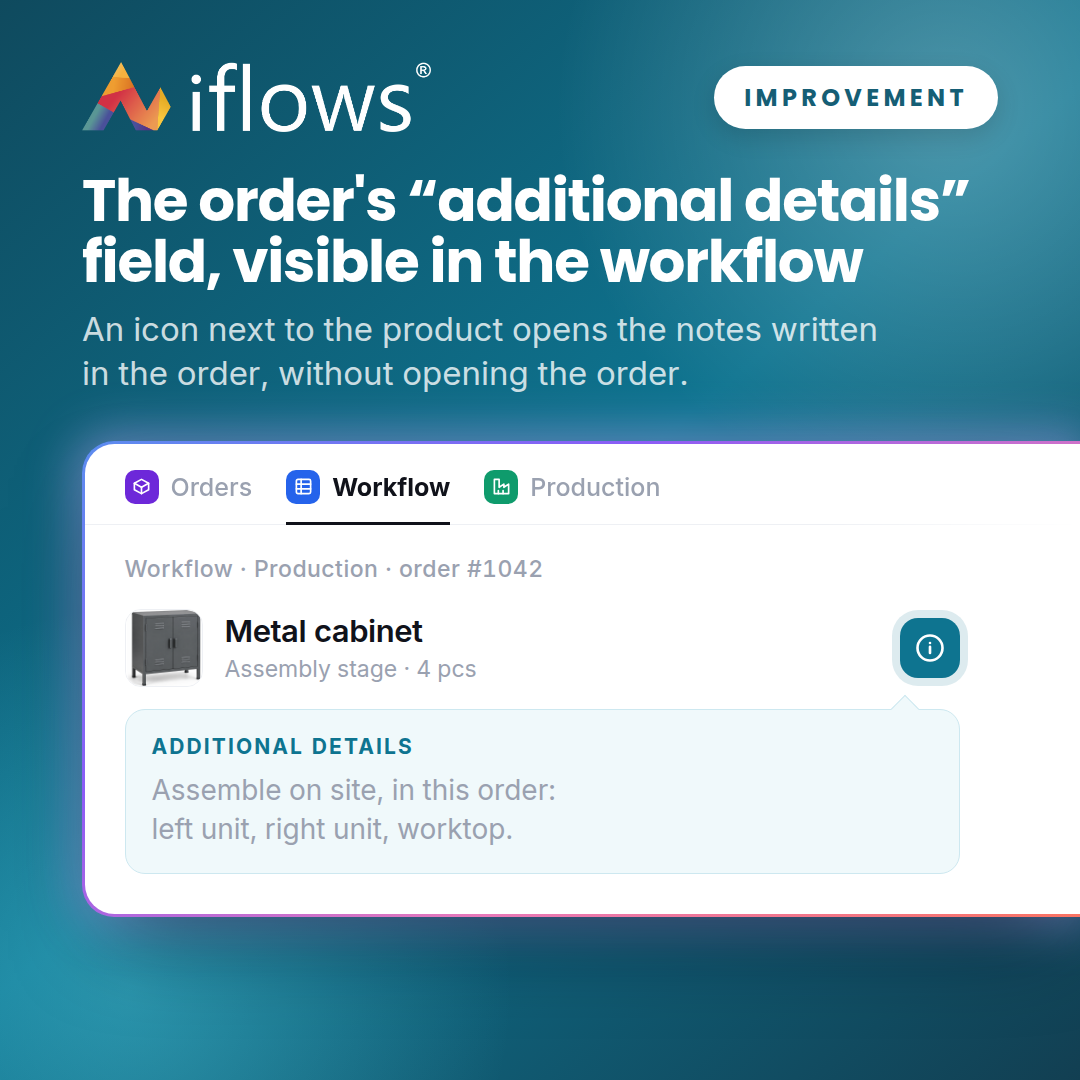
What you write in the order line's "additional details" field now shows directly in the workflow: an icon next to the product opens the notes.
IMPROVEMENT — Comments carried over to a new version
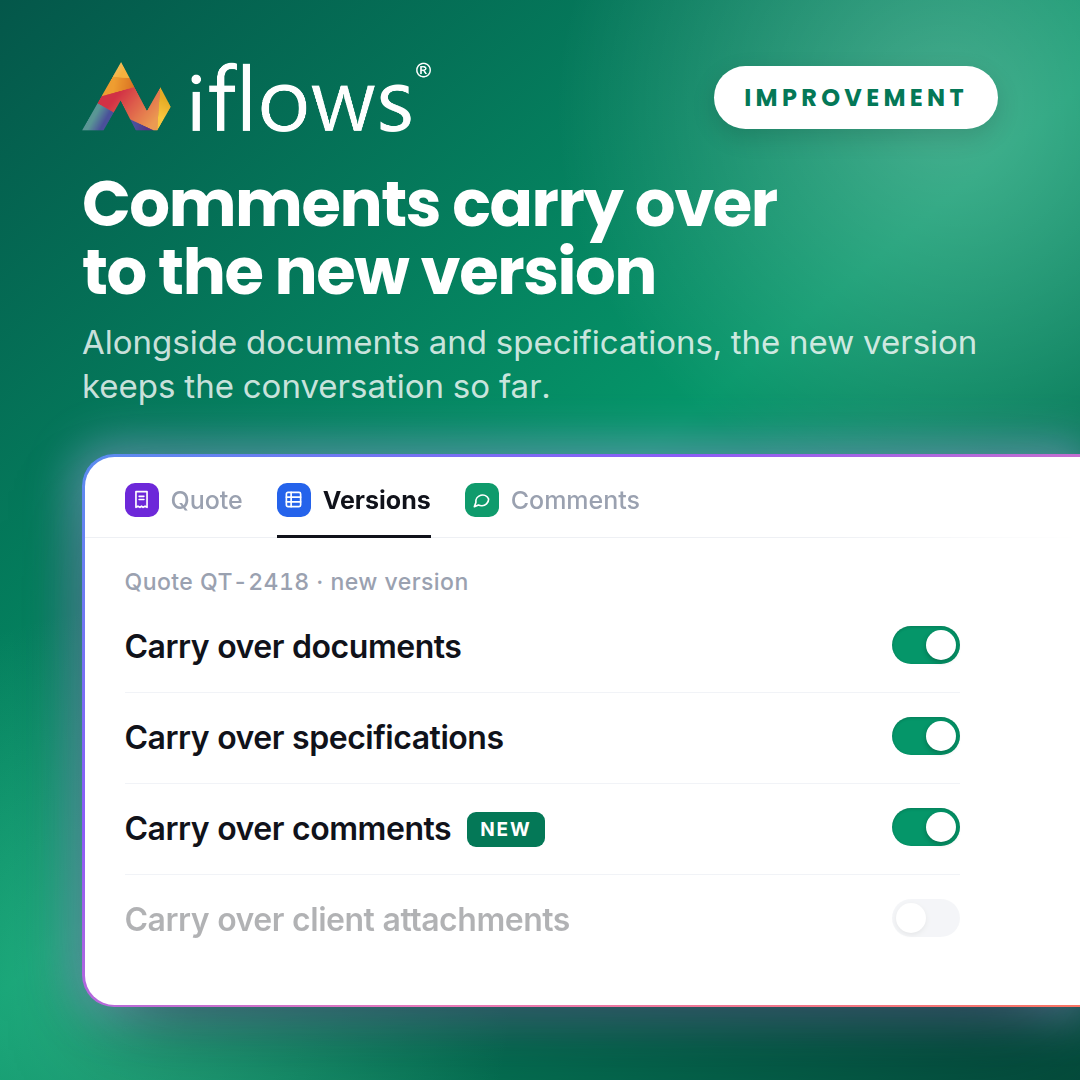
When you create a new version of a quote you can now carry over the comments as well, alongside documents and specifications. The conversation so far stays attached.
NEW — Orders marked as not invoiced
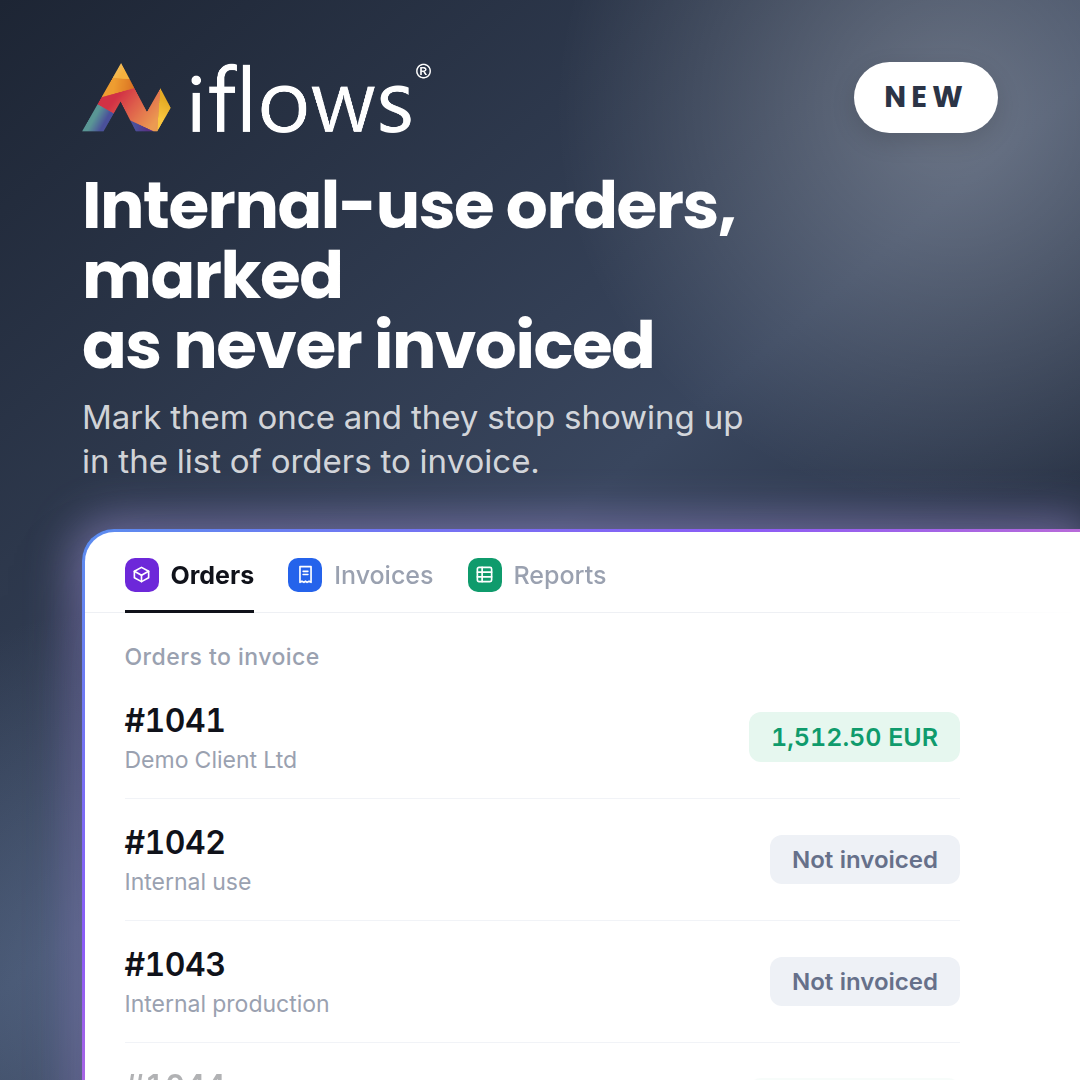
Orders that will never be invoiced — internal use, production for stock, samples — can be marked as not invoiced and stop showing up in the list of orders to invoice. The list stays clean.
IMPROVEMENT — Uploading a folder into Administrative Documents
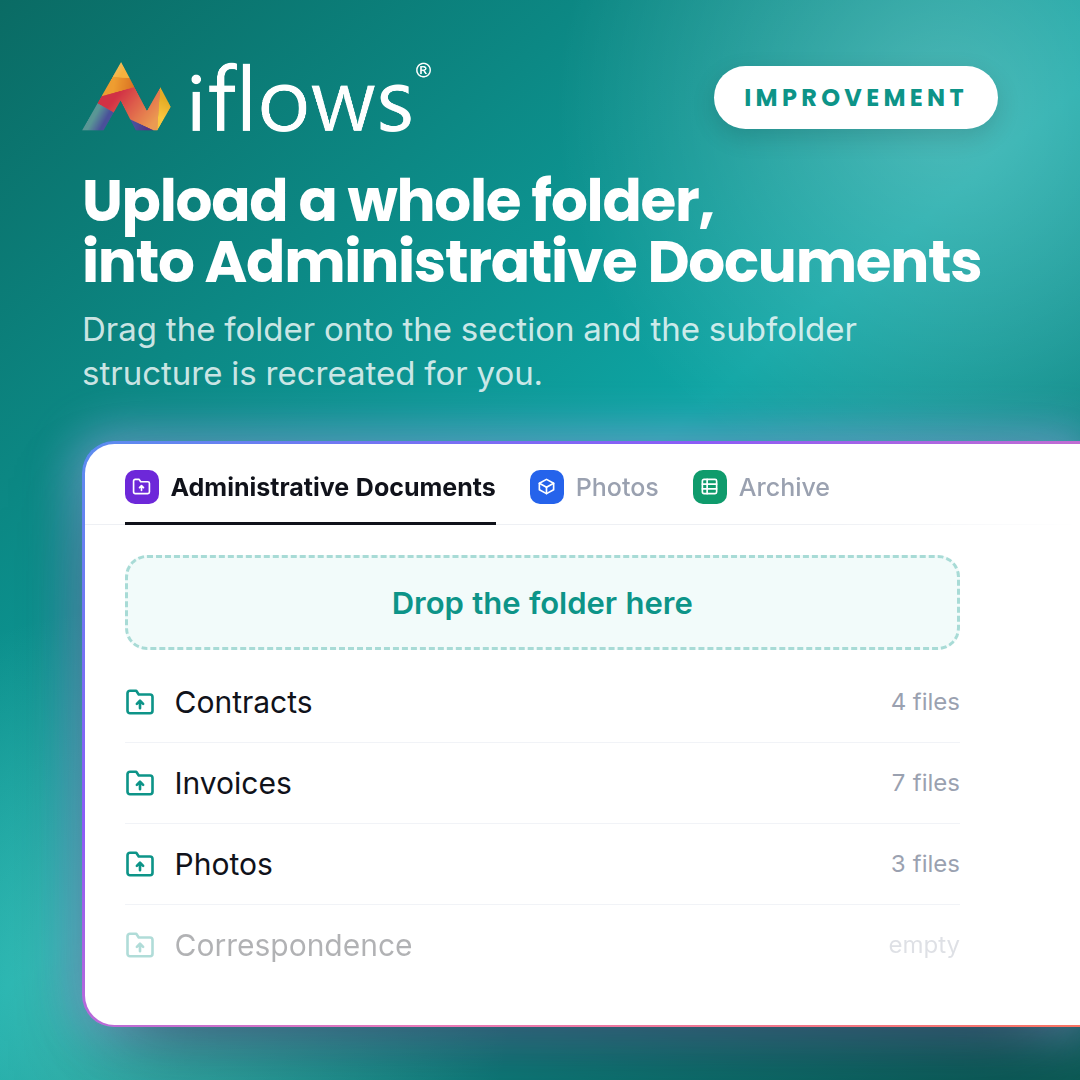
Drag a whole folder onto Administrative Documents and the subfolder structure is recreated for you, with everything inside it. At the end you get a report of what was uploaded and what was skipped.
NEW — Two-step authentication
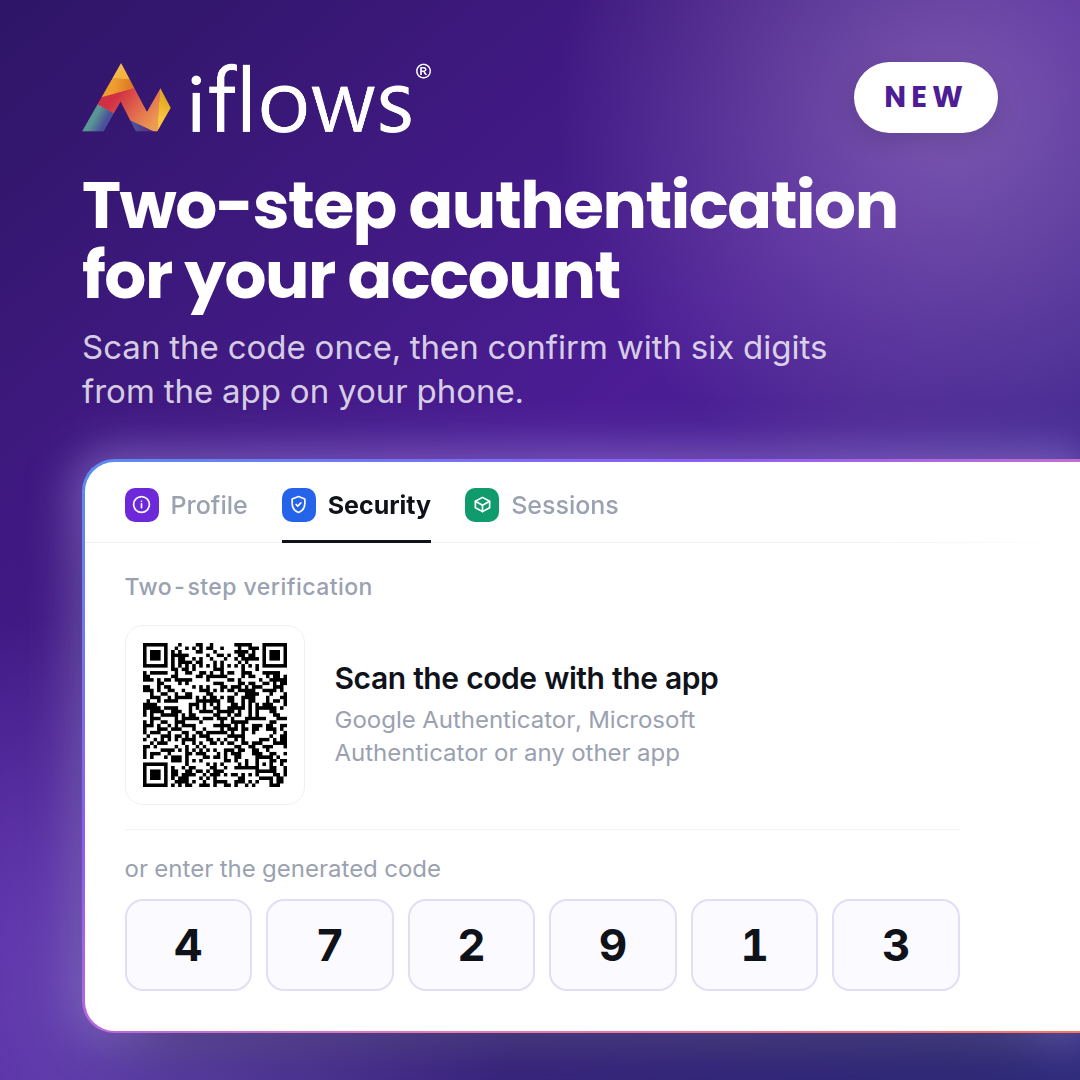
Protect your account with a second step: besides your password, a six-digit code from the app on your phone. You turn it on from My Account and it is only requested on new devices.