
NEW — Order in any currency
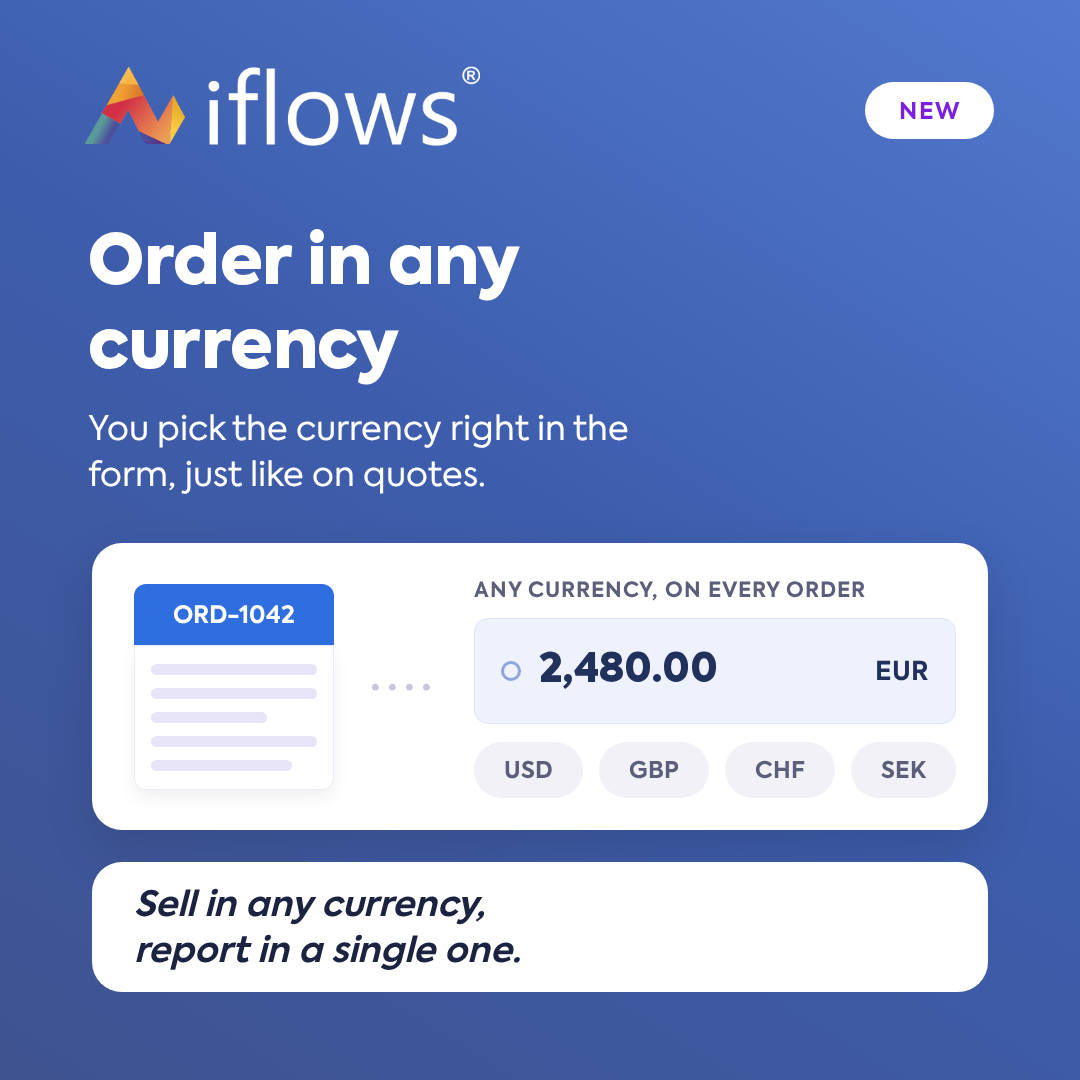
Issue every order in the client's currency, chosen directly from the form, just like with offers. Reports remain in a single currency, the Default Report Currency, regardless of the order currency. Sales become multi-currency, while analysis remains comparable.
NEW — Urgent Cargus Courier Integration
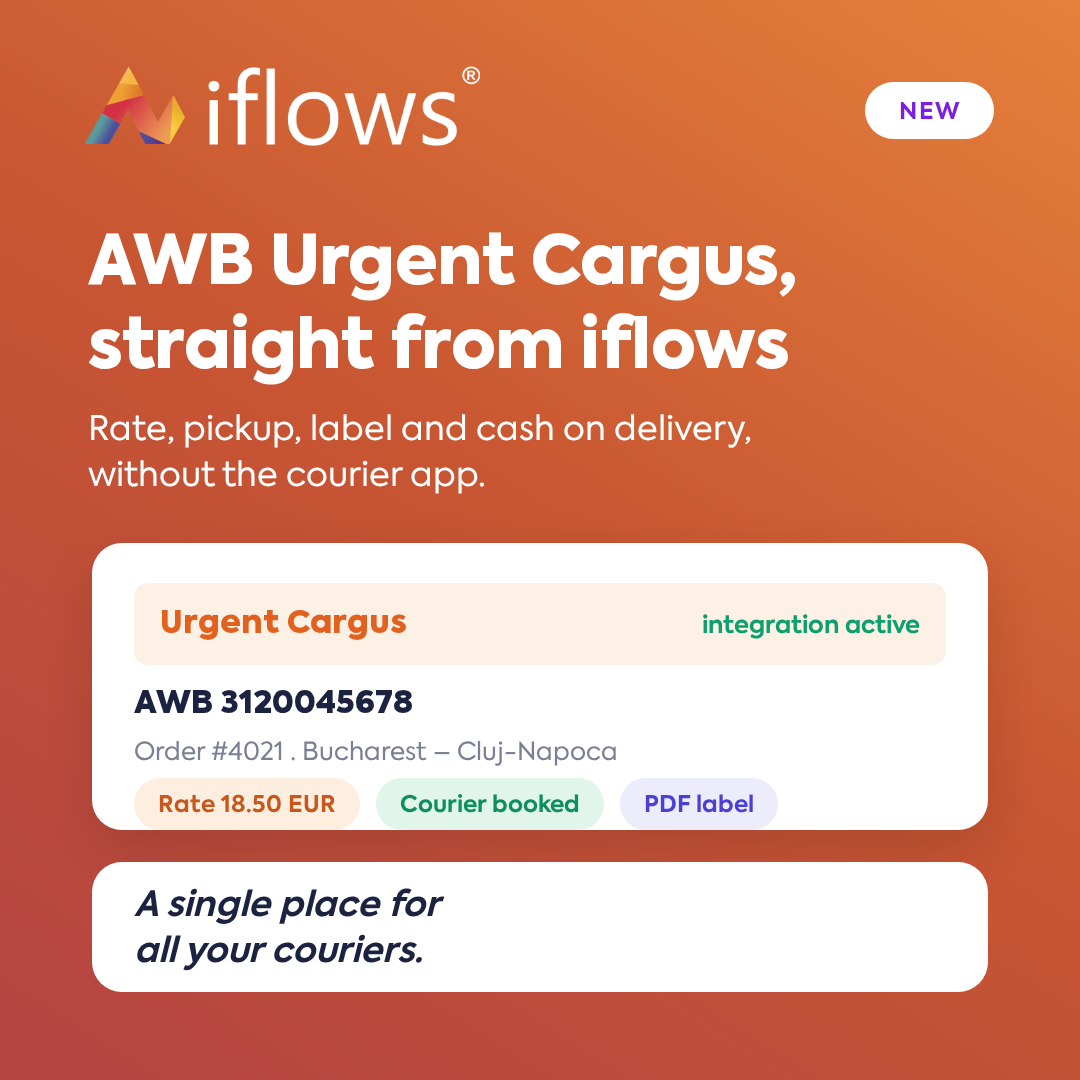
Generate Urgent Cargus AWBs directly from iflows — from the order, the workflow, or manually. Calculate the rate before issuing, call the courier, track the status, print the label, and collect cash on delivery, without having to enter the courier's application.
OPTIMIZATION — Overdue Invoice Notification
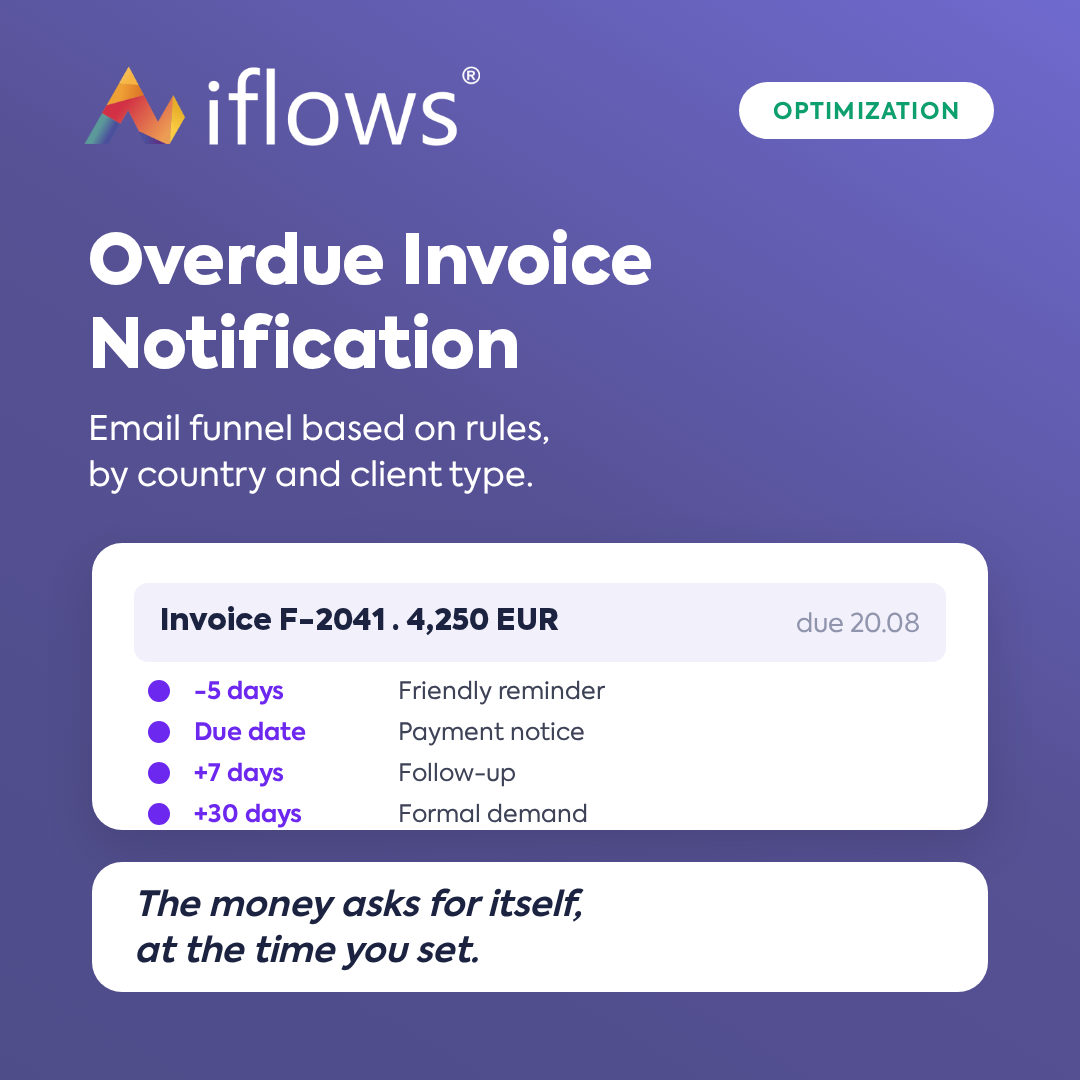
Payment notifications no longer follow a single general rule. Define rules based on the country + client type combination, each with its own email funnel around the due date, its own templates, and its own sending time. Follow up with clients in a differentiated manner by markets and categories, automatically.
NEW — Invoices: Days Overdue Column
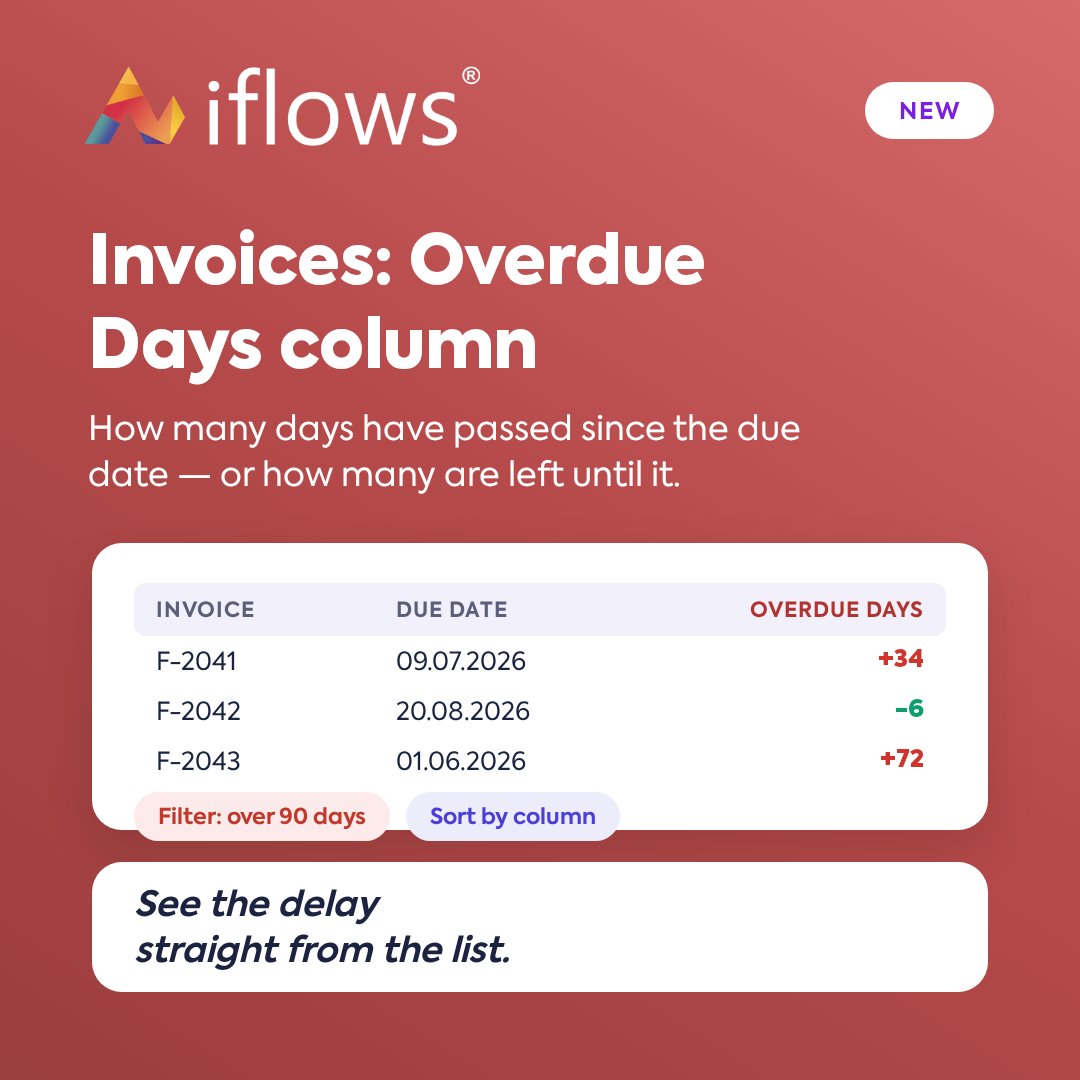
A single checkbox adds the Days Overdue column and filter to your invoice list: the delay in red, and the days remaining until the due date in green. Filter by intervals — 1–30, 31–60, 61–90, or over 90 days — and see old outstanding balances without opening anything.
NEW — Transferring payments from supplier orders to acquisitions
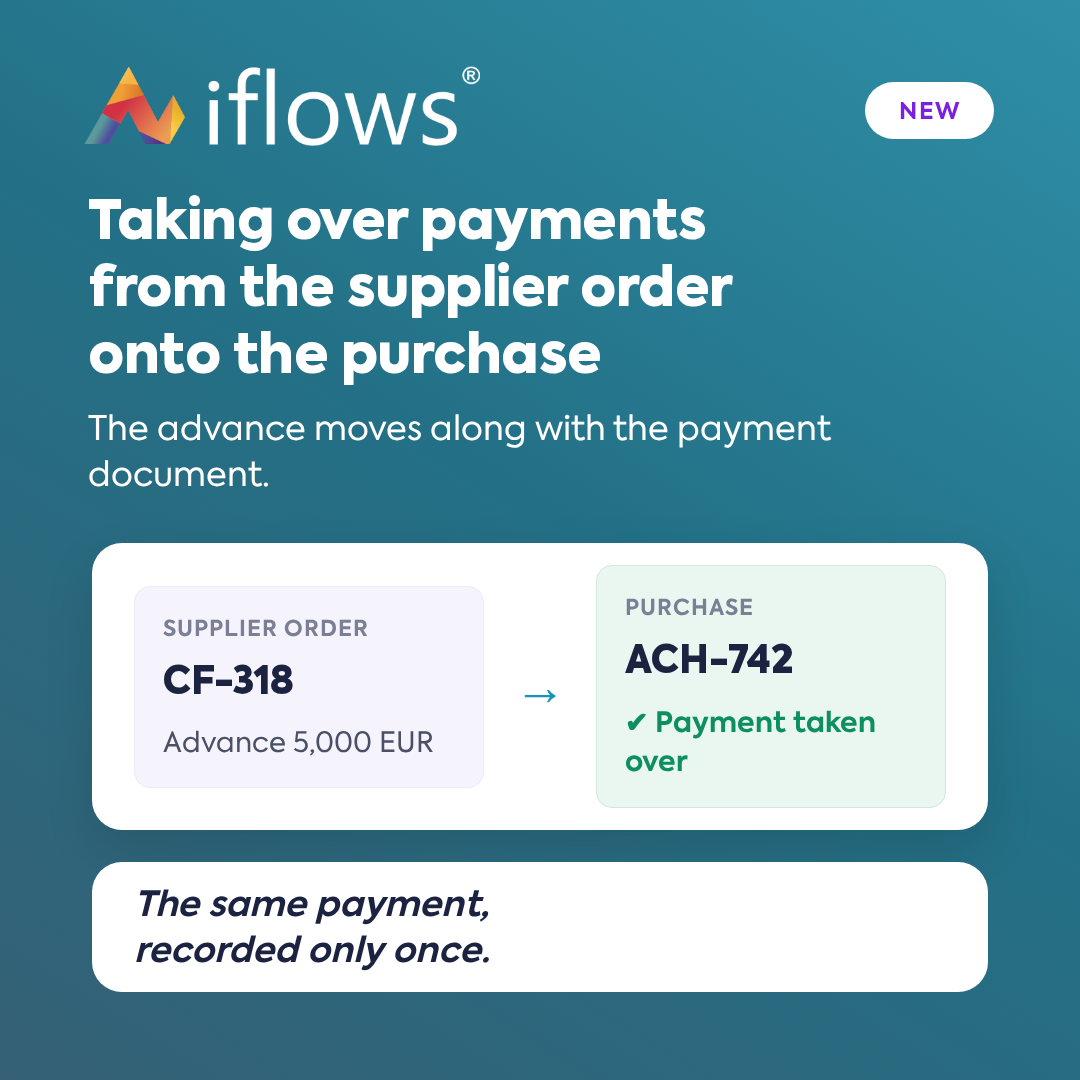
Advance payments recorded on a supplier order are moved to the acquisition, along with their payment document. You can take them over when generating the acquisition or later, from the payment window. You no longer enter the same payment twice, and duplicate amounts no longer appear.
NEW — WhatsApp: Send AWB
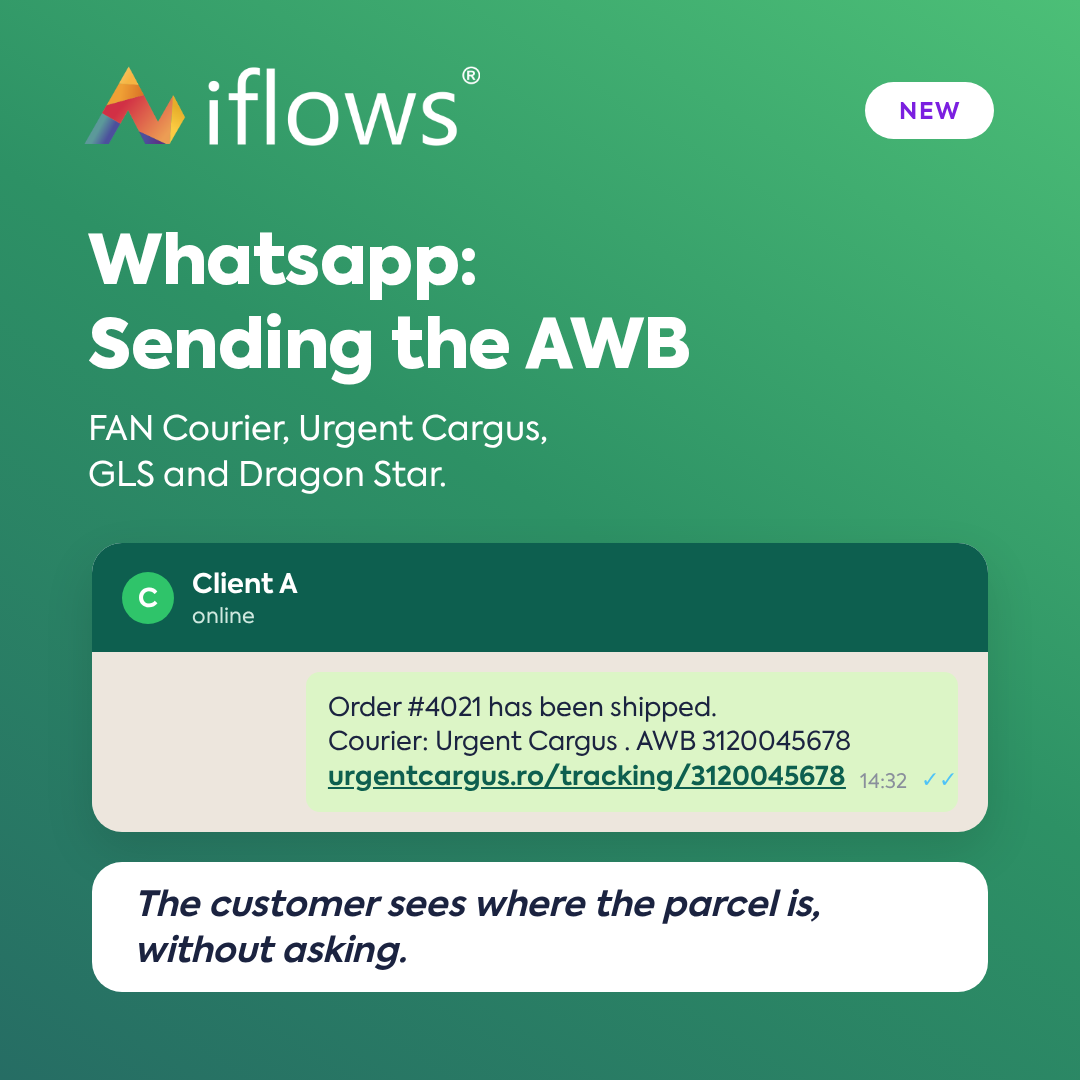
Send the AWB to the client via WhatsApp, using a button next to each shipment, for FAN Courier, Urgent Cargus, GLS, and Dragon Star. You only need the WhatsApp integration connected and an approved message template. The client receives the tracking number in the app they open anyway.
NEW — WhatsApp: Message Enhancement with AI
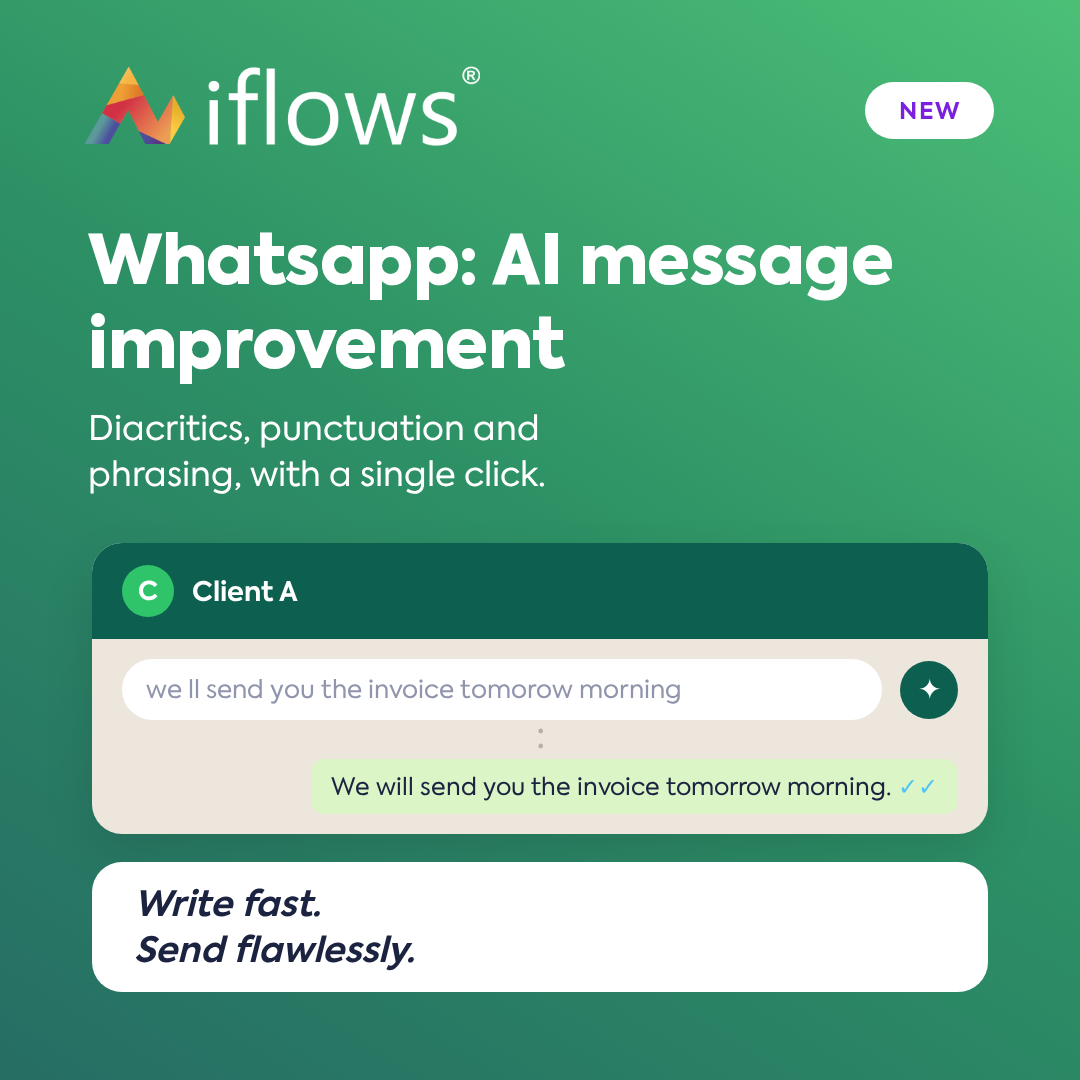
Write the message quickly, press the wand next to the text field, and the artificial intelligence adds diacritics, corrects punctuation, and improves wording while preserving the meaning. The text is not saved in the platform, and only what you send reaches the conversation.
OPTIMIZATION — Clients: Inactivity Period per Client
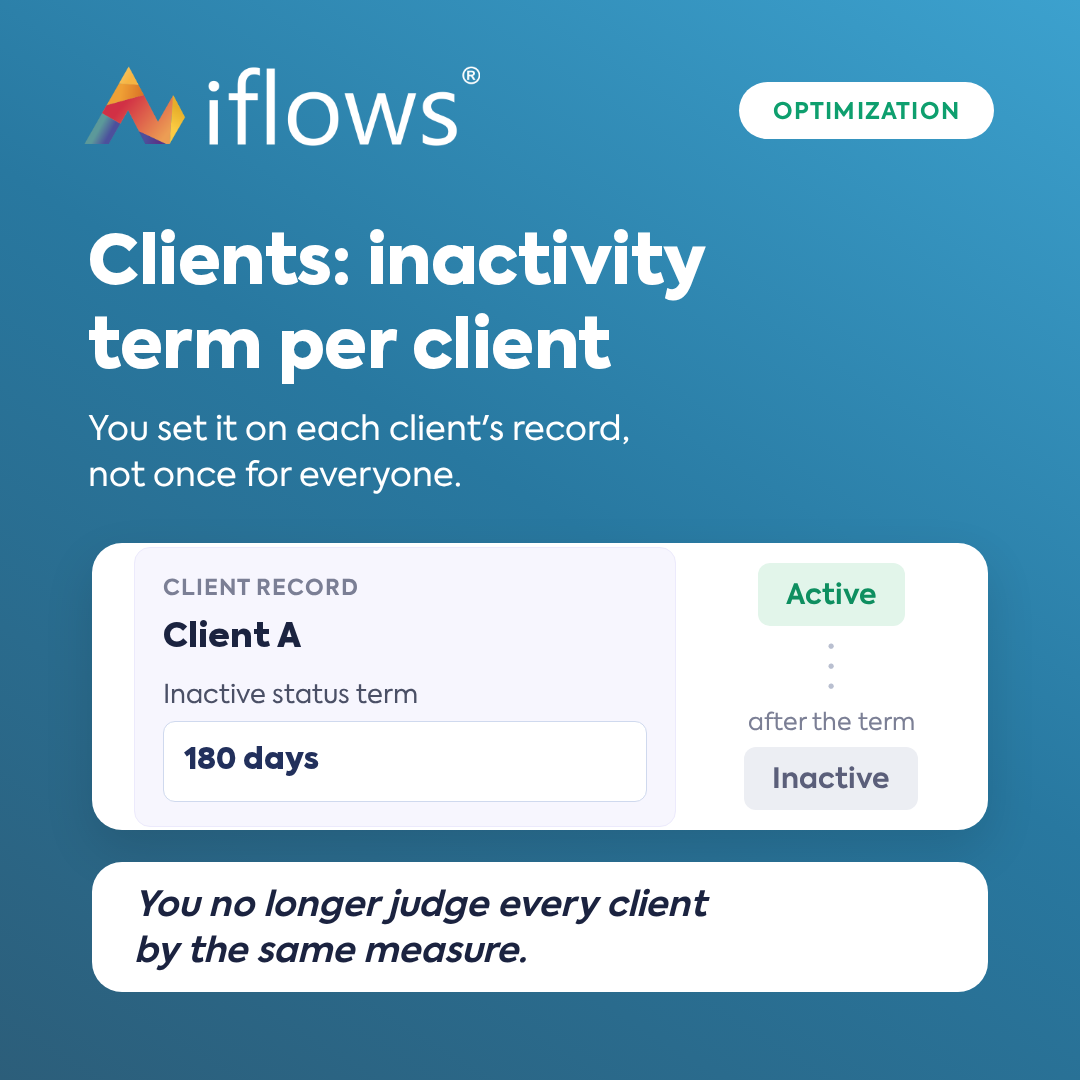
The period after which a client without orders becomes Inactive is no longer a global setting but is set for each client: 365 days for a strategic one, 90 for an occasional one. The old value was automatically copied to all clients, so nothing changes until you want an exception.
OPTIMIZATION — Employee Report: Export and Automatic Recurrence
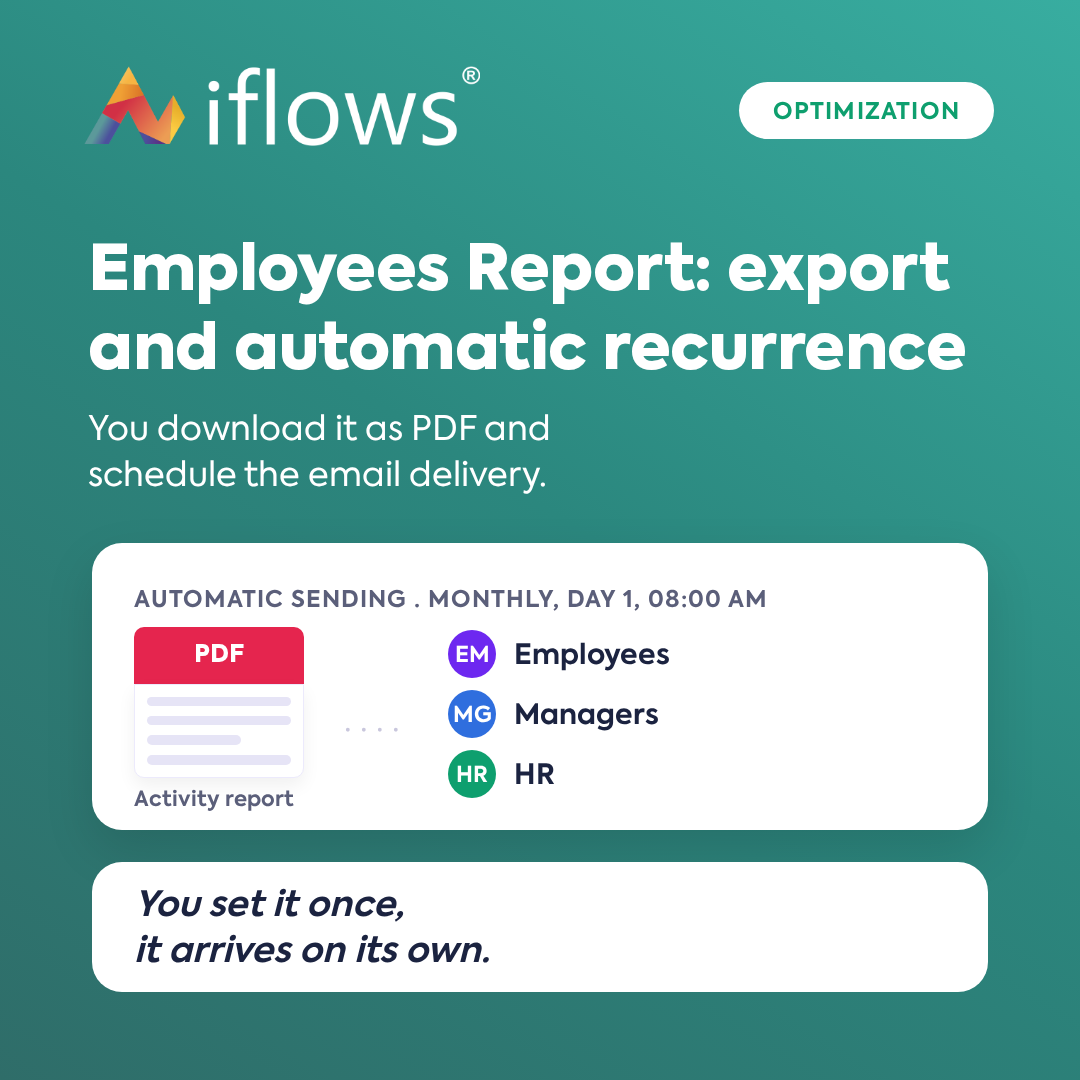
The activity report is no longer just for consultation: download it in PDF, individually or as an archive for multiple employees, and schedule its automatic sending by email — to employees, managers, or HR. Set it once and it arrives on its own at the chosen interval.
NEW — Service: Dedicated Page for Minutes of Proceeding
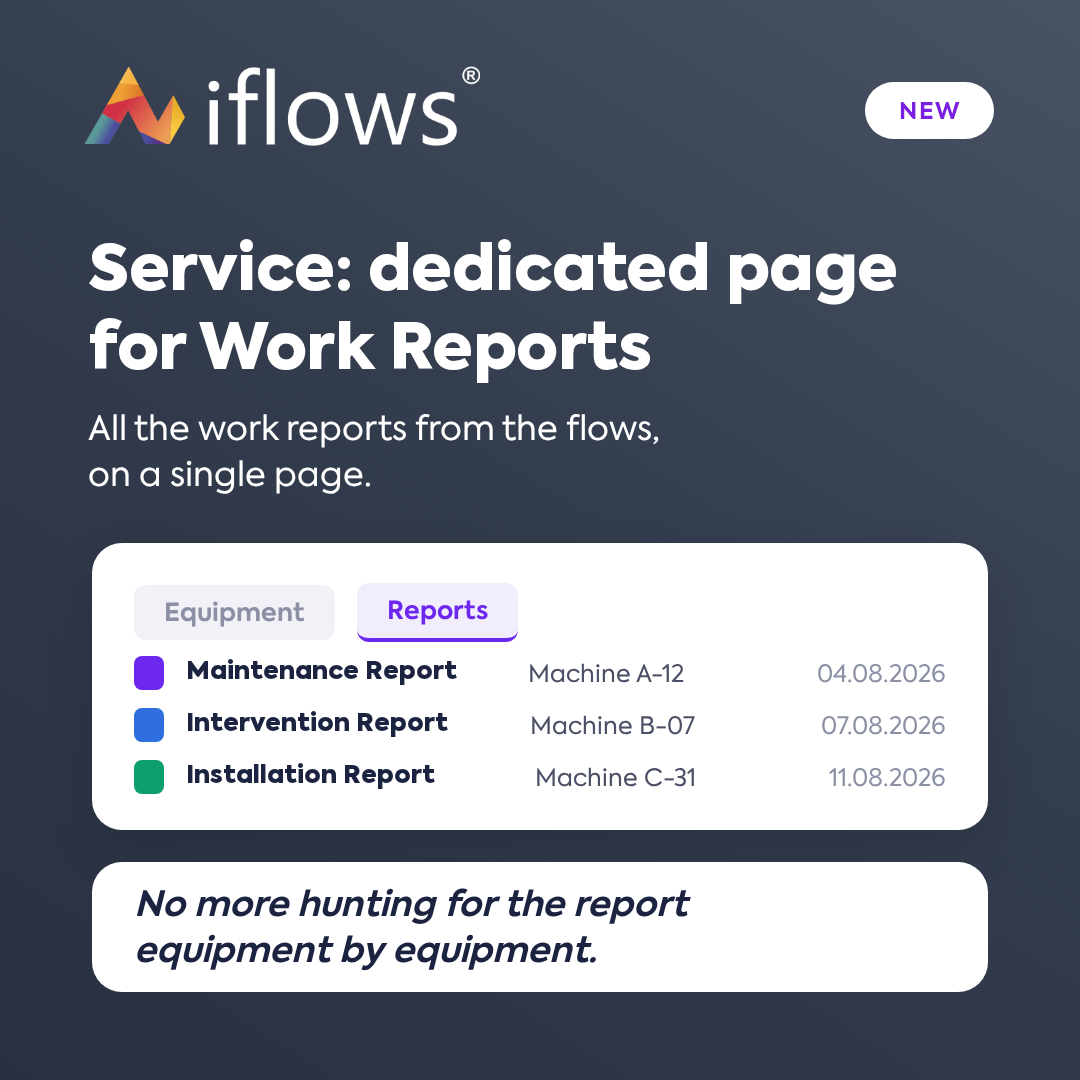
The Service module has a new tab, Reports, which gathers all the minutes of proceeding (Procese Verbale) generated from the workflows, not just equipment by equipment. Filter them, export them, and send them to the client via email directly from the list.
NEW — Service Field: Warranty Expiration Date
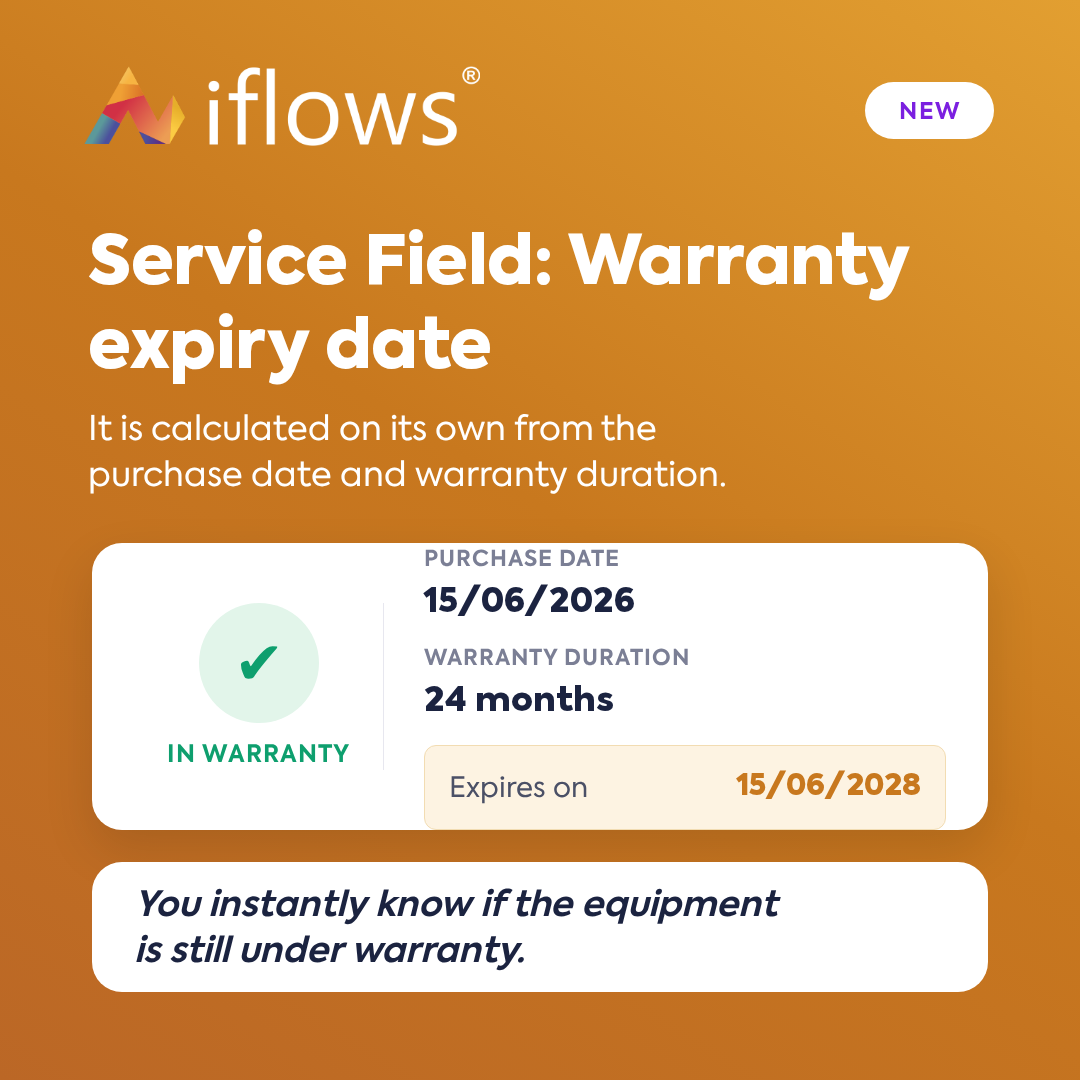
A new standard field, automatically added to all service templates, keeps track of equipment warranties. If you don't know the exact date, calculate it from the purchase date plus the warranty duration. Then filter equipment by Warranty Status and see directly in the service order if the product is still under warranty.