
Customizing Statuses for Quotes
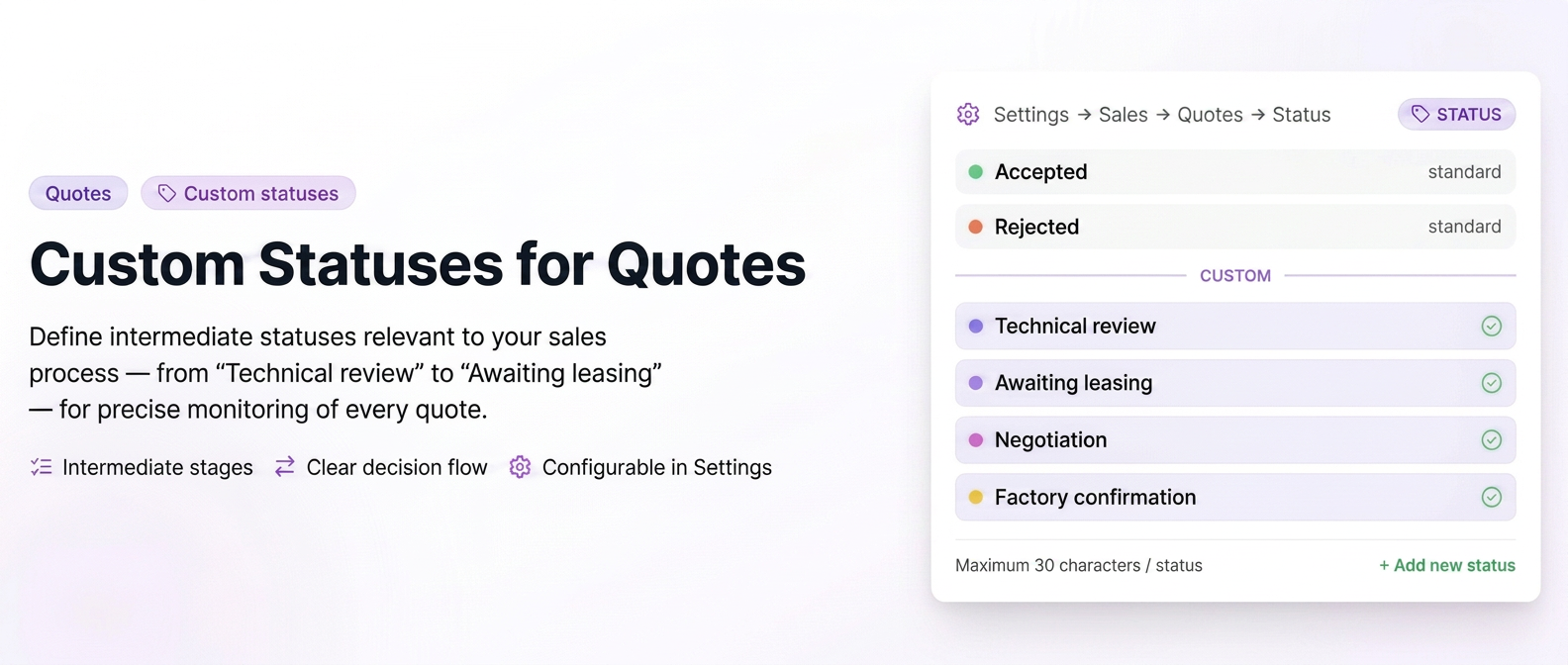
Now you can track exactly which stage each quote is in, adapted to your own stages: under review, in approval, in leasing, on hold. Create your own intermediate stages between "New" and "Accepted" and see clearly where each quote stands.
Unpaid Invoices Status
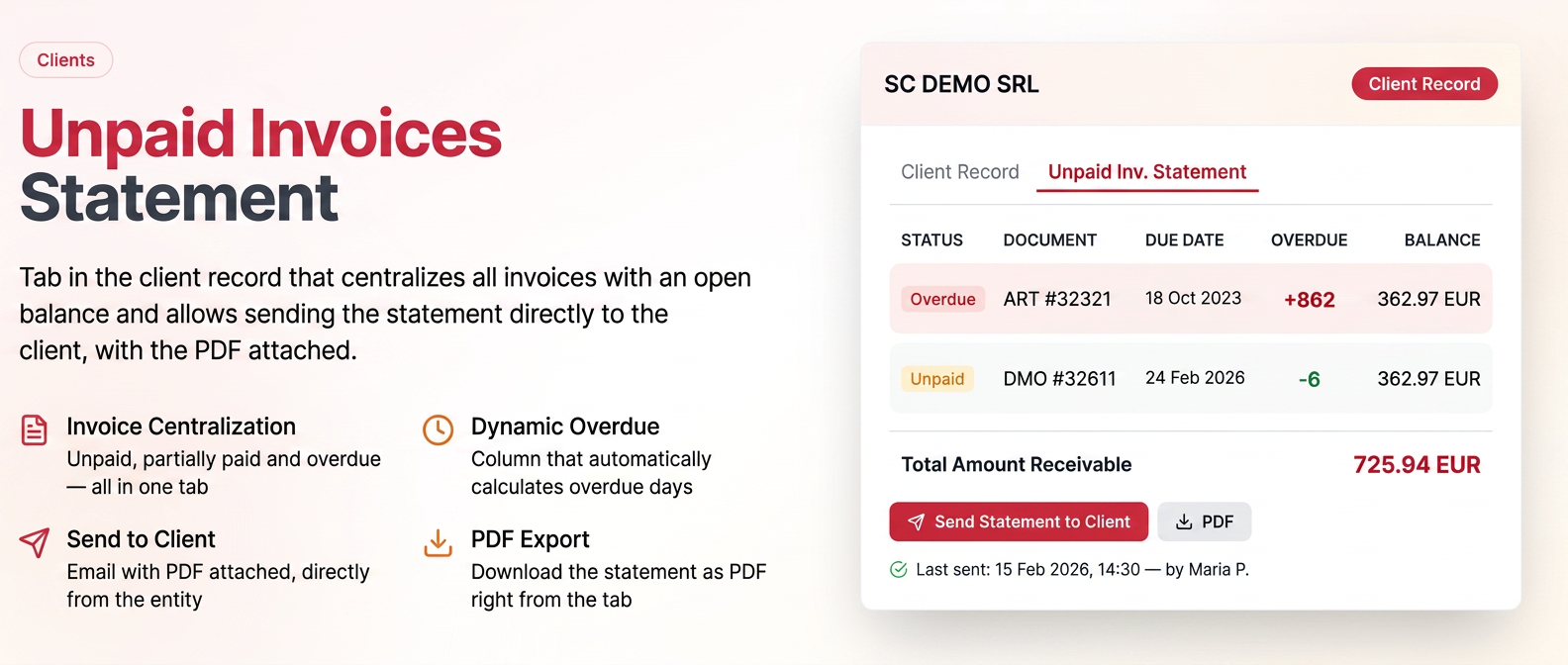
Generate and send the status of unpaid invoices to the client with a single click!
Importing Clients with Initial Balance (Outstanding Invoices)
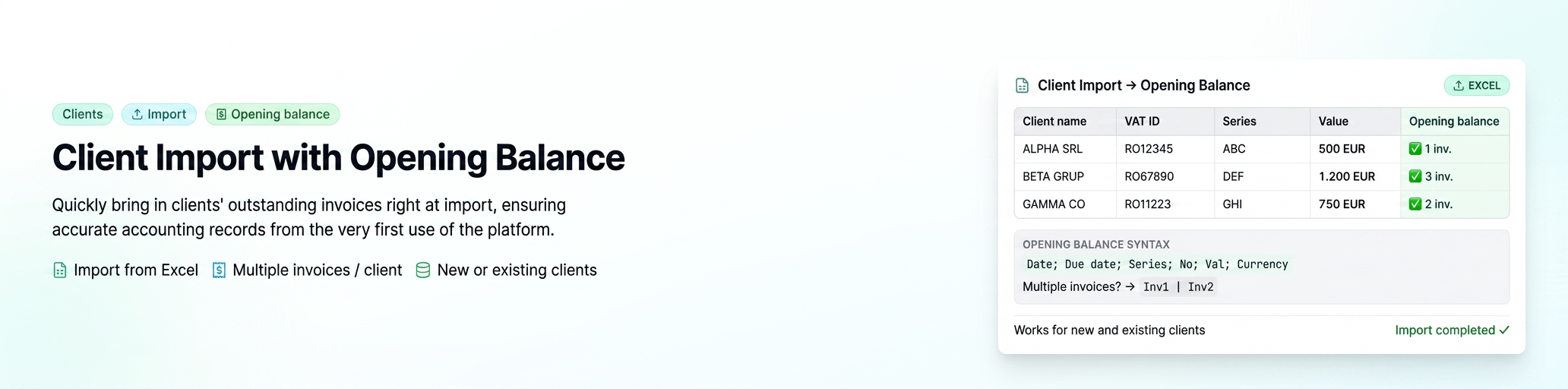
Quickly migrate historical debts from the old system into iflows. You can import invoice by invoice or a single consolidated amount – start with accurate records without manual work.
Display product custom fields on documents
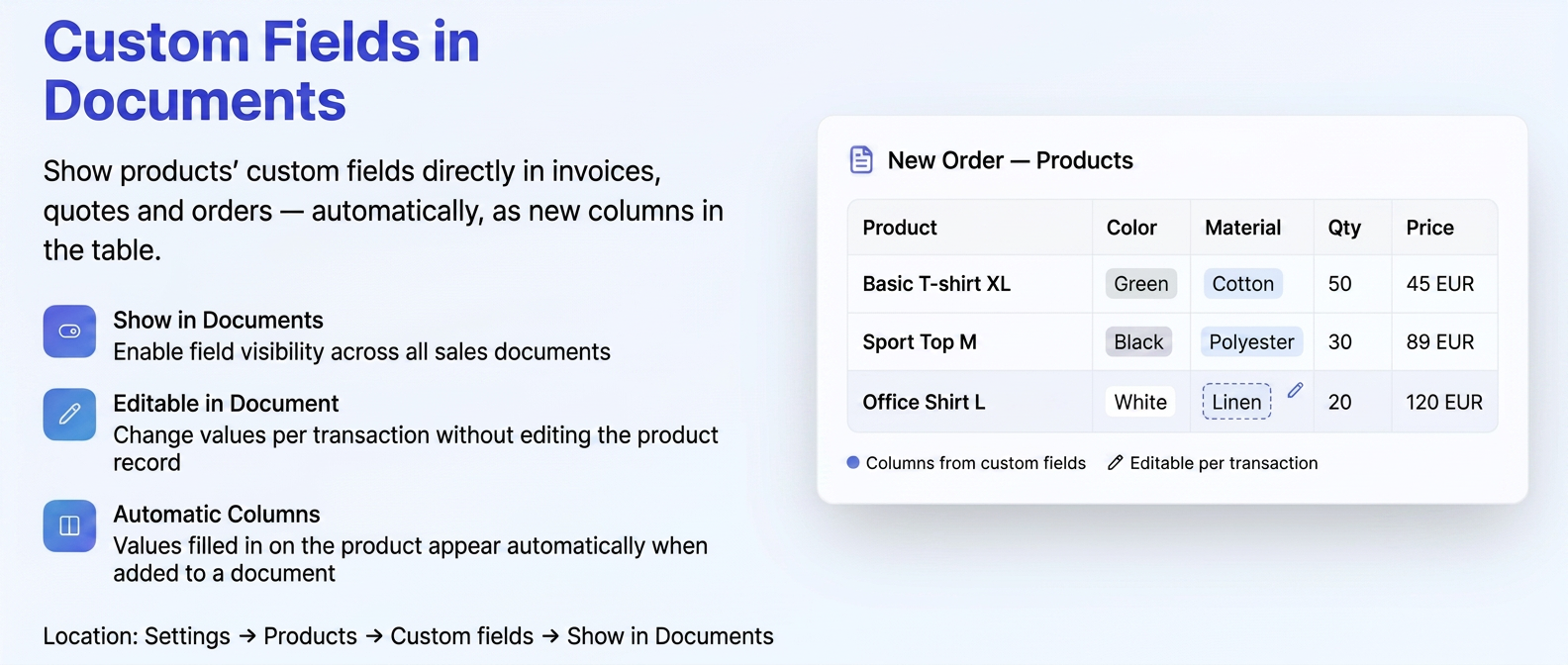
Material, color, weight? Custom fields can now automatically appear on quotes, orders, and invoices, including the PDF sent to the client.
Create Task from Client Notes
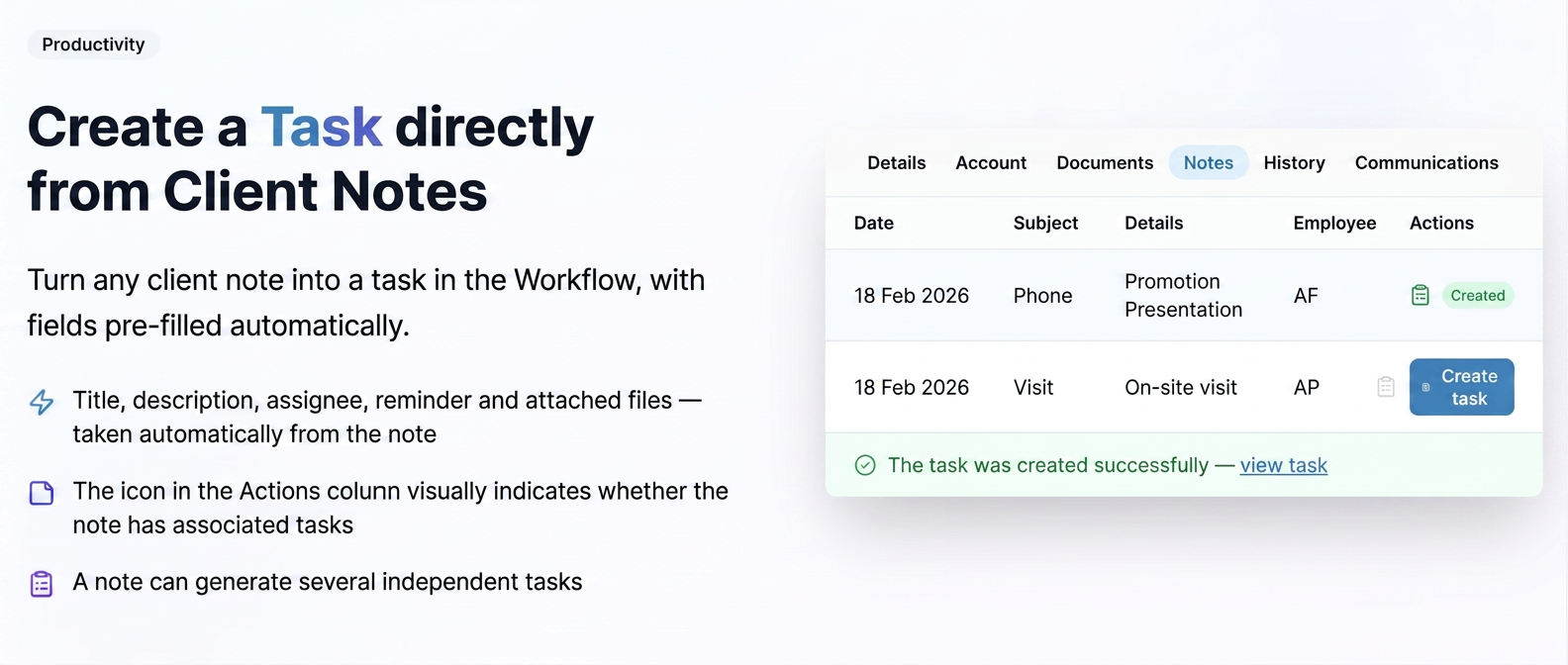
Did you talk to a client and agree that you need to do something for them? Transform the note directly into a task with a single click.
"Stock Difference" Column in Products > Stocks
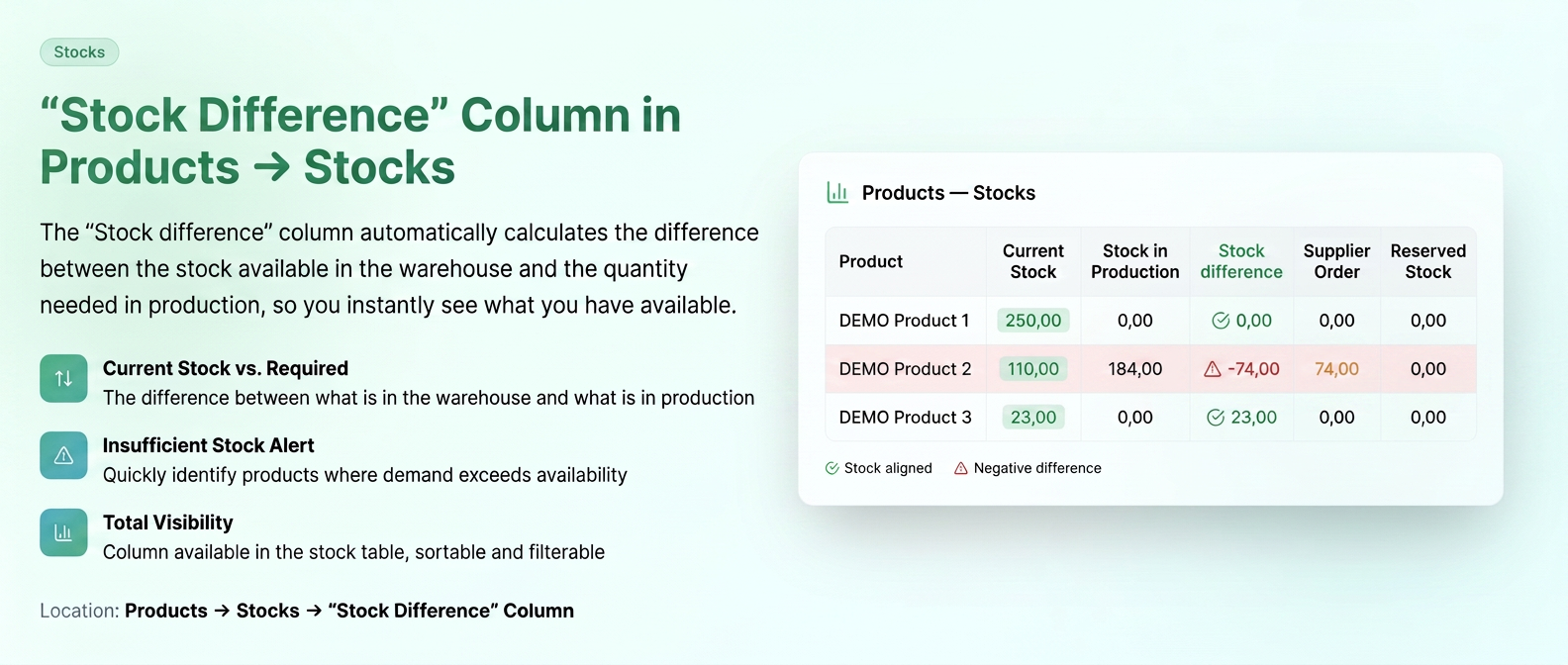
See immediately if you can fulfill active orders with the available stock. Quickly identify the deficit and automatically generate a supplier order – without manual calculations.
Centralization of Standardized Documents – Order and Client
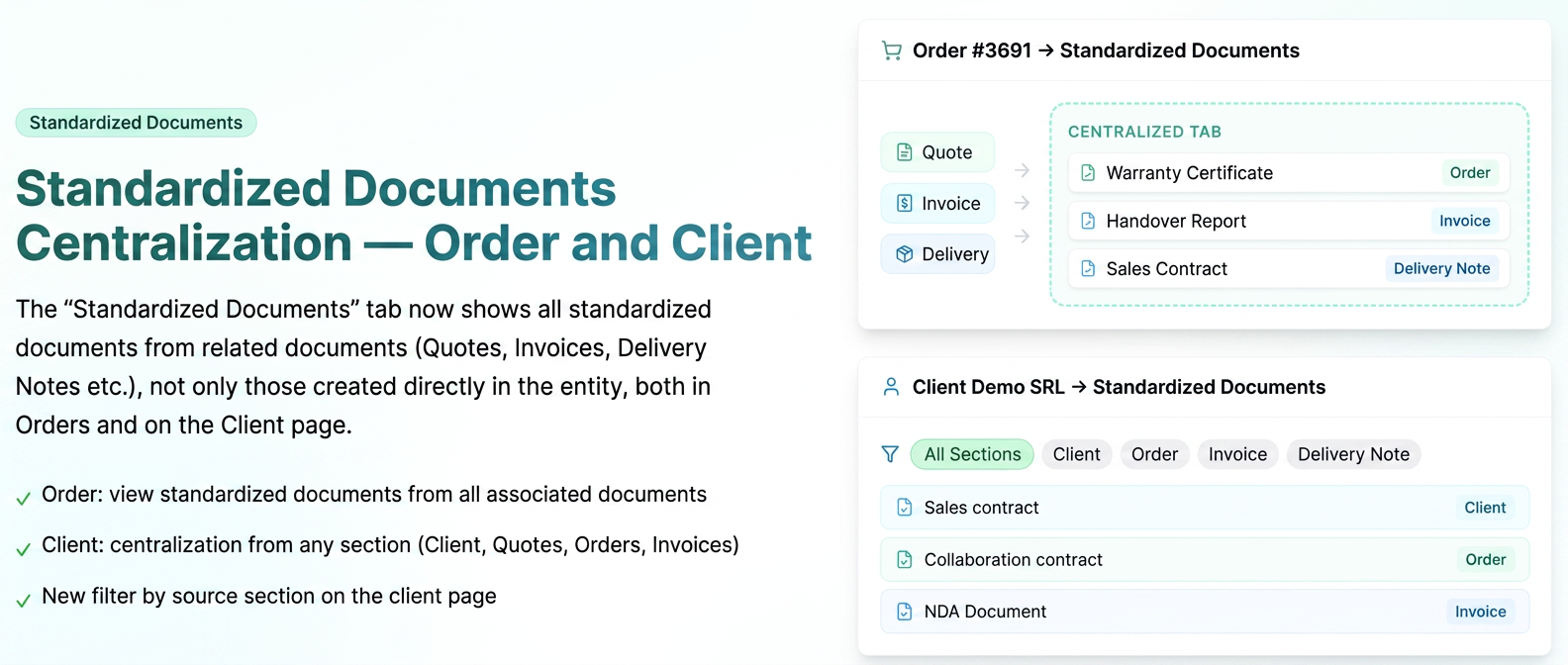
All standardized documents generated for an order or a client are now visible in a single tab. No more searching through different sections to find a document.
Freeze Header and Product Column in Order/Quote
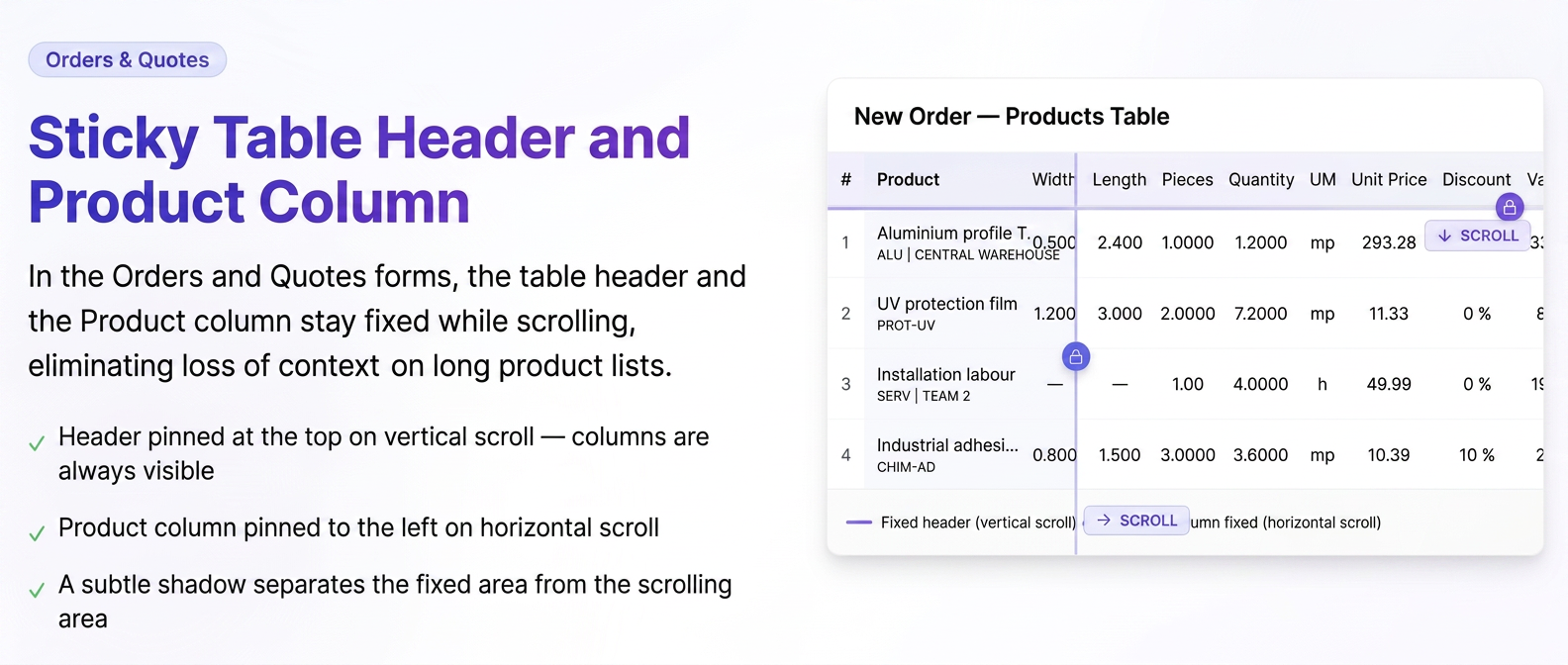
In long product lists, the table header and the "Product" column remain fixed while scrolling. Work faster and avoid errors when managing complex orders.
Generate Order PDF for Operators - Extension of Permissions
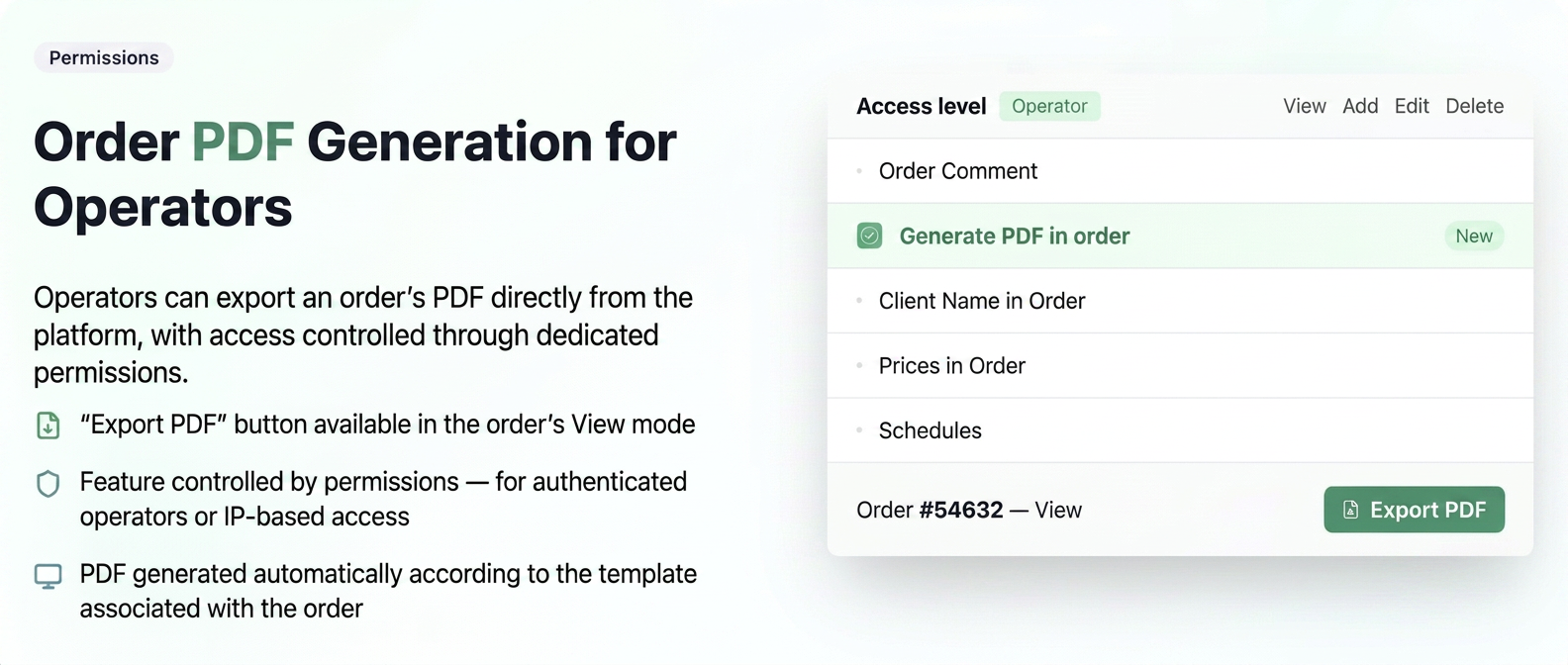
Operators can now generate the order PDF directly, without depending on a user. The production workflow becomes faster and more autonomous.
"Additional Details" for Products in Orders and Quotes
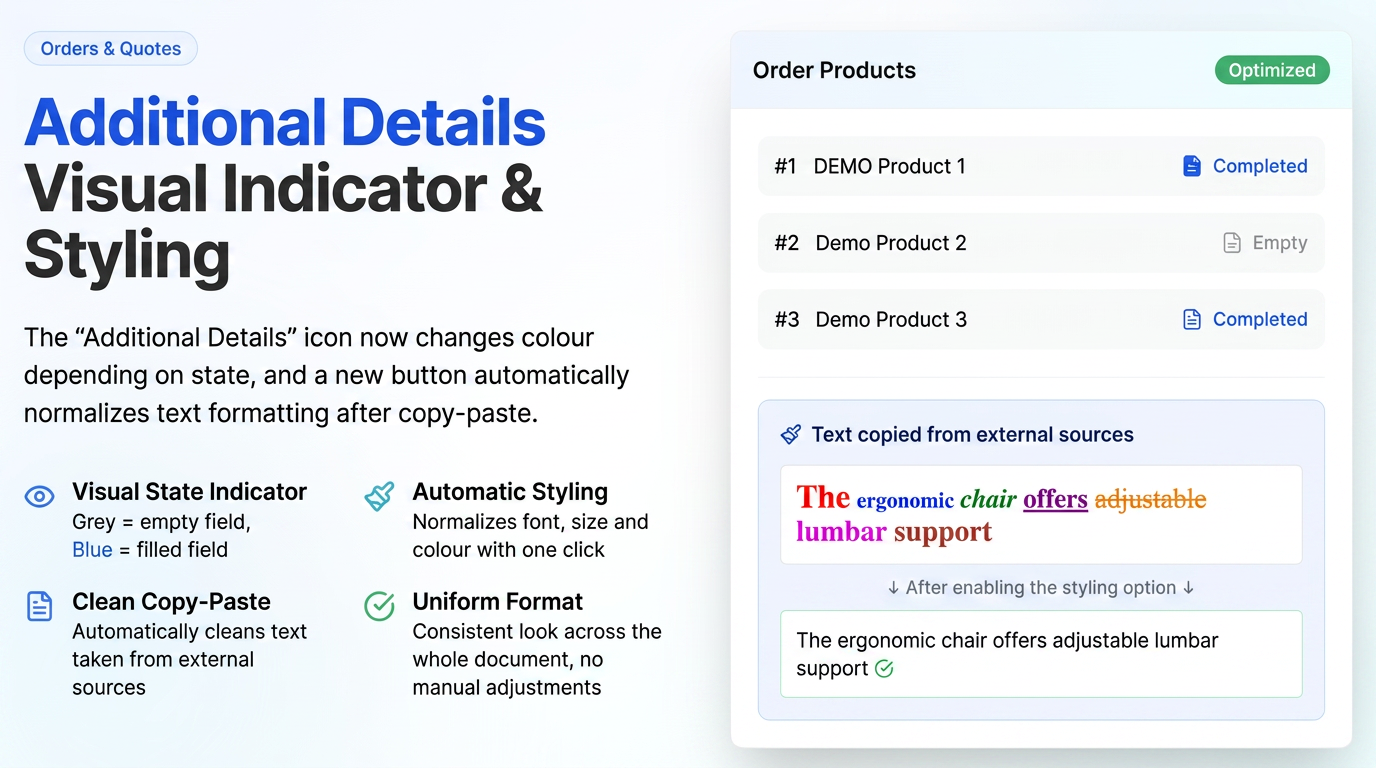
A new button automatically normalizes text formatting copied from other sources (e.g., website, PDF, or Word). Documents look uniform and professional, without mixed fonts or colors.
Workflow: Display Super Product in the Products Tab
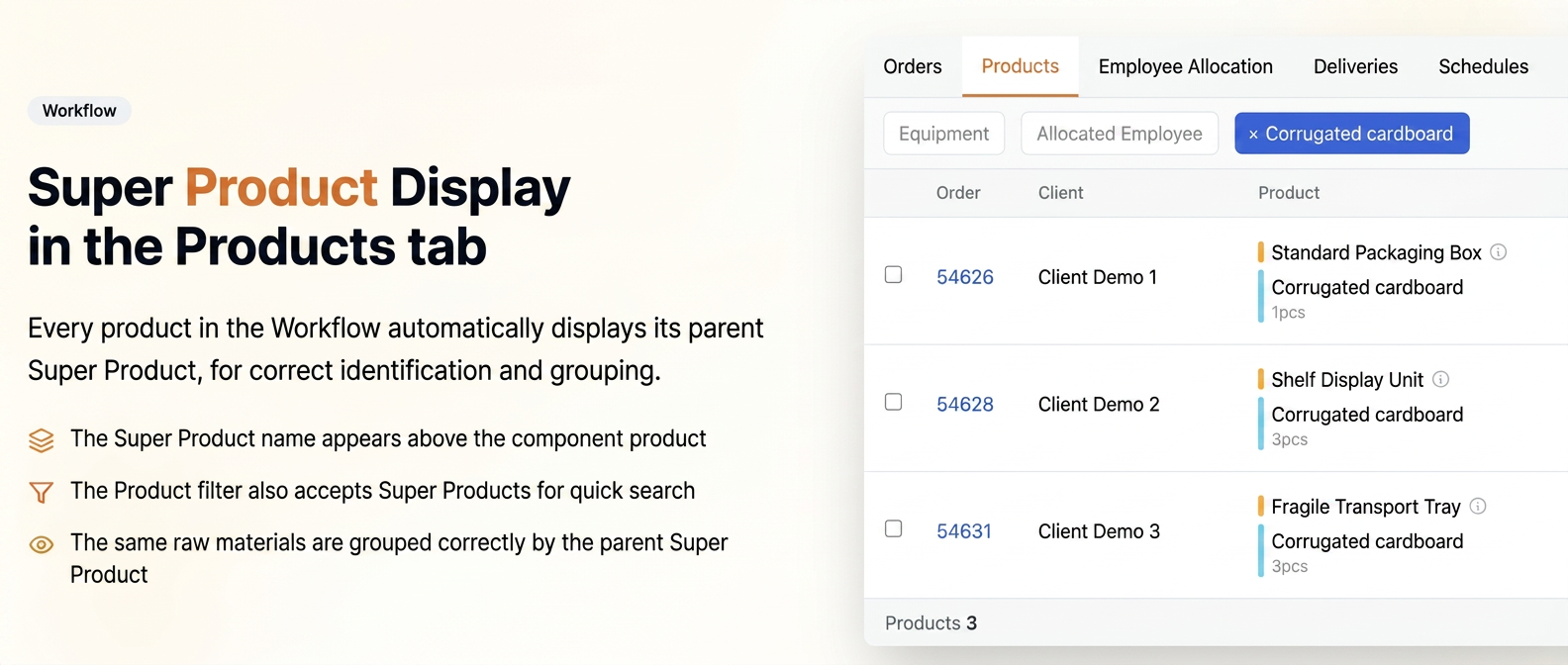
See clearly which Super Product each component belongs to, even in the "Products" view mode within Workflow.
Display date and user upon entity creation (Products and Suppliers)
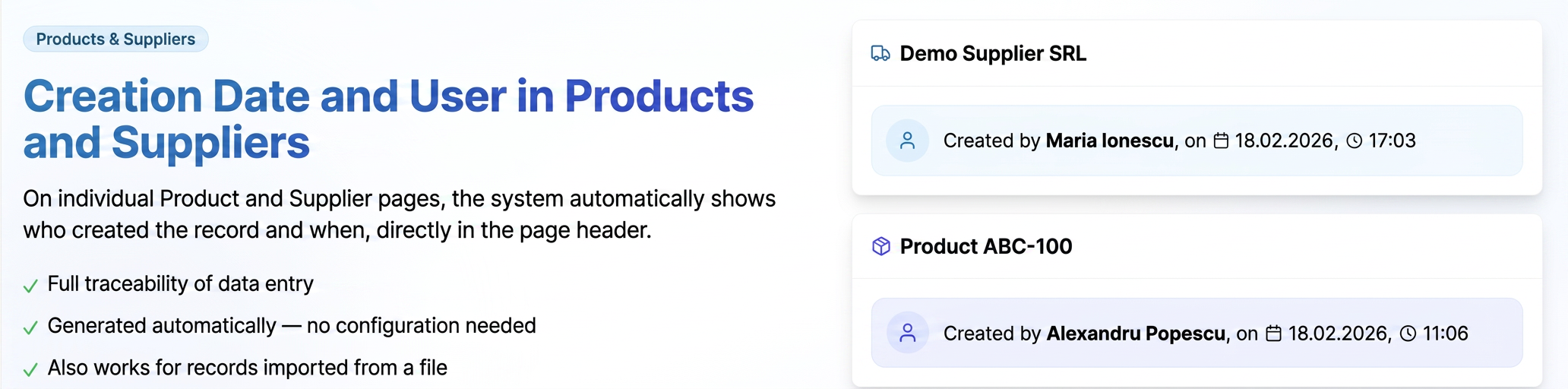
Know exactly who created a product or supplier and when. Full traceability and better control over data entered into the system.
If you have suggestions or ideas that could improve the iflows platform, we encourage you to send us feedback. We are dedicated to continuous improvement and assure you that all suggestions will be carefully evaluated.