
New Service Report and Order
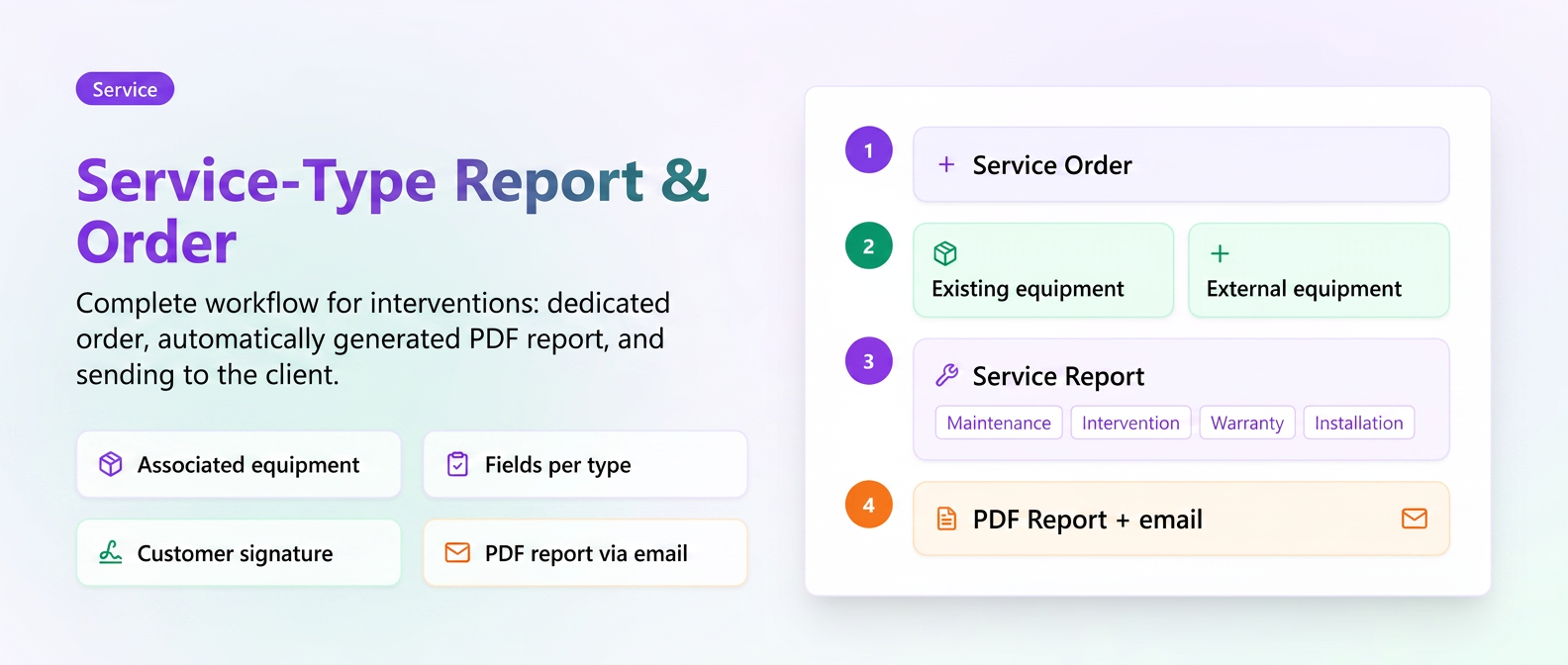
You can now fully manage technical interventions on customer equipment from a single workflow: create a Service Order linked to the equipment, the technician directly fills in the intervention details (type, defects, operations, parts, time, files, signature), and the Intervention Report is automatically generated and sent to the customer via email with one click. Everything synchronizes with the equipment sheet in the Service module, so you have a centralized complete history and can plan future revisions with automatic alerts.
Optimization Schedules: Employee Grid
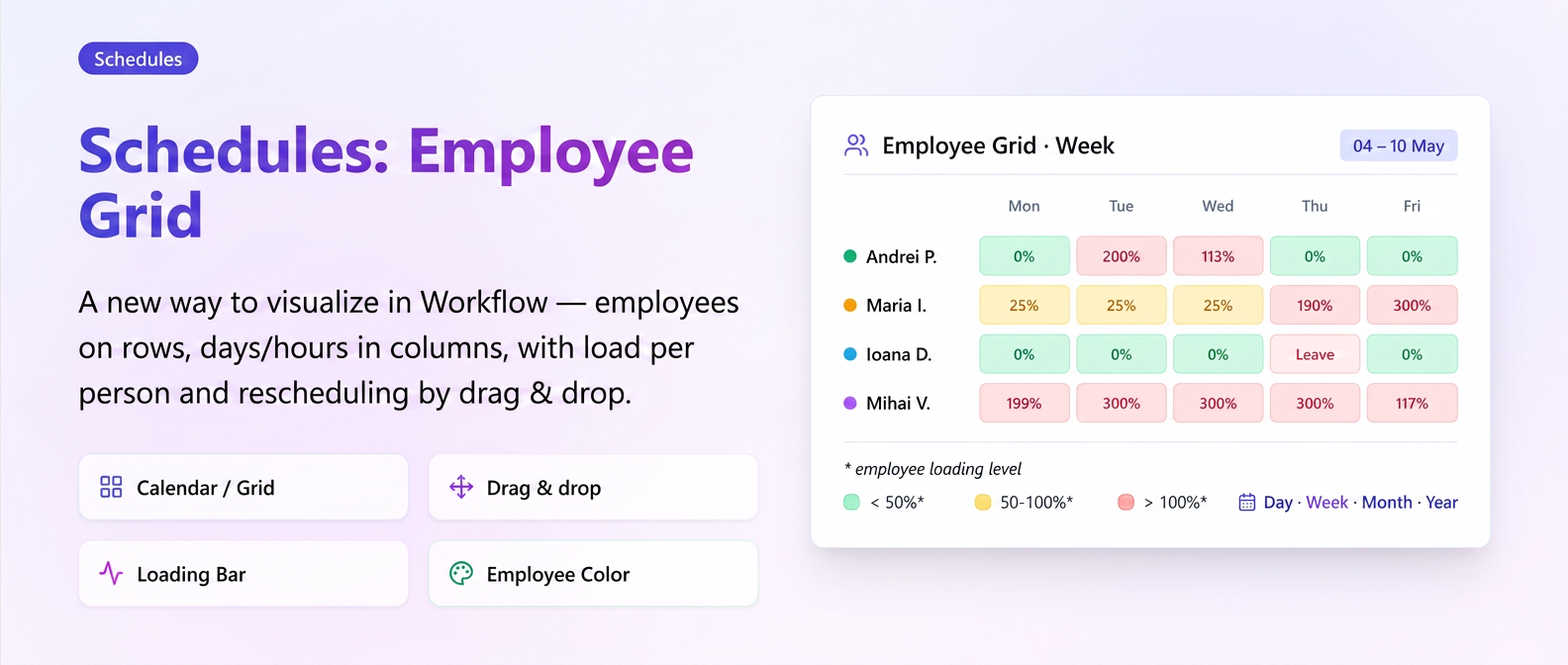
Now see at a glance the entire team's workload by days or hours, organized by employee rows. Reschedule any intervention via drag and drop — to another day, hour, or employee — and the load bars (green under 50%, yellow 50–100%, red over 100%) automatically recalculate based on each person's configured work schedule. Leave days are automatically pulled and blocked, and each employee has their own color for instant identification.
Optimization Custom Instructions – New Type: Select with Variants
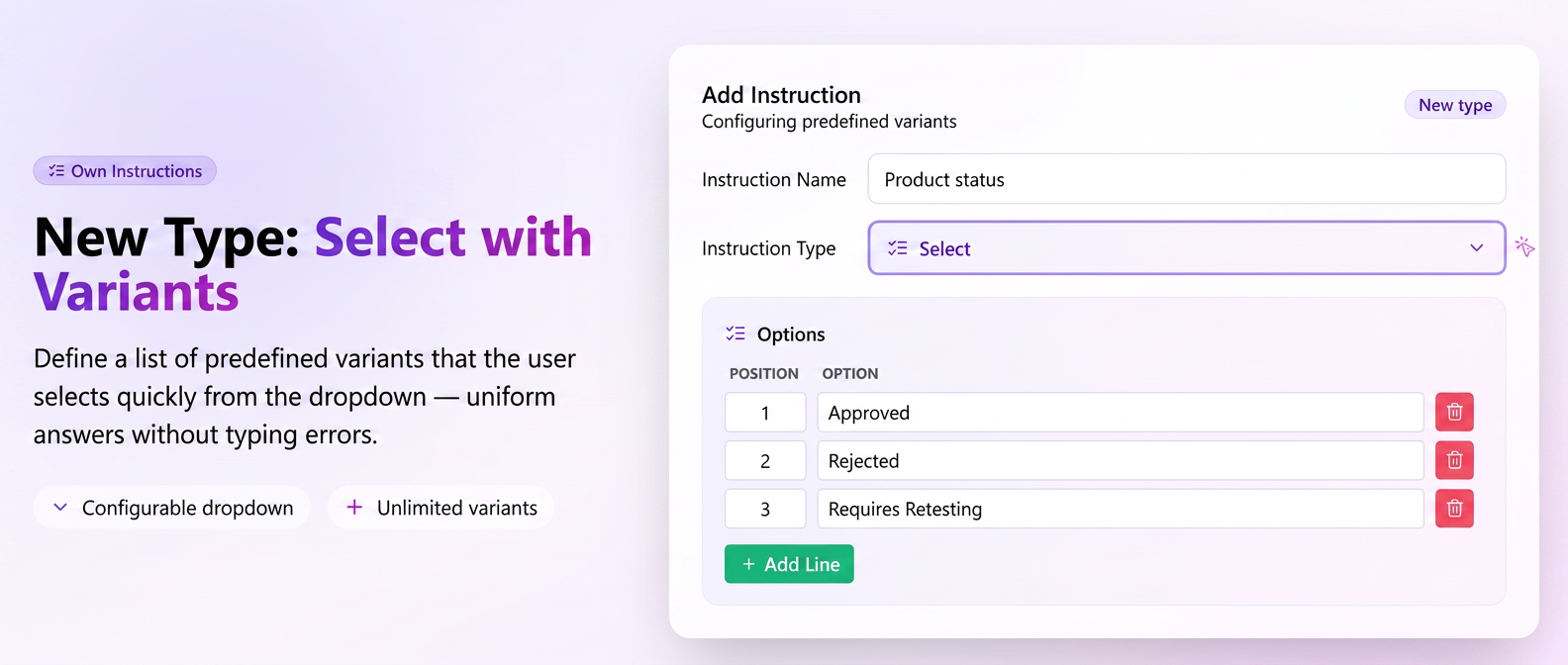
In addition to the existing types of Custom Instructions — Text and Yes/No — you can now create Select type instructions, with a personalized list of predefined response variants (e.g.: "Compliant / Non-compliant / Requires adjustments"). During execution, the operator quickly chooses the answer from a dropdown instead of typing text — saving time and ensuring uniform data.
New Individual Activity Log
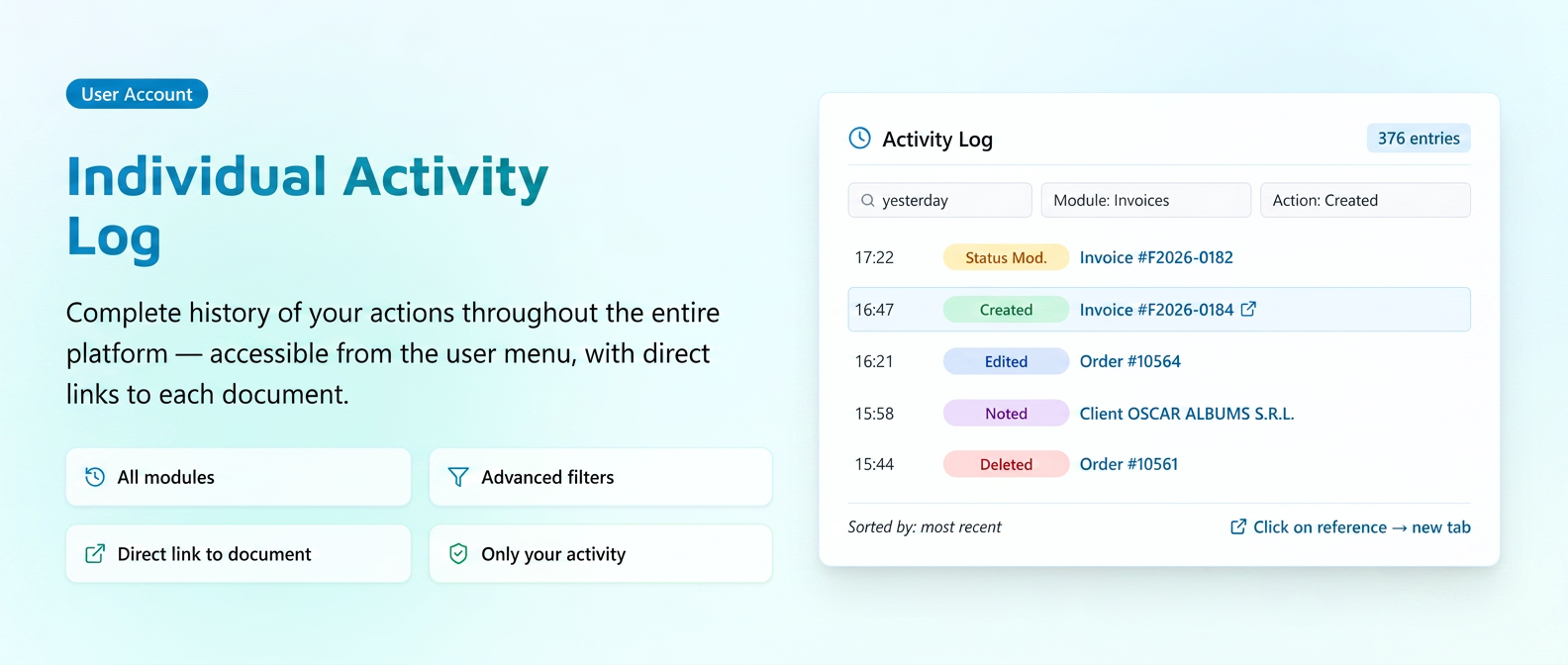
Now see the complete history of your own activity on the platform from a single page: documents created, edited, deleted, canceled, status changes, labels, and notes added — across all modules (Orders, Quotes, Invoices, Proformas, Notices, Customers, Products, templates, etc.). Each action has the document name attached as a direct link, so you can open it in a new tab with one click without searching through modules. Filter by date range, module, action type, or free text, and each user sees only their own activity.
New "Last Note" Column in Customers module
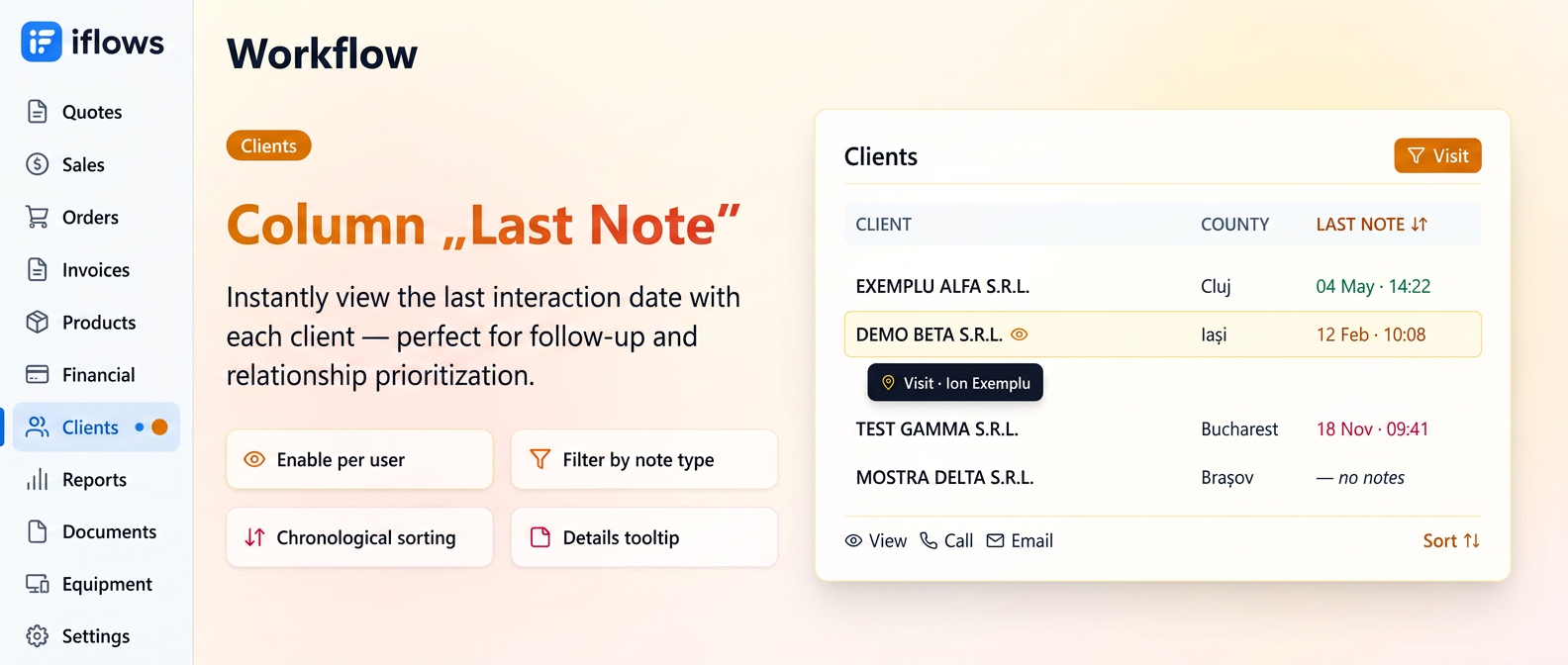
Now identify at a glance which customers have been neglected and for how long. Activate a new column in the customer list that shows the date and time of the last note added to each file, and on hover see who added it and what type it was (Visit, Call, Email). Sort ascending by the column and customers with the oldest interactions — or no notes at all — appear first.
Optimization Inter-Warehouse Transfer – Extended Functionality
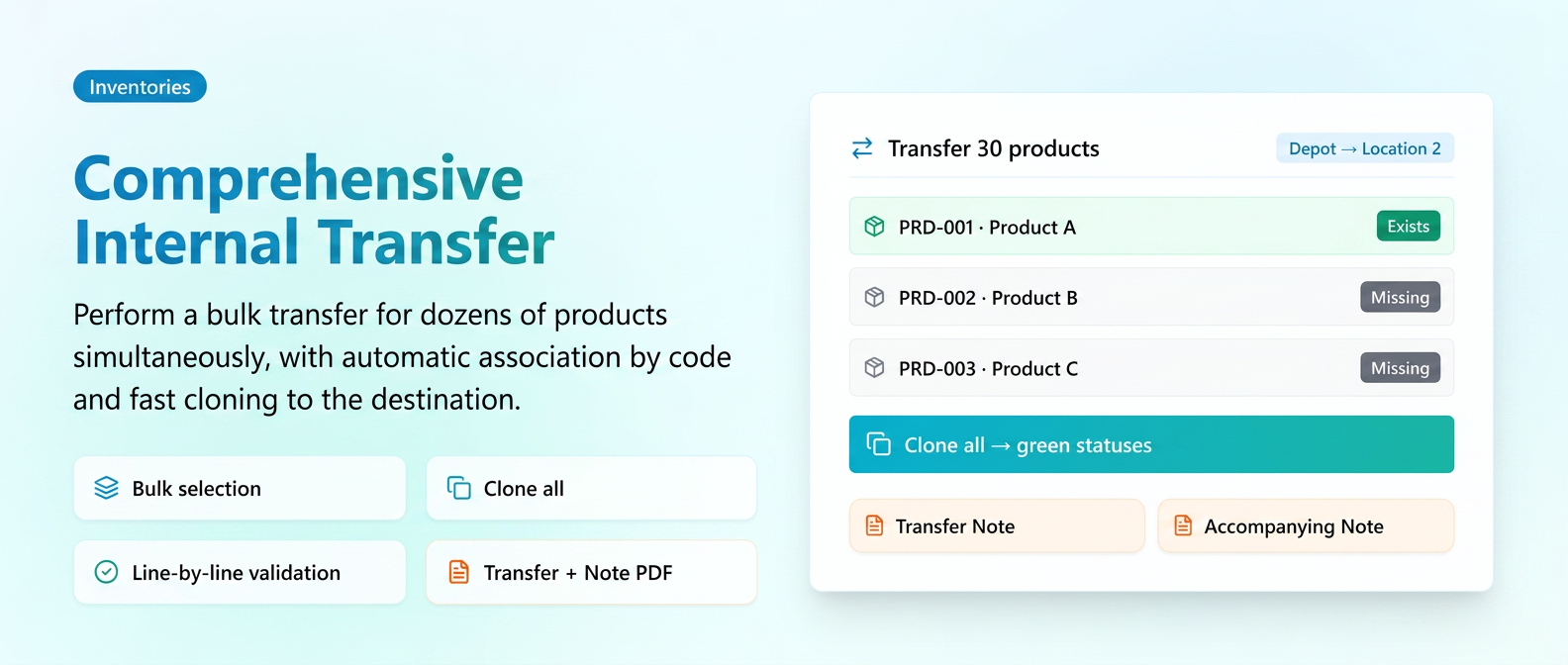
Now transfer dozens of products simultaneously between warehouses from a single form: check the products in the stock list, press Transfer, and all appear pre-filled as distinct lines. The system automatically associates products between warehouses, and for those that do not exist in the destination, press a single button — Clone All — and they are instantly copied along with code, name, and MU (Measurement Unit), starting from 0 stock. Each line has a real-time color-coded status (Exists / Missing / Invalid code / Incompatible MU / Insufficient stock), and the save button remains disabled until everything is green, so you cannot make mistakes. Upon saving, the PDF Transfer Note (with prices calculated at weighted average cost) and optionally the Accompanying Notice for transport are automatically generated. Saved transfers remain editable, with automatic stock recalculation in both warehouses — without manual correction notes.
Optimization Work Profiles for Equipment – New Interface
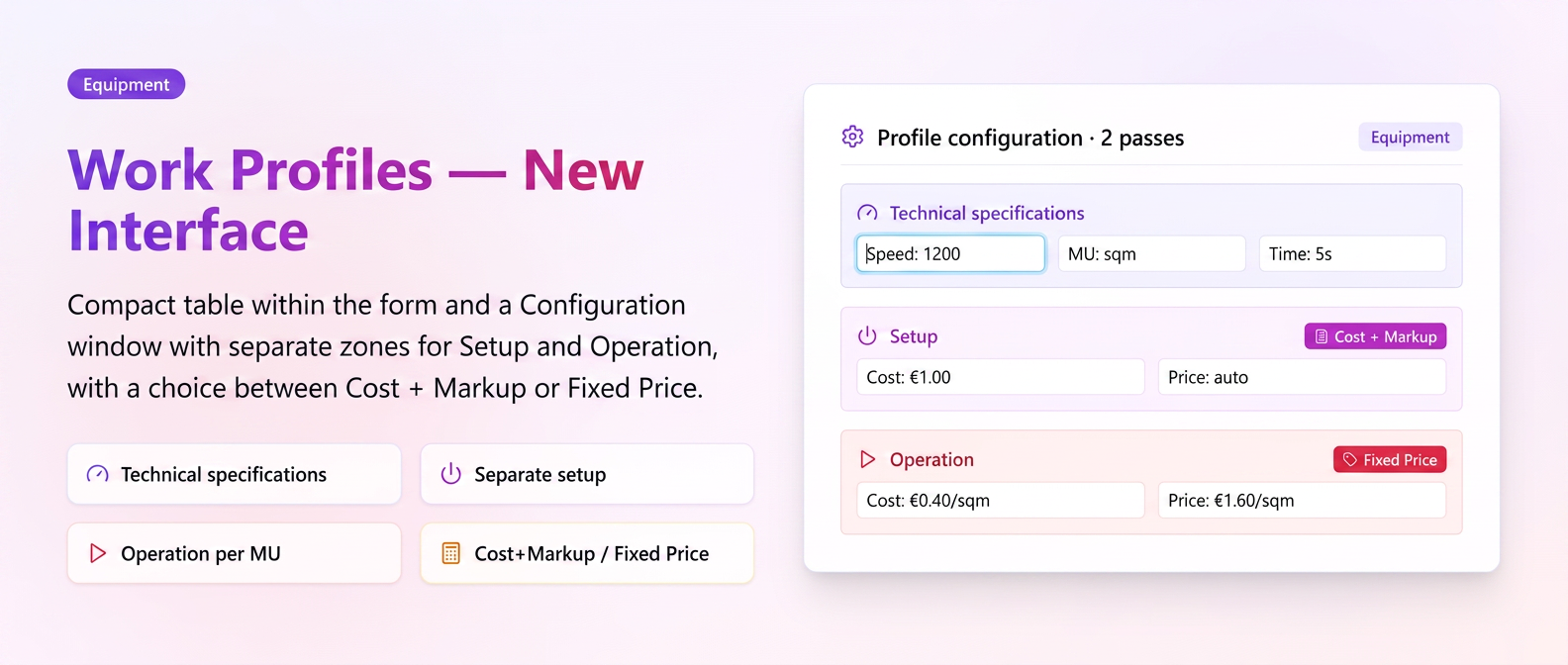
Now configure equipment work profiles in a completely redesigned, much clearer interface. On the equipment page, each profile appears as a compact row (name, speed, MU), and extended settings are accessed via a dedicated Configuration button — without cluttering the main form.
Optimization Archiving Customers and Forms
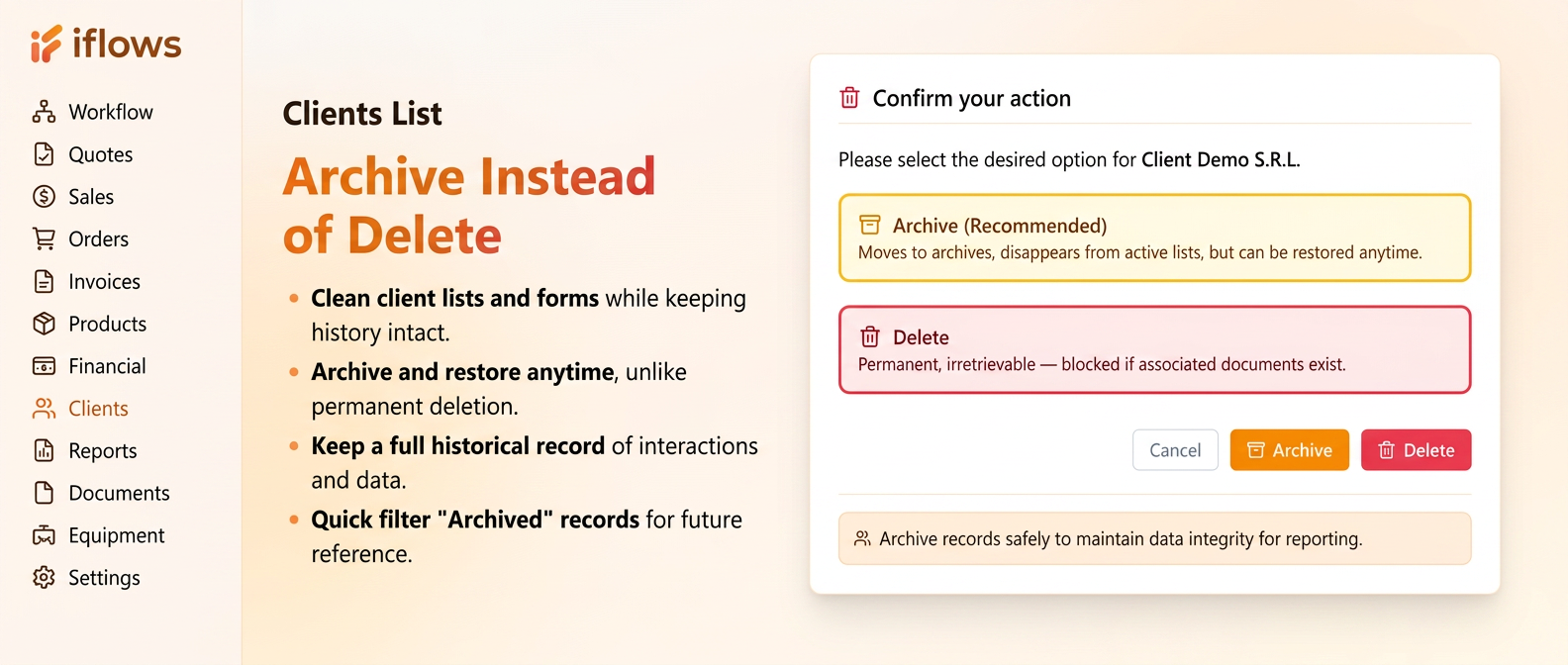
Now you can clean up the active customer list or temporarily withdraw web forms without losing data. When pressing the Delete button on a customer with history (invoices, orders, quotes), the platform offers two clear options: Archive (the customer disappears from the active list and from autocomplete for new documents, but all financial history remains intact and accessible for reports) or Delete Permanently (only possible if no associated documents exist).