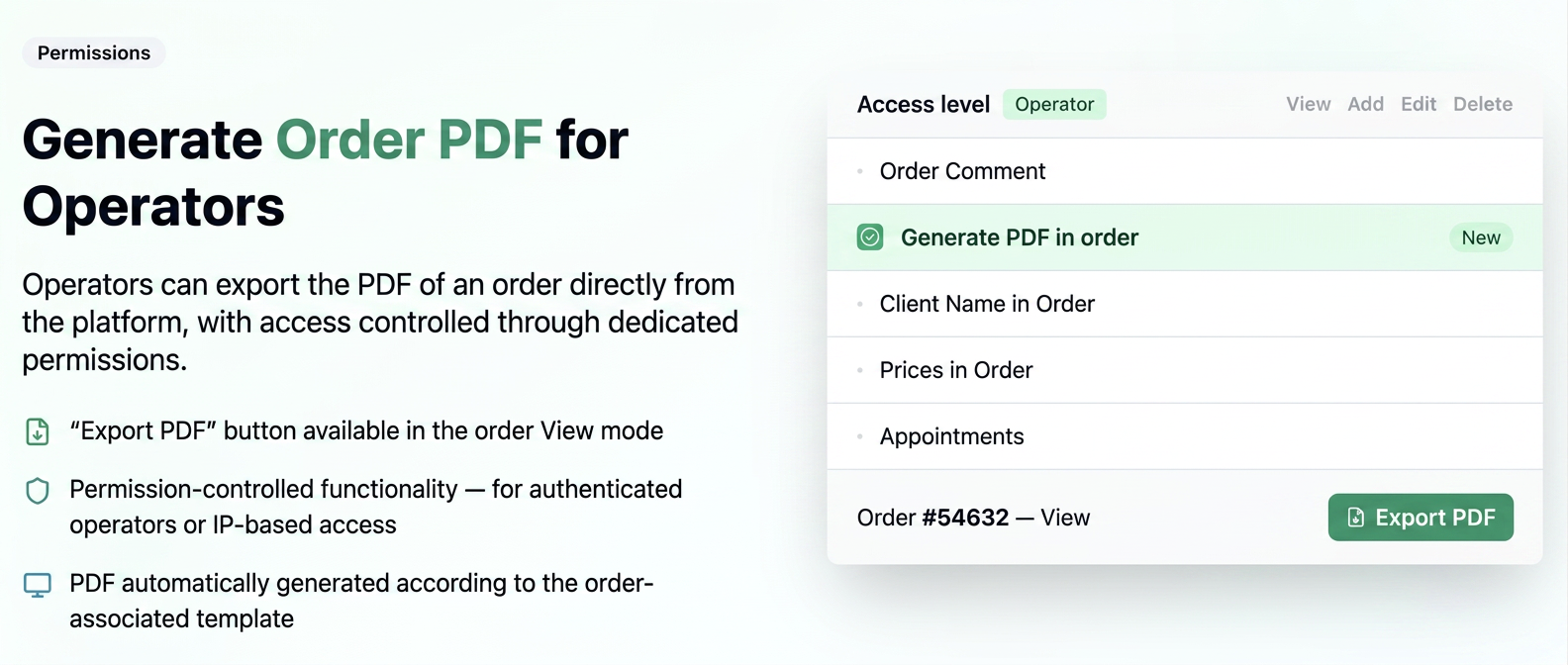
Operators can now export the PDF of an order directly from the platform, just like users. This functionality is available for both authenticated operators and those accessing the platform via IP address.
- The PDF export functionality, previously available only to Users, is now also accessible to Operators.
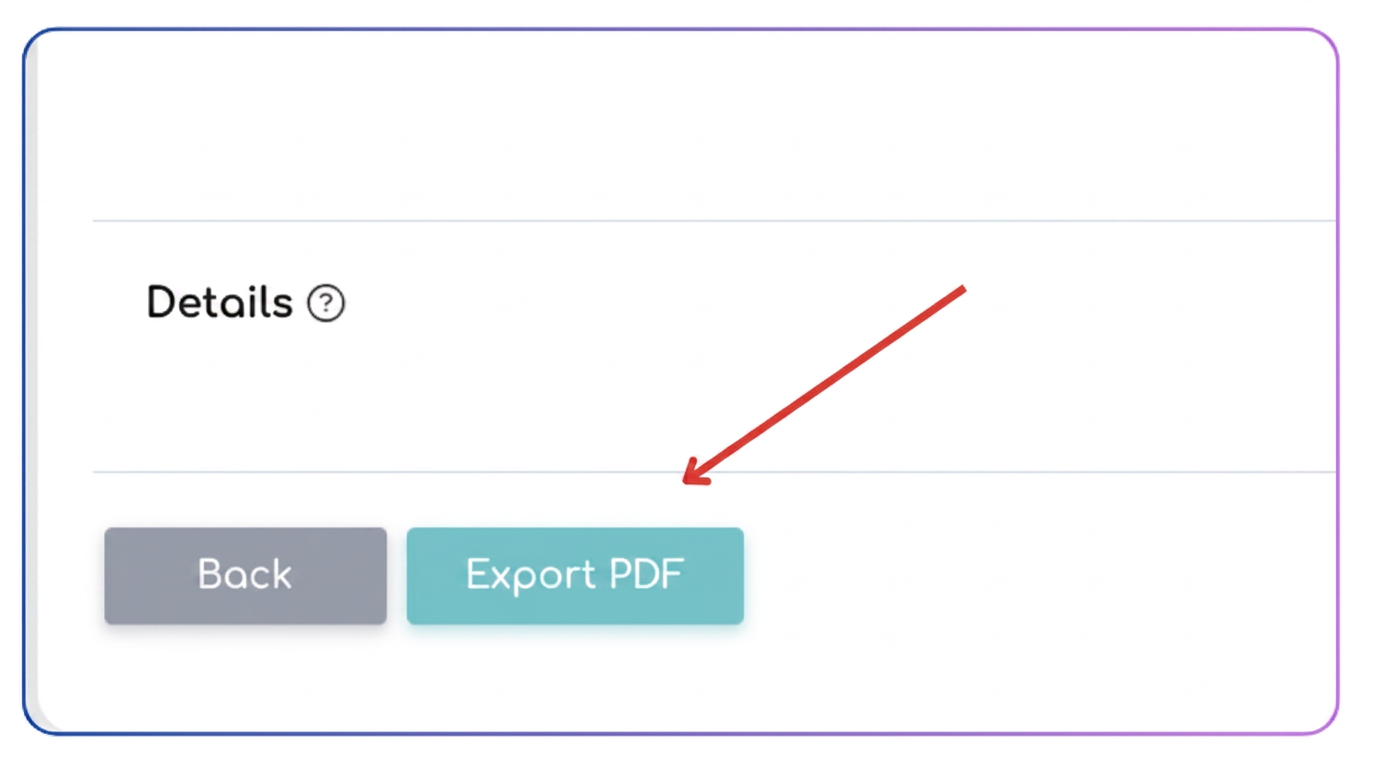
- "Export PDF" button visible in the order View mode.
- PDF generated according to the template and export options configured for the order.
- The operator cannot modify the export options - these are automatically determined by the template associated with the order.
- Functionality controlled through dedicated permissions.
Configuration Mode
For Authenticated Operators:
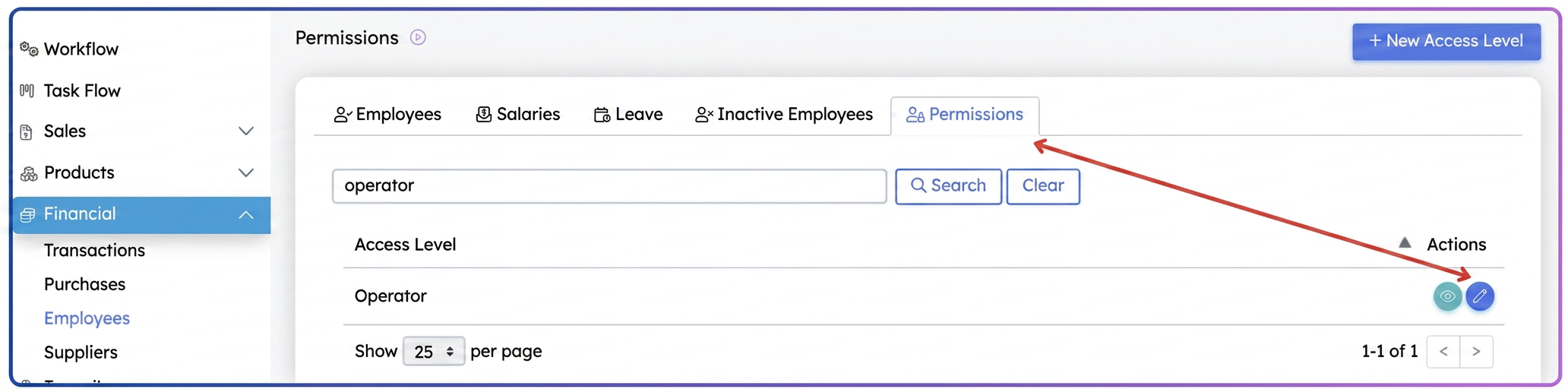
- Go to Financial > Employees > Permissions.
- Select the access level "Operator".
- Click the Edit button.
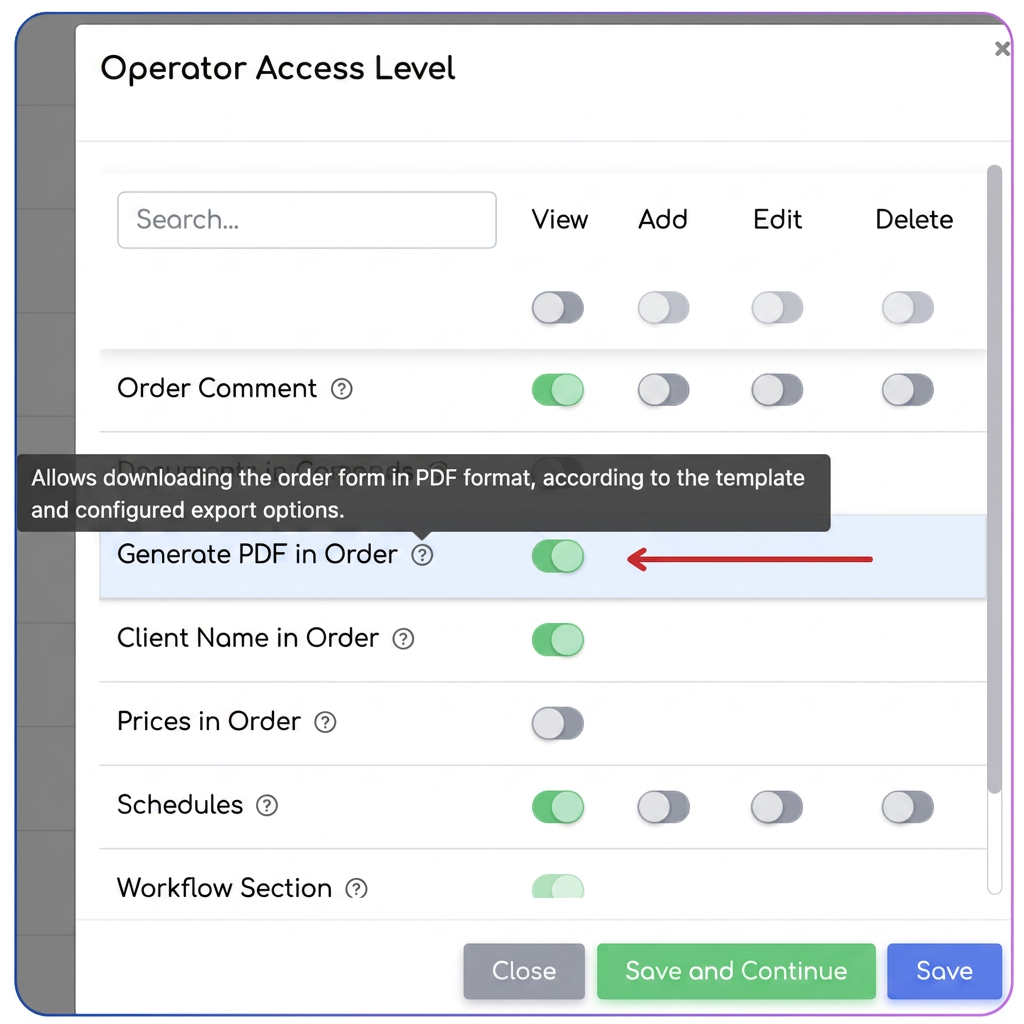
- In the Permissions section, locate the "Genereaza PDF in comanda" (Generate PDF in order) permission.
- Check the box to activate the functionality.
For IP-based Access:
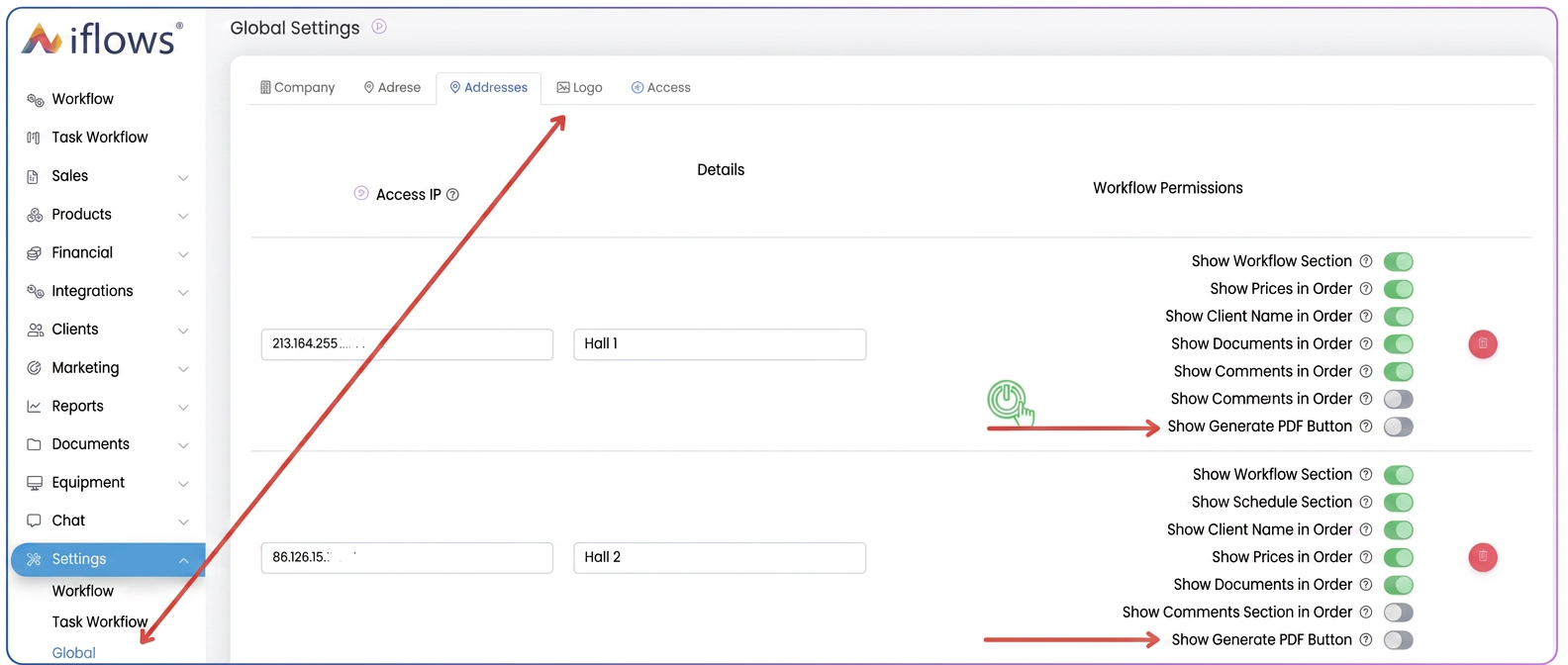
- Go to Settings > Global, Access tab.
- Next to the desired location, identify the "Afiseaza buton Genereaza PDF" (Show Generate PDF button) permission.
- Check the box to activate the functionality.
Practical Example
A production operator accesses the platform based on an IP address.
- Opens order #X in View mode.
- Sees the "Export PDF" button (if permission is enabled).
- Clicks on "Export PDF".
- The system automatically generates the PDF according to the template associated with the order.
- The order sheet is downloaded and can be printed for the production workflow.
→ The operator does not need to request a user to generate the PDF for them
→ Faster and more independent process