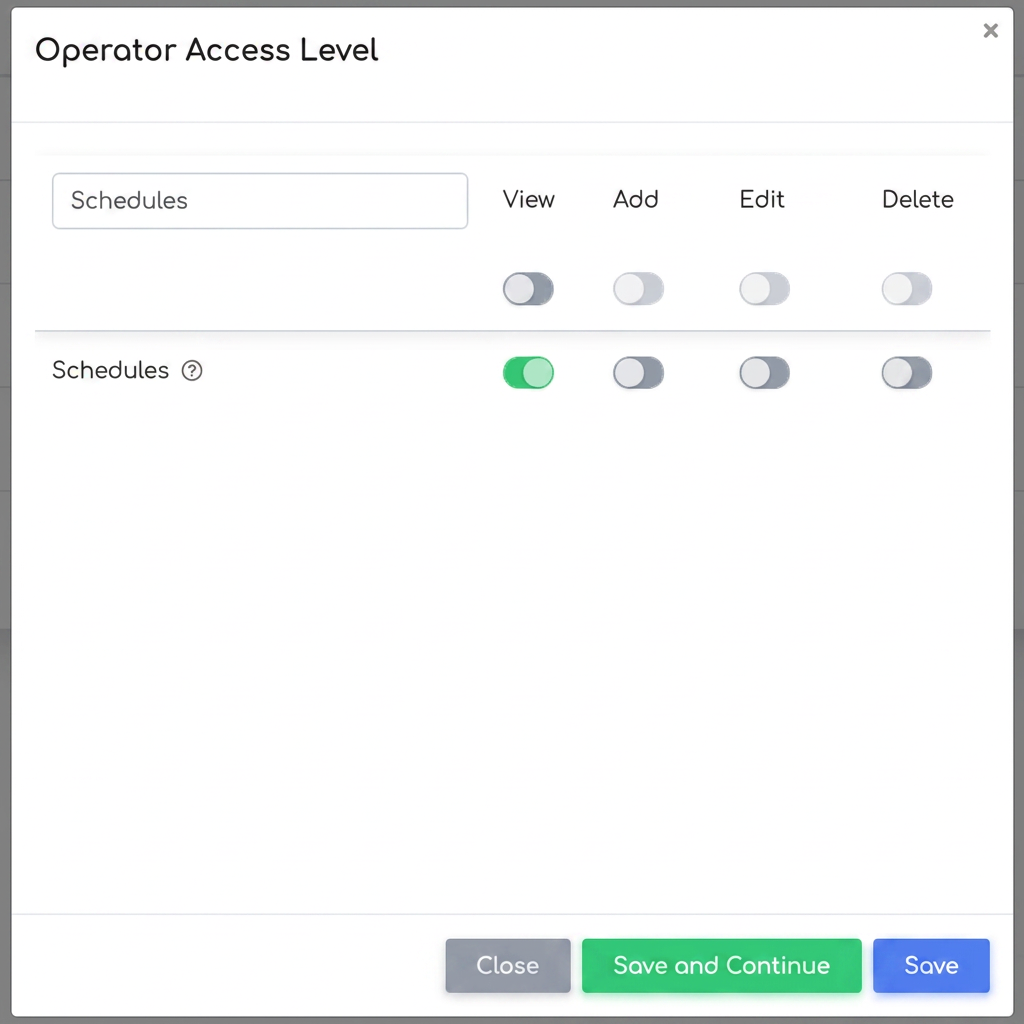
The reason operators cannot access the Appointments section is that the corresponding permissions have not been activated for the Operator role. To resolve this situation, please follow the steps below:
- Select the Operator level from the list of available roles.
- Identify the Appointments field and activate the necessary options (e.g., View, Add, Edit, Delete).
- Save the changes.
After completing these steps, operators will be able to see and use the Appointments tab.