
1. Overview
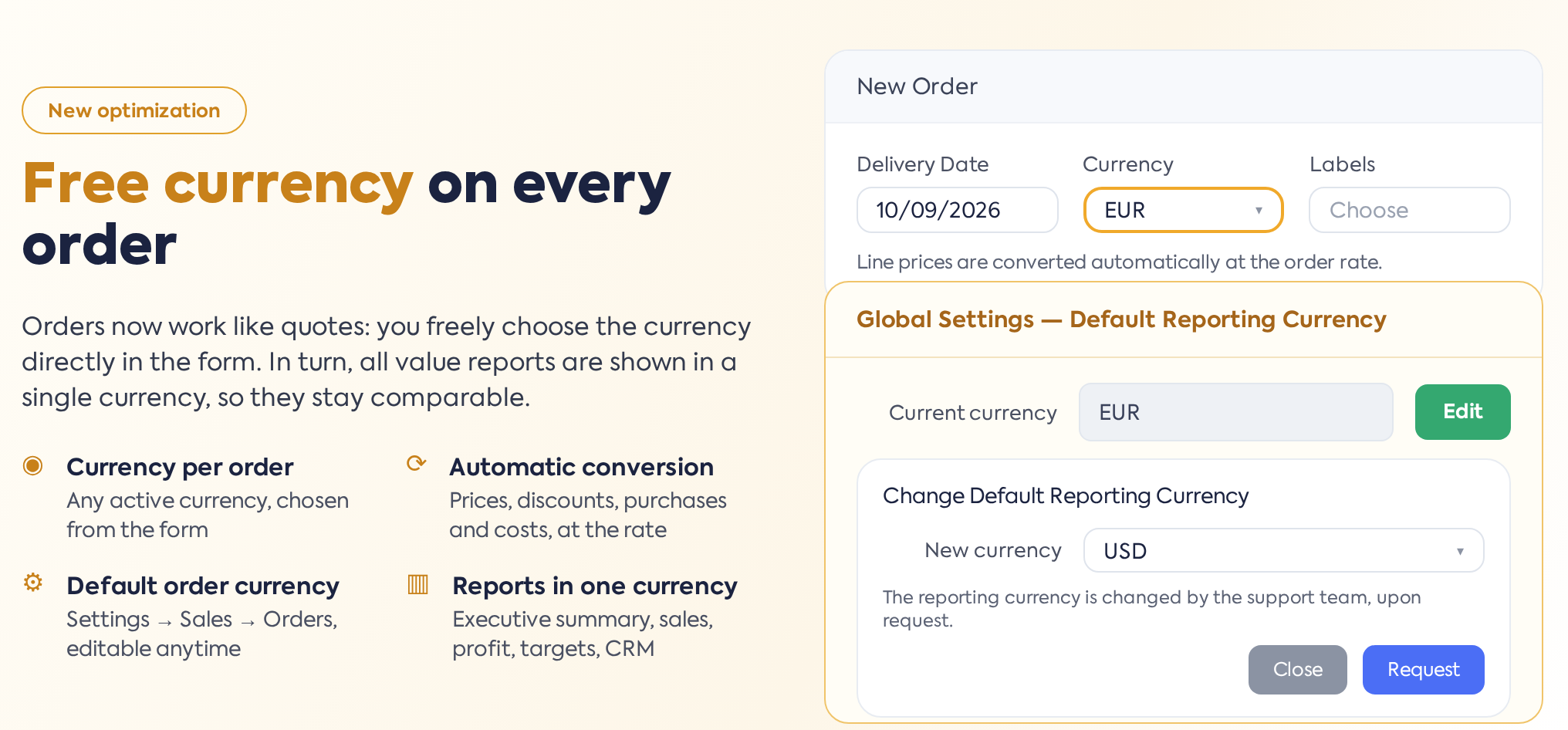
Until now, all orders in the platform used a single currency, set during configuration and locked; changing it was only possible through a request to the support team. With this update, orders adopt the behavior already known from offers: there is a default currency for new documents, but each order can be issued in any currency, chosen directly from the form.
The old mechanism — a single currency, changeable only by request — is not disappearing, but moving to reporting: all value reports in the platform are displayed in a single currency, the Default Reporting Currency, regardless of the currency in which the orders were issued. Thus, sales can work in multi-currency, while analysis and reports remain comparable, in a single currency.
The change involves two settings (one in Sales, one in Global), the order form, and all value reports.
2. Default Order Currency
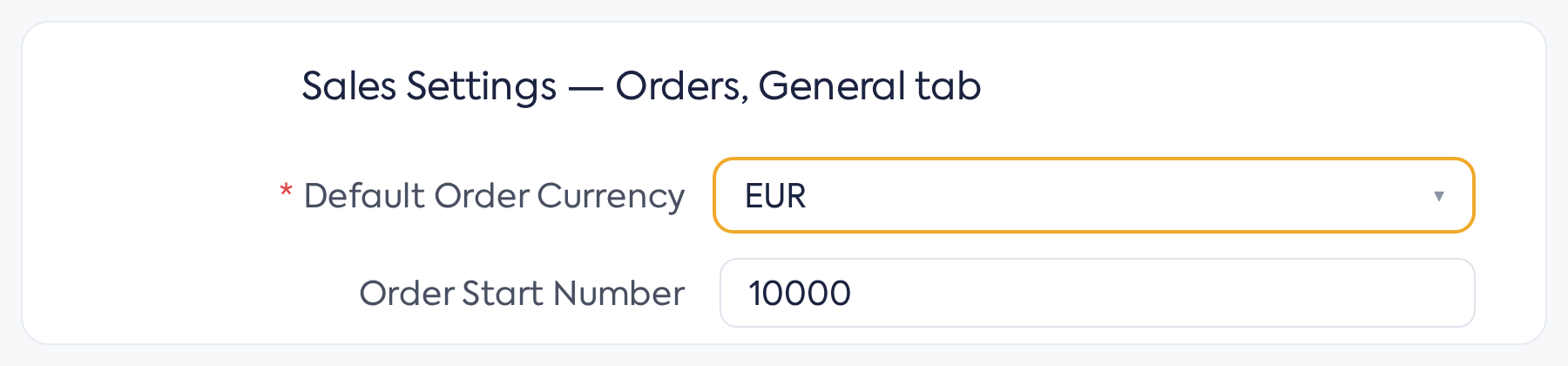
This is configured in , Orders section, General tab — the Default Order Currency field, the first one on the page. This is a mandatory field.

The Default Order .
This is the default currency for orders and offers: new documents start with this pre-selected currency, while existing documents retain their own currency. Modifying the setting does not affect any document retroactively — it only applies to documents created after the change.
3. Currency on order
In the order creation and editing form, the Currency field (displayed next to Delivery Date) allows choosing any active currency in the platform:
The Currency field in the order form, next to Delivery Date.
Depending on the chosen currency, the configured exchange rate is automatically applied: when changing the currency, product line prices, fixed amount discounts, purchase and labor prices, as well as equipment costs are automatically converted at the new rate. The order must always have a currency — the field cannot be left empty. Discounts expressed in percentages are not converted, as they are currency-independent. The order cannot be saved if the exchange rate is missing: the message "Order cannot be saved, Exchange rate is not updated!" appears. Older orders that were left without a currency are considered issued in the reporting currency and receive this currency upon the first edit.
Orders created from other documents inherit the currency of the source document: an order generated from an offer, opportunity, or proforma invoice keeps their currency, and cloning an order keeps the original order's currency. The exchange rate block in the order header (the displayed and editable rate) works as before.
Documents issued subsequently from the order take its currency into account: for invoices and delivery notes, prices taken from the order are automatically converted from the order currency to the issued document's currency. The minimum order restriction () is checked in the reporting currency, with the threshold converted automatically.
4. Default Reporting Currency
, Company tab — the Default Reporting Currency field, displayed as locked, with a Modify button next to it.

The Default Reporting .
The button opens the "Change Default Reporting Currency" window, featuring the Current Currency (non-editable), the New Currency selector, and the Request button. As the window states, the currency change will be performed by the support team after the request is sent — this is the mechanism that previously applied to the order currency. Clicking the button sends a request to the iflows team with the current and desired currency; until processing, nothing changes, and reports continue in the old currency. The actual change also involves recalculating reporting values for all orders, so it is performed on a schedule by the support team.
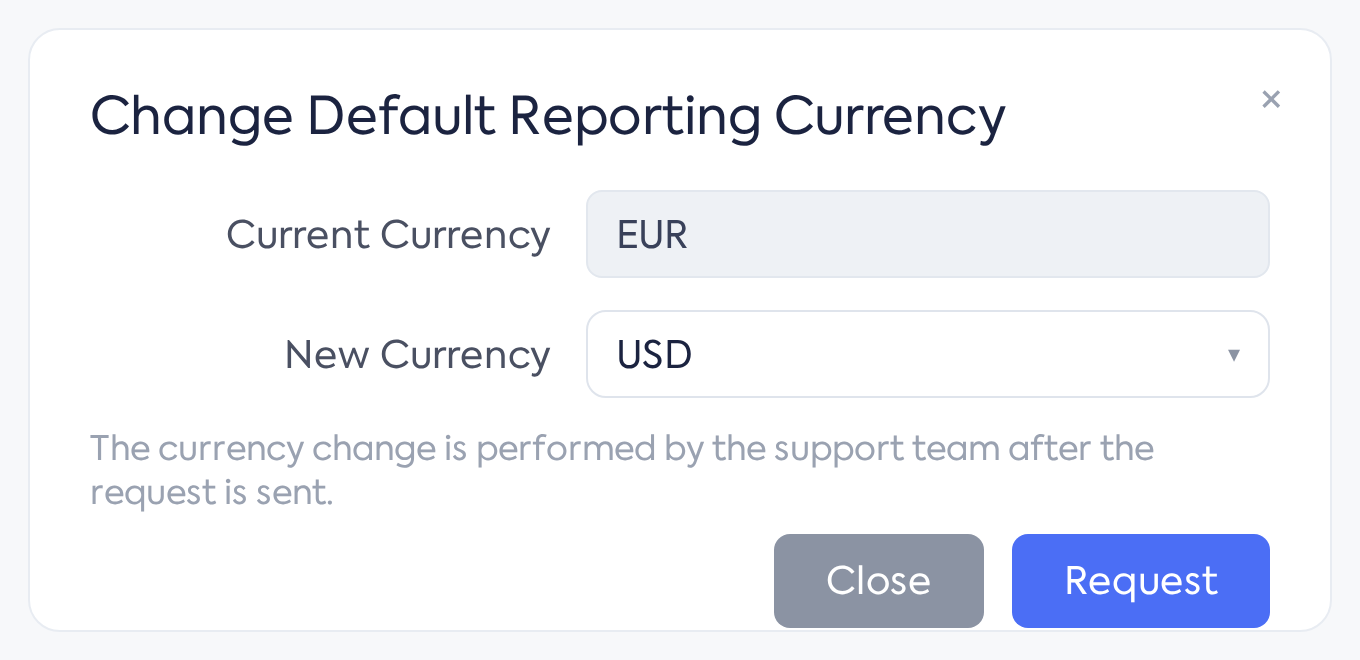
The request window for changing the reporting currency.
5. Reporting in a single currency
When saving each order, the platform automatically calculates, in addition to values in the document currency, the equivalent values in the Default Reporting Currency, using the order's exchange rate. These reporting values form the basis for all financial situations: the Executive Summary and its charts, sales and profit reports, objectives, and the CRM pipeline all display orders in the same currency, regardless of whether they were issued in EUR, EUR, or another currency.
For orders issued in the same currency as the reports, the reporting values are identical to those of the document. Orders existing before the update were carried over as they were, without any value modification. If the exchange rate is missing for a currency at the time of saving, reporting values remain equal to those in the document without conversion; therefore, it is worth checking that the exchange rate source is updated before working with new currencies.
6. Differences from previous behavior
- The order currency is chosen freely from the form — a request to support is no longer necessary to issue orders in another currency.
- The default currency for orders and offers becomes a standard setting, modifiable at any time in .
- The request to support remains only for changing the reporting currency ().
- The old currency option for order exports has been removed — the export now follows the document's currency.
- Invoices, proformas, and delivery notes issued from an order convert prices to the configured billing currency; depending on the exchange rate setting for invoices, either the rate on the invoice date or the rate taken from the order is used.
- Document lists remain in the currency of each document, with totals grouped by currency; only value reports are brought to the single reporting currency.
7. Permissions
The default currency for orders is modified by users with access to the , and the reporting currency is visible in access to global settings. The button for requesting a reporting currency change does not require additional permission: it can be used by any user who reaches the global settings screen.