
Every new feature in iflows answers the same question: how can we make your day easier? Here are our answers in version 4.5.2.114:
NEW — Order log, straight from the Workflow
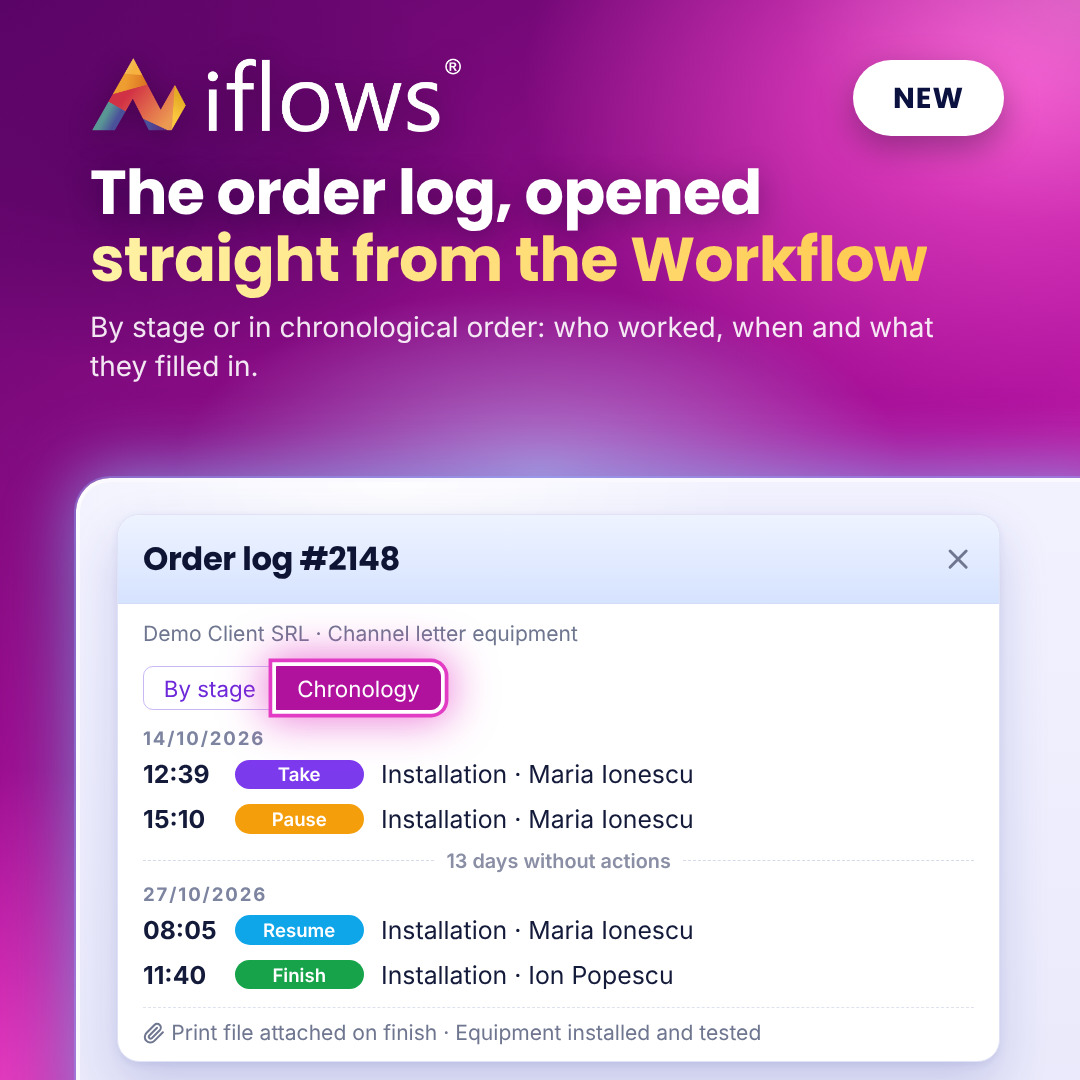
When the stage you are working on depends on what a colleague left in the previous stage, you find everything in one click, straight from the Workflow. The production operator opens the log and sees the print file attached by the designer, without searching the order for it or asking for it by email. The log shows, by stage or in chronological order, who worked, when and what they filled in.
NEW — Custom fields for clients
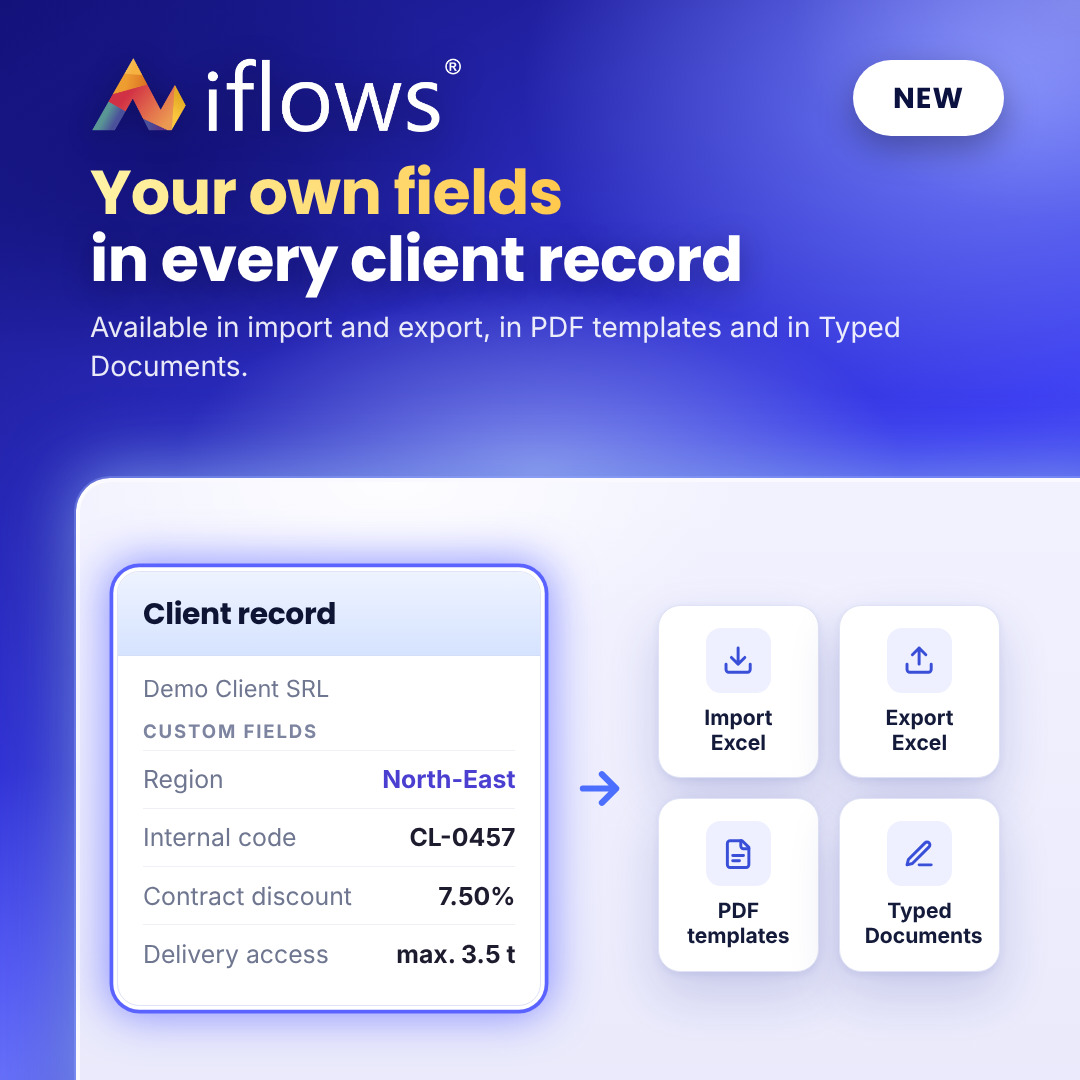
The information that matters to your company, such as the sales region, the internal code or the contract discount, now has its place in the client record. You fill it in once and find it in Excel import and export, in PDF templates and in Typed Documents.
NEW — Notification: client became inactive
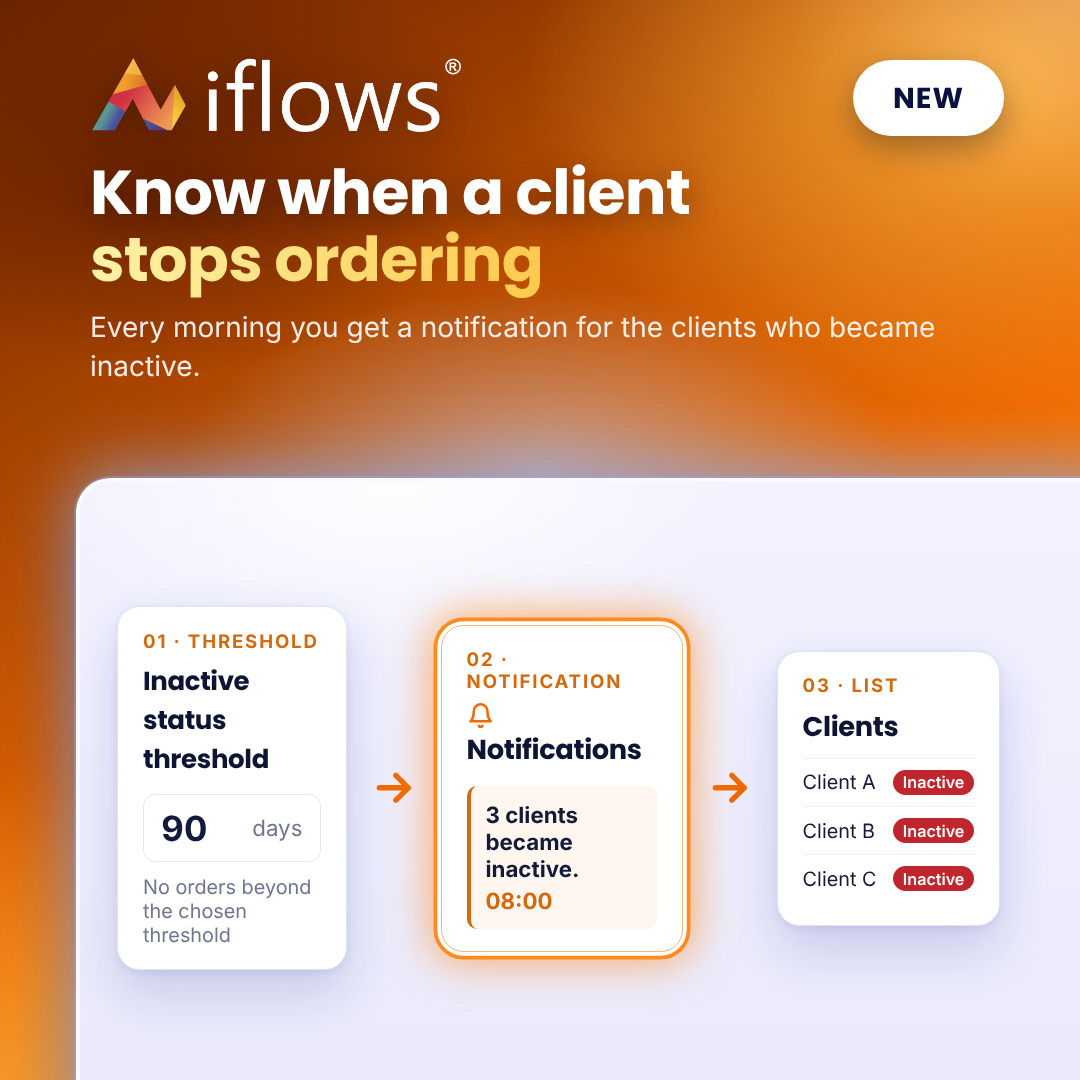
Clients who stop ordering no longer go unnoticed. Every morning you get a notification for the clients who have exceeded the number of days without orders set for them, with a direct link to their record or to the list, so you can get back to them in time.
IMPROVEMENT — Predefined dates: +7, +15, +30 or +60 days
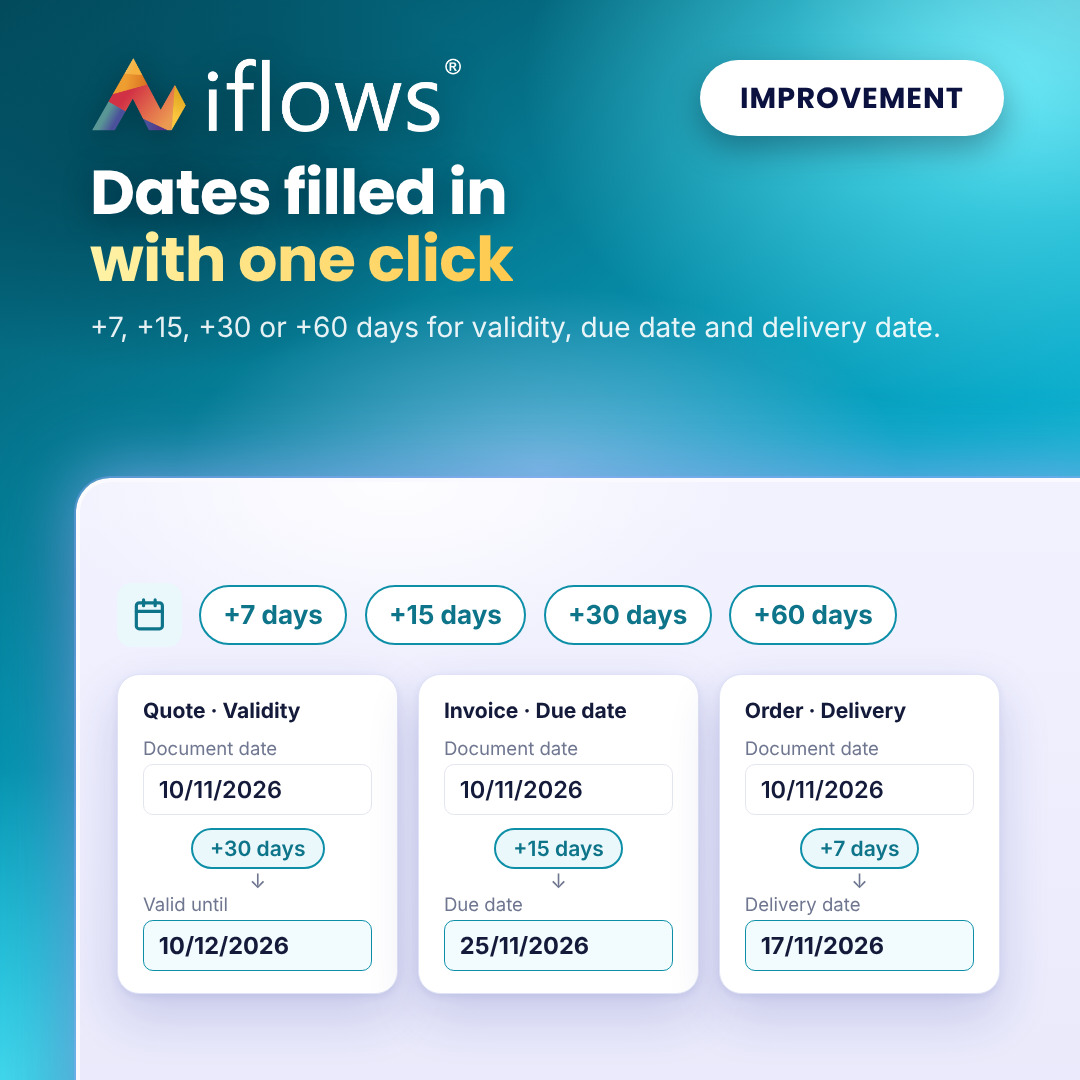
No more counting days on the calendar for validity, due dates or delivery. The +7, +15, +30 and +60 days buttons fill in the date instantly, calculated from the document date, in quotes, opportunities, invoices, proforma invoices and orders.
NEW — Import GRN lines from the supplier's Excel file
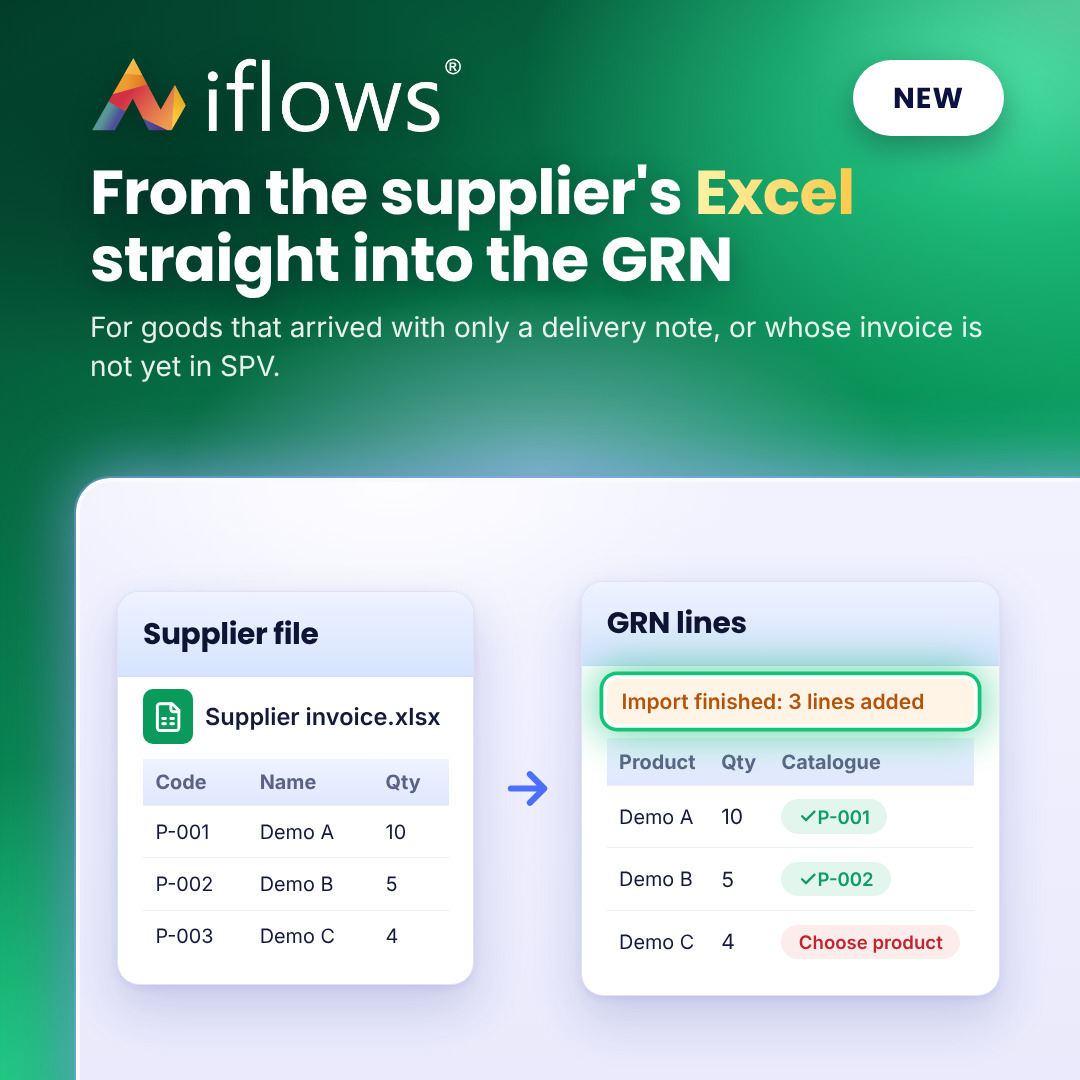
No more entering, line by line, goods that arrived with only a delivery note or whose invoice has not yet reached SPV. Import the GRN lines straight from the supplier's Excel file: products are found automatically by code or alias, with quantities, prices, unit and VAT rate.
IMPROVEMENT — Product lines in the Workflow, with the details you choose
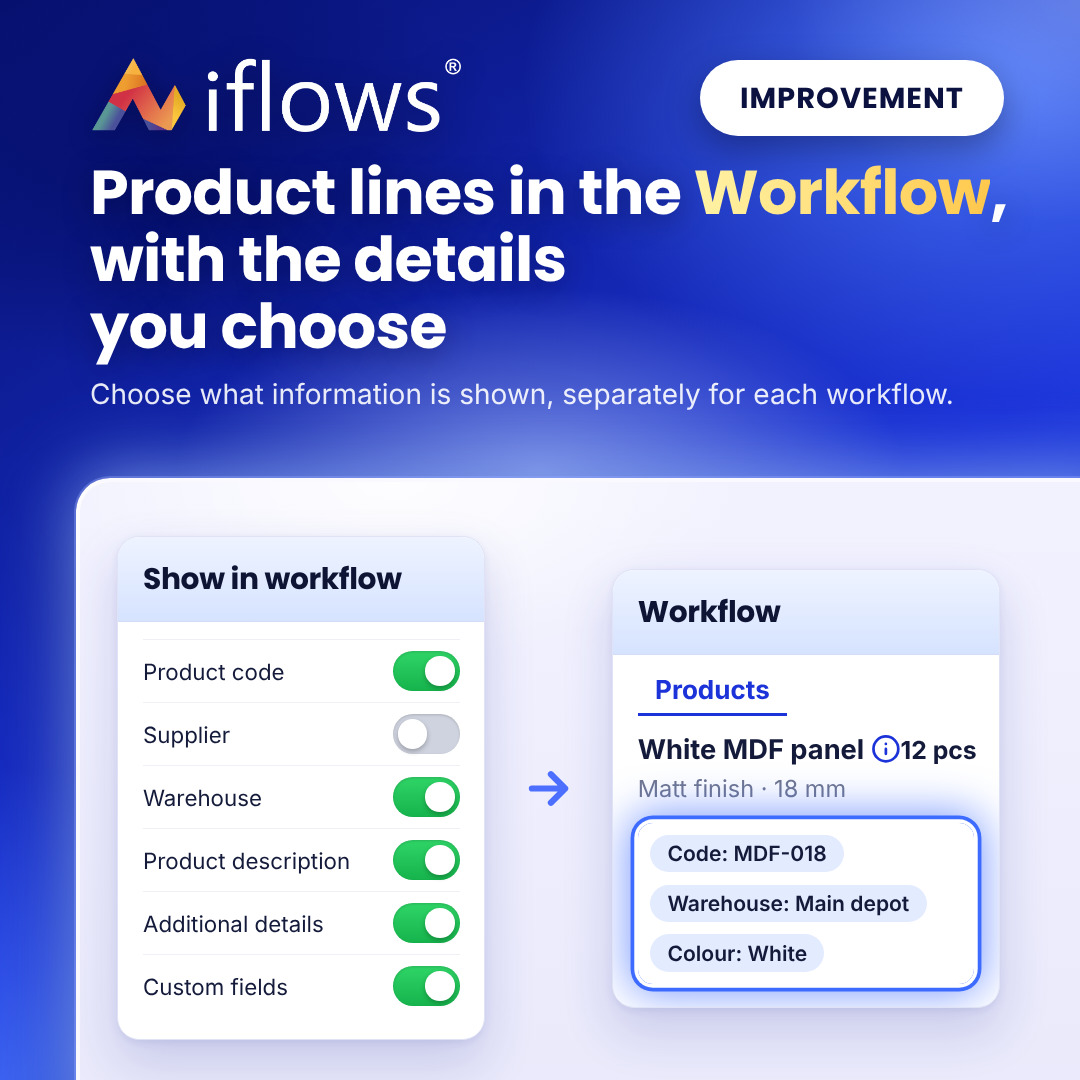
The operator sees exactly what they need on the product line, without opening the order: the code, supplier, warehouse, description or custom fields. You choose separately, for each workflow, which information is displayed.
IMPROVEMENT — Workflow stages: who is working and which actions are possible
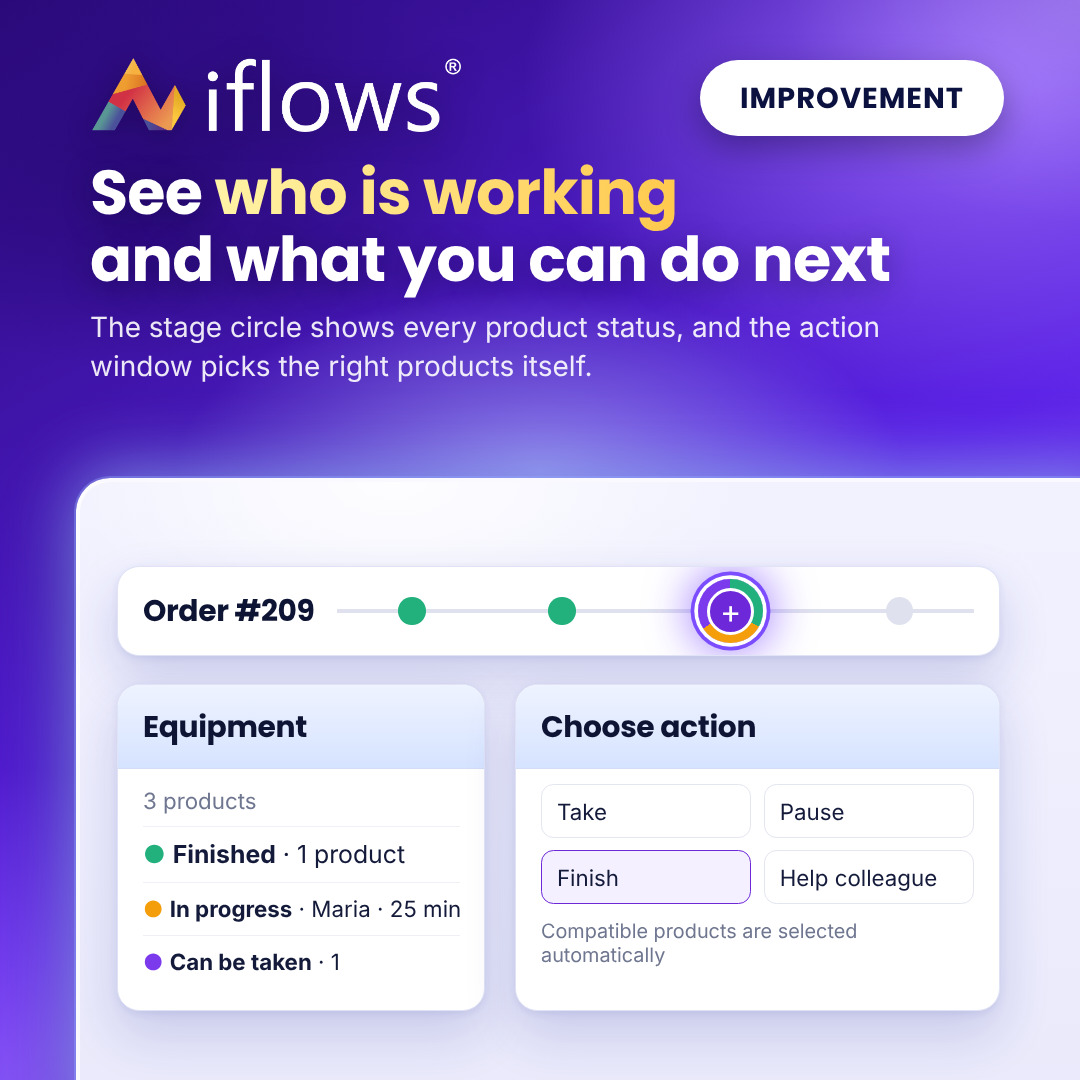
See at a glance the real status of each stage and who is working on it. The coloured ring of the circle shows all product statuses, and the action window automatically selects only the products the chosen action can be applied to.
IMPROVEMENT — Quotes: the "View Online" button and open confirmation
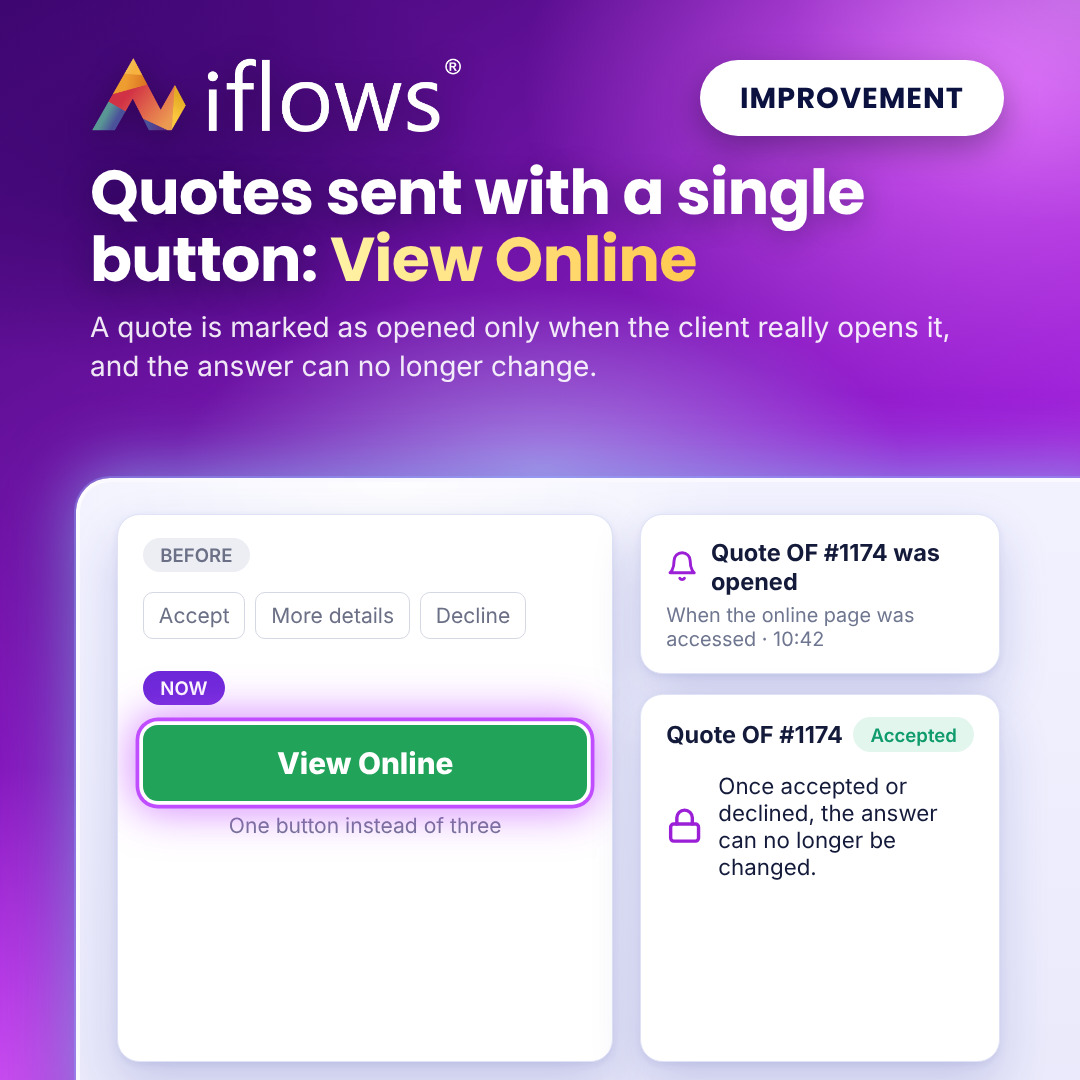
You know for sure when the client opened the quote, and their answer is final. The quote is sent with a single button, View Online, the client responds from the online page, and the quote is marked as opened only when they have actually accessed it.
IMPROVEMENT — Balance limit: temporary unblock for the chosen orders
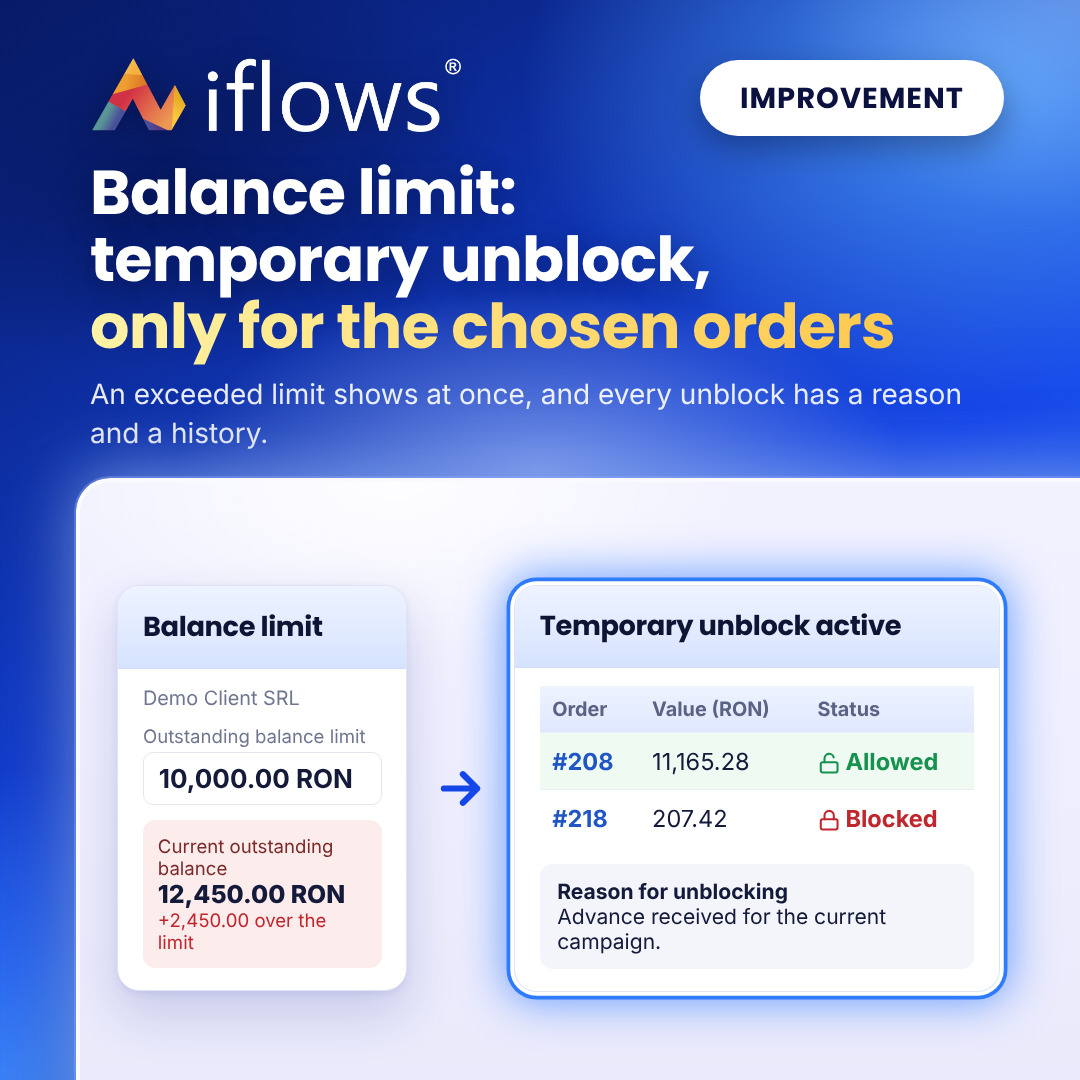
A client blocked for debts no longer stops all your work with them. Temporarily unblock only the orders for which you received an advance or a guarantee, and see next to each limit by how much it is exceeded. Every unblock stays in the history, with its reason.
IMPROVEMENT — Supplier order: product description in the PDF
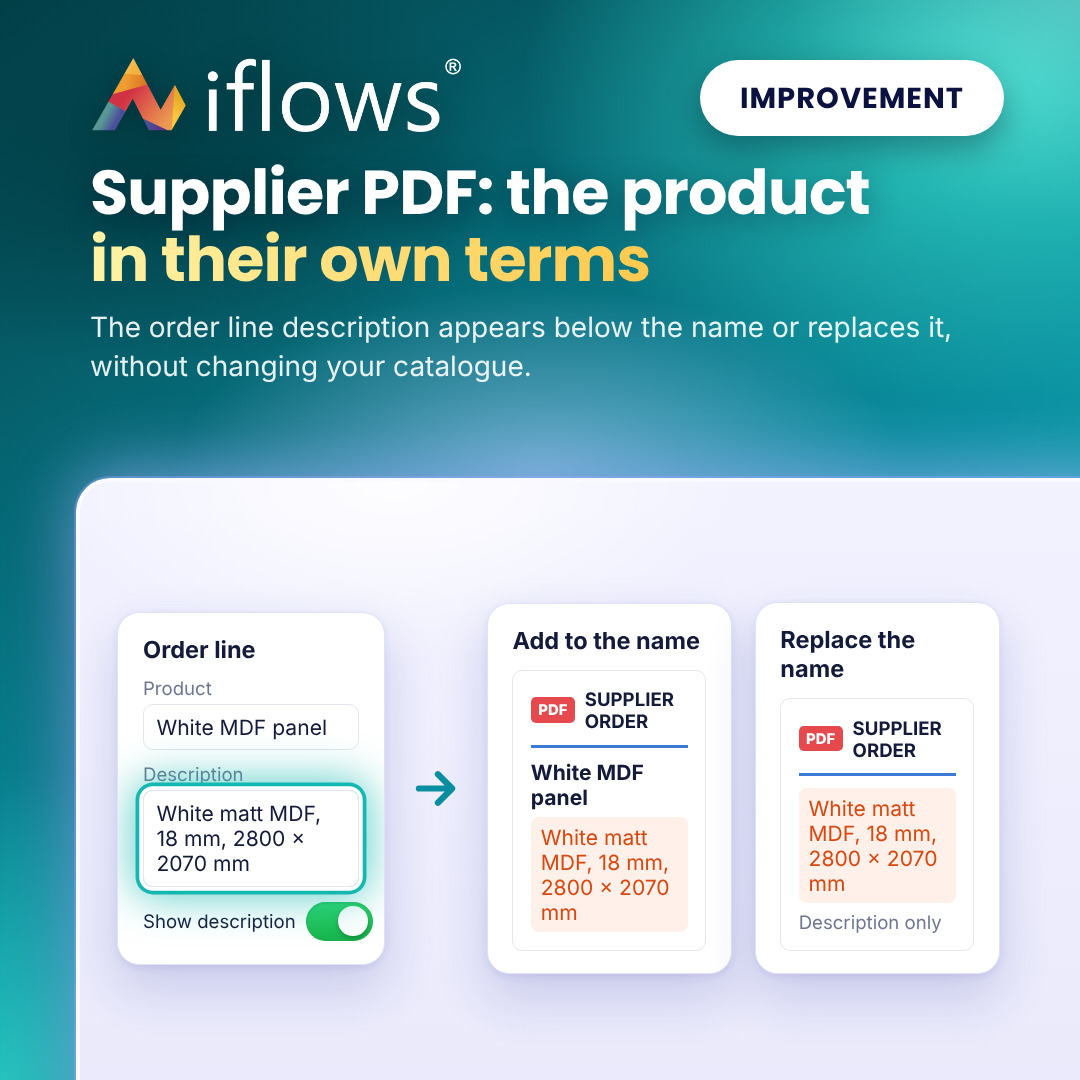
The supplier gets the product described in terms they understand, even in another language, without changing your catalogue. In the supplier order PDF, the line description can appear below the product name or replace it.
IMPROVEMENT — Administrative Documents: list view and search by name
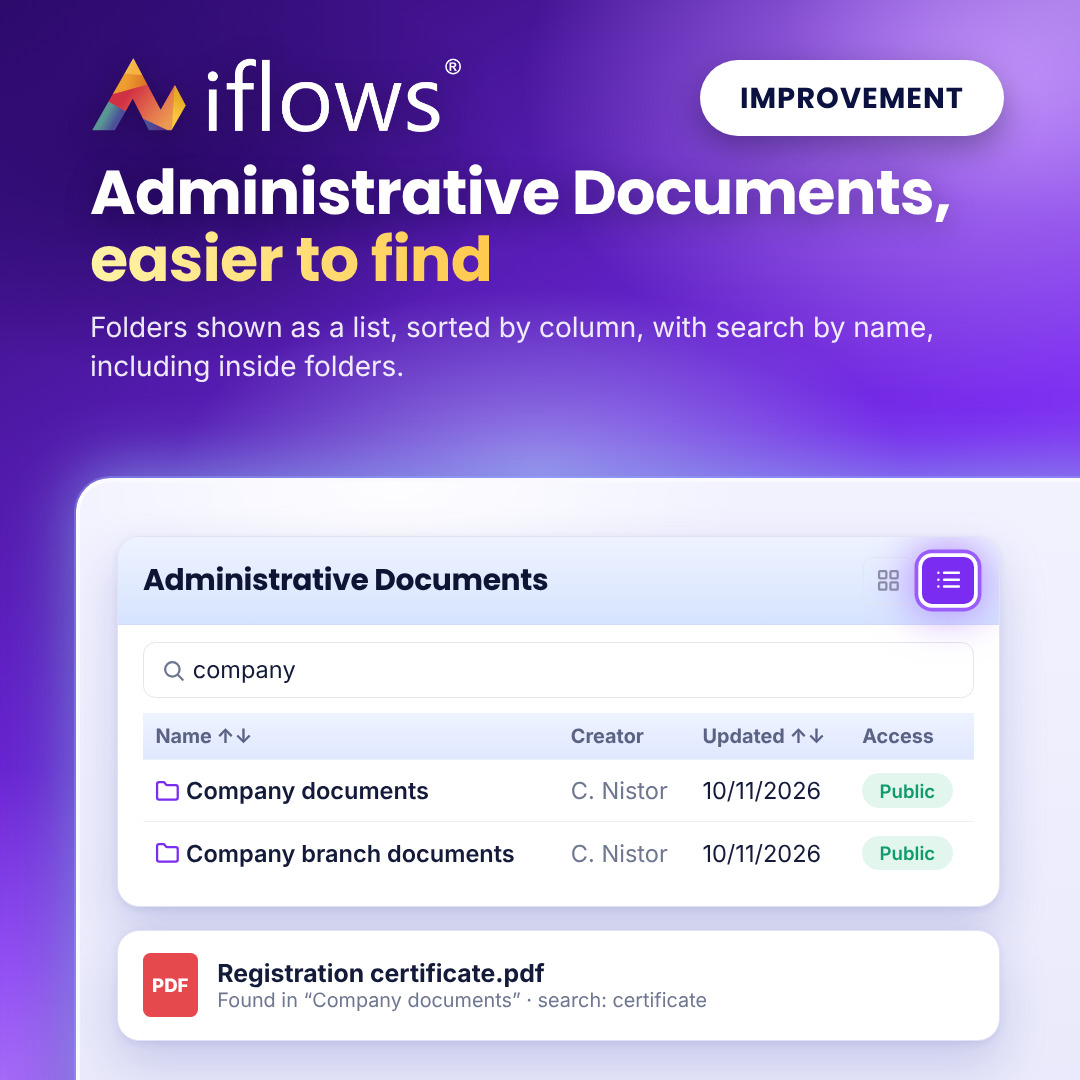
Find a folder or a file in seconds, even when you have dozens of folders. Folders can be shown as a list, sorted by name, dates or access, and search by name also works for the files inside a folder.