
OPTIMIZATION - Accounting Data Module
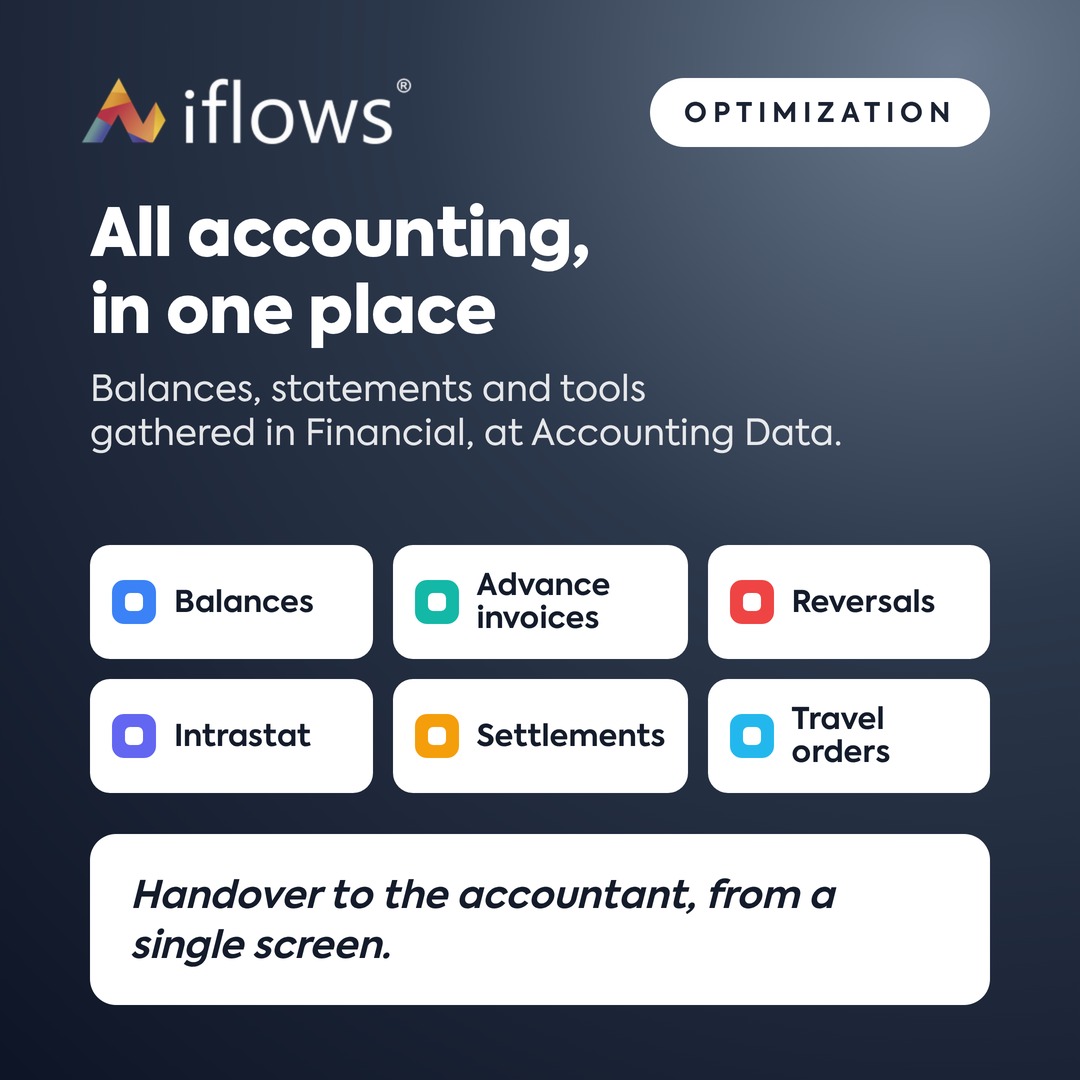
The Accounting Data module has been improved: you now have accounting statements and reports in one place — Purchases, Customer Balance, Supplier Balance, Inventory Balance, Export Stock Movements, Issued Invoices, and others. Filter them by period and download them in Excel or PDF.
NEW — Markup option in documents
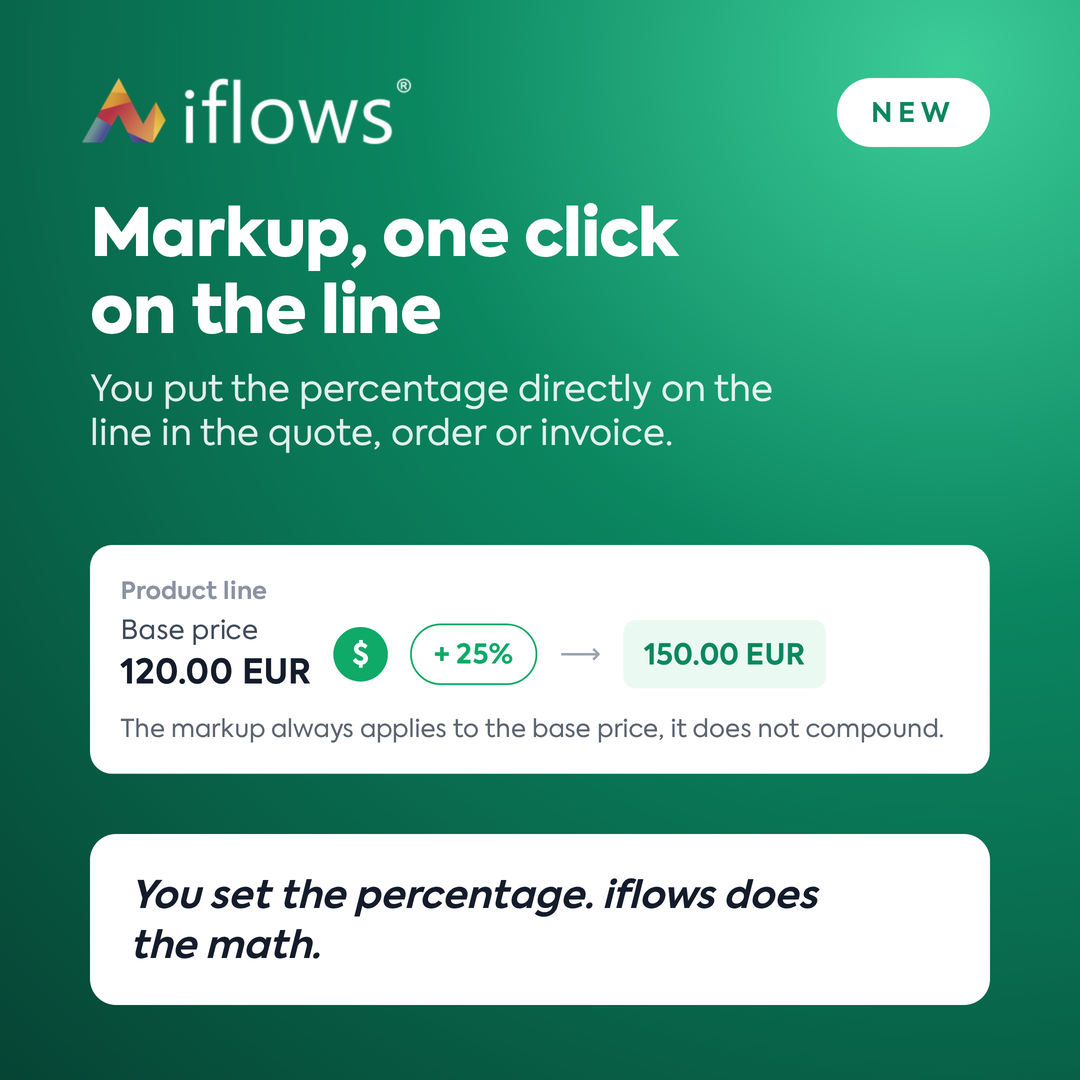
Apply the markup directly on the line in the quote, order, or invoice: press "$", type the percentage, and the price recalculates instantly. It is always applied to the base price, so you can change the percentage at any time without manual calculations.
NEW — Dragon Star Courier Integration
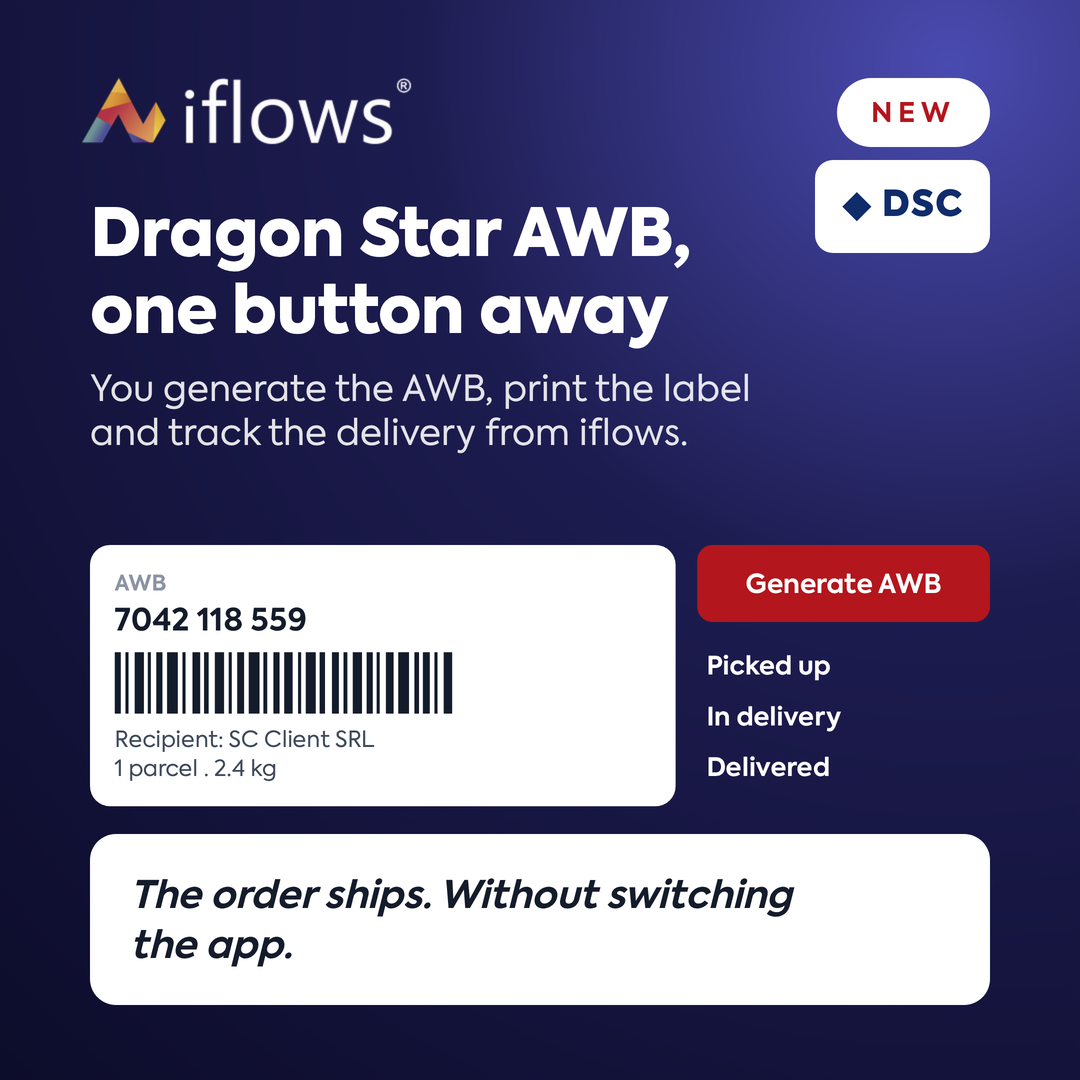
Generate Dragon Star AWBs directly from iflows — from the Couriers module, from the order, or from the delivery flow. From here, you can also print labels, track deliveries, and generate manifests without entering the courier's application.
NEW — Intrastat Declaration
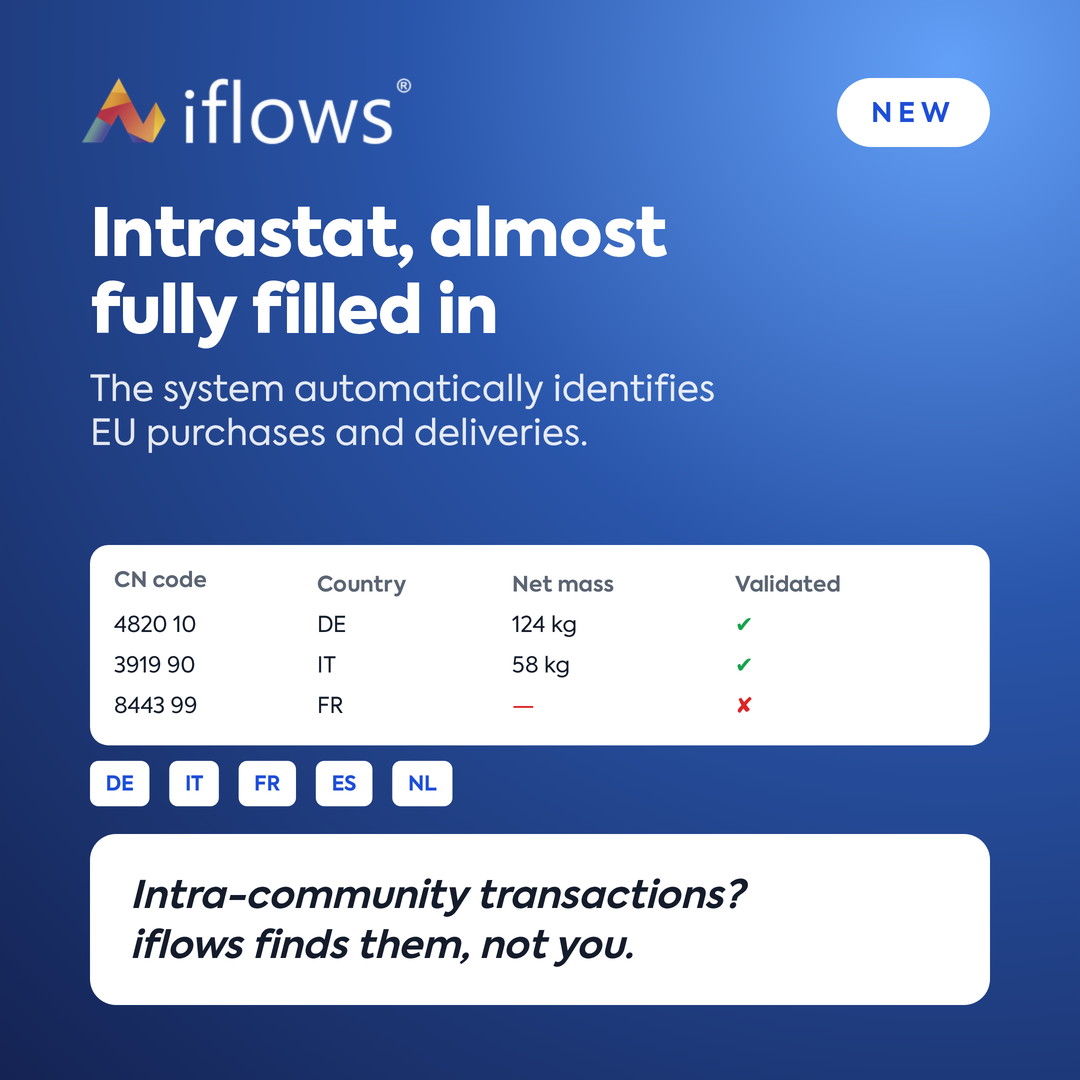
File the Intrastat declaration directly from iflows: the system automatically identifies intra-community purchases and deliveries and populates them. You just check for missing data and export to XLS or PDF.
NEW — Expense Settlements Module
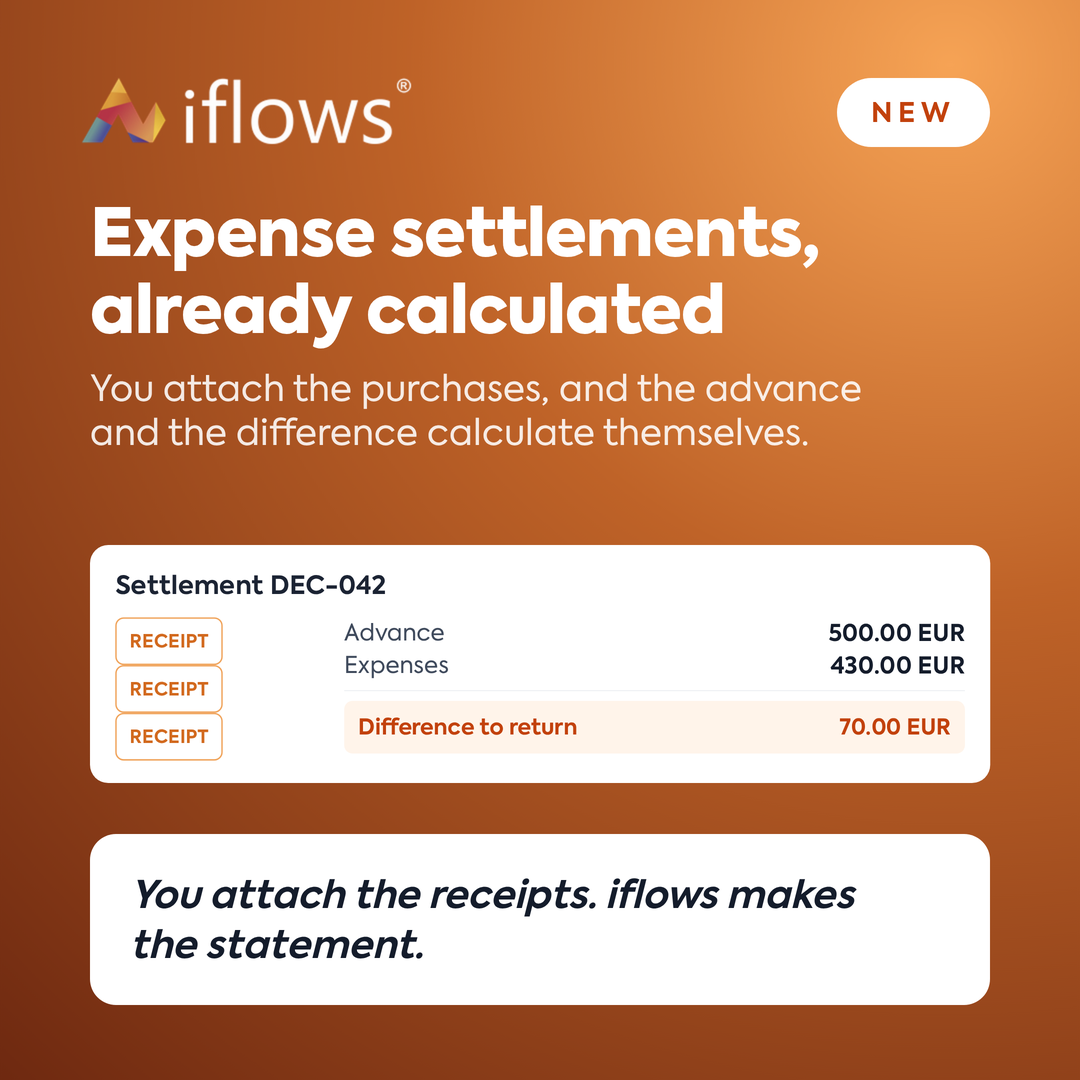
Select the holder, attach purchases, and enter the advance — the total, expenses, and the difference to be reimbursed are calculated automatically. The Decont (Expense Settlement) is generated in PDF with approvals and automatic numbering.
NEW — Travel Order and Logbook
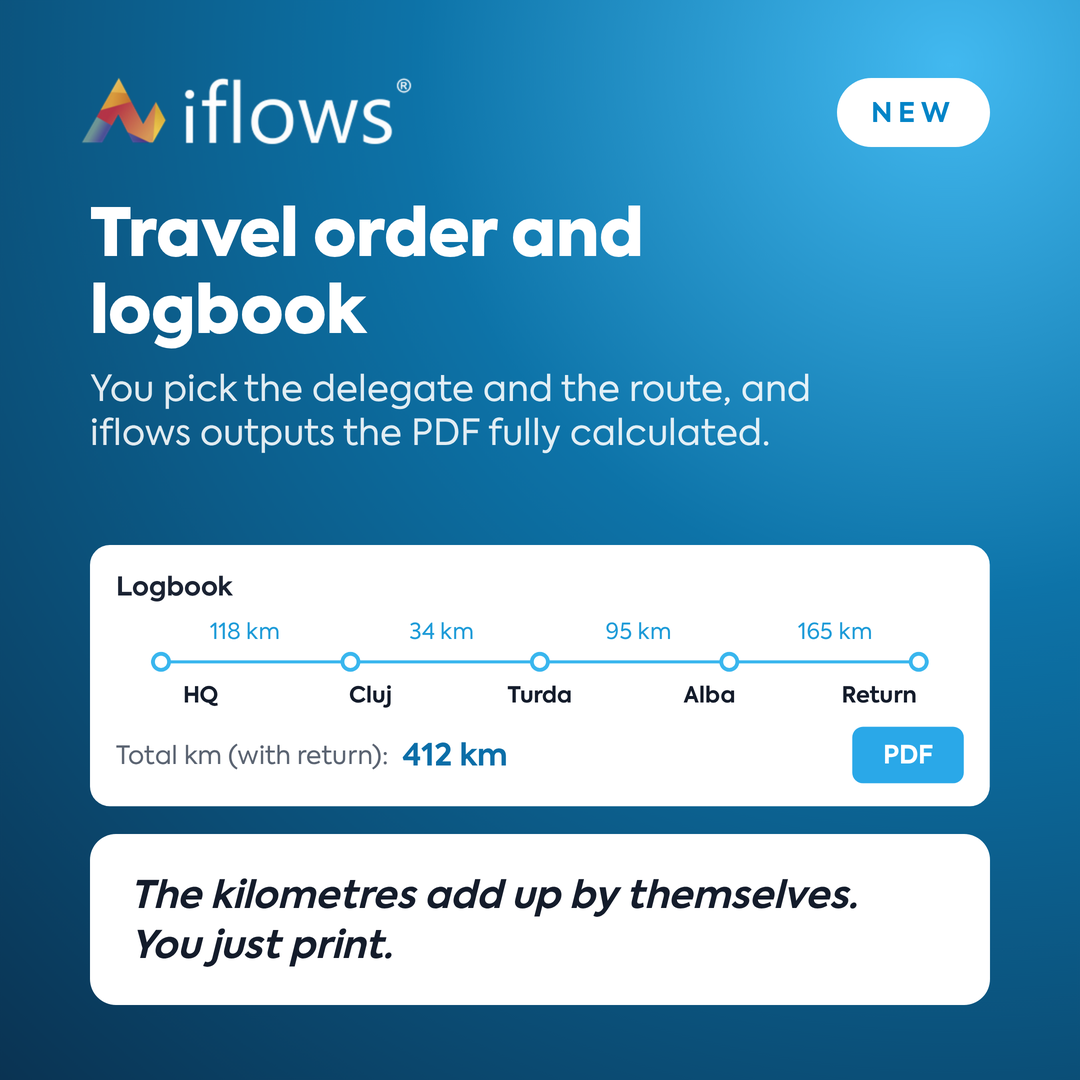
Generate the Ordin de deplasare (Travel Order) and Foaie de parcurs (Logbook) from a single form: delegate, destinations, stops, and kilometers (including return) are added up automatically. Automatic numbering and PDF or Excel export.
NEW — Advance Invoices Status
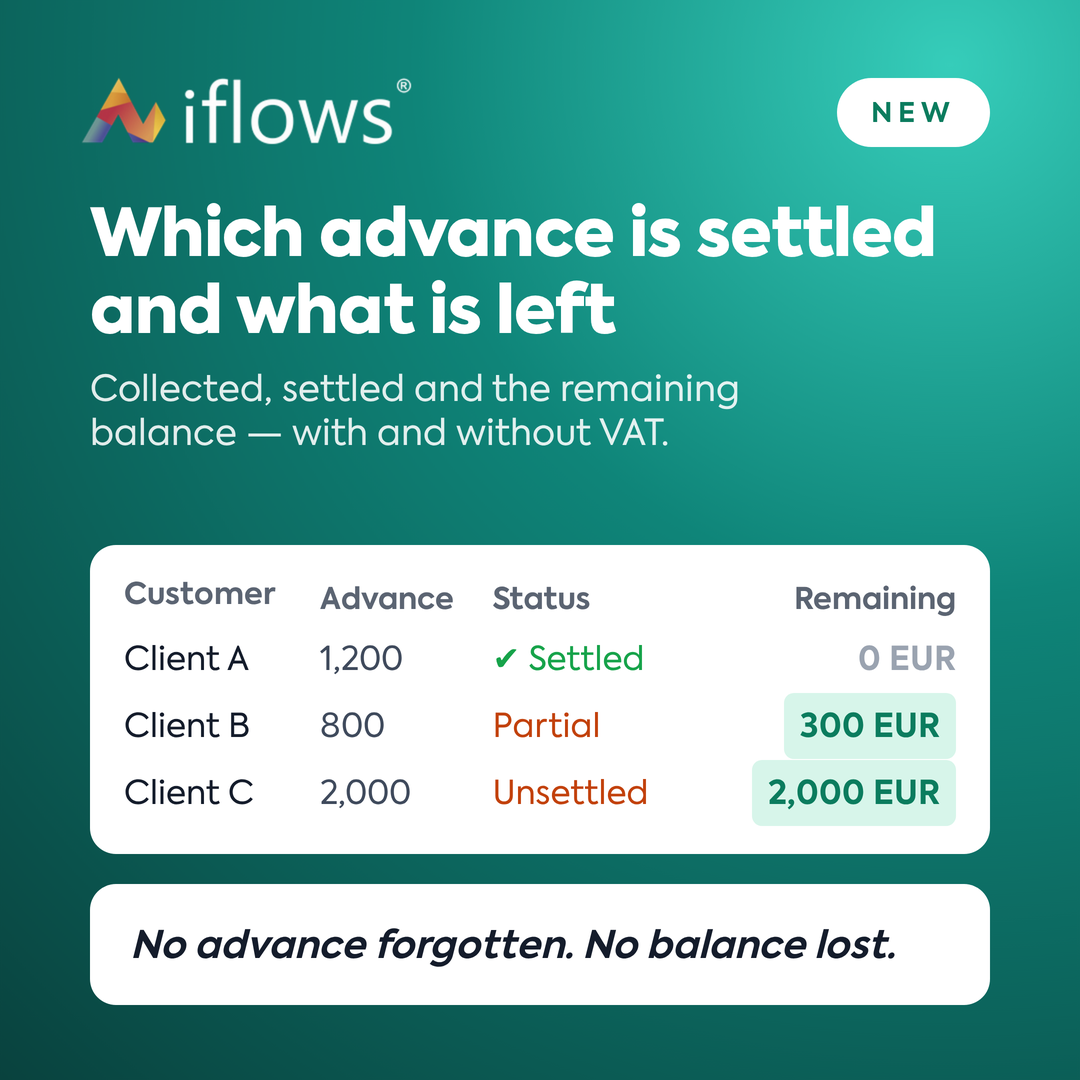
See what advances have been collected, what has been settled, and what remains — with and without VAT. Filter by period and partner and export to Excel or PDF, without manual reconciliation.
NEW — Reversals Report
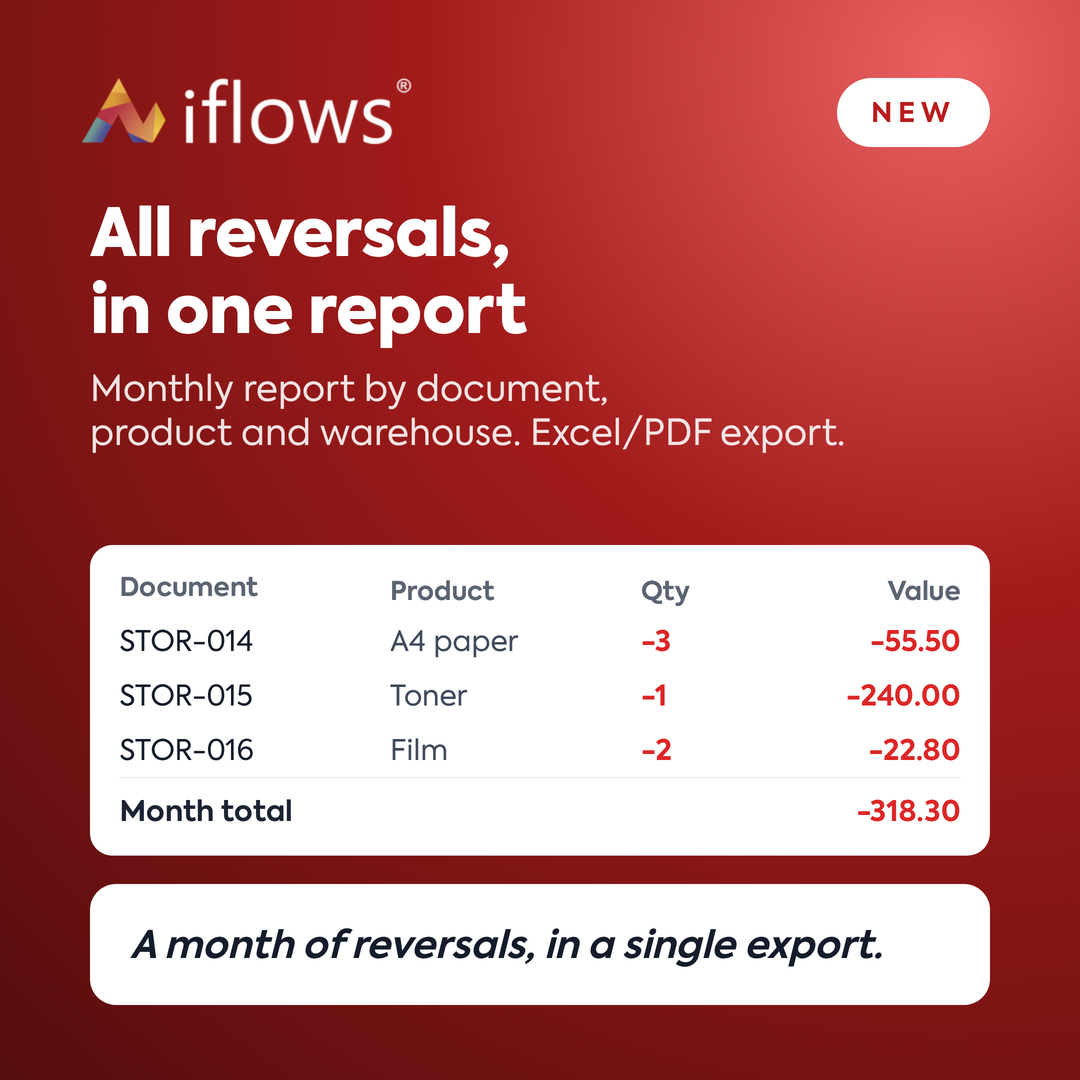
All reversals for the month in one report: document, customer, warehouse, product, quantity, and value, with totals. Filter by month, export to Excel or PDF, ready to be submitted to accounting.
NEW — Column: Last Purchase Cost
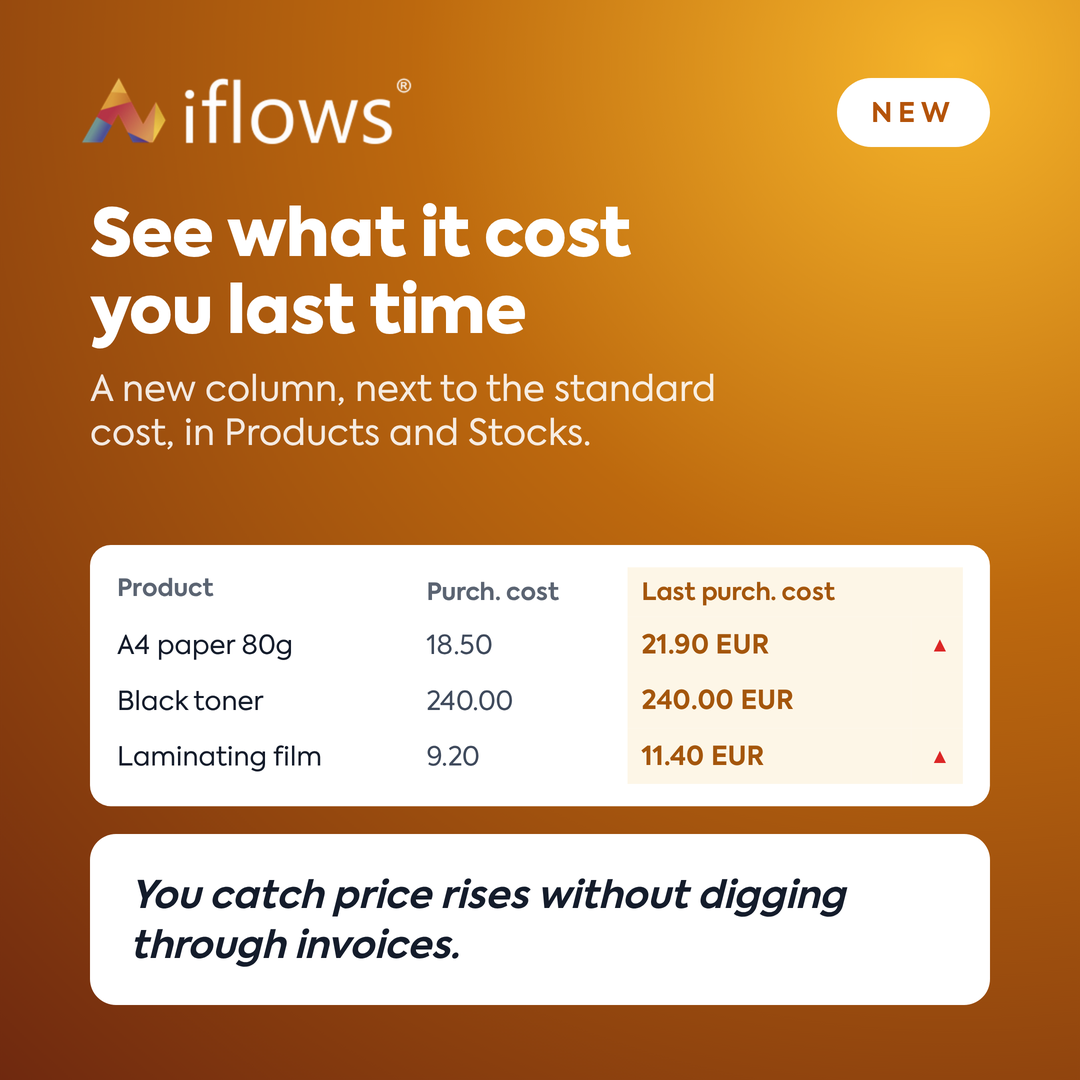
A new column shows the cost from the last purchase, next to "Purchase Cost", in Products and Stocks. Activate it from Columns and see price increases without opening documents.
OPTIMIZATION — Discounts Module Display
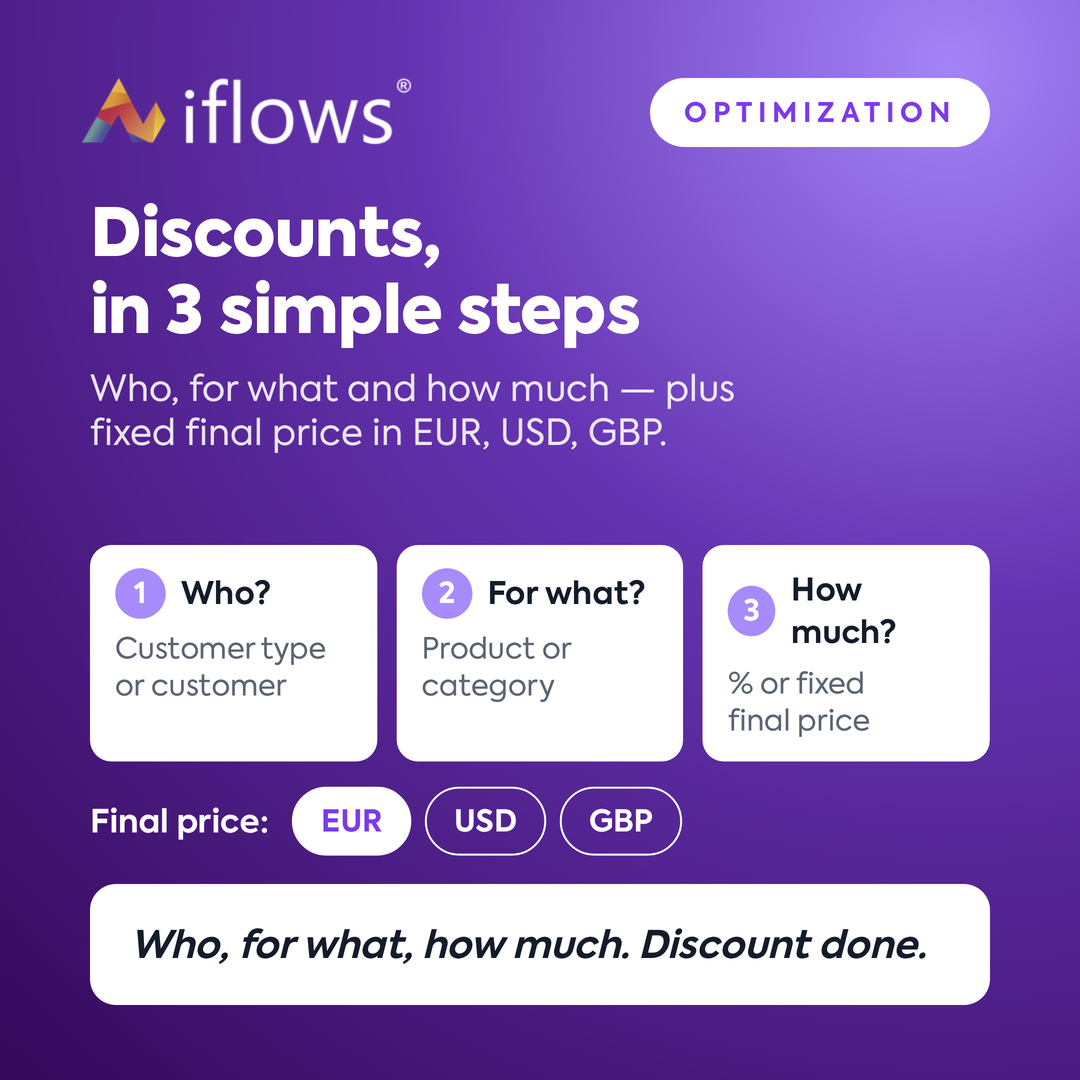
The discount form is now in three steps: for whom, for what, and how much. Additionally, on "Final Price," you can set a fixed price in EUR, EUR, USD, or GBP, regardless of the product's currency.