- Access the “Sales” section, then select “Orders” from the iflows platform menu.
- Identify the order you wish to print and click on view (the eye symbol), located in the actions column, to view the order details.
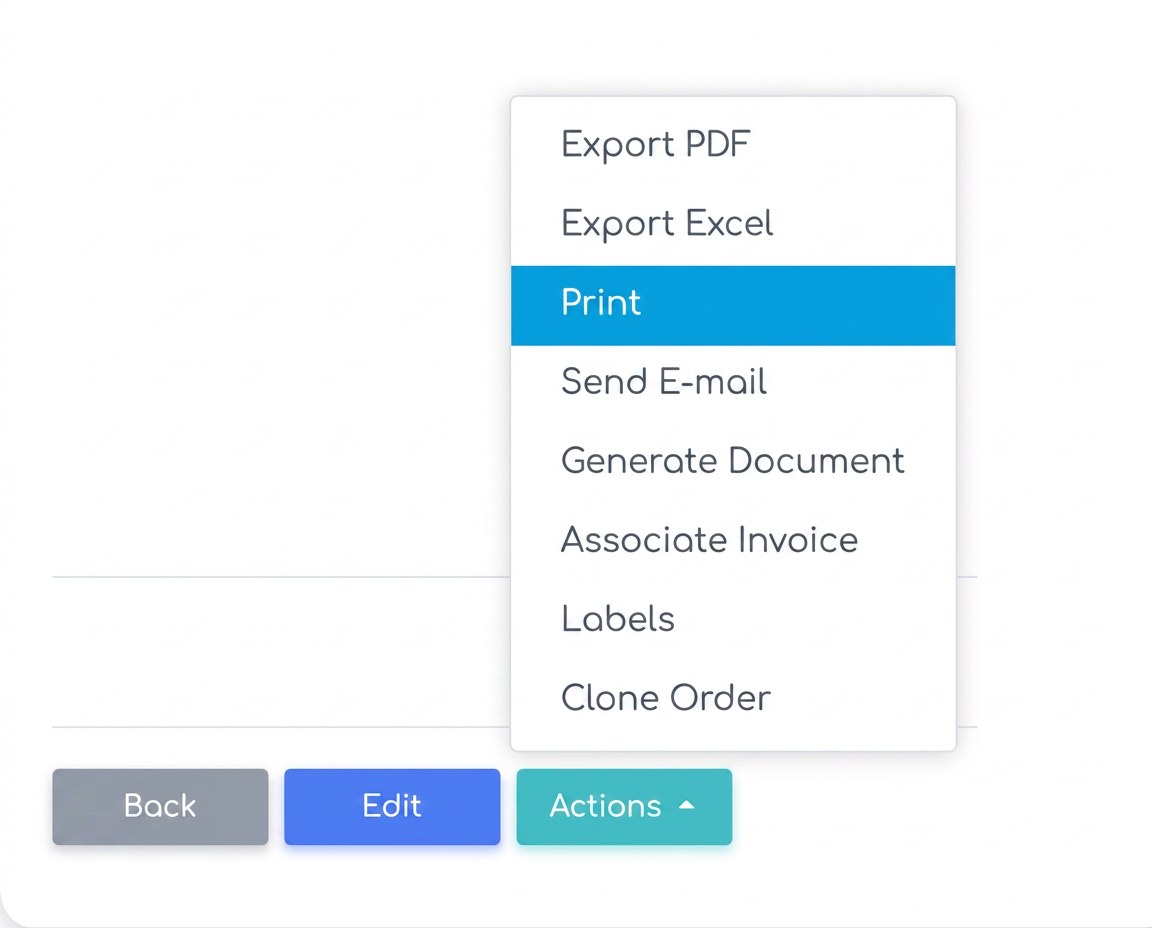
- At the bottom of the order details page, find the “Actions” button.
- From the dropdown menu that appears, select the “Print” option to send the order directly to the printer without the need to download the document.