
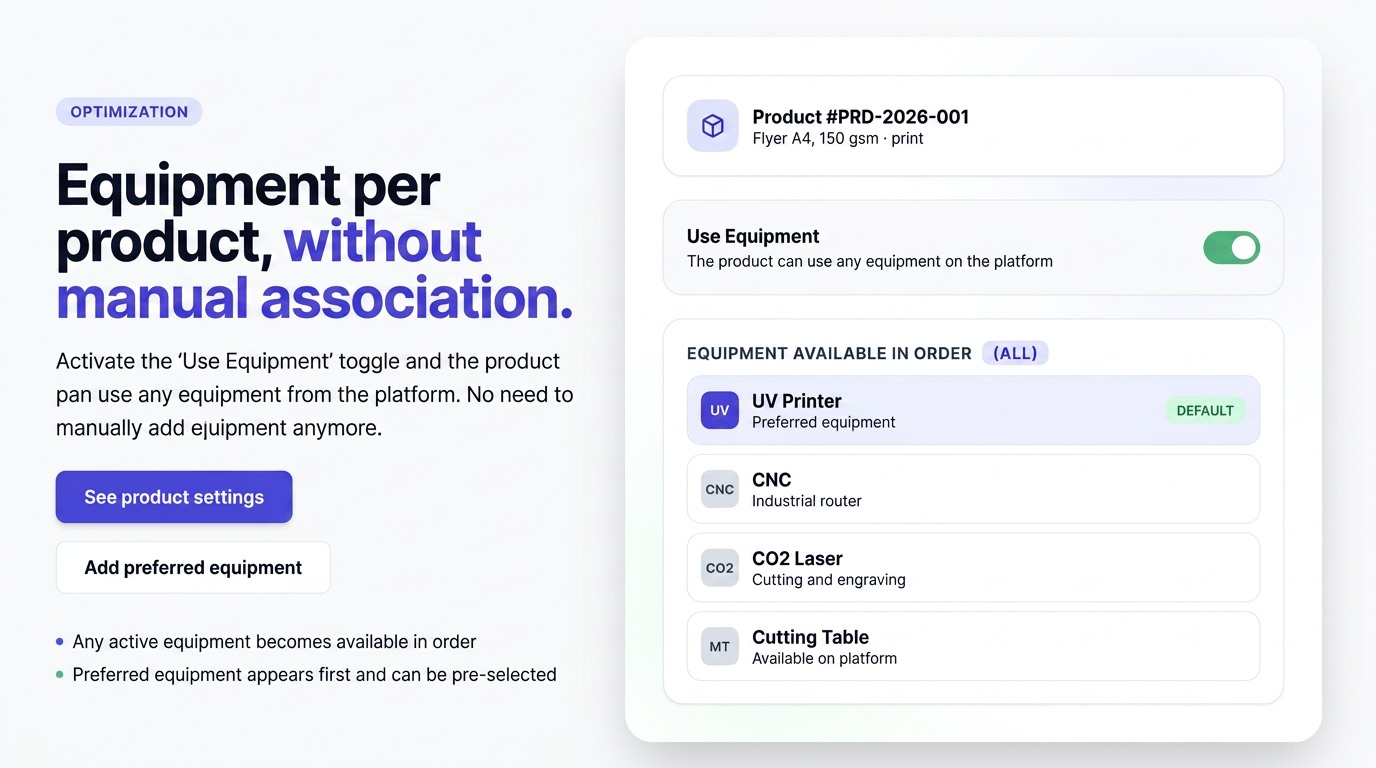
The process of associating equipment with products has been simplified. Previously, a product could only use equipment explicitly associated with it; if a piece of equipment was not included in the product's list, it could not be selected in an order.
Now, simply activate the "Use equipment" switch, and the product can use any equipment available in the platform without the need to add each one individually.
How it works
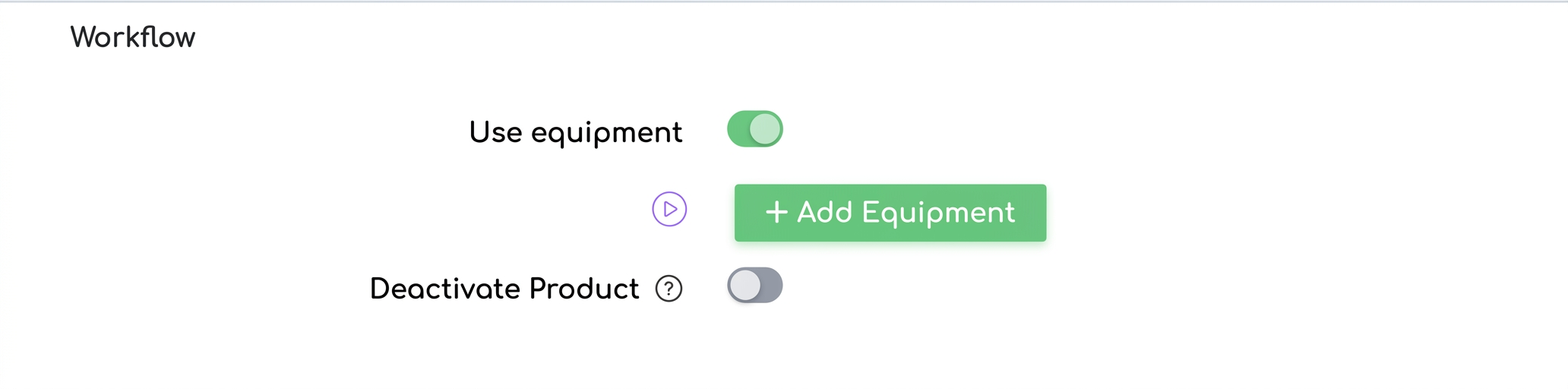
The "Use equipment" switch is located under Products → open a product, in the Workflow section.
- Switch disabled — the product does not work with equipment; no equipment section appears in the order.
- Switch enabled — the product can use any equipment in the platform. When adding the product to an order, the equipment section appears automatically, with all active equipment available for selection.
If you still choose to add equipment to the product
Adding equipment directly to the product remains possible but is now optional. It serves to establish the product's preferred equipment.
- Appear first — equipment added to the product appears at the beginning of the list in the order, in the established order, followed by the rest of the available equipment.
- Can be preselected — a piece of equipment marked as Default is automatically selected when the product is added to an order.
Equipment is added using the Add Equipment button, which appears under the switch when it is activated.