
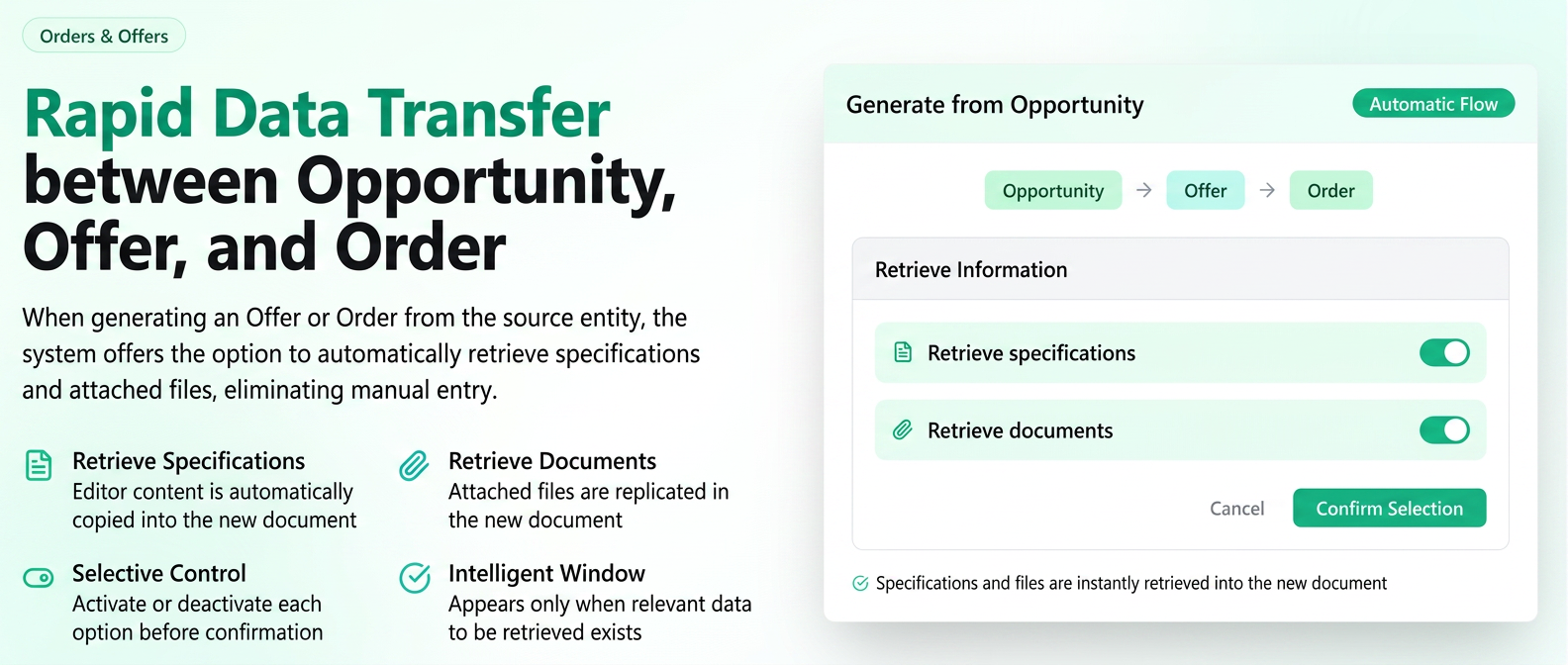
When you create a Quote or an Order starting from an Opportunity, or an Order starting from a Quote, the system can ask if you want to copy the specifications (the text from the editor) and/or the attached files from the source document into the new document.
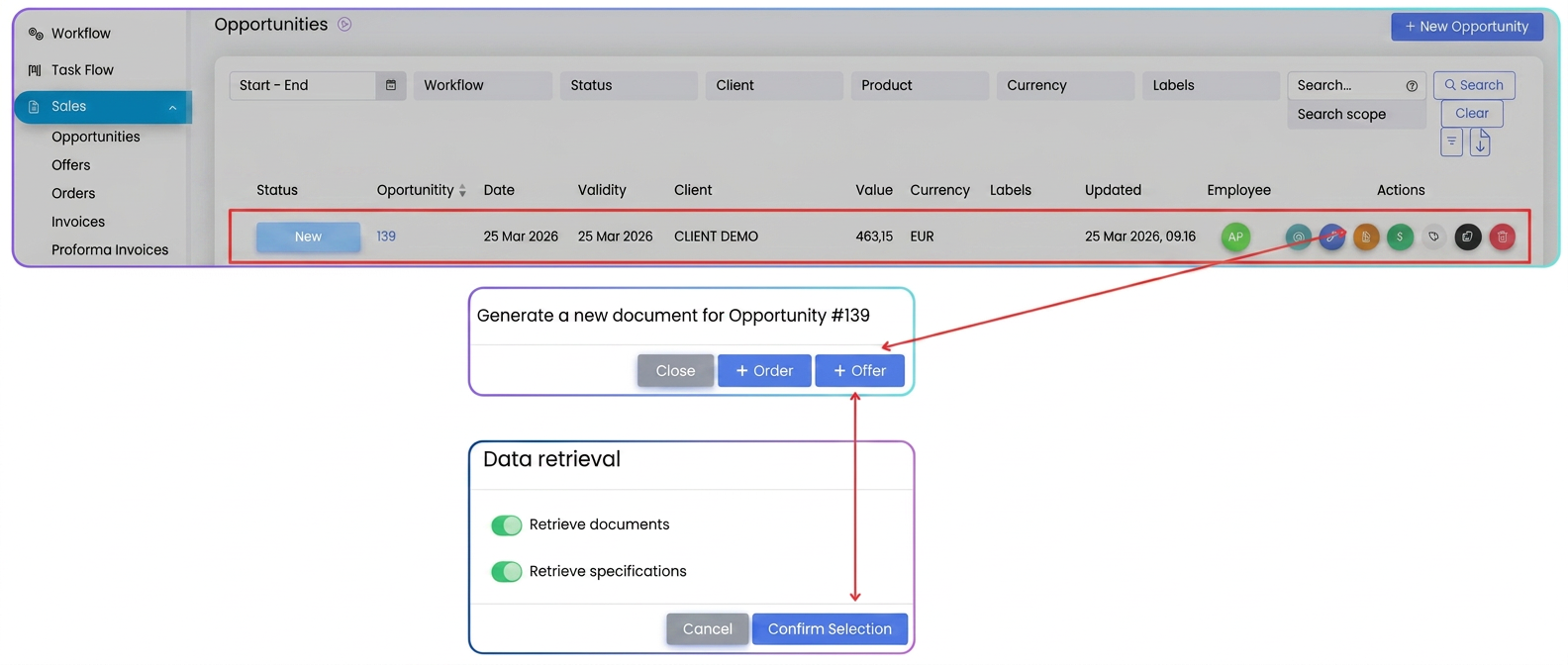
When the window appears
- Start the generation: from Opportunity (Quote or Order) or from Quote (Order).
- If the source document contains at least one of the following:
- text content in the specifications field
- files attached to that document
the Information Retrieval window appears.
- If there are neither specifications (text after removing HTML formatting) nor attached files, the window does not appear; you will be directed straight to the new document form.
What you can retrieve
| Option | What it means |
| Retrieve specifications | The content of the specifications editor from the source is copied to the new document (to specifications for a Quote, to order details for an Order). |
| Retrieve documents | The files attached to the source document are replicated in the new document. |
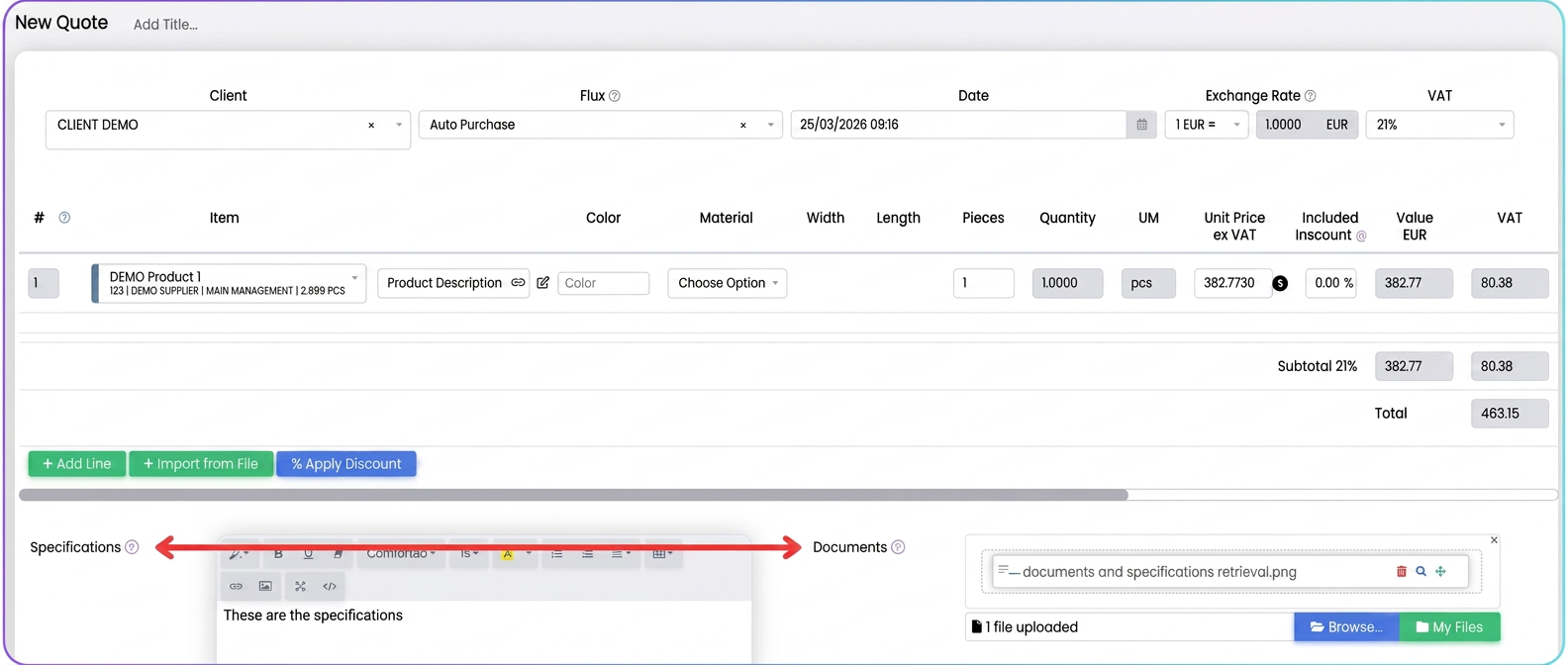
Options that do not apply (e.g., there are no files) do not appear as a toggle.
How to use the window
- Check the toggles for the information you want to retrieve.
- By default, each displayed option is active (retrieve = yes). Deactivate if you do not want 그 that type of information in the new document.
- Press Confirm selection to open the new document with your choices.
- Cancel closes the window without creating the new document (you remain on the current screen).
You can choose independently: documents only, specifications only, or both.