
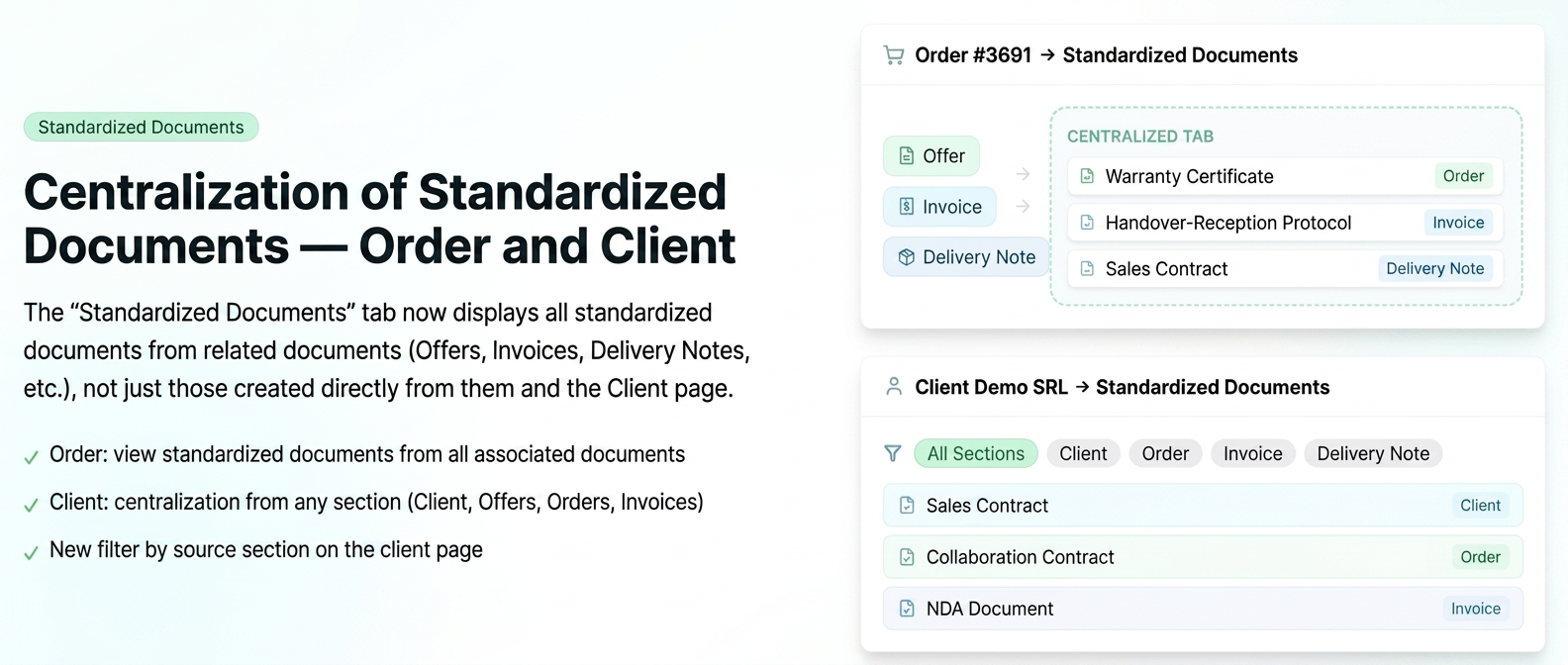
The "Standardized Documents" tab on the Order and Client pages now displays all associated standardized documents, regardless of the section from which they were generated.
- On the Order page: the tab now displays standardized documents generated from all documents related to the order (Quotes, Invoices, Proformas, Delivery Notes, etc.), not just those created directly from the order.
- On the Client page: the tab displays all standardized documents generated for that client from any section (Client, Quotes, Orders, Invoices, Delivery Notes, etc.).
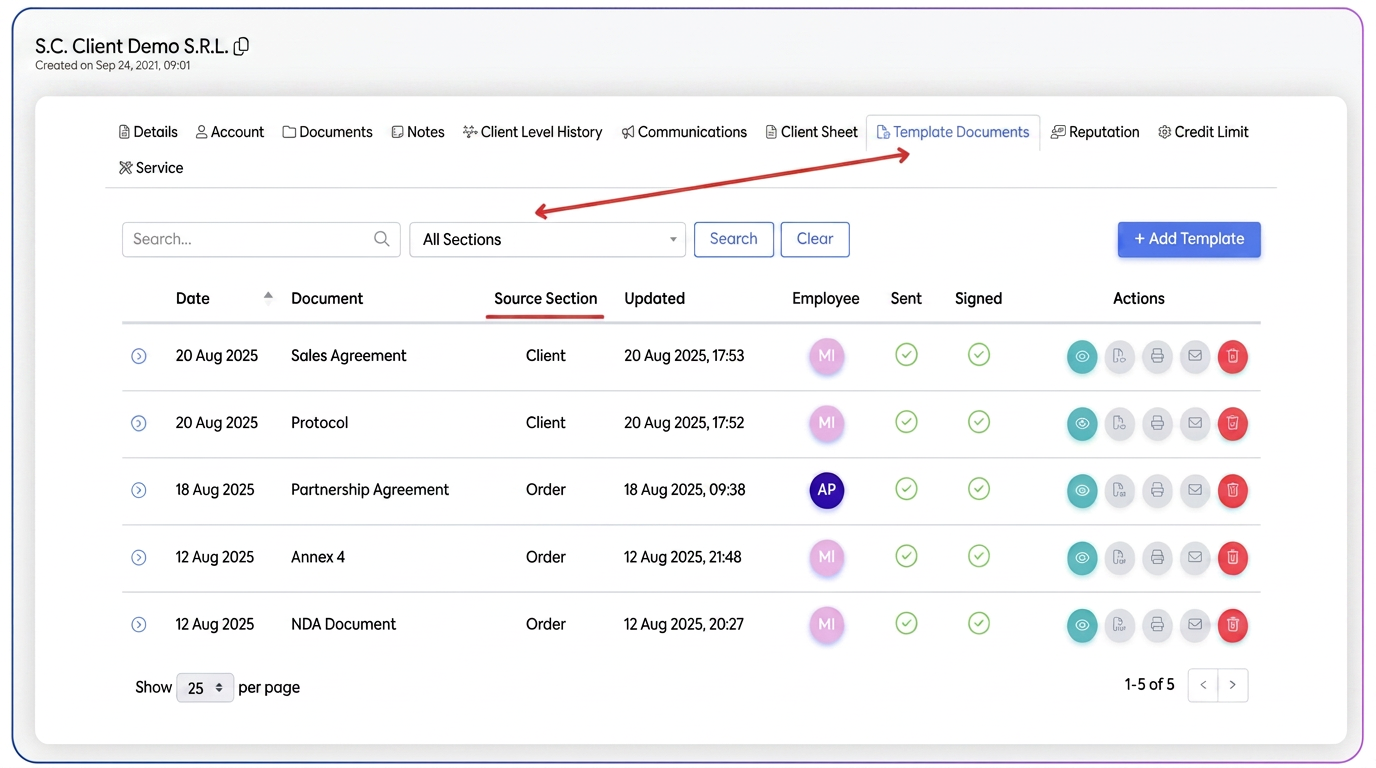
- New filter by source section available on the client page
How to use
On the Order page:
- View the order and navigate to the Standardized Documents tab.
- All standardized documents associated with the order and its related documents are displayed.
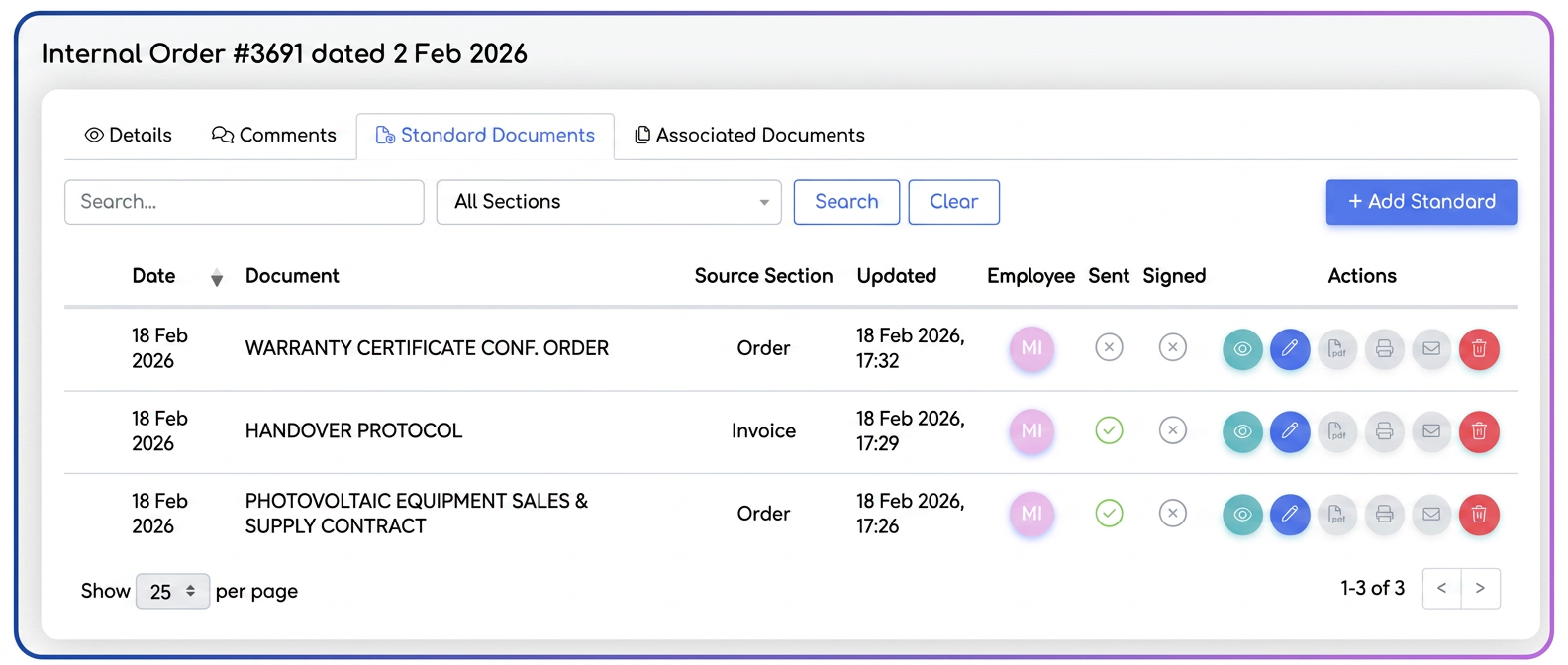
Practical example
Order #3065 has an associated quote, an invoice, and a delivery note, each with its own generated standardized document.
→ In the Standardized Documents tab of the order, all 3 documents are visible in one place.
On the Client page:
- View the client profile and navigate to the Standardized Documents tab.
- By default, the standardized documents generated directly from the Client section are displayed.
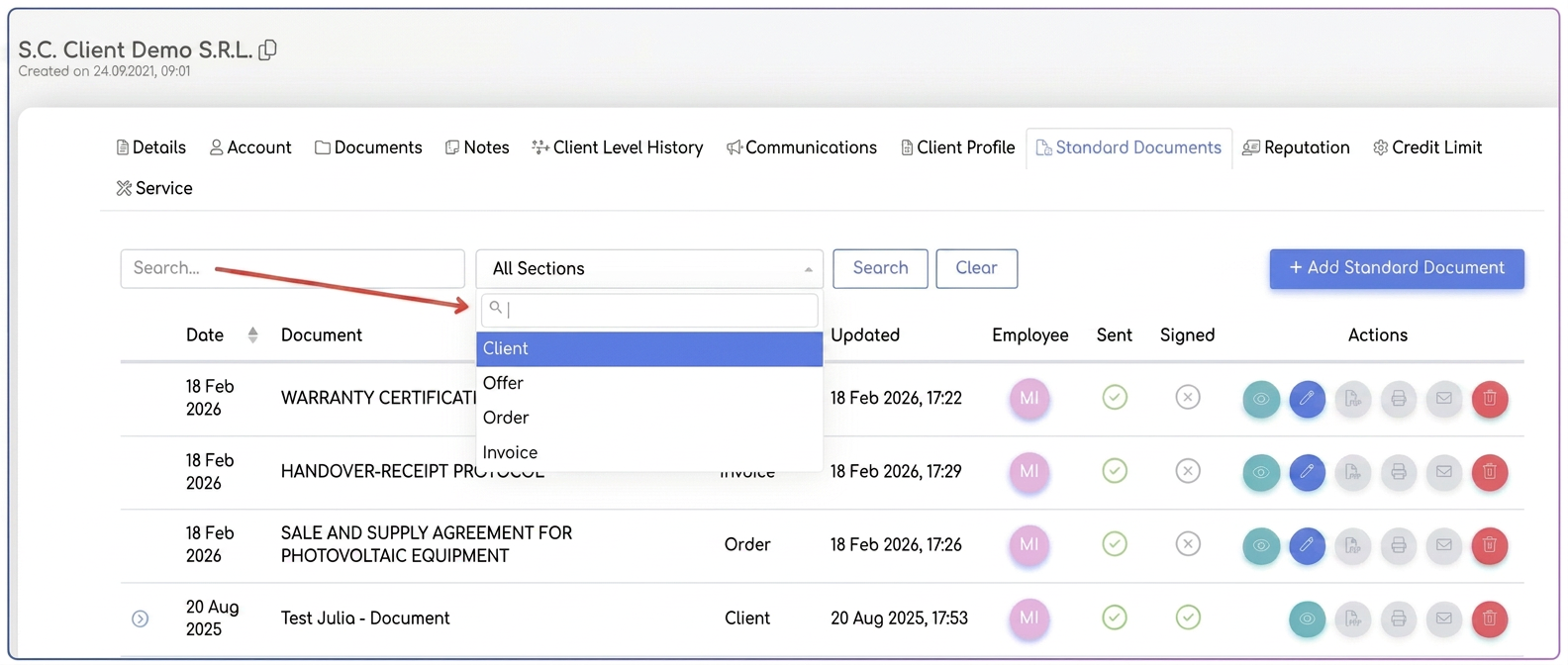
- Change the filter by source section to see standardized documents from Orders, Invoices, Delivery Notes, etc.
Related articles
Standardized Documents: Custom fields with Selection List (Select) valuesTutorialsSending History and Visible Status for Standardized DocumentsTutorialsElectronic Signing of Standardized DocumentsTutorialsProduct Name in Standardized Documents (Name, Alias or Description)TutorialsAdvanced Editor for Standardized DocumentsTutorials