For standardized documents generated from iFlows (offers, orders, invoices, contracts, reports, etc.), custom fields are used as insertable variables in templates.
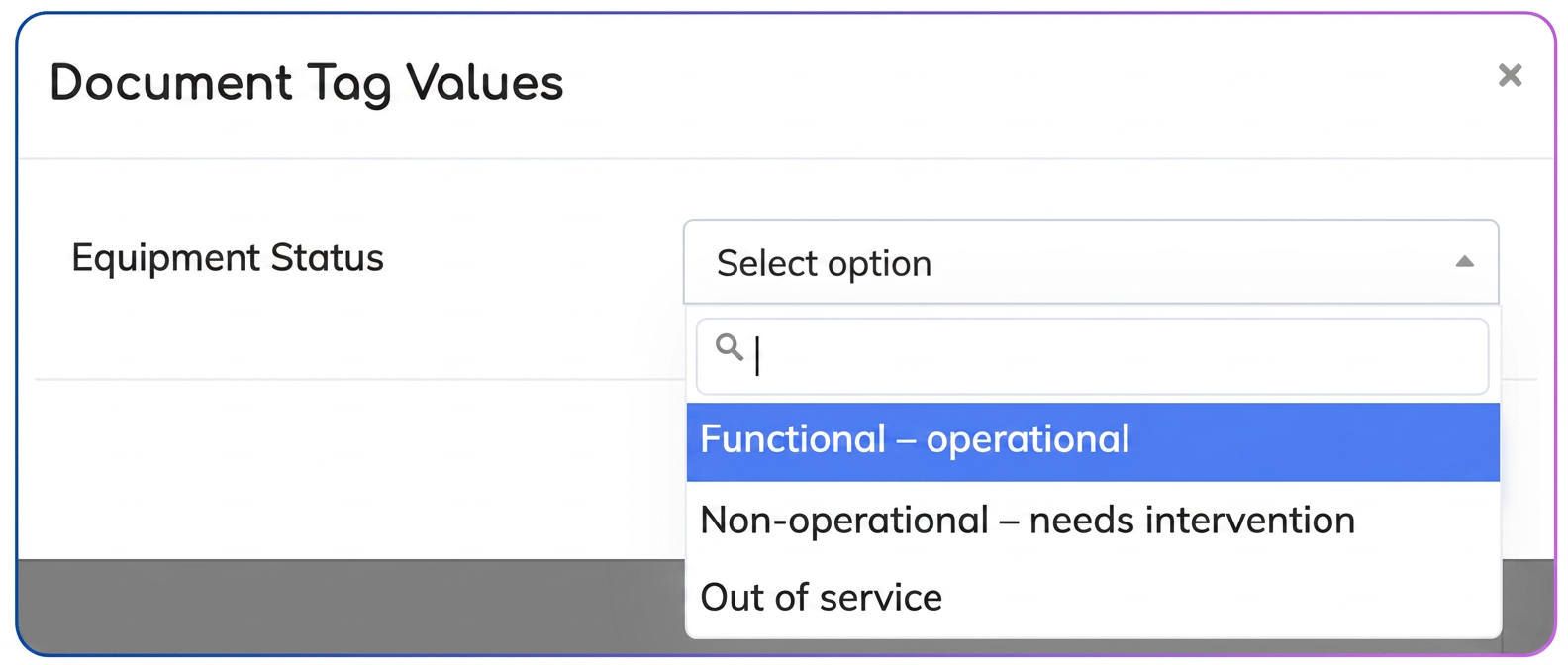
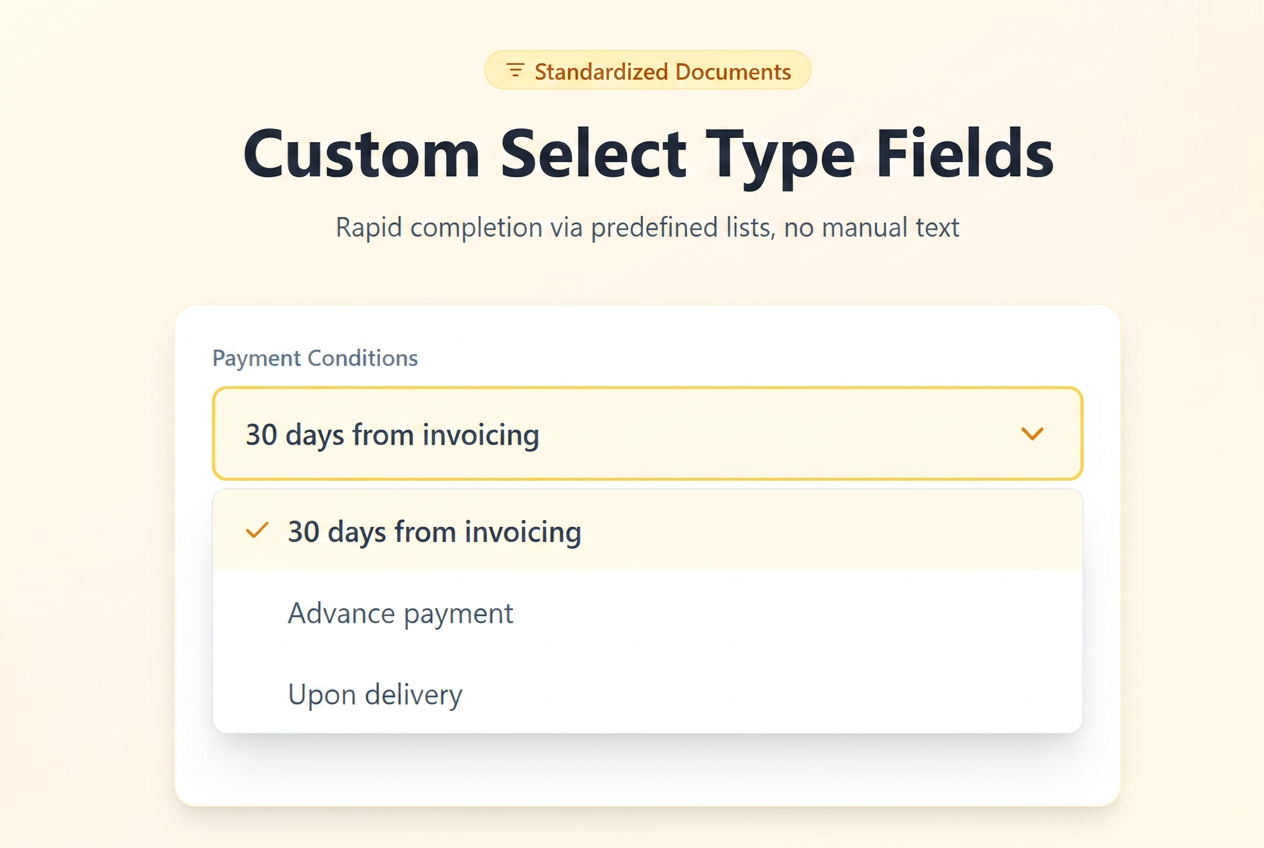
The new optimization allows these variables to be populated not only via free text but also through predefined value lists (Select), simplifying data entry and standardizing the content of generated documents.
Currently, custom fields in standardized documents can be:
- Text – free entry (classic behavior);
- Select – entry by choosing a preset value, used subsequently as a variable in standardized documents.
Configuration Steps:
Option 1: Adding a custom field directly from the standardized document editor
- Go to .
- Create a new template or edit an existing one.
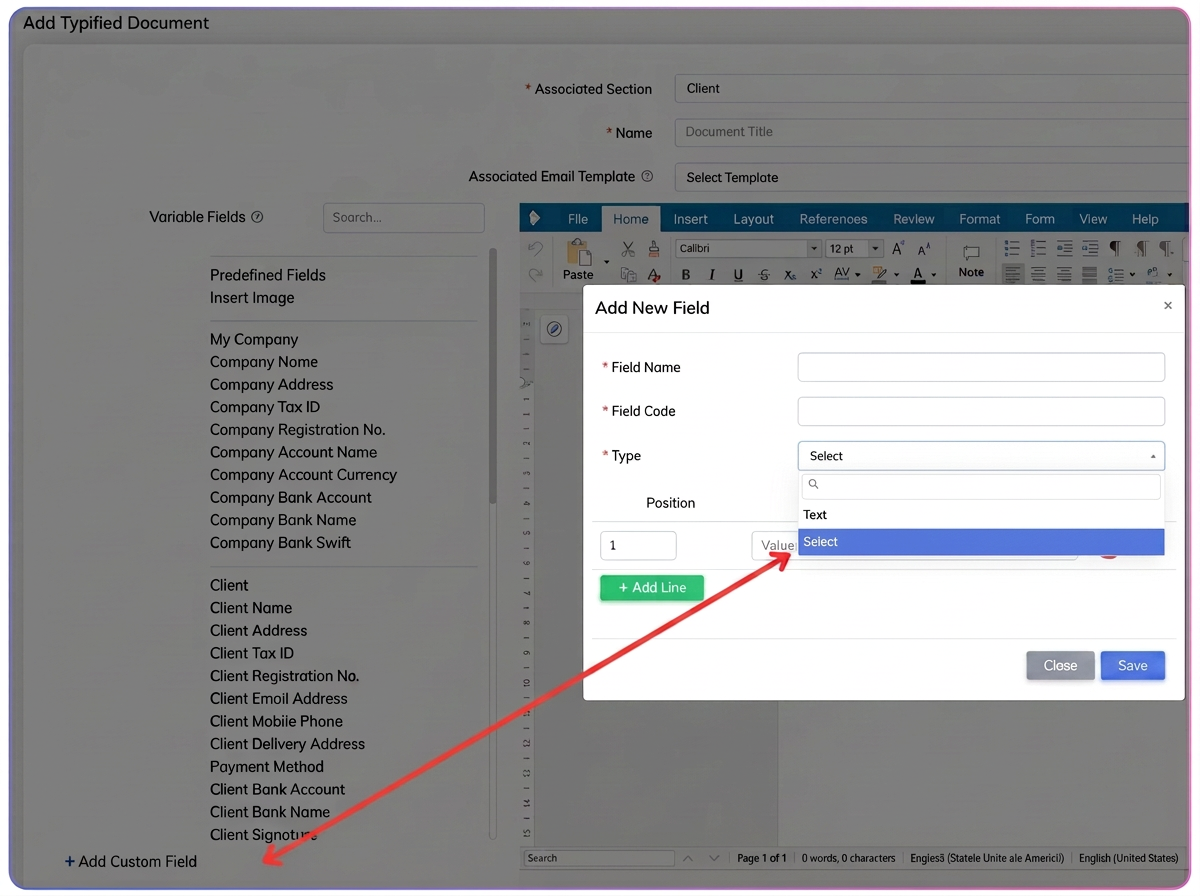
- In the document editor, select the Add custom field option.
- Complete:
- Field name (displayed for users);
- Field code (the variable identifier used in the document);
- Type → select Select;
- Define the possible values (list options).
- Save the field and the document.
Option 2: Editing or defining existing fields from the "Custom fields" tab
1. Go to .
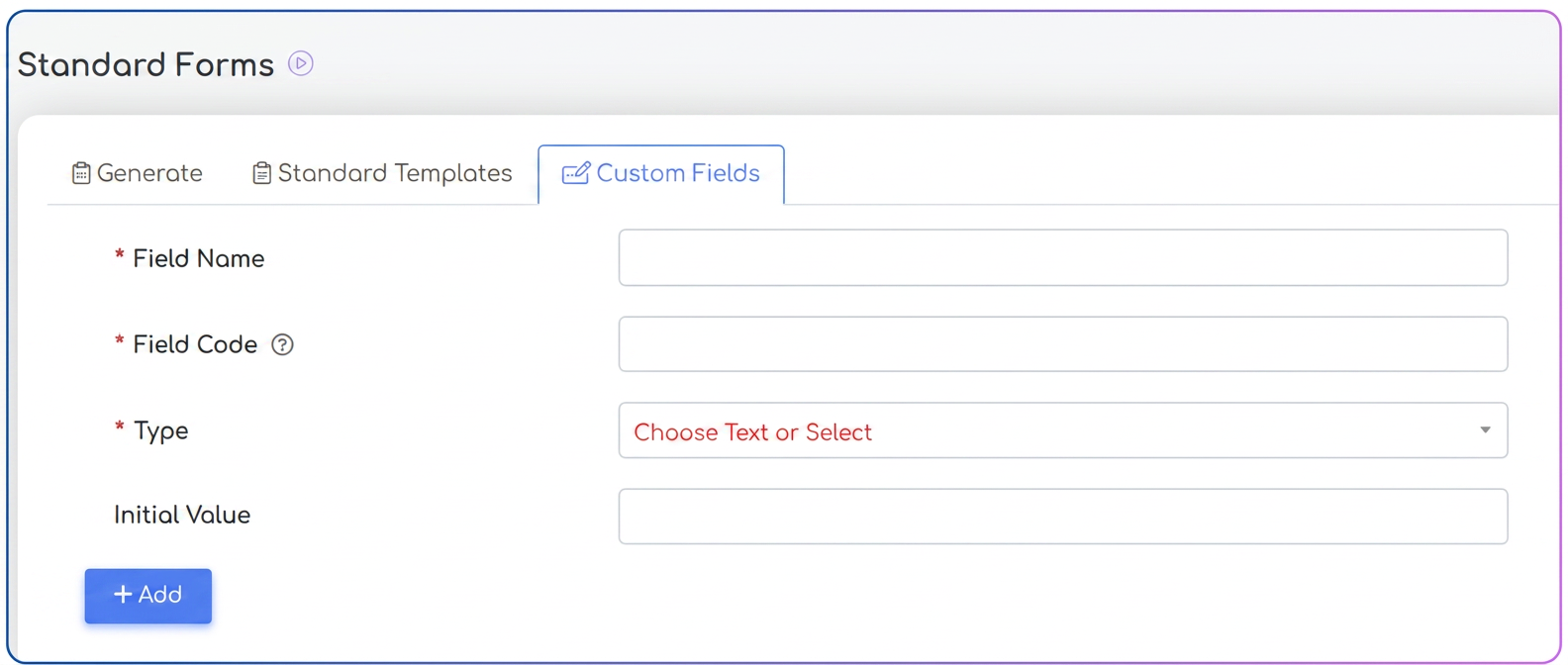
2. Open the Custom fields tab.
3. Select an existing field or add a new one.
4. Configure:
- Field name;
- Field code;
- Type → Select;
- Available values (predefined options).
Practical use in documents
Regardless of the chosen option:
- the operator does not enter text manually;
- selects a value from the list;
- the chosen value is automatically inserted into the generated document.
Key Benefits
- complete standardization of document content;
- elimination of phrasing variations;
- reduction of human error;
- consistent, professional, and easy-to-audit documents;