
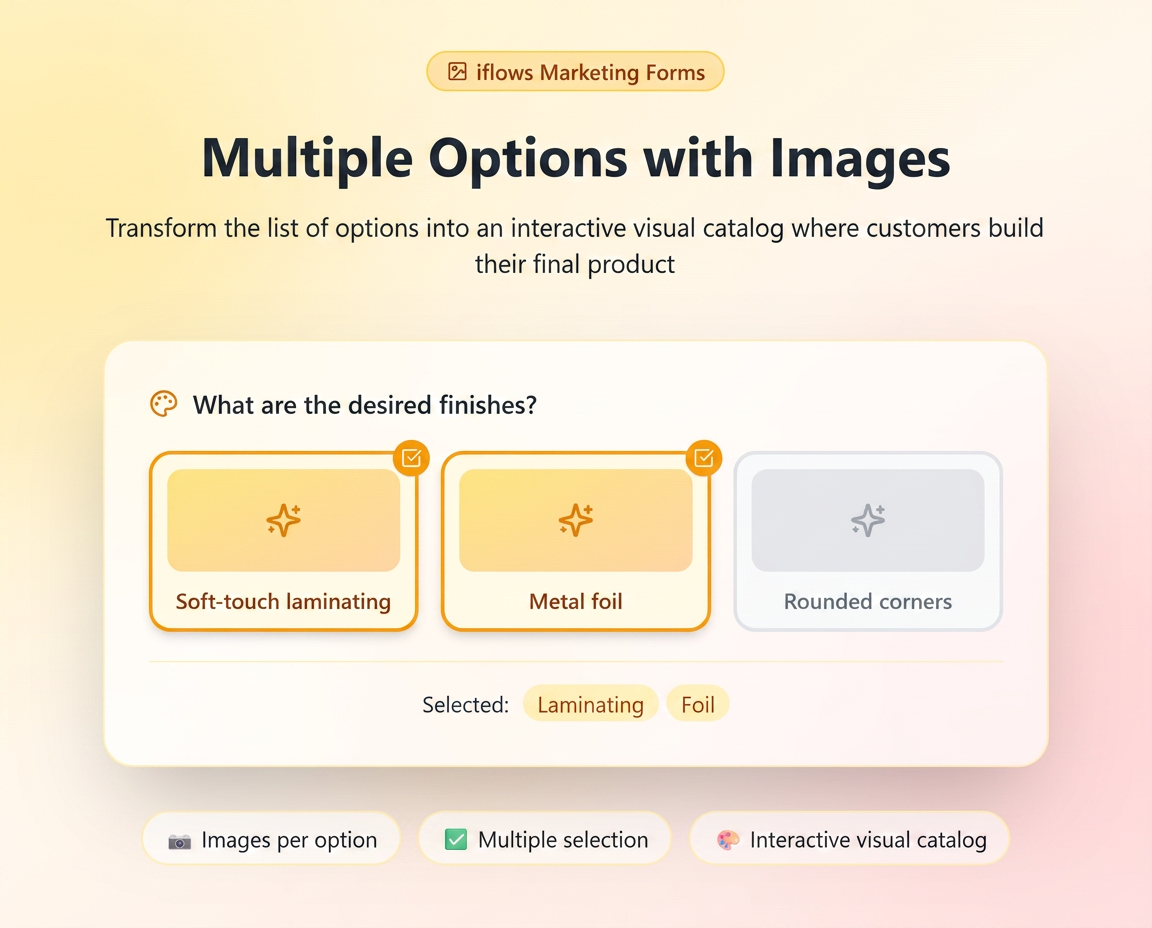
🌟 What are "Multiple Choice" Options with Images?
Unlike a simple list where you choose a single item, the Multiple Choice field allows customers to check one or more variants at the same time. Adding images transforms this list into an interactive catalog where the customer "builds" their final product by adding features or finishes.
🛠️ Step 1: Configuring the Field
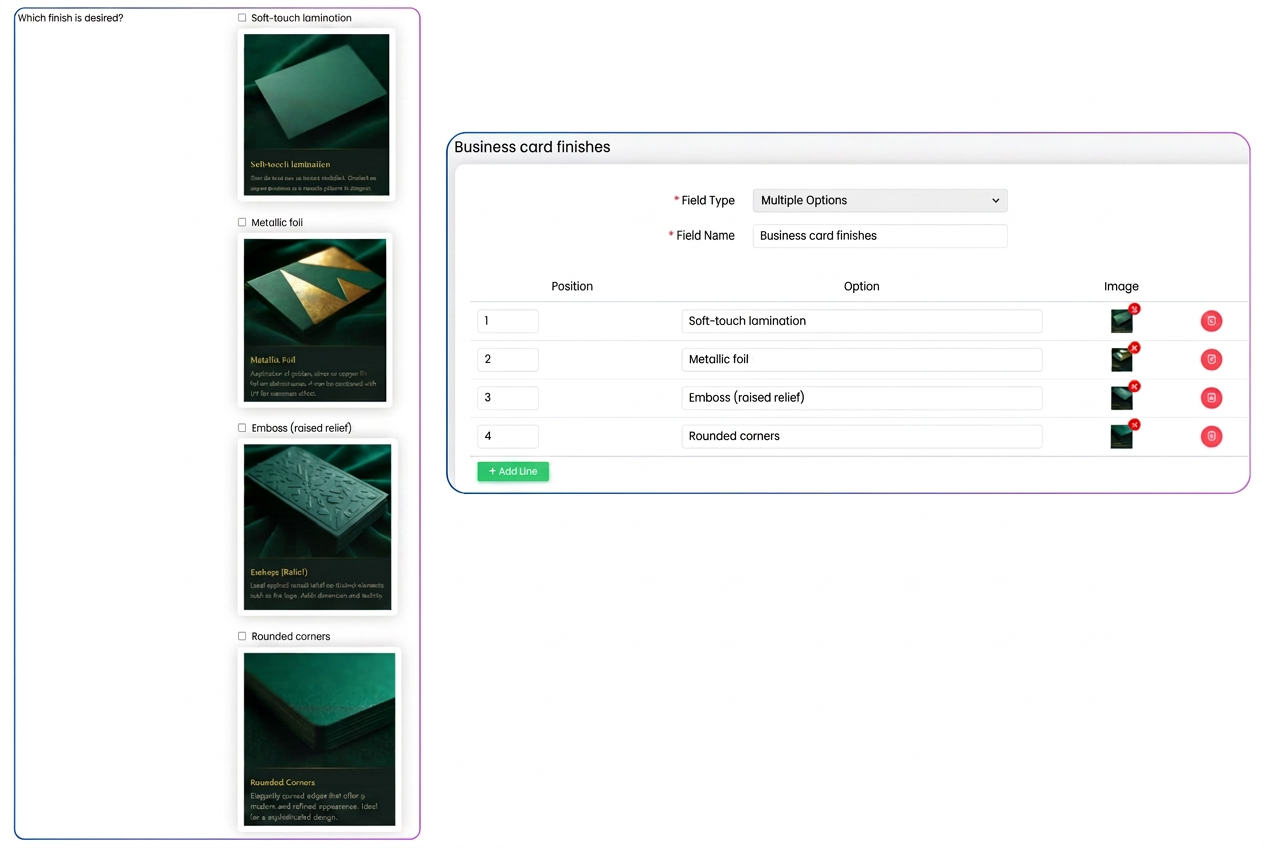
- Go to Marketing -> Forms -> Custom Fields.
- Create a new field or edit an existing one.
- For Field Type, you must select "Multiple Choice".
- Add Values: Write the names of the options (e.g., Lamination, Foil, Corners).
- Upload Images: Next to each option, click the blue button (gallery 🖼️) to upload a representative photo.
- Save.
🏗️ Step 2: Adding to the Form
- In your Form editor, add this field.
- When the customer opens the form, the options will not just be checkboxes, but elegant visual cards.
- The customer can check, for example, both "Lamination" and "Metallic Foil" and "Rounded Corners". All will appear as selected.
💡 Usage Examples (Options that work together):
🪑 Furniture Production: Optional Features
If you sell a wardrobe, the customer can choose several accessories to be installed inside:
- Option 1: [✓] LED Lighting System (Image showing the lit interior).
- Option 2: [✓] Drawer Organizer (Image showing the compartments).
- Option 3: [✓] Interior Mirror (Image showing the door mounting).
3. 👕 Textiles: Personalization Services
For a hoodie, the customer can choose several zones and branding types:
- Option 1: [✓] Chest Embroidery (Image with stitching detail).
- Option 2: [✓] Sleeve Print (Image with placement on the arm).
- Option 3: [✓] Custom Neck Label (Image with brand detail).
- 👉 Result: The customer sees exactly where the elements will be placed and checks all the desired ones.
Note: Images must be complementary.
When configuring this field, ensure that the options provided can coexist on the same product. If options are mutually exclusive (e.g., Wood Material vs. Metal Material), it is better to use a Select type field (where only one can be chosen).