
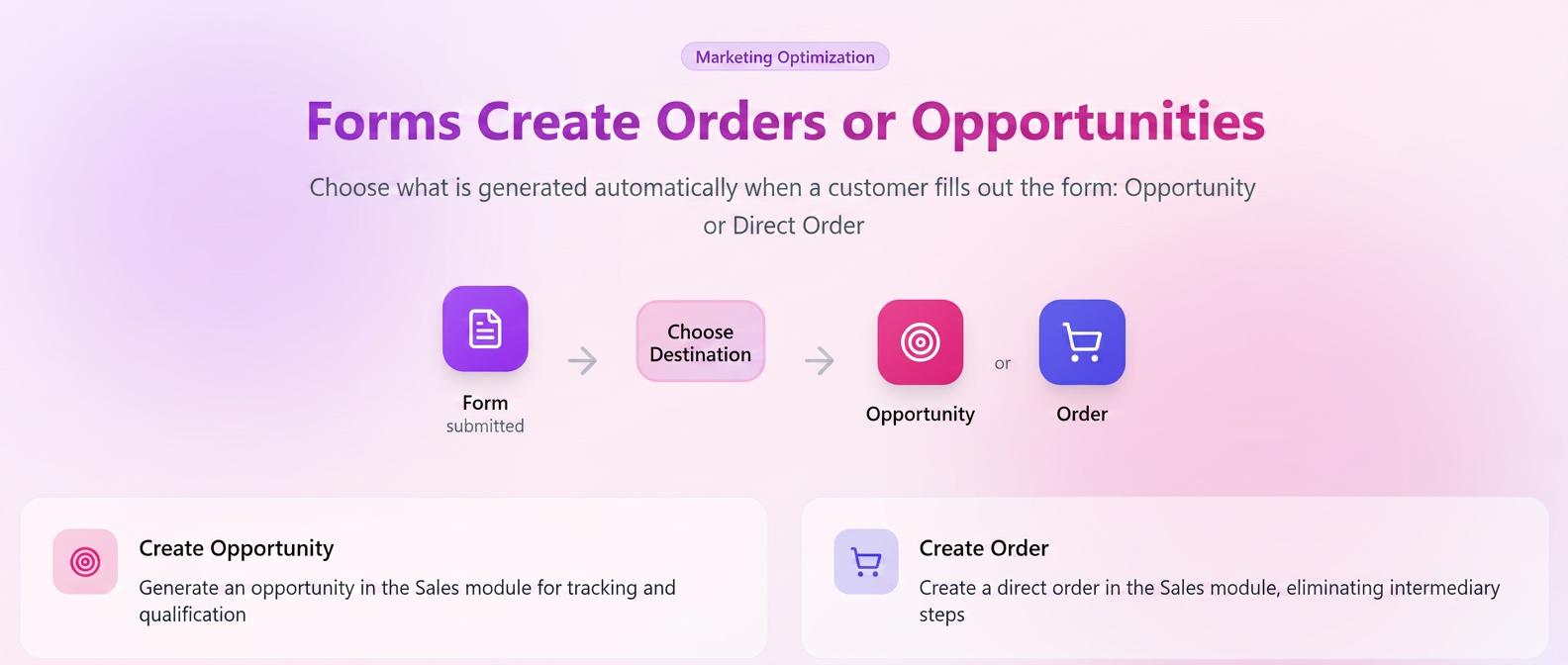
The functionality of the Forms module ( section) has been extended to provide tighter integration between marketing and sales.
If previously filling out a form automatically generated an Opportunity, now users can choose for the same form to directly create a Sales Order.
This optimization eliminates intermediate steps and allows for the complete automation of the sales flow, from initial interest to order conversion.
How it works
When configuring a form (new or existing), a dedicated field has been introduced — Opportunity / Order, which allows choosing the action that will be automatically executed when a customer completes the form.
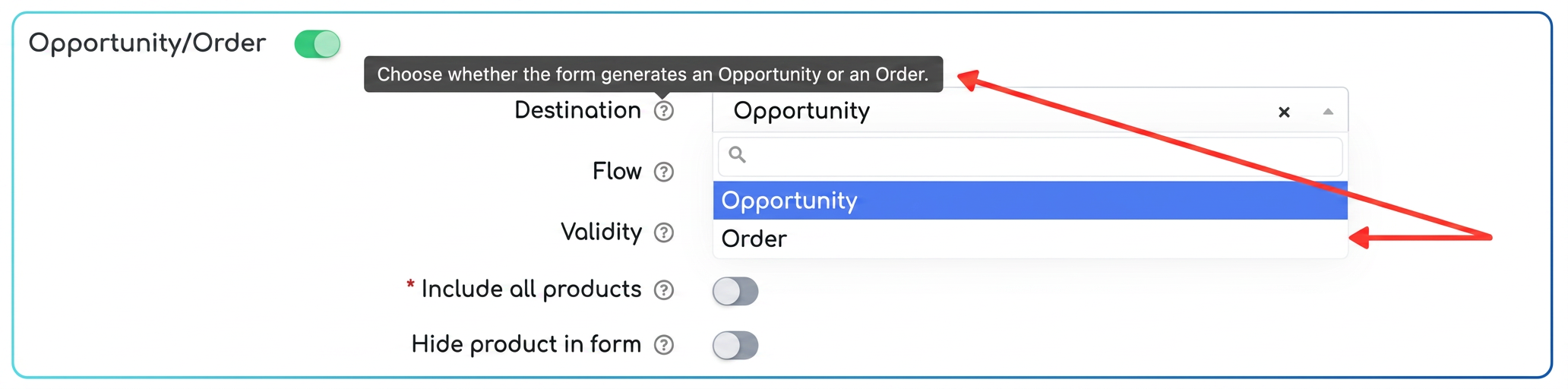
The user can select one of the two options:
| Option | Description |
| Create Opportunity | Generates a new opportunity in the module (previous standard behavior). |
| Create Order | Automatically creates a sales order in the module, based on the data filled in the form. |
How to use
- Access .
- Create a new form or edit an existing one.
- Enable the Opportunity / Order option.
- In the Destination field, select whether you want the form to automatically create an Opportunity or an Order.
- Save the changes.
- Upon the customer completing the form, the system will automatically generate the chosen entity, with all data taken directly from the responses.