
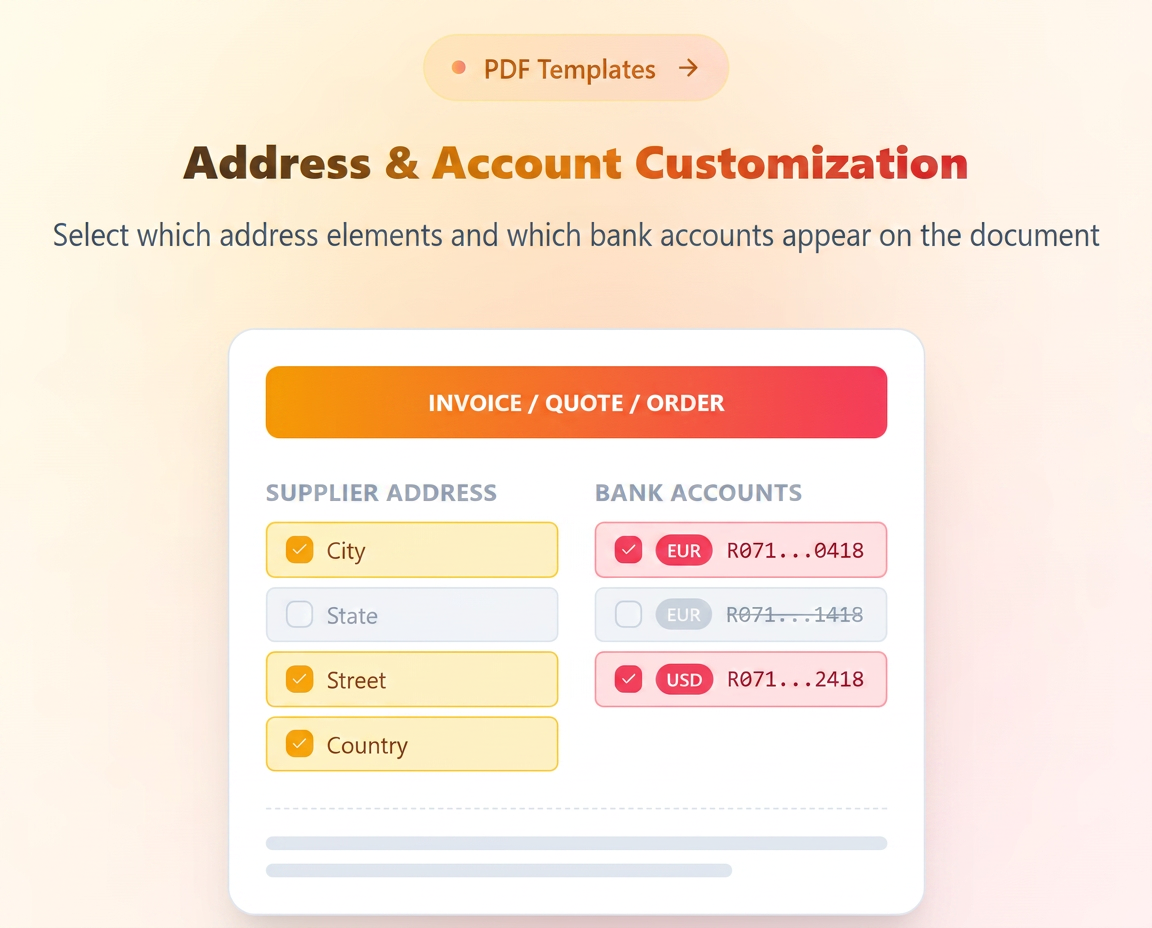
The PDF template editor has been updated to provide granular control over the identification data displayed on issued documents (Invoices, Offers, Orders). This optimization allows you to adapt documents based on each client's context or the transaction currency.
Navigate to Settings – Templates – PDF and edit a template or generate a new one.
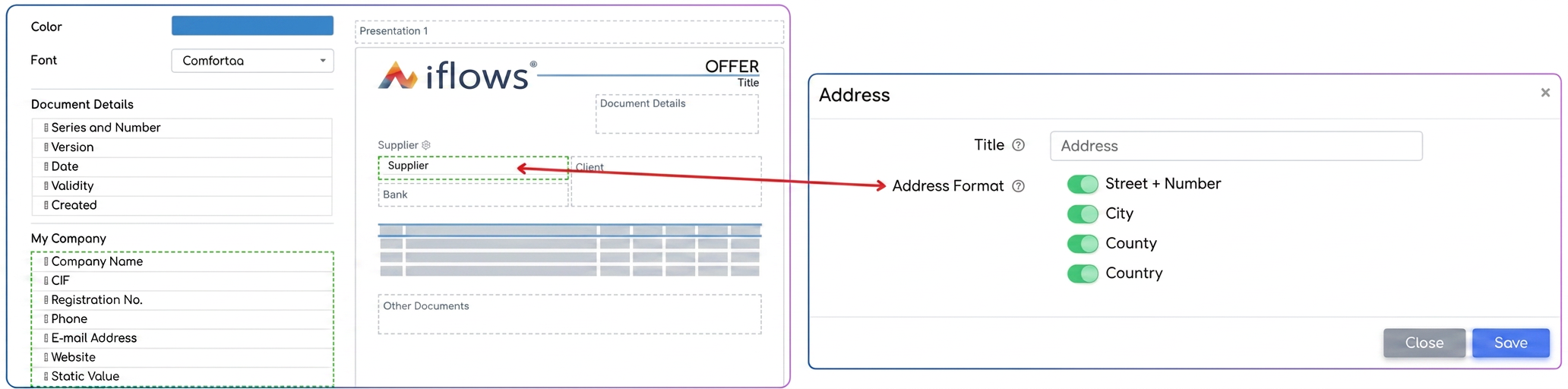
- Address elements selection: Within the template, the address area is no longer a fixed text block. You now have the option to individually select which component elements of the address should be displayed on the PDF (for example: displaying only the city and country, or the full address, depending on preferences).
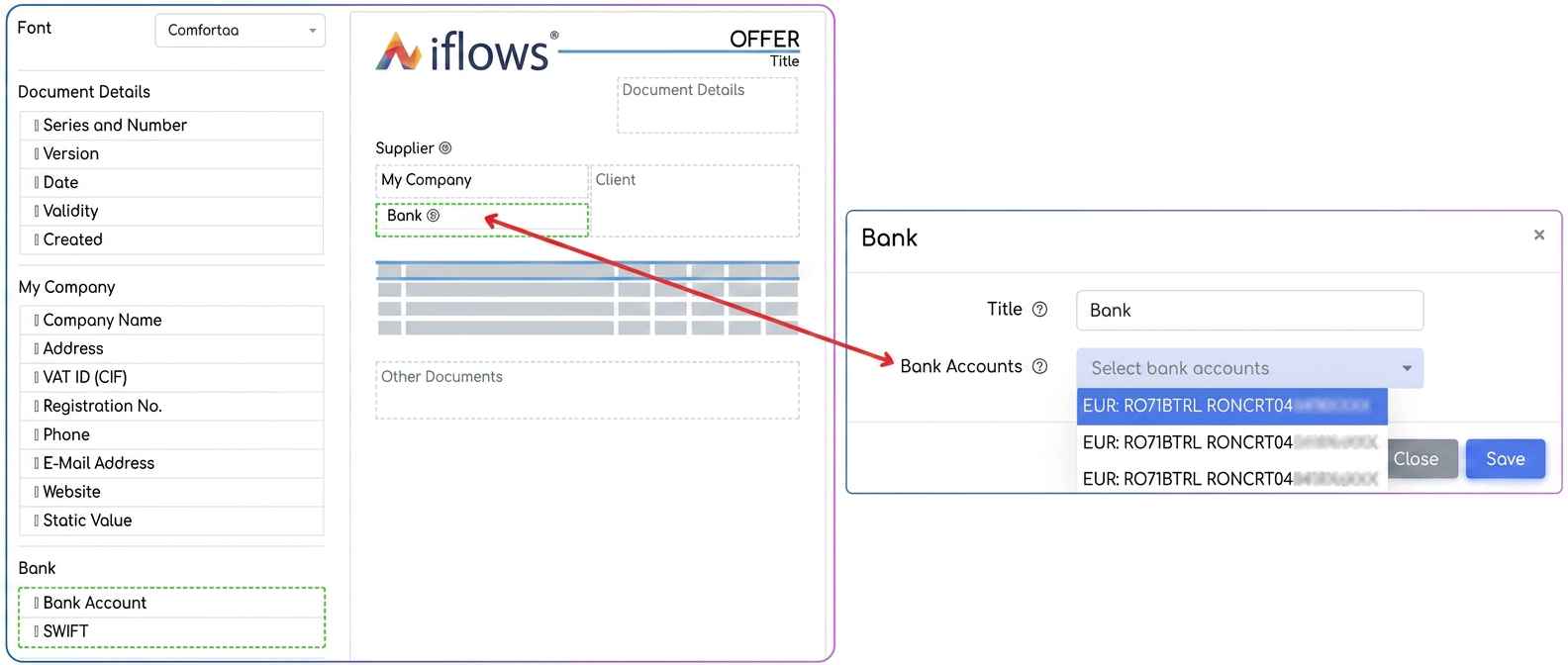
- Bank Account filtering: We have introduced the option to specifically select which bank accounts (IBANs) appear on the document. It is no longer necessary to list all company accounts on every invoice.
This functionality is essential for companies that invoice in multiple currencies or to different markets.
- Example: For a client in Romania, you can configure the template to display only the EUR account. For an external client, you can generate the document displaying exclusively the EUR or USD accounts, eliminating irrelevant information.