
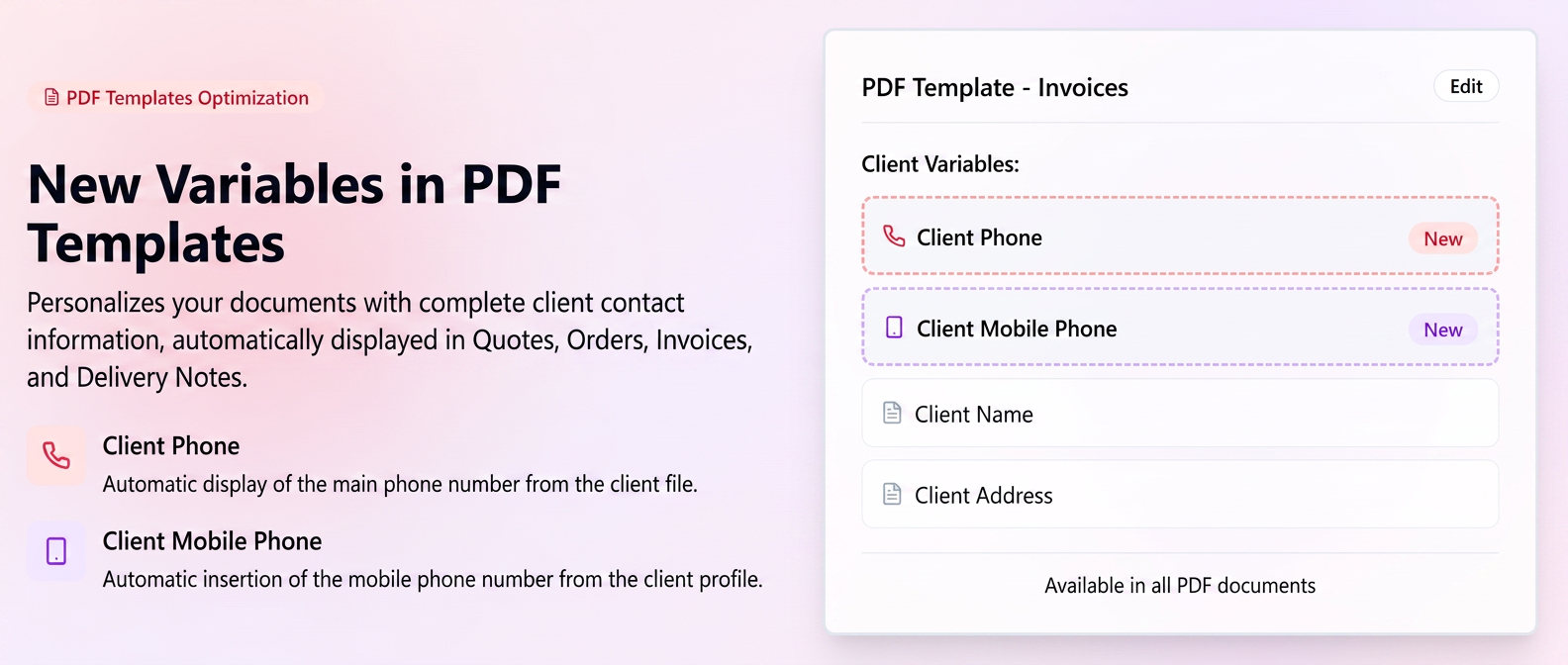
To expand the customization possibilities of documents generated in iFlows, two new variables dedicated to customer contact details have been introduced.
These can be used in all types of PDF documents (Quotes, Orders, Invoices, Delivery Notes, Proformas, etc.) and allow for the automatic display of the customer's phone numbers directly in the used template.
The new functionality provides a complete presentation of customer information on documents without additional manual intervention.
Added Variables
| Variable | Description | Display Example |
| Customer Phone | Inserts the main phone number of the customer from their file. | „021 123 4567” |
| Customer Mobile Phone | Inserts the customer's mobile phone number if it is filled in the profile. | „0722 123 456” |
How to use
1️.Go to .
2️.Select the document for which you want to update the template (e.g., Invoices, Quotes, Delivery Notes, etc.).
3️.Click „Edit” on the template currently in use.
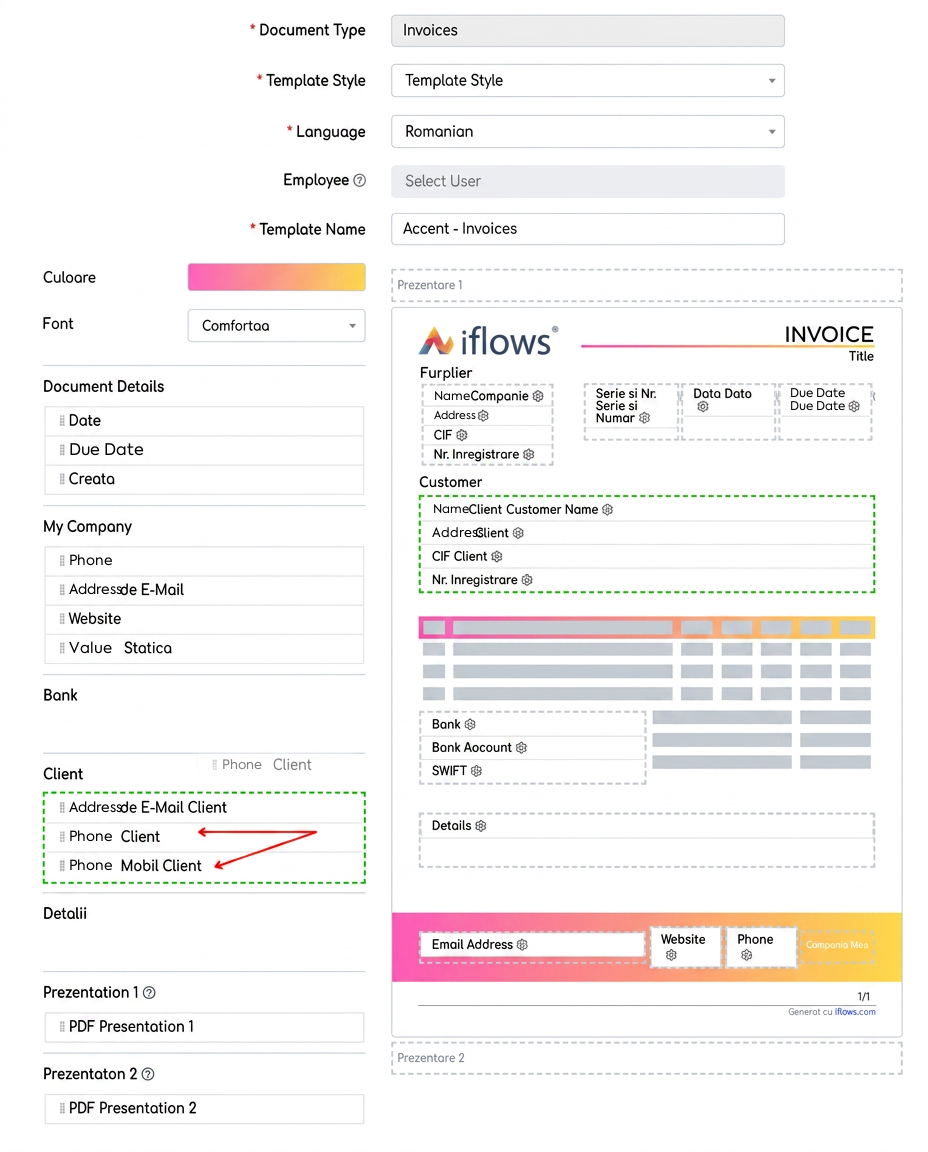
4️.In the left section, under the Customer category, you will find the new variables:
- Customer Phone
- Customer Mobile Phone
5️.Use the „Drag & Drop” function to drag the variables into the central area of the template, within the Customer section.
6️.Click „Save” to update the template.
Upon generating documents, the system will automatically replace these variables with the actual values from the selected customer's profile.
Note: If a customer does not have a phone number filled in their profile, the corresponding field will not be displayed on the document.