
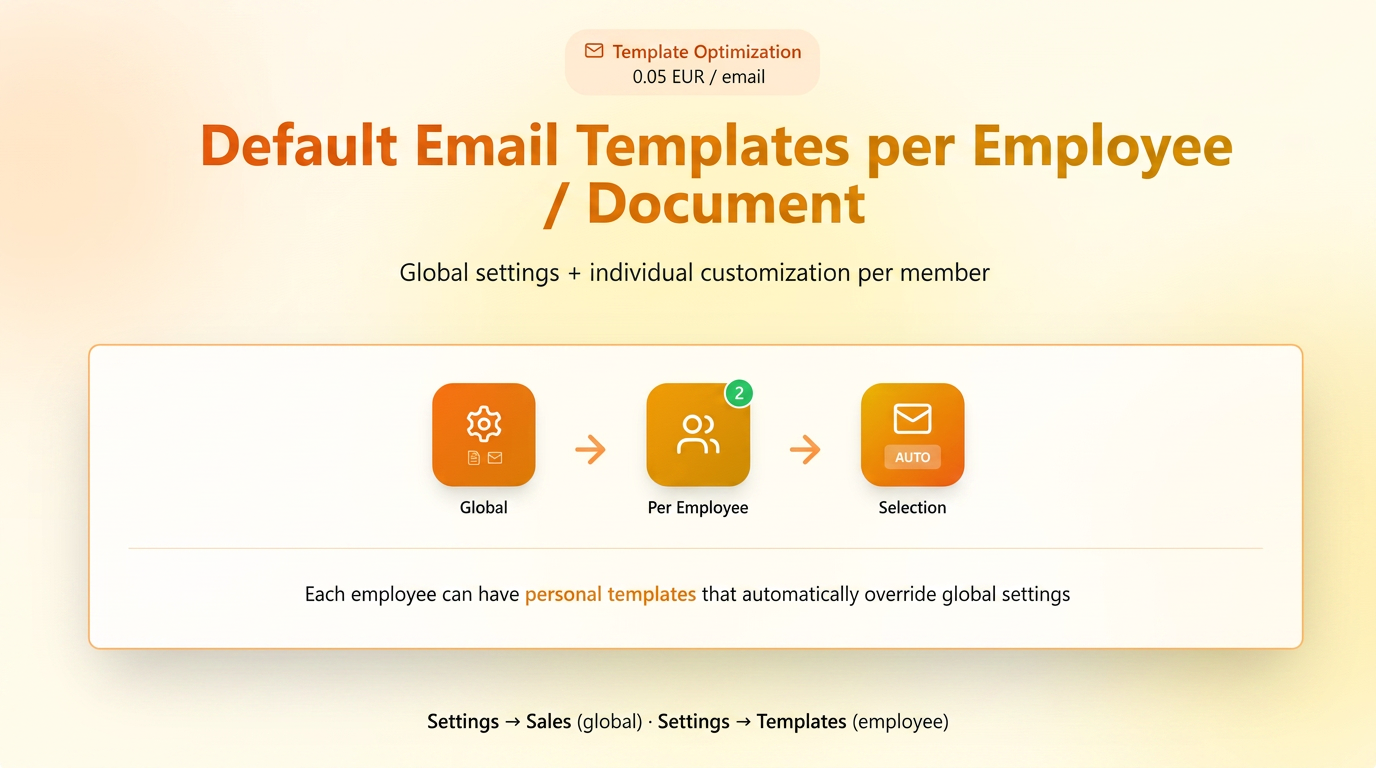
This optimization offers advanced control over default templates, allowing:
- separate definition of PDF and Email templates for each document type (quote, order, invoice, etc.);
- association of personalized templates per employee, which automatically override the global setting.
The functionality extends the notification and email sending system in iFlows, providing a more personalized experience, as well as a unified image at the company level.
1. Default Template Management (Global)
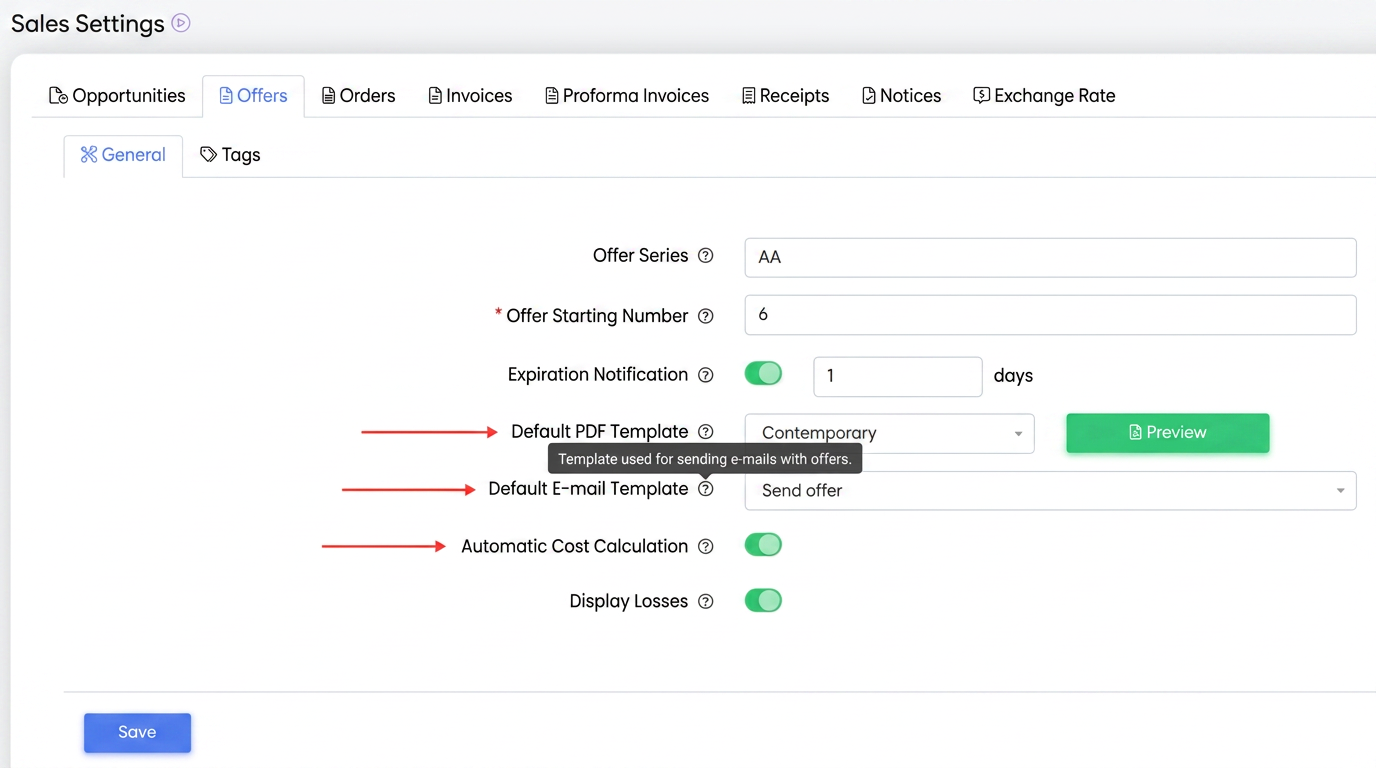
In the document settings pages, such as:
/ Orders / Invoices / etc., dedicated fields have been added for selecting default templates:
- Default PDF Template – defines the visual format of the document (PDF layout).
- Default Email Template – defines the text and structure of the message used when sending the document.
Thus, each document type can have:
- a distinct PDF format
- a personalized email template
Purpose:
This separation allows complete control over how the document is displayed to the customer (PDF) and how it is communicated via email (message text and style).
2. User-Specific Settings (Global Override)
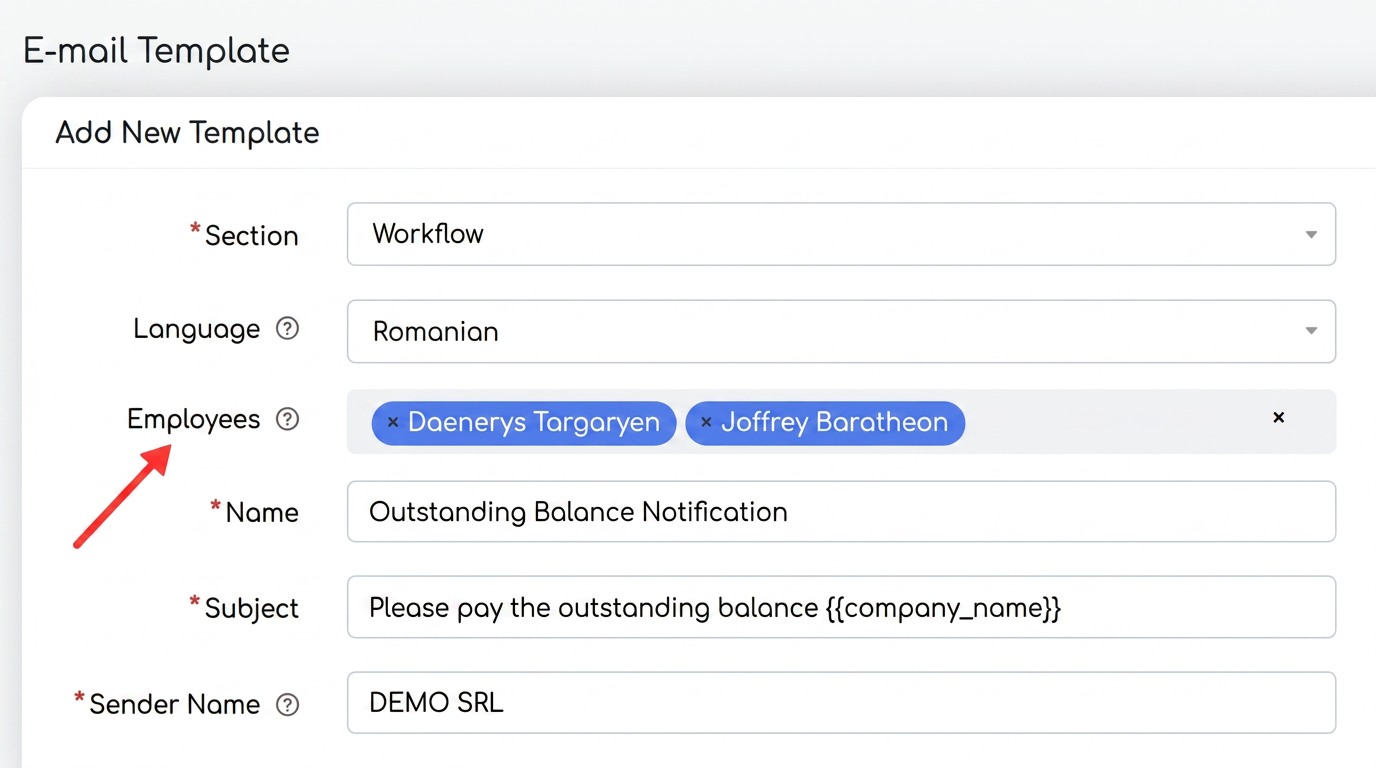
In the page, when creating or editing a template (PDF or Email), a new Employee field has been added.
Through this field, individual templates can be assigned for each employee.
A template can be associated with one or more team members, depending on operational needs.
🔸 How it works:
- If a personal template is defined for an employee, it automatically becomes the default template when documents are sent by 그 user.
- In the absence of an individual association, the system uses the global template set in the configuration pages (e.g.: “”).
How this functionality helps
1. Team-level personalization
Allows each employee to communicate with customers in their own style, but within the same approved visual format.
Example:
- Agent Andrei sends quotes with a personal signature and commercial tone;
- The sales manager uses a more formal wording for B2B negotiations.
2. Clarity between content and form
Separating PDF and Email templates avoids confusion between the document format and the message sent.
Thus, a document can have the same PDF layout, but different email messages (e.g.: for new quotes vs. renewal quotes).
3. Operational efficiency
Each employee no longer has to manually select the template for every sending — the system applies it automatically based on the configured association.
4. Complete flexibility
Managers can define:
- standard templates (corporate, global);
- personal templates (individual, for each agent);
- combinations between them (e.g.: shared PDF, personalized email).