
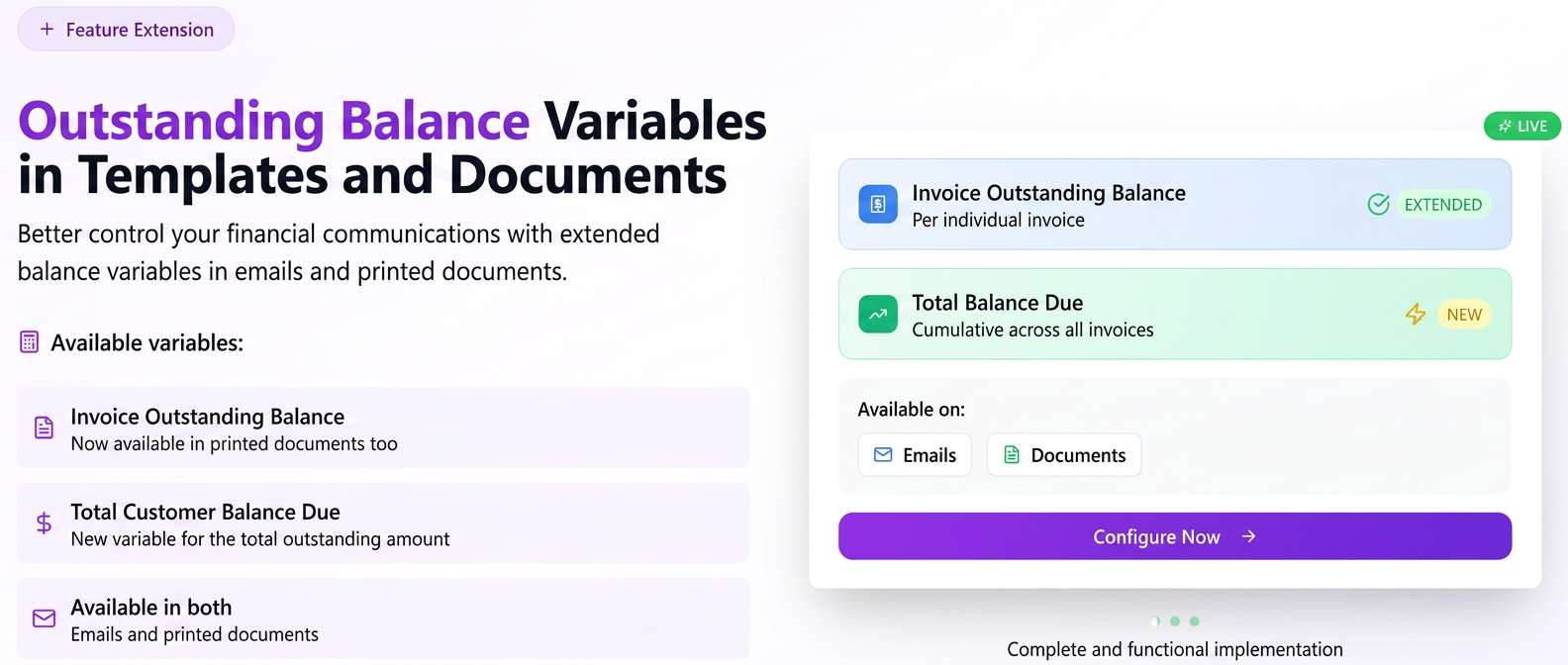
Until now, the variable for the outstanding balance of an invoice was available exclusively in email templates. We have extended this functionality to give you better control over financial communications by:
- Adding a new variable, Total Balance Owed by Client, in both email templates and standard documents. This calculates and displays the total amount a client owes, cumulating all their unpaid invoices.
- Making the Invoice Outstanding Balance variable available within standard documents (associated with the Invoice section) as well, not just in emails.
This optimization allows you to easily create payment notifications, summons, or other personalized documents that include accurate and automatically updated financial information.
Step-by-step guide for use:
A. Use in Email Templates
To add the total balance owed by a client to an email template, follow these steps:
- Navigate in the side menu to Settings > Templates and select the Email tab.
- Create a New Email Template or edit an existing template.
- In the Variable Fields list on the left, the new option has been added: Total Balance Owed by Client.
- To add it, place the cursor in the body of the email at the desired location and click on the variable name. It will be automatically inserted into the text.
B. Use in Standard Documents
To add outstanding amounts to standard documents, such as summons or payment statements, the procedure is as follows:
- Navigate in the side menu to Documents > Standard and select the Standard Templates tab.
- Important: These variables are only available for templates whose Associated Section is Invoice. Ensure you are editing a template of this type or select Invoice as the associated section when creating a new template.
- In the Variable Fields section, both options are now available:
- Invoice Outstanding Balance: This is the variable already existing in email templates, now also available for documents. It displays the remaining amount to be paid strictly for the invoice the document refers to.
- Total Balance Owed by Client: This is the new variable, which displays the total amount the client owes your company, cumulated from all outstanding invoices.
- Place the cursor in the document and click on the desired variable to insert it.
Related articles
Standard Documents — creating a template by importing a Word file (.docx)TutorialsStandard Documents — configurable Products variable and new variablesTutorialsHow do custom email templates work and what does the {{informatii}} variable represent?ForumCustomizing Address and Bank Accounts in PDF documents – advanced settingTutorialsEditable Email Templates at SendingTutorials