If a command is interrupted in production, how is it handled and how is it resumed?
Each stage in the process is composed of actions such as start, pause, resume, and finish. If production is interrupted, the command can be put on pause, and then, when the issue is resolved, the resume action can be used to continue work from the point where it stopped.
Actions are configured directly in the workflow, in the Settings - Flow section. There, during the configuration of each stage, you must add the necessary actions by simply dragging them into the respective stage, depending on the stage's specifics.
Here is how these actions work and why they are important:
- Start (Preluare): This action marks the actual beginning of work in a stage. Operators/Users take responsibility for a stage, and the system records who is working on that stage and when it was started.
- Pause: The pause is essential for reflecting temporary interruptions in production. This action is used in multiple scenarios: whether technical problems arise, lack of materials, or most frequently when the work shift ends and production must be resumed the next day. Recording a pause ensures transparent management of downtime and allows operators to continue work exactly from where they left off, without loss of information.
- Resume: After the problems that caused the pause are resolved or the work shift resumes, the "resume" action allows activities to continue from the point where they were interrupted.
- Finish: After all operations in a stage have been completed, the "Finish" action can be marked, which closes the respective stage and sends the command to the next stage in the workflow. *This action can also be used alone, not being dependent on other actions. For example, when you just need to validate a simple process and if the respective stage does not require monitoring of time worked or does not involve significant operations.
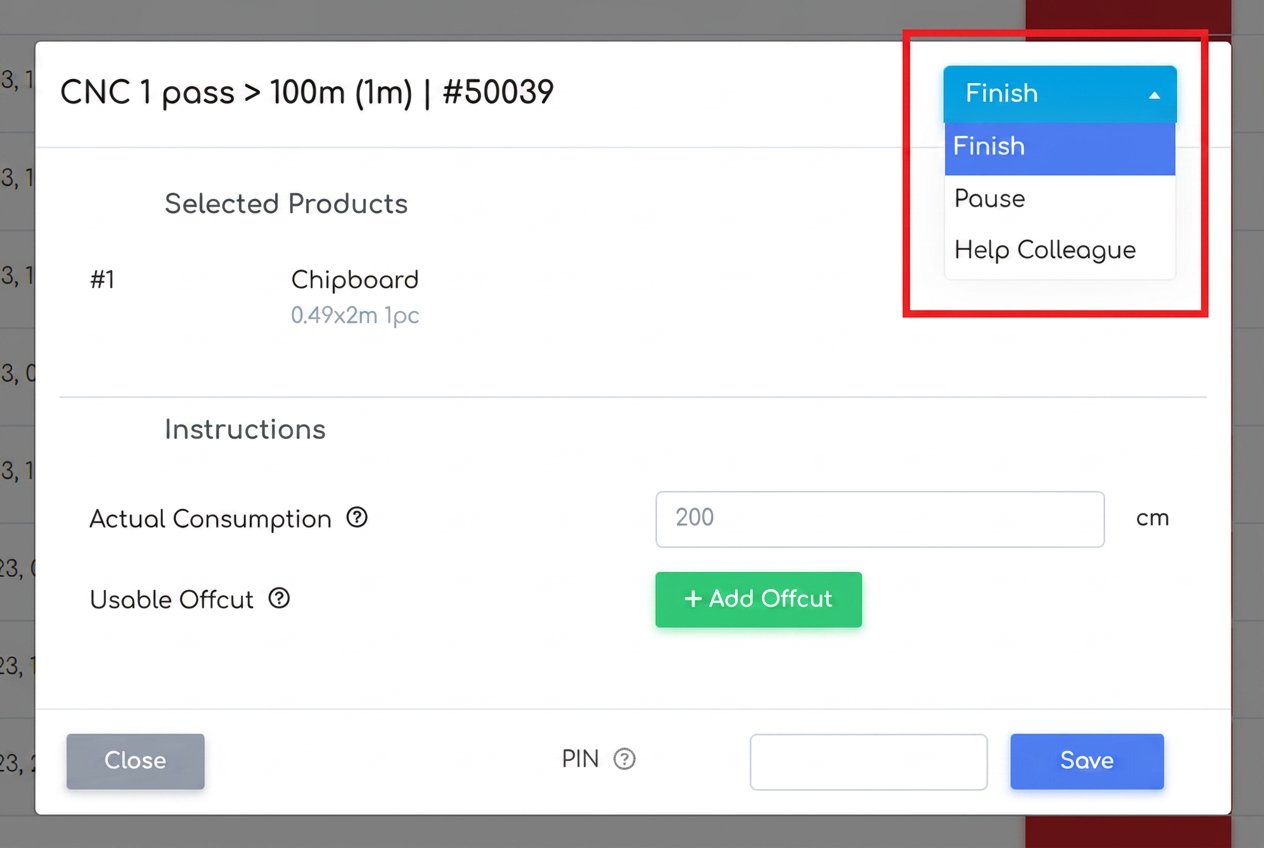
When an operator clicks on a stage previously configured with the start, pause, resume, and finish actions, the system will open a pop-up window for that command. This window displays the available actions at the top, depending on the status of the stage.
For example, if the stage is new and has not been started yet, the available option will be start. Once the stage is started, the system will provide access to actions such as pause or finish, depending on the progress of the command. If the command is interrupted (via pause), the resume action will be activated, allowing work to continue exactly from the point where it was stopped.