
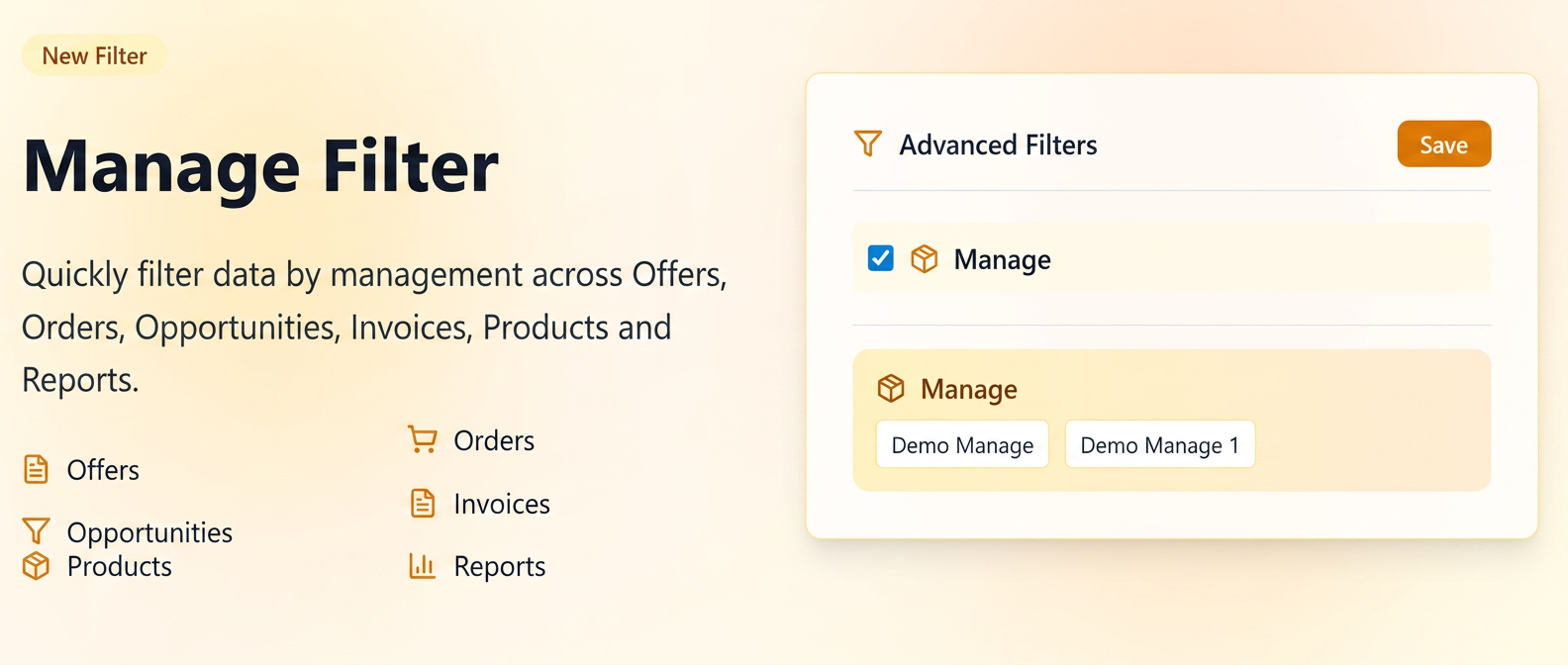
It allows users to quickly limit the displayed results based on the management unit (gestiune - inventory management unit) the data originates from (e.g., in the Sales, Orders, Products, Invoices sections, etc.).
The filter contributes to clear visibility over operations carried out at each management unit, facilitating comparative analysis and data-driven decisions.
Availability
The "Management" filter is available in the following platform modules:
Sales: Opportunities / Offers / Orders /Invoices
Reports: Products / Purchases / Orders
How to use
1️.Activating the filter
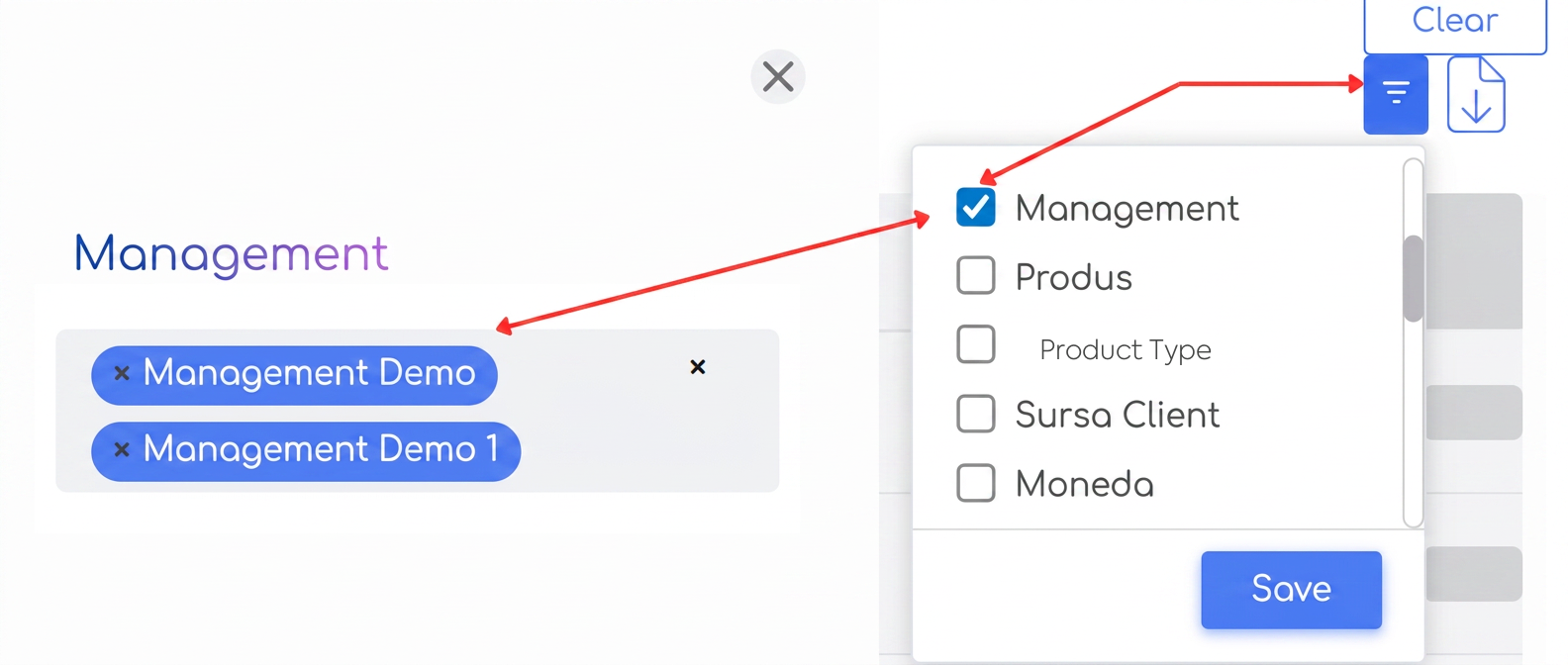
In the top right corner of each page containing advanced filters, the user can activate the "Management" filter by checking the option in the list, then pressing "Save".
2️.Applying the filter
After activation, the Management field will appear in the upper area of the page, where one or more management units can be selected.
The filtering is applied instantly to the displayed data, limiting the list only to records associated with the selected management units.