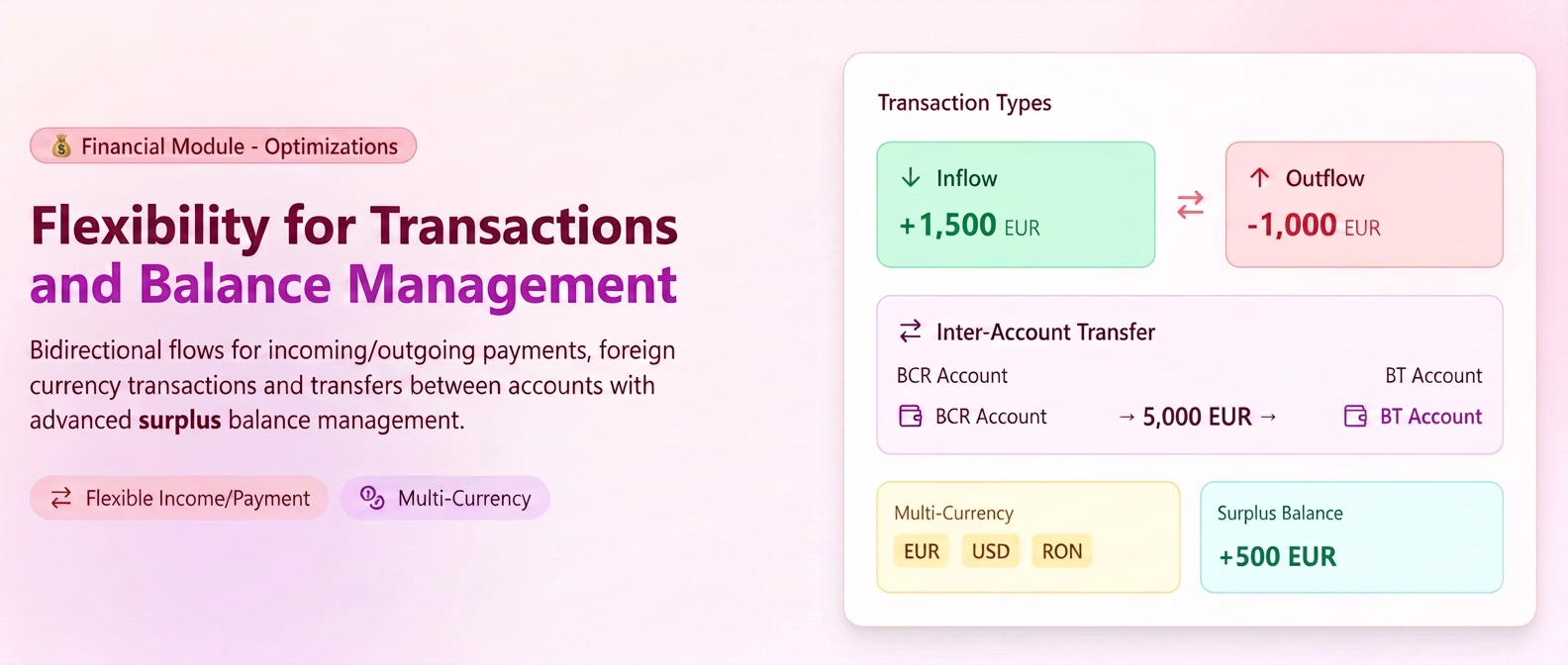
The Financial Module has been updated to offer increased flexibility in managing cash flows and greater clarity regarding balances. The new features simplify the recording of foreign currency operations and internal transfers, while automating the calculation of unallocated amounts.
News and features:
- Bidirectional flows (Receipt/Payment) per partner: The process for adding transactions has been redefined. Now, regardless of the selected partner type (Client or Supplier), you have the ability to record both Receipt and Payment operations. This eliminates the need to use negative amounts to represent returns or reversals.
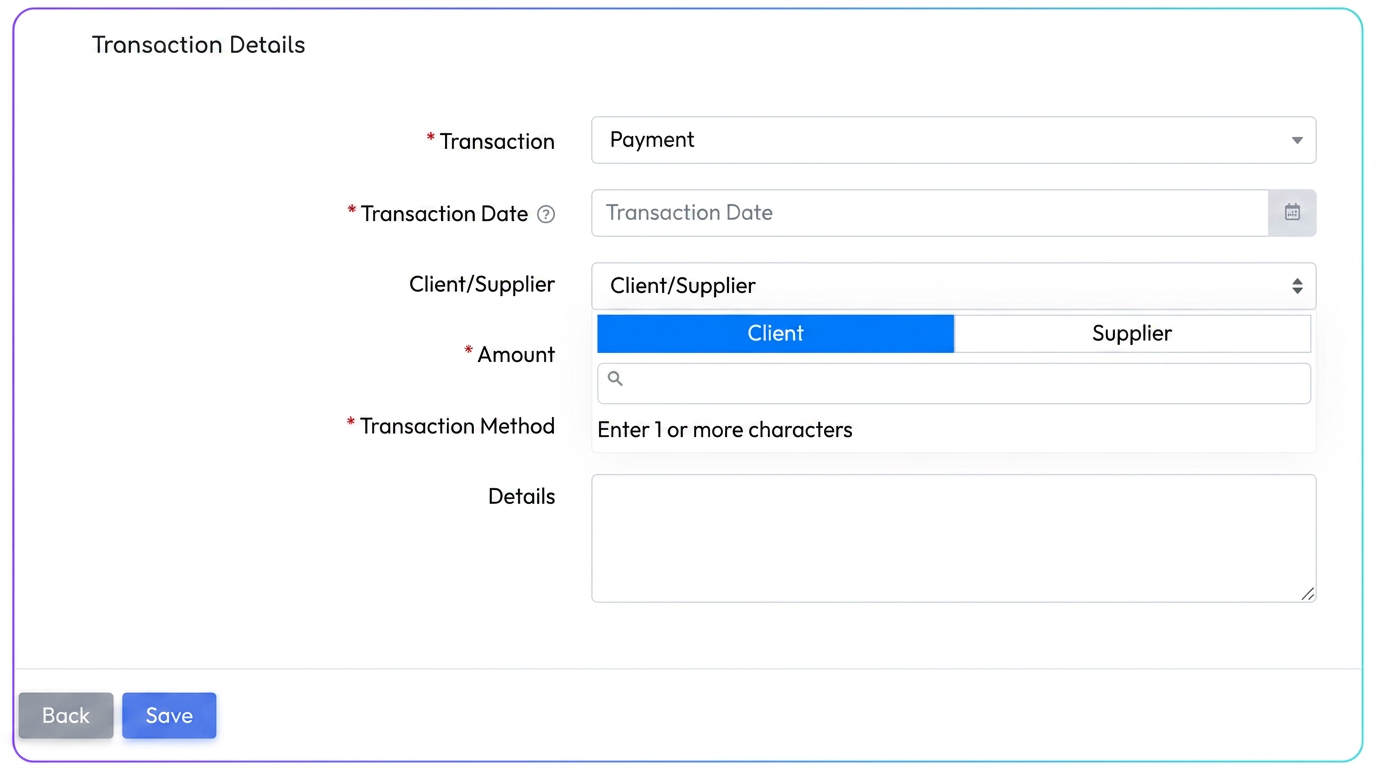
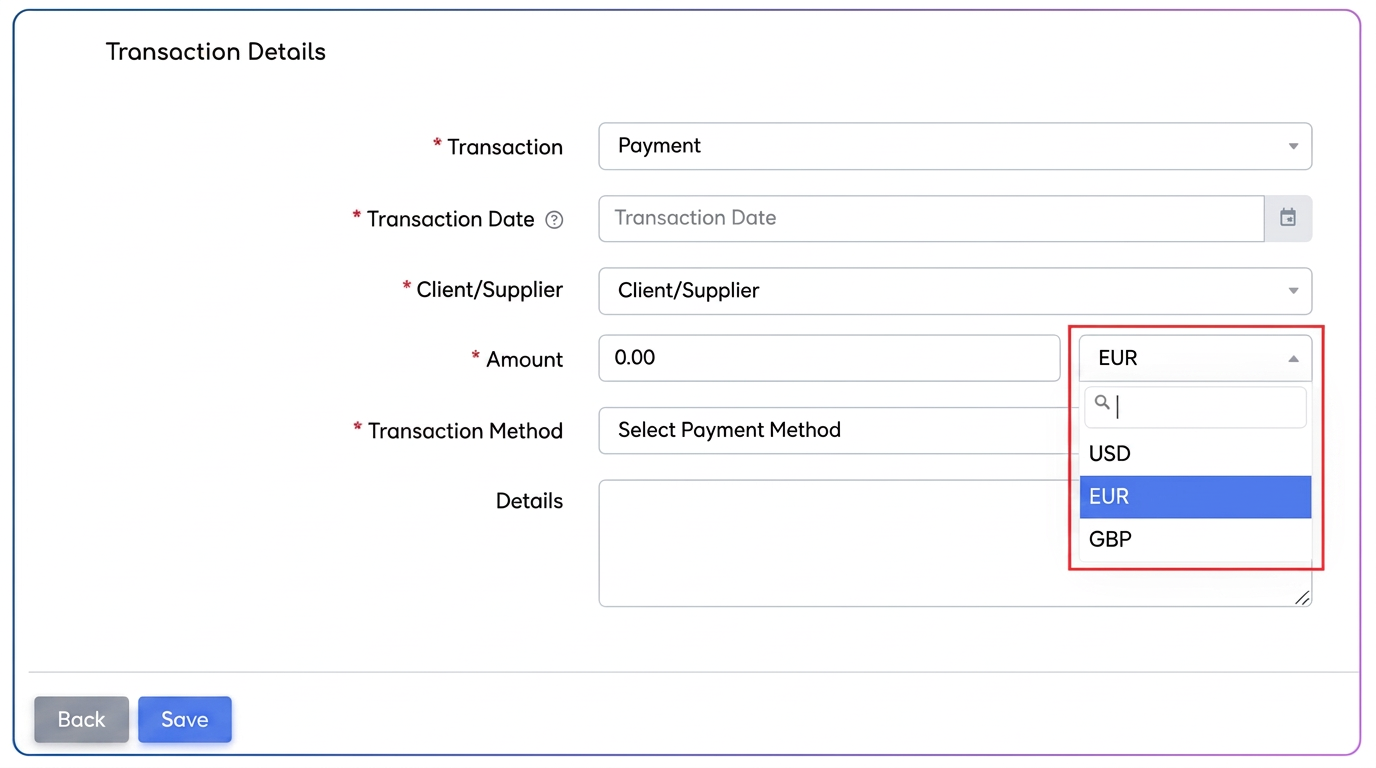
- Manual addition of foreign currency transactions: The currency restriction has been removed. You can now manually add transactions directly in a currency other than EUR, without being conditioned by the existence of a prior invoice or operation in that currency.
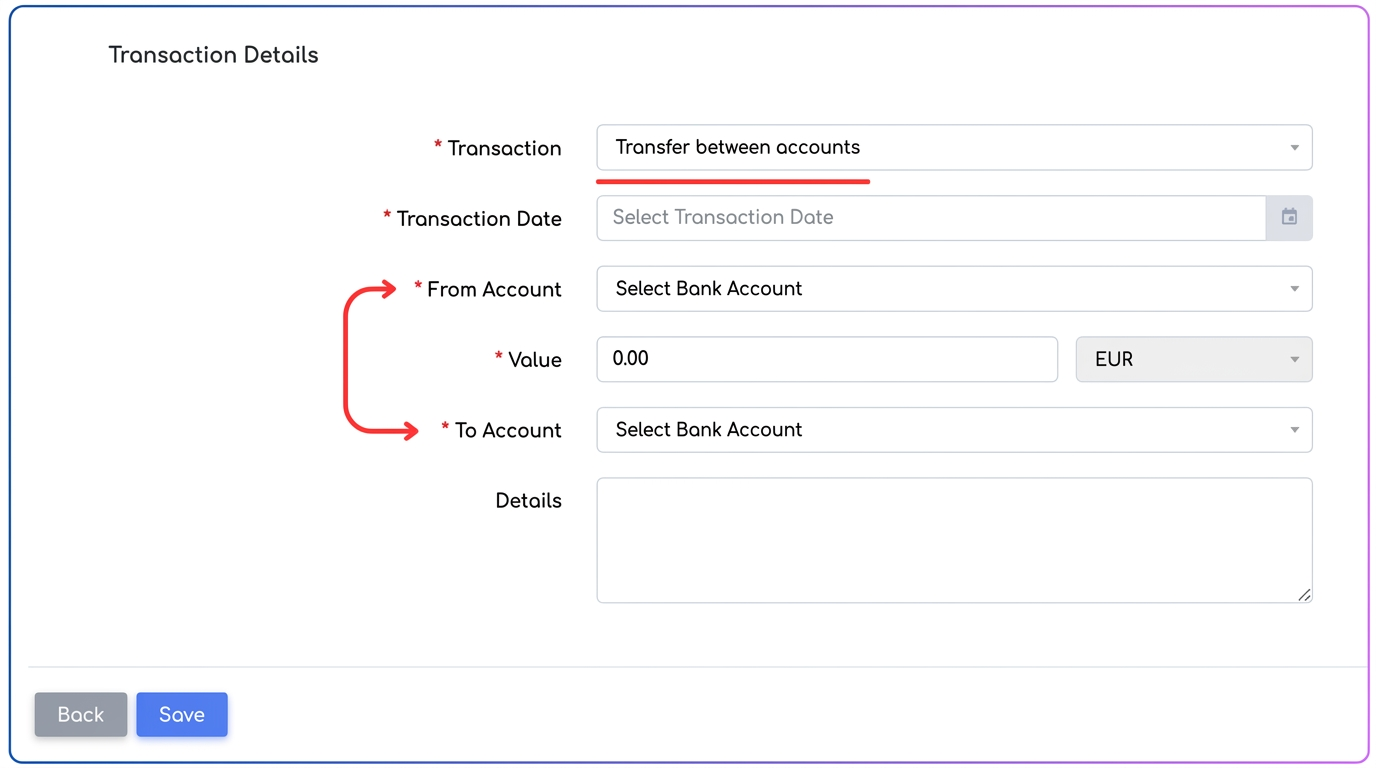
- New transaction type: "Transfer between accounts": A dedicated feature for moving money between internal accounts has been introduced. The user simply selects the source account, the amount, and the destination account. Upon saving, the system automatically generates two correlated records:
- A Payment type transaction from the source account (with details: "Transfer to account X").
- A Receipt type transaction in the destination account (with details: "Transfer from account Y").
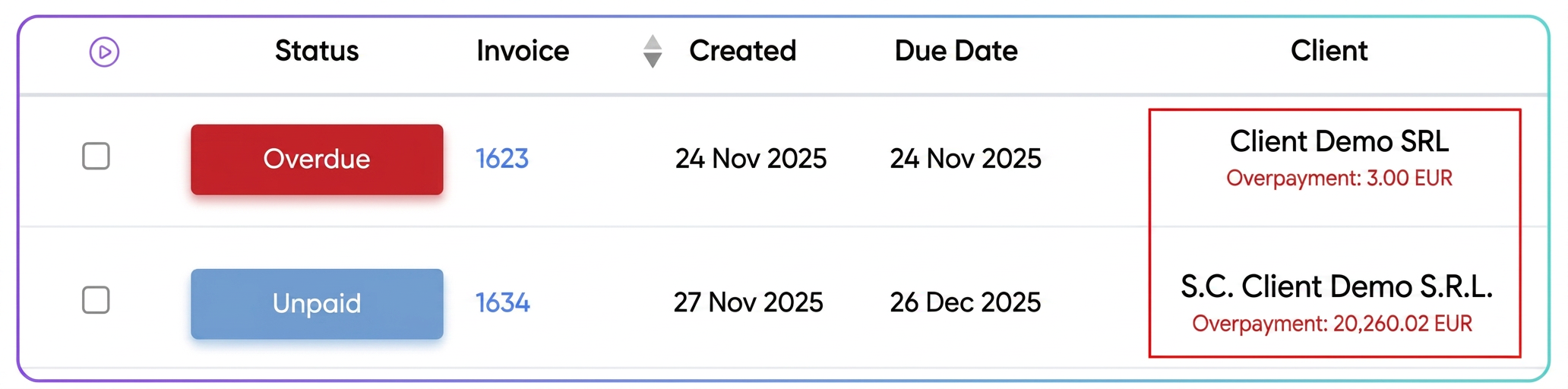
- Advanced management and contextual display of Surplus Balance: The display method for unallocated amounts has been optimized across three levels:
- Adaptable terminology: The labels change automatically based on the nature of the balance ("Receipt surplus" vs. "Payment surplus").
- Dynamic recalculation: The displayed balance is the consolidated result of all unallocated transactions. Example: If for a client there is an unallocated receipt of 1500 EUR and an unallocated payment (refund) of 1000 EUR, the system will automatically calculate the difference and display a single final balance: Receipt Surplus - 500 EUR.
- Smart applicability: The Payment surplus balance will be displayed exclusively next to invoices with a negative value (credit notes), as this is the only context in which it can be applied to settle obligations.