
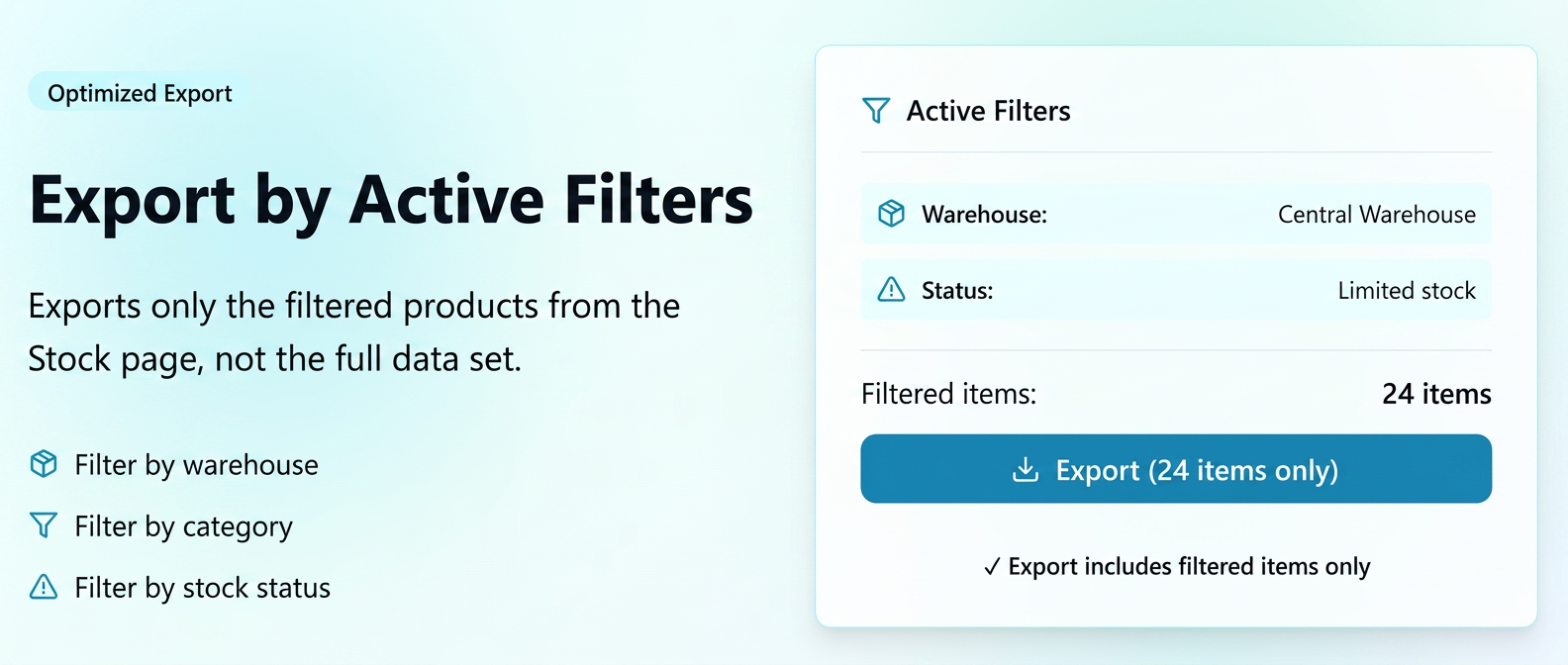
The export functionality from the page has been optimized to accurately reflect the active filters at the time the file is generated.
Thus, the export no longer pulls the entire set of products, but only the records that match the selected criteria (e.g., warehouse, supplier, category, product type, stock status, etc.).
How to use
1️.Navigate to .
2️.Apply the desired filters (e.g., select a specific warehouse, category, supplier, or product status).
3️.After the list has updated according to the filtering, press the Export button located in the action bar.
4️.Choose the desired interval and template for the export.
5️.The system will generate a file containing exclusively the products displayed following the filtering.
Use Case Examples
| Scenario | Applied filters | Export result |
| Checking stocks per warehouse | Warehouse = "Central Warehouse" | Export contains only products from that warehouse |
| Analysis per category | Category = "Consumables" | Export limited to products in the filtered category |
| Critical stock control | Status = "Threshold limit" | Export only for items with low stock levels |