
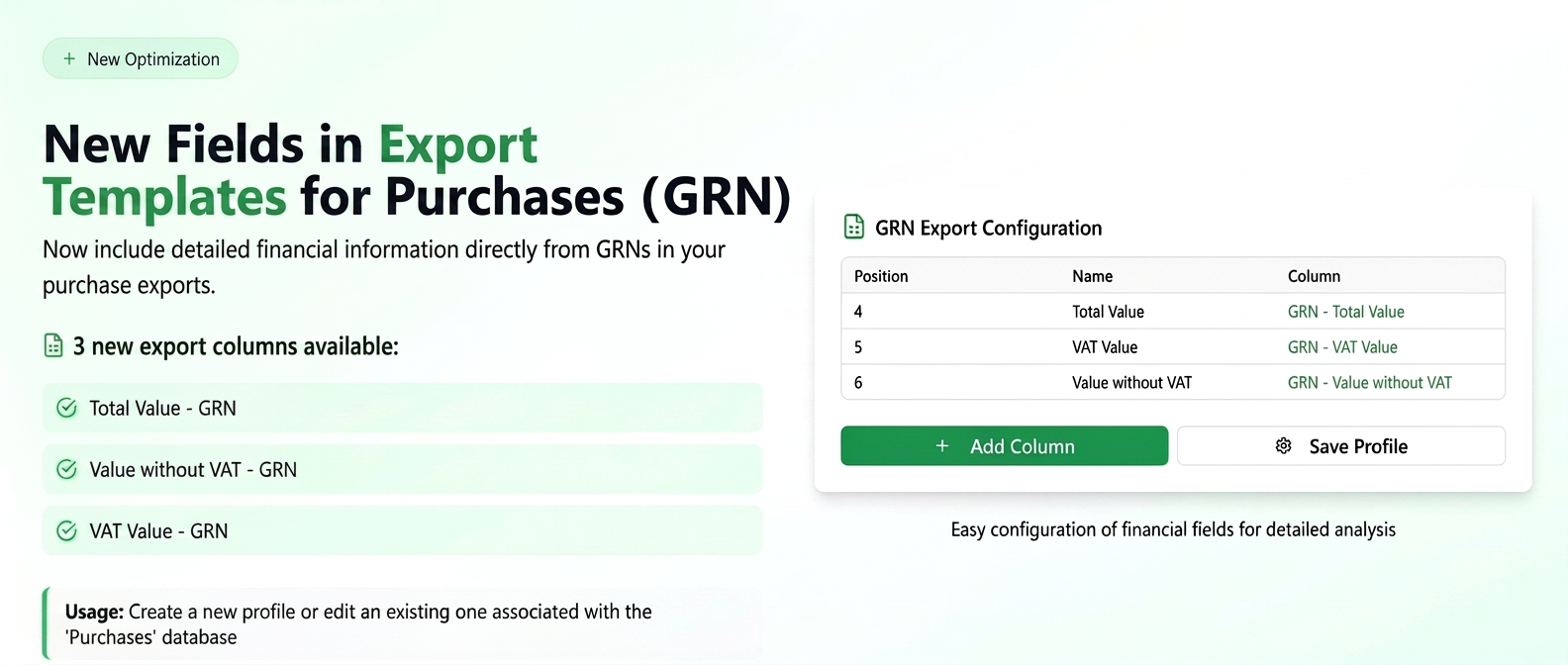
The platform allows including three new columns in the export templates for Purchases that pull information directly from NIRs (Note de Intrare Recepție - Goods Received Notes): Total value, Value excluding VAT and VAT value.
To use these new fields, you can either create a new export profile or edit an existing one, provided it is associated with the "Purchases" database.
A. Creating a new export profile:
- Navigate in the left menu to Settings -> Export.
- Click on the + New Export Profile button.
- In the Database field, select the Purchases option.
- Fill in the profile name and choose the file format (e.g.: Excel, CSV, XML, PDF).
- Click on the green + Add Column button.
- In the newly added row, under the "Column" header, you will find and be able to select the new fields:
- NIR - Total value
- NIR - Value excluding VAT
- NIR - VAT value
- Add the desired columns, assign them a name, then click Save.
B. Editing an existing export profile:
- Navigate in the left menu to Settings -> Export.
- Identify a profile in the list that has the Purchases option selected under "Database".
- Click on the edit icon (pencil) next to that profile.
- Click on the green + Add Column button.
- Select the new fields available for NIRs from the column list.
- Click Save to apply the changes.