
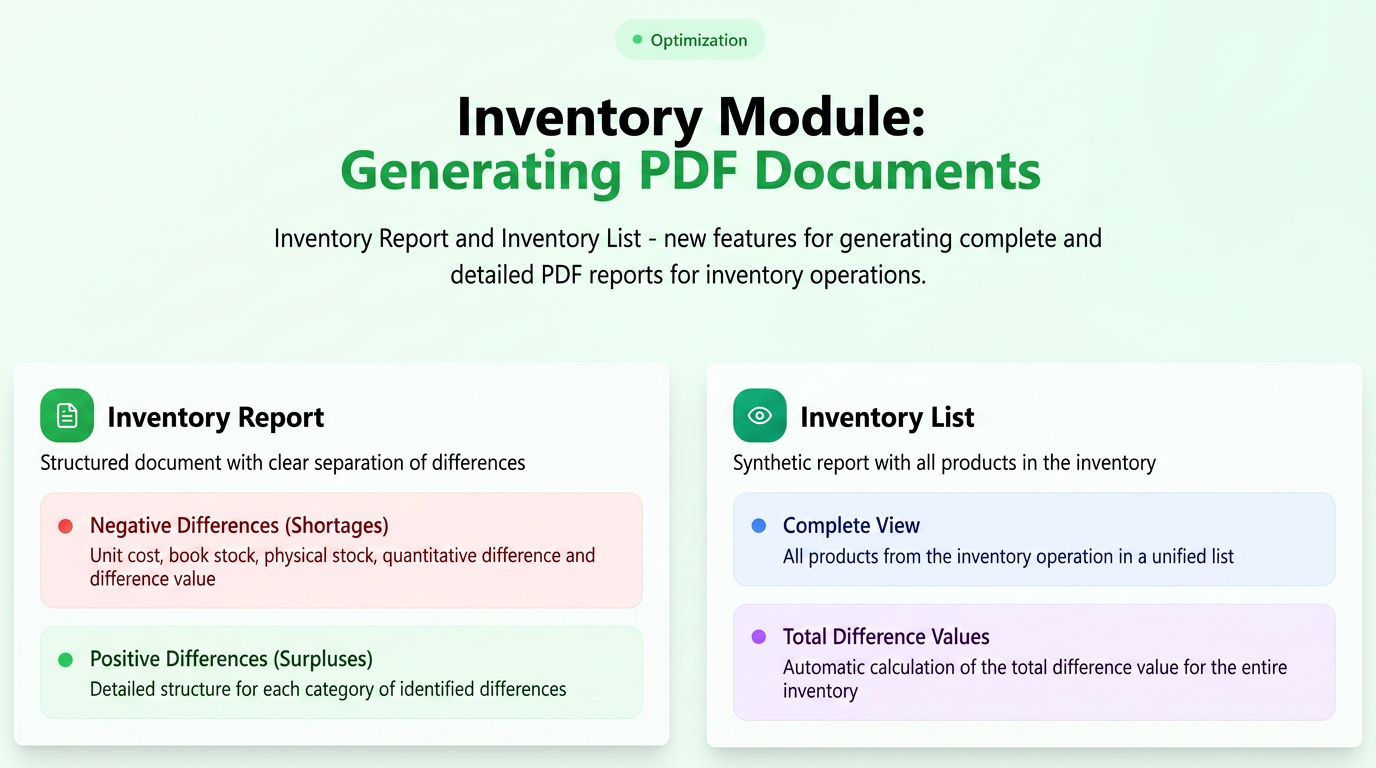
The Inventory module in iFlows offers the functionality to generate detailed PDF documents once an inventory operation has been completed and saved. These documents are essential for recording and analyzing inventory results.
For each inventory document created (accessible in the Products -> Stocks -> Inventory tab), options are available to generate two distinct types of PDF documents:
-
Proces Verbal de Inventariere (Inventory Report):
-
Purpose and Structure: This document is structured to distinctly highlight products that show negative differences (shortages) versus those with positive differences (surpluses) found during the inventory process.
-
Included Information: For each listed product, the report specifies:
-
Unit cost
-
Scriptic stock (according to records)
-
Factual stock (found during inventory)
-
Quantitative difference
-
Value associated with the difference
-
-
-
Listă de Inventariere (Inventory List):
-
Purpose and Structure: The Inventory List report provides a synthetic view, in the form of a complete list, of all products included in the inventory operation.
-
Included Information: For each product, essential information is displayed such as:
-
Unit cost
-
Scriptic stock
-
Factual stock
-
Quantitative difference
-
Difference value
-
-
The report also includes a section for the Total Value of Differences, providing an overview of the financial impact of the inventory.
-
How to Generate PDF Documents:
The options for generating these PDF documents become active after an inventory document has been created and saved in the system.
-
Navigate to the Products -> Stocks section.
-
Access the Inventory tab.
-
In the list of inventory documents, identify the inventory for which you want to generate the PDFs.
-
In the "Actions" column next to the respective inventory document, you will find distinct icons for each type of PDF document (Inventory Report and Inventory List).
-
Clicking the corresponding icon will automatically initiate the download of the selected PDF document.
Using these reports facilitates detailed analysis of inventory results and constitutes important supporting documents for accounting.