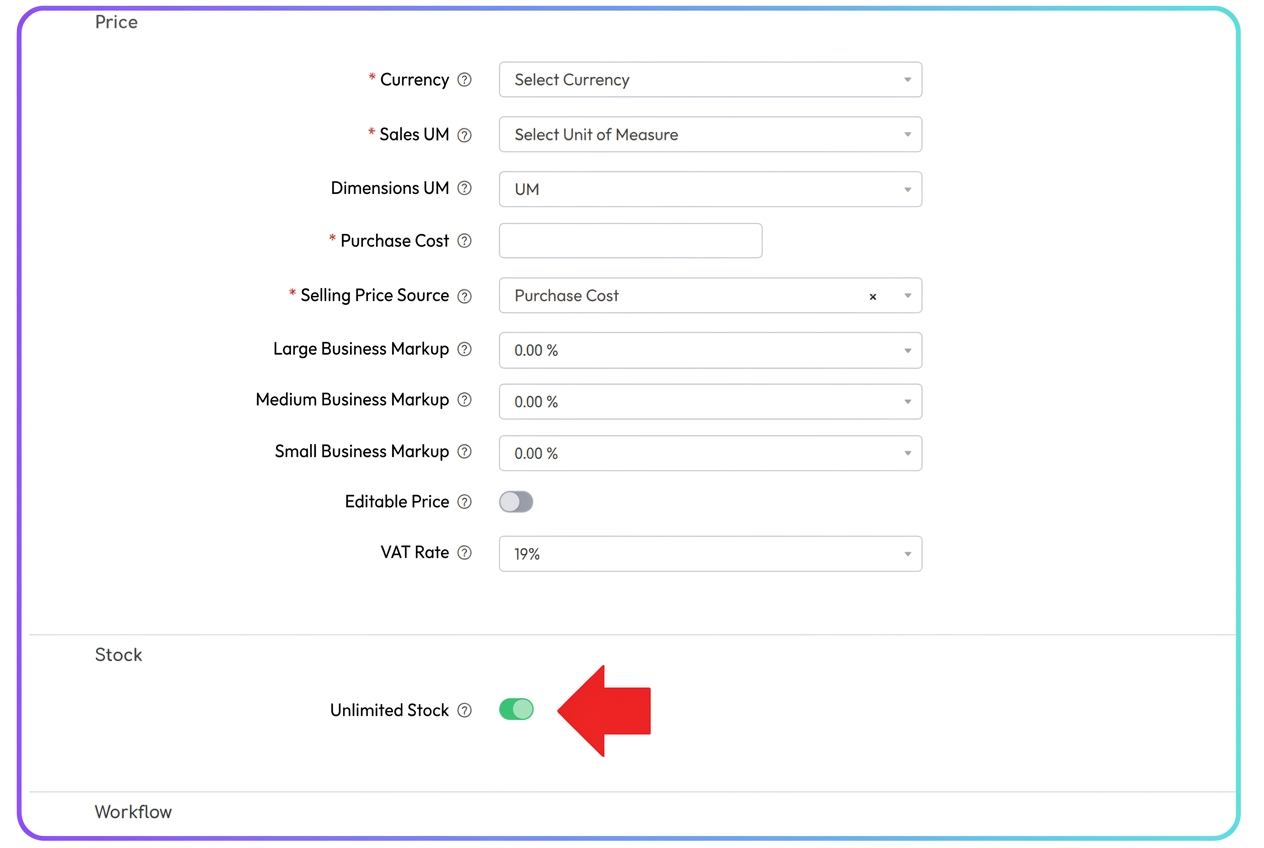
In iflows, all resources (finished products, raw materials, recipe-based products, and services) are managed uniformly in the "Products" section. To configure a service (such as transport, assembly, etc.), you can use the "Unlimited Stock" option within the product/service profile. As follows:
-
Access the "Products" section.
- Either edit an existing service or create a new one (via "Add product").
-
Check the "Unlimited Stock" option.
- In the "Stock" area of the product file, activate the toggle for "Unlimited Stock".
- This disables stock management and marks the respective item as unlimited, specific to services.