
- Sort by last update date: Click on the "Updated" column (see the red arrow in your image). This will order products according to the date they were modified or added. Since your product is the most recent, it should be at the top of the list.
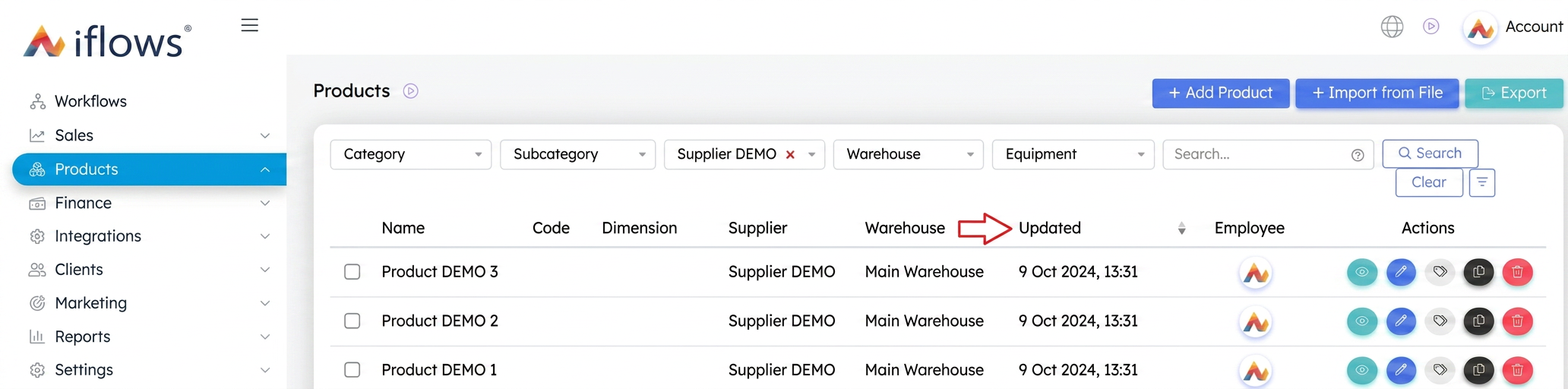
- Filter by category or supplier: If you remember which category or subcategory you added the product to, you can use the filters at the top of the page to narrow your search. You can also filter by supplier.
- Direct search: If you have a vague idea of the product name, you can use the search bar in the top right to enter fragments of the name and find that specific product.