
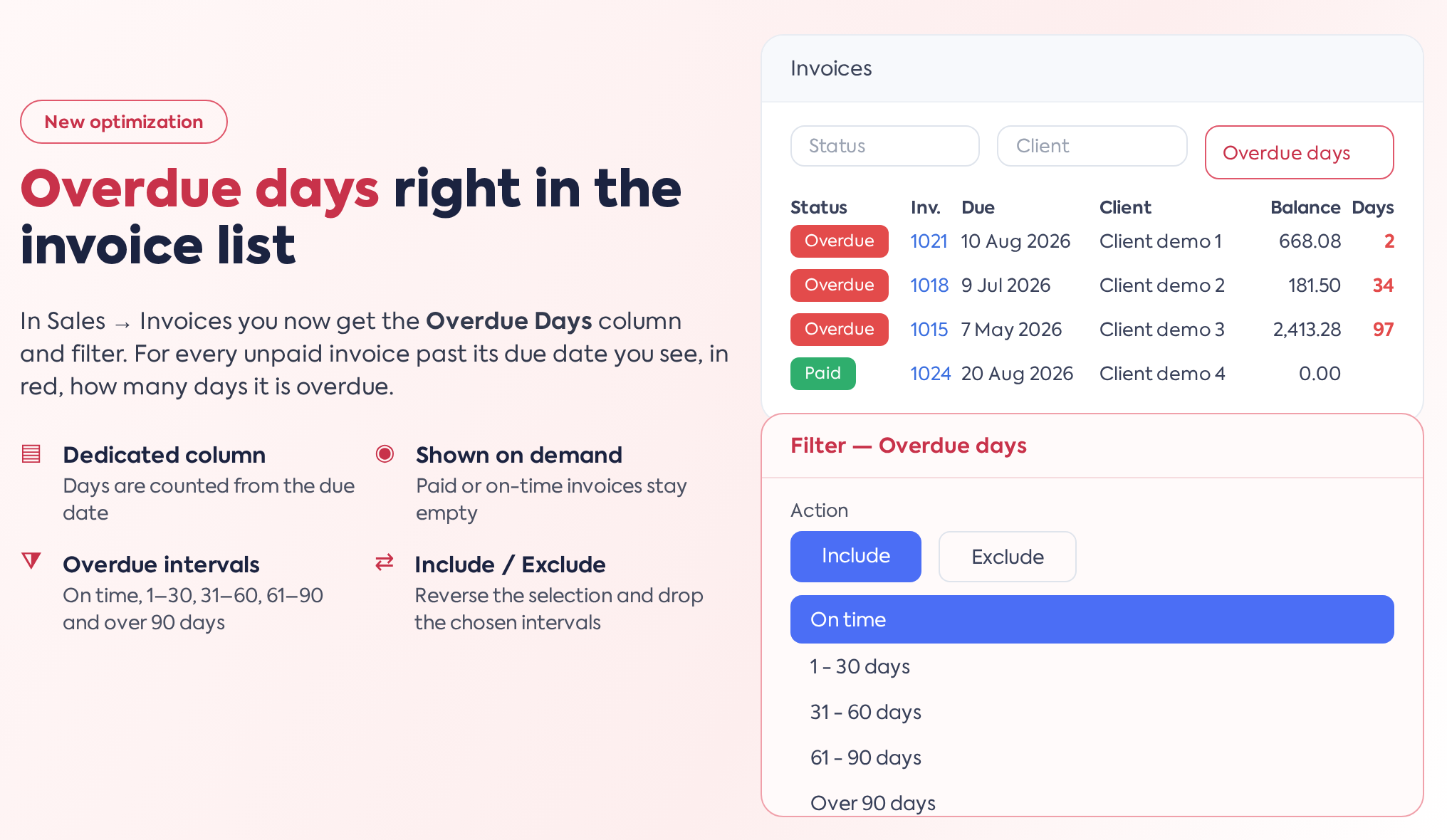
 1. Overview
In the invoice list (), the Overdue Days column and a dedicated filter have been added. They are not displayed by default: they are activated from the filtering options button next to the search field, where a single checkbox, Overdue Days, adds both the filter and the column at the same time. The selection is saved for the current user, so it remains active for subsequent visits.
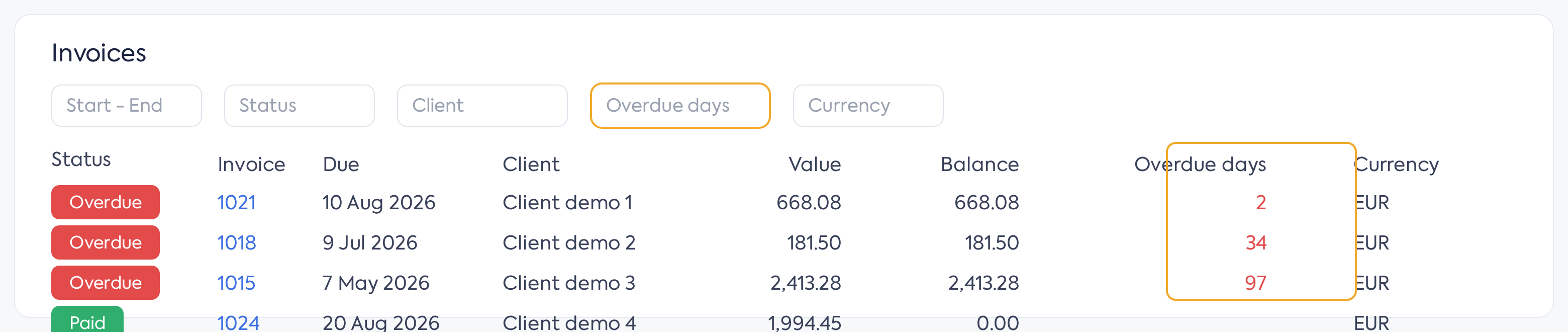
The invoice list, featuring the Overdue Days filter and column.
The column remains empty only for fully paid invoices. For unpaid ones, a value is always displayed: in red, the number of overdue days, and in green, the on-time status — a negative number shows how many days are left until the due date, while 0 means the due date is today.
For invoices with multiple installments, the calculation is based on the first installment not covered by payments, rather than the final due date of the invoice. For invoices with a single due date, partial payments do not reduce the number of days; it remains relative to the original due date.
The list can be sorted by this column, and if activated, the column is also included in the Excel export.
2. The Filter
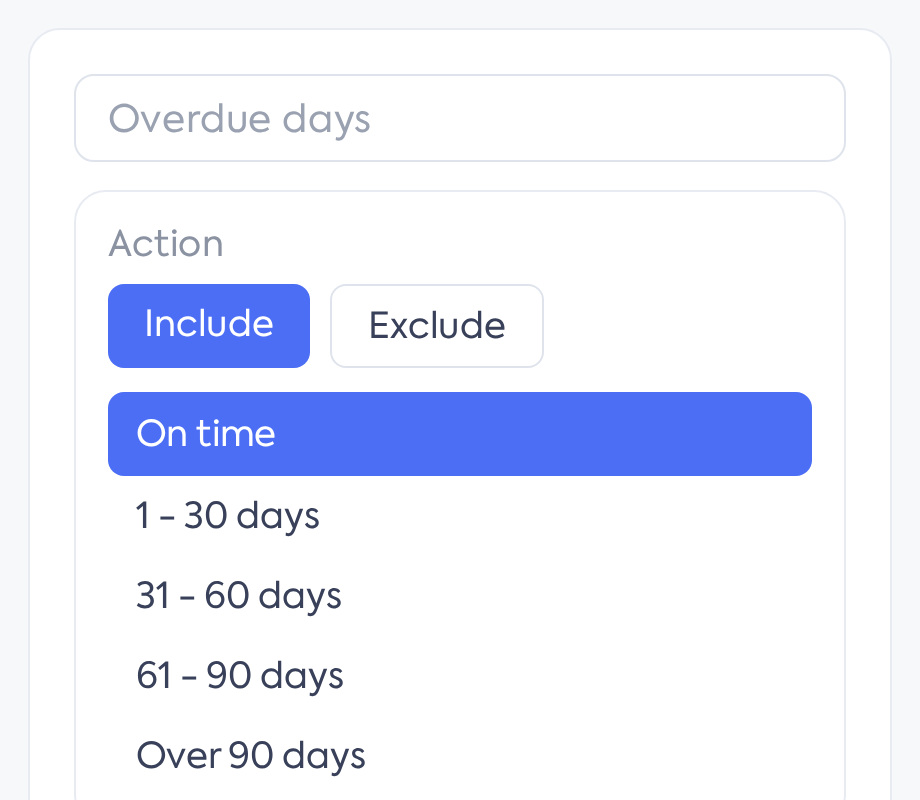
The Overdue Days filter, with available intervals.
The Overdue Days filter in the filter bar lets you choose one or more intervals: On time, 1–30 days, 31–60 days, 61–90 days, and Over 90 days. Choose the desired intervals and press Search — for example, only invoices with more than 90 days overdue, to track old debts. The "On time" interval also includes invoices due exactly on the current day. The filter only considers invoices that still have an outstanding balance, so fully paid invoices do not appear in any of the intervals.
Using the Include / Exclude toggle at the top of the filter, you can also reverse the selection: Exclude removes invoices within the selected intervals from the list instead of displaying them.