
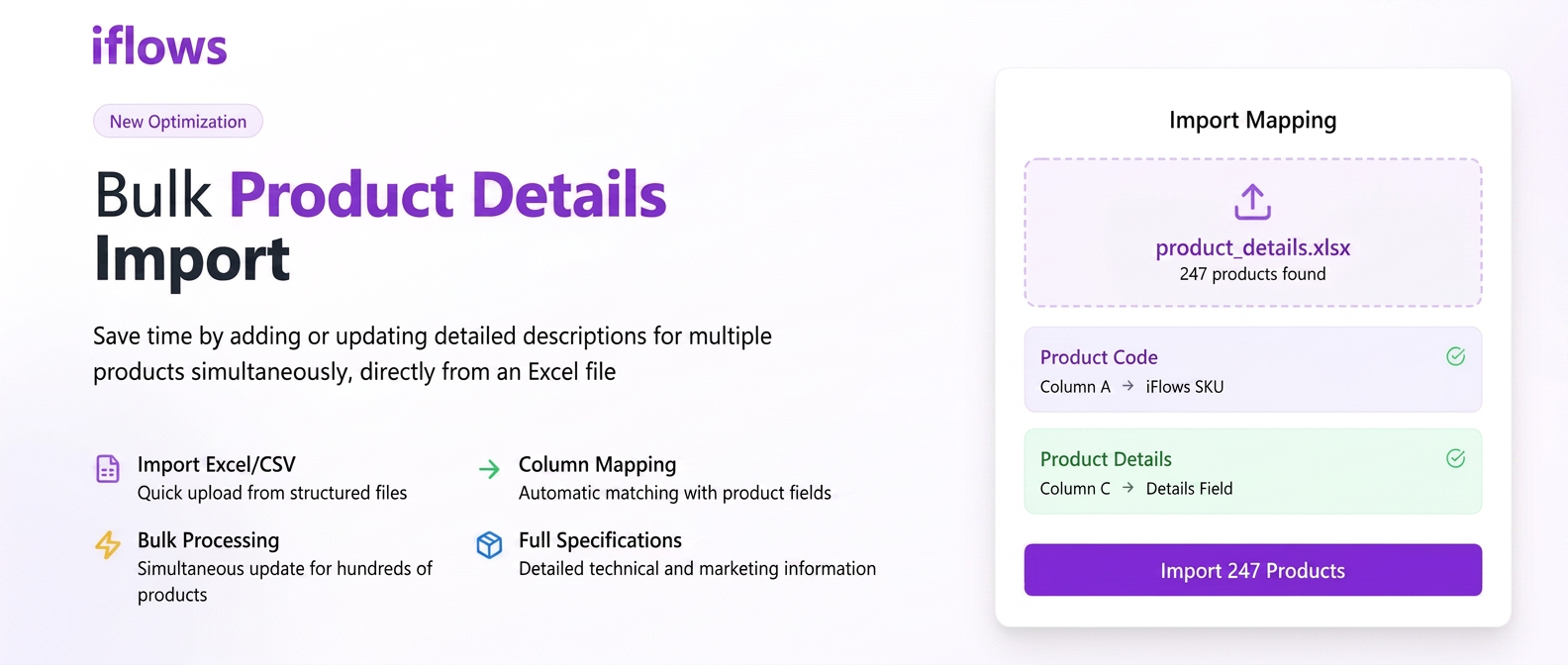
This functionality allows you to save time by adding or updating detailed descriptions for multiple products simultaneously, directly from an Excel file. It is ideal for adding technical specifications, marketing descriptions, or any other relevant information for your products.
Step 1: Preparing the Import File
- Before starting, ensure you have a file in .xlsx (Excel) or .csv format.
- This file must contain the necessary columns for identifying the products.
- Most importantly, add a new column which you can name, for example, "Details" or "Product Description". In this column, you will write the complete descriptions for each individual product.
Useful Tip: To ensure the format is correct, you can go to the Products section in iflows, click on "+ Import from File" and then on "Download Sample File". You can work directly on 그 model.
Step 2: Navigating to the Products Section
- From the main menu on the left side of the screen, click on the "Products" section.
Step 3: Initiating the Import
- In the top-right corner of the page, click the blue "+ Import from File" button.
Step 4: Uploading the File and Mapping Columns
- A new window will open. Drag the Excel file prepared in Step 1 into the indicated area or click to select it from your computer.
- After uploading the file, click the green "Continue" button.
- You will reach the mapping page. Here you must tell the iflows system what each column in your file represents.
- Scroll down until you find the "Details" field in the left column ("iflows Fields").
- Next to it, in the right column ("File Columns"), select the name of the column from your Excel file that contains the descriptions (e.g., "Details") from the dropdown list.
Step 5: Finalizing the Import
- After you have correctly mapped the "Details" field (and other mandatory fields), finalize the import process.
- The system will automatically take the text from the specified column and add it to the "Details" section of each corresponding product.