
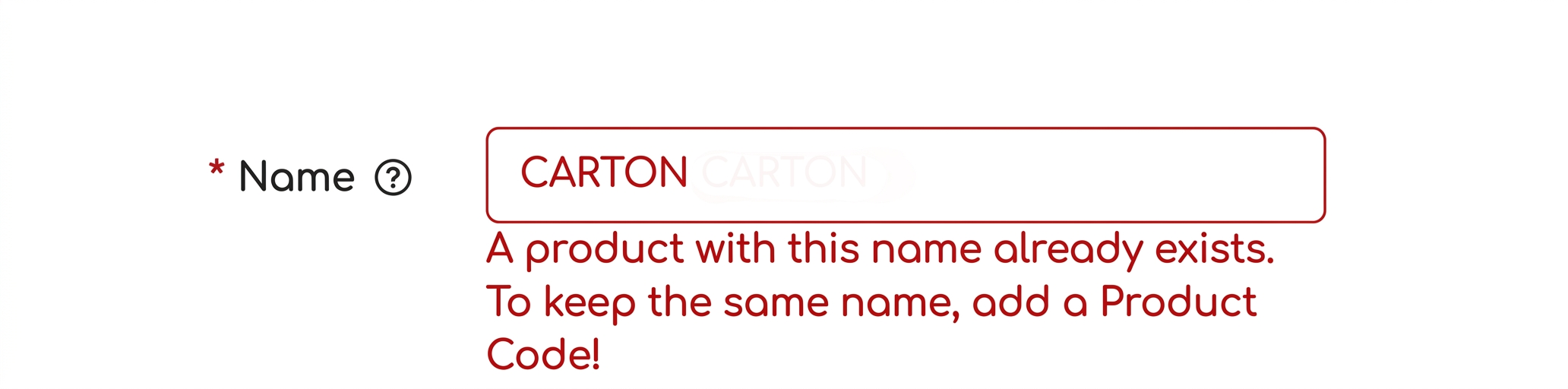
I have a product that already exists in stock, but when I try to add it to a new manual NIR (Reception and Inspection Note), the system does not recognize it automatically. If I try to add it as a new product, I get an error that the product already exists. What should I do?
Invitat·09.07.2025
purchases
1 Answer
iflows·09.07.2025
Official answerTo resolve this situation:
-
Check the warehouse and the product supplier:
-
The system checks if the product is available in the selected warehouse. If the product is defined only for another warehouse (e.g.: "Warehouse A" instead of "Warehouse B"), it cannot be associated.
-
Additionally, the product may be implicitly associated with a supplier. If the supplier on the incoming invoice differs from the one associated with the product, the system will not recognize it.
-
-
Pay attention to multiple warehouses:
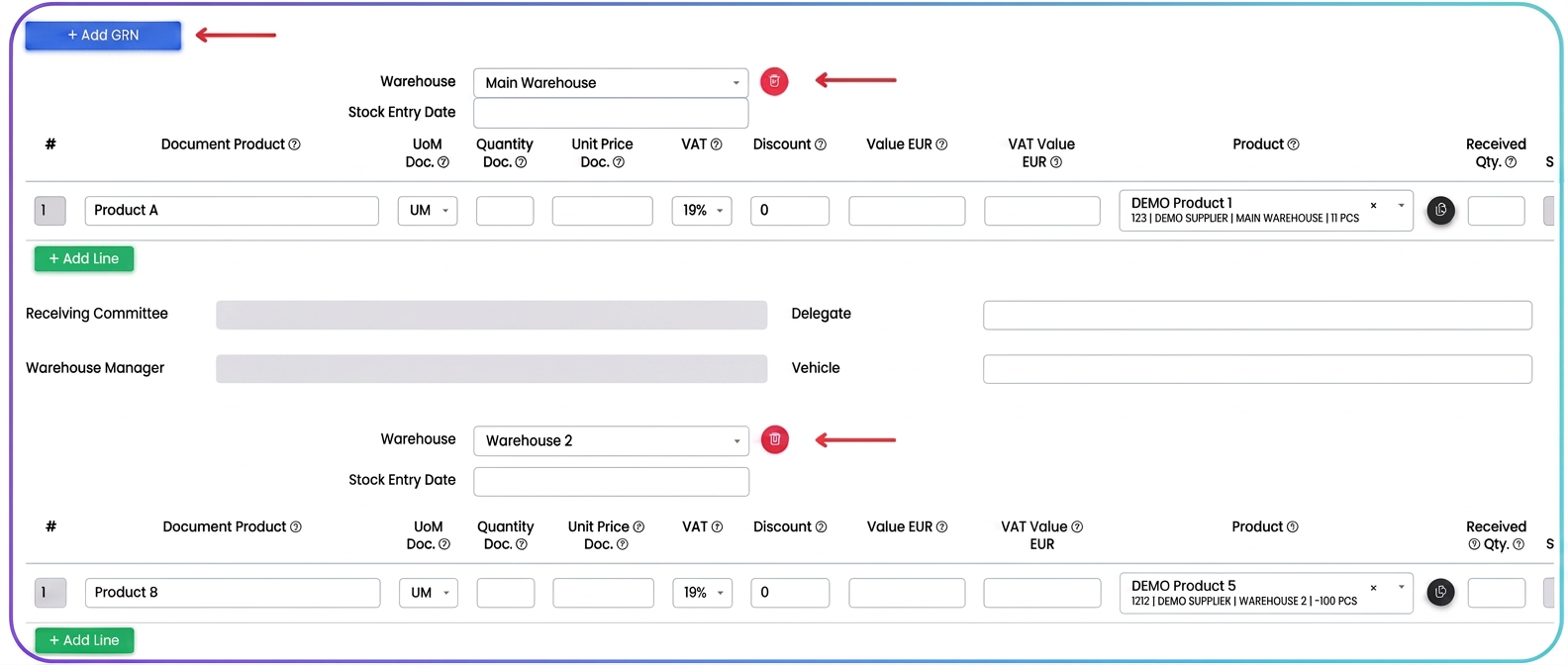
If the purchase document contains products belonging to different warehouses, you must create a separate NIR for each warehouse.
After finishing the first NIR, use the "+ Add NIR" button to start entering the second one.
Similar questions
What does the ”Allocate Stock” column refer to for superproducts and when should I use it?ForumWhen adding a product, what does the 'Exclude from flow' checkbox refer to?ForumWhat does "Stock in Work" mean?ForumWhat are minimum and maximum stock levels and how do they work in the iflows system?TutorialsHow to cancel an order that has already entered the workflow?Forum