
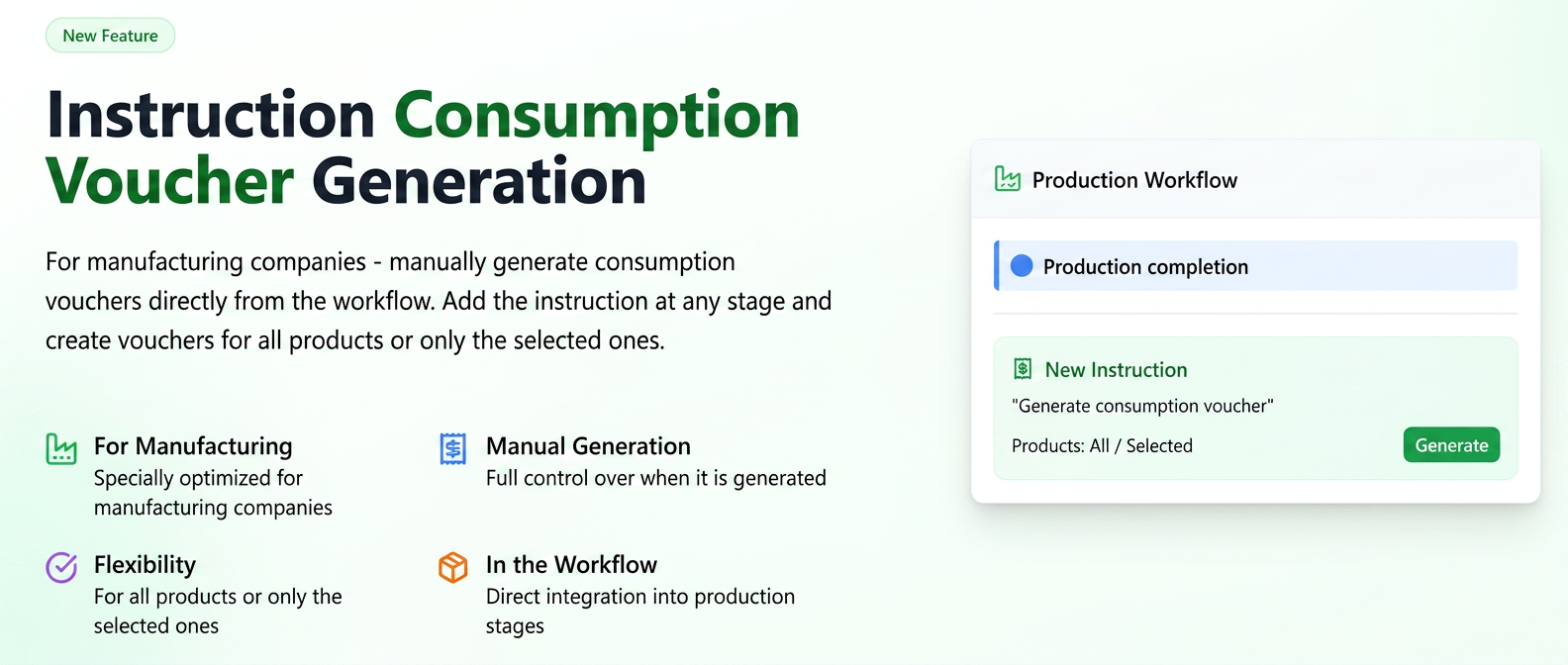
This function allows the manual generation of a consumption voucher (bon de consum) directly from the workflow. By adding this instruction to a workflow stage (for example, upon production completion), the system will be able to create the consumption voucher either for all products in the order or only for specific selected products.
Part I: Configuring the Instruction in the Workflow
- Navigate in the side menu to Settings and select Workflow.
- Identify the workflow you wish to modify and click on the edit icon (pencil).
- In the right panel, named Predefined Instructions, locate the instruction “Generate consumption voucher”.
- Drag and drop this instruction into the desired stage of your workflow. Usually, this is placed within a completion action of a production stage.
- Press the Save button to apply the changes.
Part II: Generating the Consumption Voucher for an Order
- When an order reaches the workflow stage where you added the instruction, a pop-up window with the stage details will open. Here you will find the “Generate consumption voucher” instruction and a selection field.
- From the drop-down menu, you have the following options available:
- For the entire order: It will generate a consumption voucher that includes all products from that specific order.
- For selected products: It will generate a consumption voucher only for the products you have previously checked in the order's product list.
- After choosing the desired option, press Save.
Part III: Viewing the Generated Consumption Voucher
- To view the newly created document, navigate in the side menu to Products -> Stocks.
- Access the Consumption Vouchers tab.
- The new consumption voucher will be listed here, containing the creation date and the reference to the order from which it was generated. You can click on it to view the full details.
General rules for generating consumption vouchers
It is important to note that generating consumption vouchers in the platform can be done in several ways, and the new workflow instruction adds an extra level of control. Here are the situations in which a consumption voucher can be generated:
- Via the Workflow instruction (the subject of this guide): Allows controlled generation from a specific stage of the workflow, providing precise control over the moment when consumption is recorded for the products in the order.
- Manually: Directly from the Products -> Stocks -> Consumption Vouchers section, by creating a new document.
- Automatically, upon production completion: For “super product” type items, the consumption voucher is generated automatically when all workflow stages related to the component products are completed.
- Automatically, upon invoice issuance: A consumption voucher will be generated when issuing an invoice that contains products with associated equipment or super-products, even if the workflow stages have not been fully completed.