
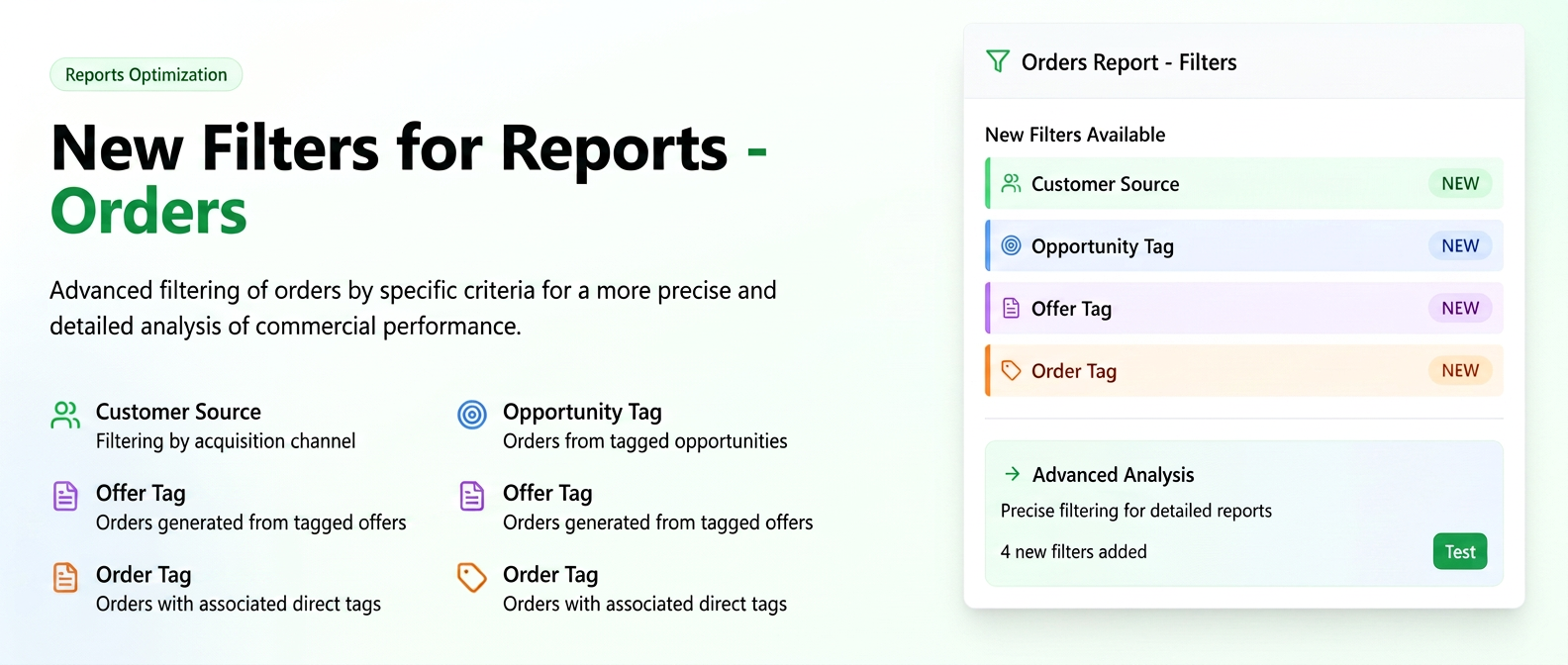
We have added new filters to the orders report:
- Customer Source: Allows filtering orders based on the customer's acquisition channel (e.g., referral, online campaign, etc.).
- Opportunity Tag: Displays orders originating from an opportunity that contains the selected tag.
- Quote Tag: Displays orders generated from a quote containing that tag.
- Order Tag: Filters orders that have a specific tag associated directly.
Step-by-step user guide:
- Navigate in the side menu to the Reports > Orders section.
- To activate the new filters in your interface, click on the Filters icon (funnel symbol), located in the top-right part of the screen.
- From the displayed list, check the boxes corresponding to the new filters you wish to use: Customer Source, Opportunity Tag, Quote Tag and Order Tag.
- Click the "Save" button to confirm the selection.
- The new filters will now be visible in the filter bar, and you can use them immediately to segment and analyze orders.
Related articles
Employee Report: Export and Automatic RecurrenceTutorialsEmployee – Client Report: Monthly Working Time AllocationTutorialsCustomer Report - Balance, Overdue Balance and Unallocated Balance columnsTutorialsExecutive Summary Widgets: "Top Customers" and "Top Orders" by Allocated TimeTutorialsService: Reports : Page Dedicated to Service ReportsTutorials