
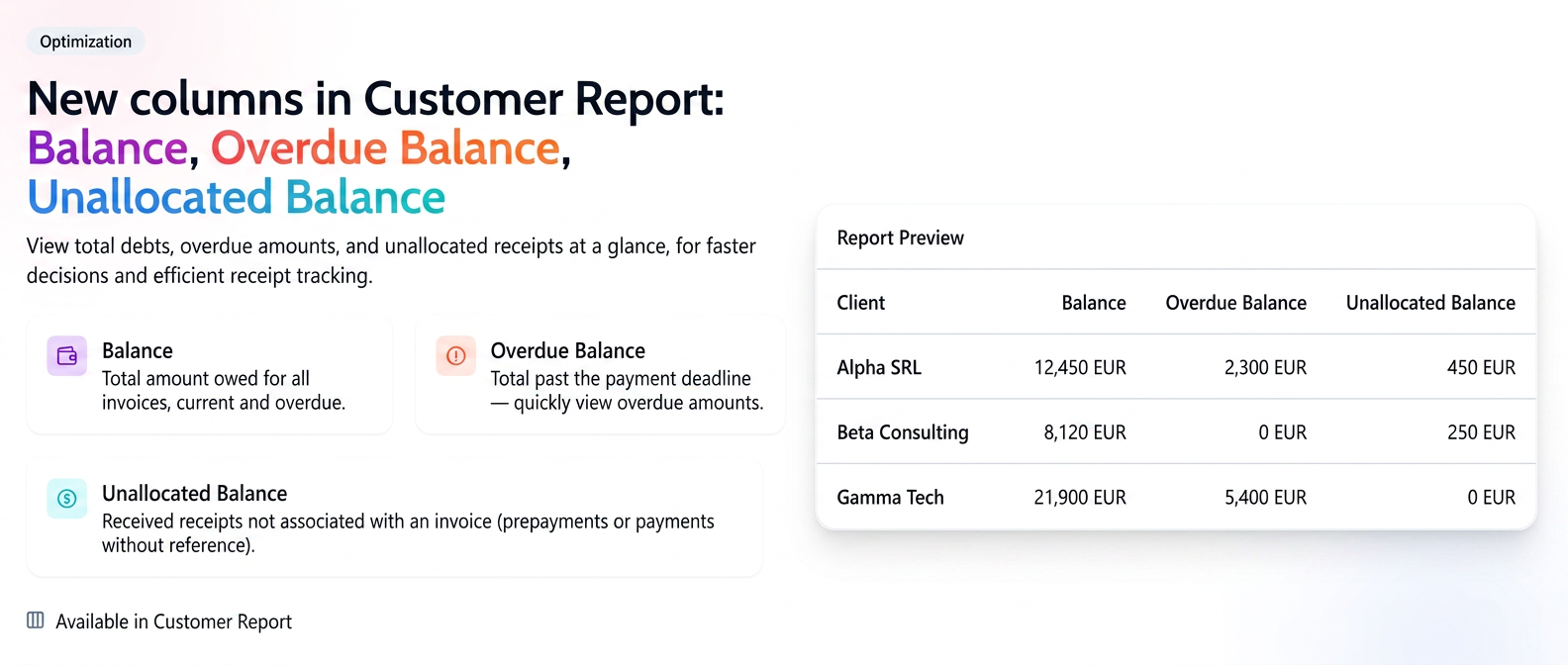
The Customer Report includes three columns regarding the financial status: Balance, Overdue Balance and Unallocated Balance.
- Balance: Represents the total amount a customer has to pay for all invoices issued to them, regardless of whether they are due or not. It is the customer's total debt to your company.
- Overdue Balance: This highlights the total amount that has already exceeded the payment deadline. This column quickly shows you which customers have overdue debts, allowing you to take prompt action.
- Unallocated Balance: This column indicates amounts collected from a customer that have not yet been associated (allocated) with a specific invoice. These may come from advance payments or from receipts where the paid invoice was not specified.
How to Access the Report?
- From the main menu, navigate to Reports.
- Select Customers.
- After configuring the filters, navigate to the bottom of the page, where you will notice the three columns.

Note: A fundamental feature of these columns is that they always display the current balance in real-time, regardless of the period selected in the report filters. Even if you are analyzing last month's activity, the values in these three columns will reflect the customer's current financial situation, providing you with a precise and up-to-date image.