
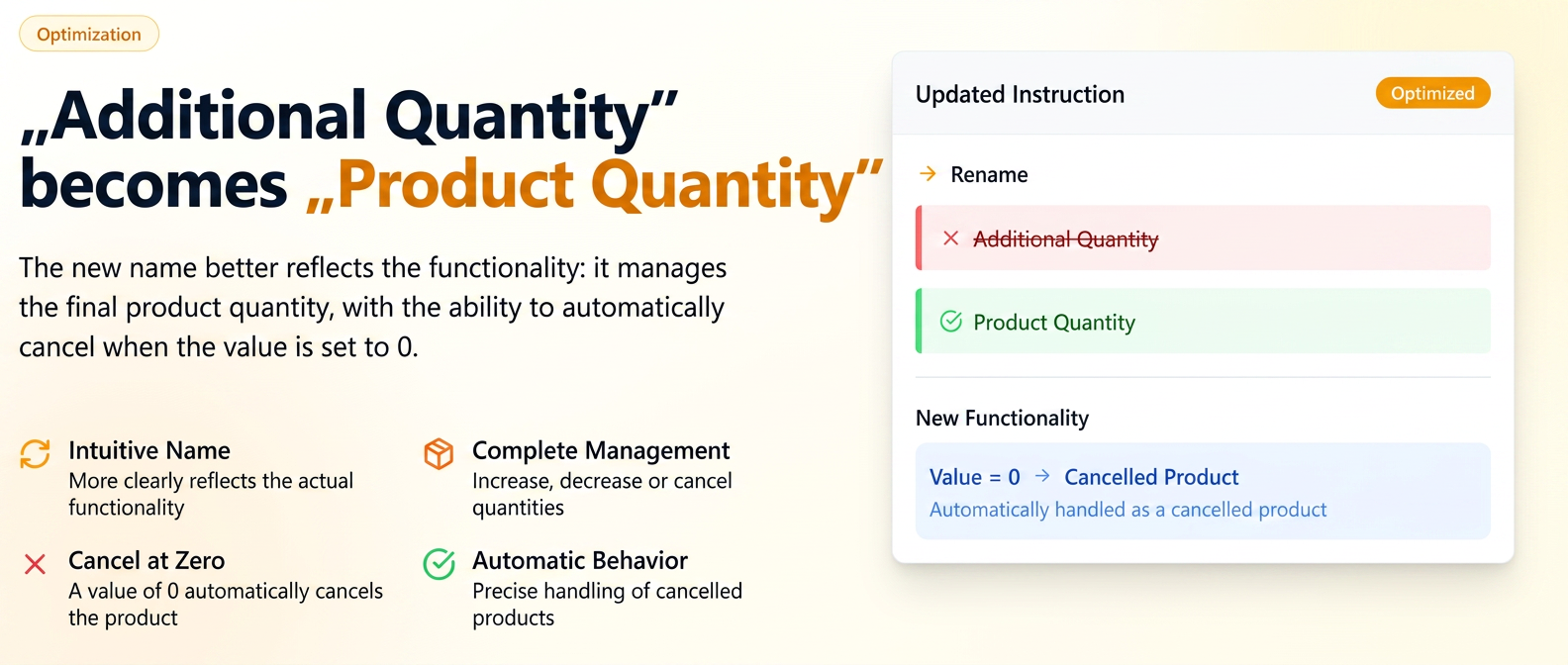
The new name emphasizes that this instruction does not just add quantities, but manages the final quantity of a product, whether it increases, decreases, or, more recently, becomes zero.
In addition to the previous functionalities of this instruction, now when an operator enters the value 0 for this instruction, the respective product line is automatically treated as a canceled product, with the following precise behaviors:
✅ Zero Impact in Reports: The canceled line is automatically excluded from all report calculations (consumption, profit, time worked, etc.), ensuring the accuracy of performance indicators.
✅ Full Traceability: Although inactive, the line remains visible in the order, distinctly marked, to maintain a complete history. It can no longer be edited or deleted, and the line history will show exactly who canceled the product and when.
✅ Smart Adjustment for Super-products: If the canceled product is part of a super-product (which has no fixed price and is not manually editable), its value will be automatically recalculated to reflect the removal of the component.
✅ Clean and Correct Documents: The canceled line is completely ignored when generating subsequent documents (invoices, notice of shipments, PDF orders, etc.), eliminating the risk of sending incorrect information to the client.
Clear Visual Marking: To avoid any confusion, the canceled line will be visually highlighted in the order interface, similar to the "Insufficient Stock" marking (red border), and will bear the clear label "Canceled Product".
This update transforms the "Product Quantity" instruction into an even more powerful tool, offering maximum flexibility in adjusting orders and increased accuracy in stock records and reporting.