Quotes are managed separately from the main order workflow. The reason the quote does not appear directly in the workflow is that it represents a pre-order stage, meaning it occurs before the formal ordering process is initiated.
Quotes are visible and manageable from the dedicated section named "Quotes", where you can track the entire lifecycle of a quote, from the moment of its creation until a response is received from the client. This section provides an overview of every stage of the quote and includes several useful tools for efficient management:
-
Statuses: These quickly indicate the stage of the quote (new, sent, accepted, rejected, expired, etc.), giving you a clear perspective on the progress of each offer.
-
Tags: These can be used to segment and organize quotes, either by type, priority, or other specific criteria.
-
Quote Details: These include essential information such as the creation date, the time the quote was sent, the time it was opened by the client, their decision (accepted or rejected), electronic signature (if applicable), client comments, etc.
For more detailed tracking of a quote, you have the option to access the "View" button, which opens two important tabs:
-
Details: Here you will find all formal information and the history of the quote, including data related to creation, modification, and automated interactions with the client.
-
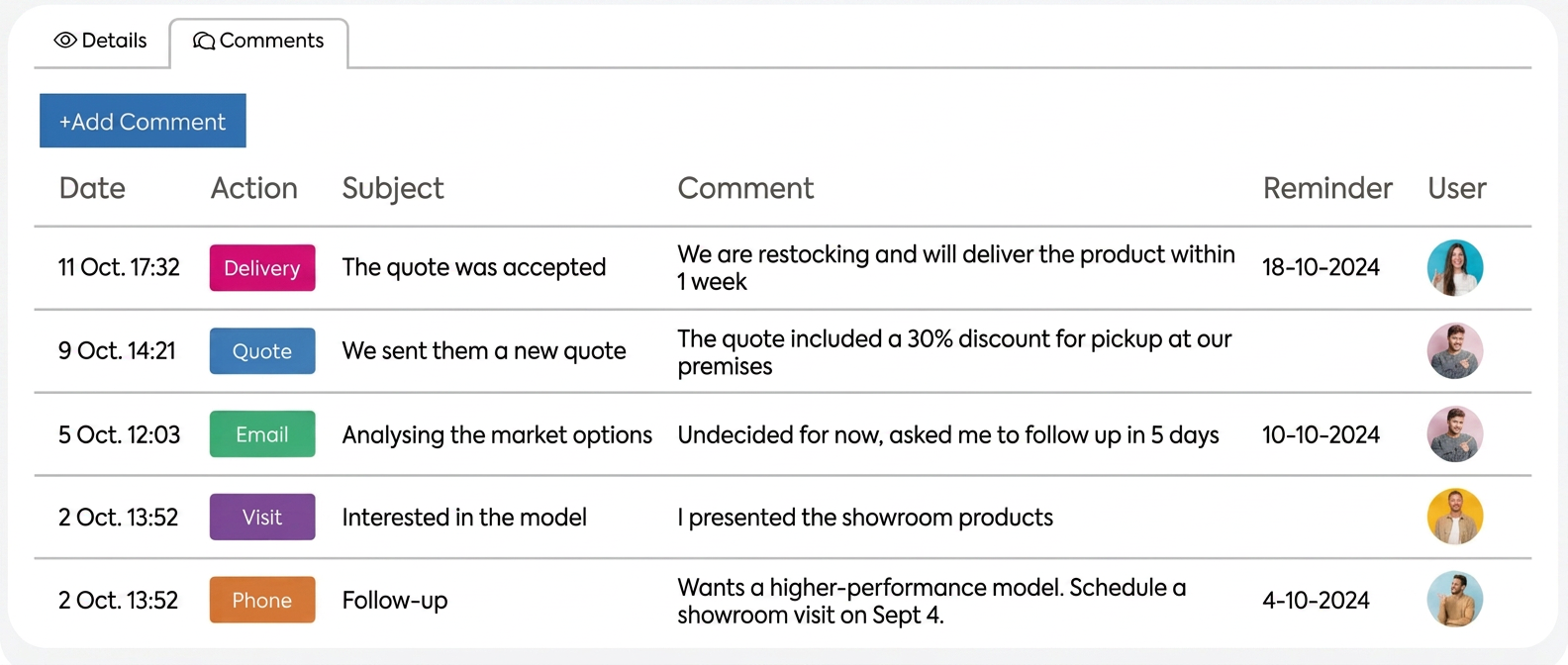
Comments: In this section, you can manually add all interactions had with the client regarding that specific quote. This allows you to keep a clear record of communication and better track the negotiation process or additional discussions that may arise.
As soon as a quote has been sent and has received a response from the client, it can no longer be edited directly. The reason for this restriction is to maintain the integrity of documents and decisions made based on the submitted quotes. The reasoning behind this process is that once the client has expressed a response, that quote becomes a final document, reflecting an agreement or a decision made. Modifying it after receiving a response could lead to misunderstandings or a breach of the initially agreed terms.
The stage in which a quote can be edited is when it has the "new" status, which means it has not yet received a response from the client. At this stage, you can adjust products, prices, or any other detail without any restriction.
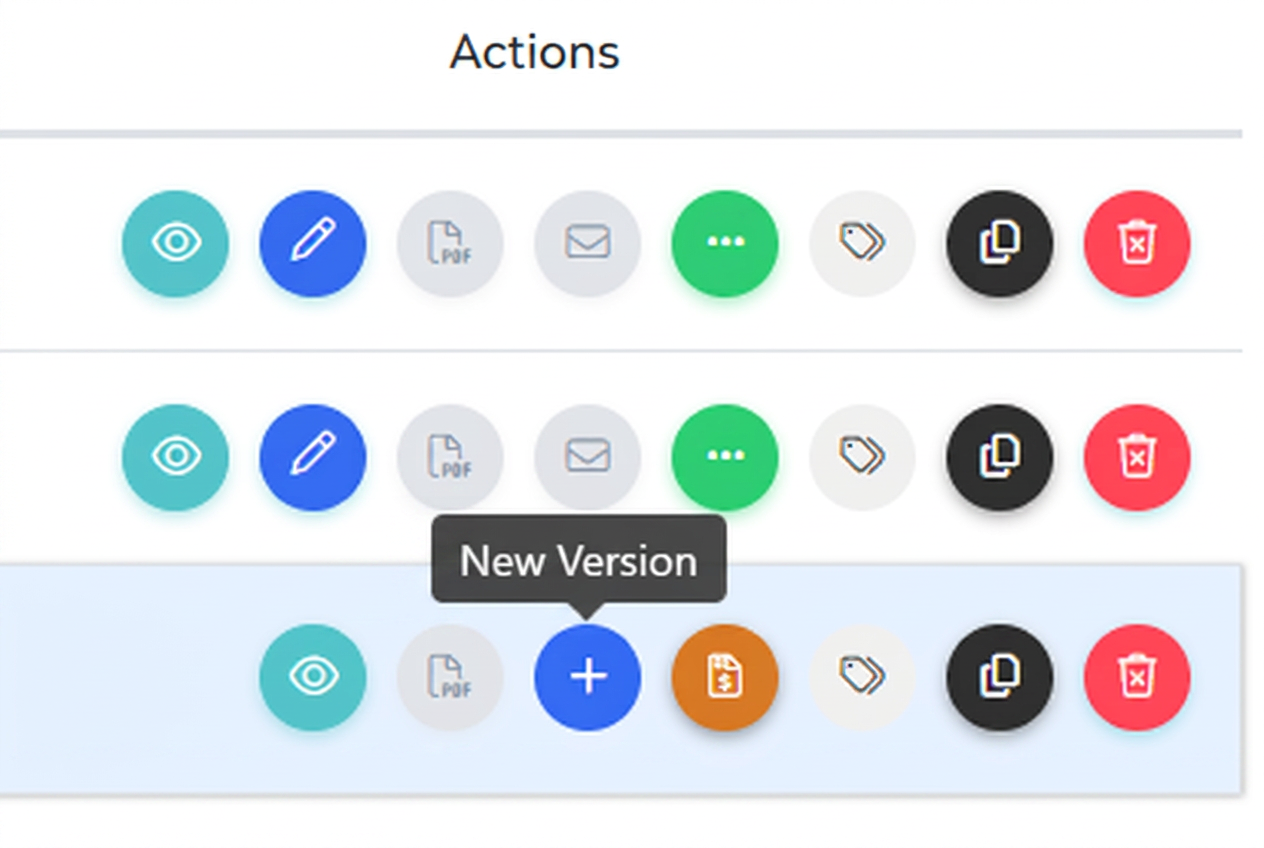
If the quote has moved to another stage, such as "accepted", "rejected", "expired", or "order", the option is to create a new version of that quote. To create a new version, click on the "+" symbol in the actions column of that quote. This works by opening the initial quote, which you can modify and resend to the client, thus maintaining a clear record of all versions and changes made.