
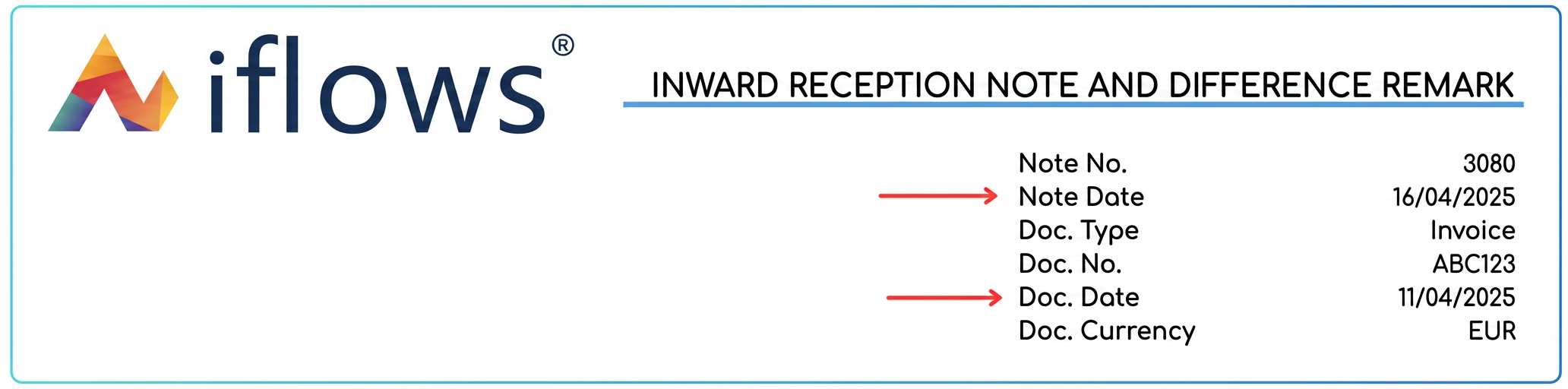
This optimization changes the way the actual stock entry date is recorded for received products.
The Stock Entry Date field is now at the level of each associated Nota de Intrare Receptie (NIR - Reception and Inspection Note). This means that when you generate an NIR from a stock-type purchase (or manually add an NIR), you will be able to specify a distinct stock entry date for the products included in that specific NIR. The major benefit is the ability to accurately reflect the actual moment of entry into management for each partial delivery, ensuring a correct stock valuation and better compliance with operational reality. The date specified in the Stock Entry Date field on the NIR will be the date used for recording the stock movement.
User Guide:
- Create or open a Stock type purchase in that the old Stock Entry Date field is no longer present at the purchase level.
- To record the product reception (total or partial), generate or add a Nota de Intrare Receptie (NIR) associated with this purchase (using the + Add NIR button).
- In the NIR creation or editing window/form:
- Select the Warehouse where the products are entering.
- Locate the new Stock Entry Date field. This is now present at the NIR level.

-
- Enter or select the date on which the products included in this specific NIR actually entered the warehouse.
- Complete the rest of the NIR details (received quantities, etc.).
- Save the NIR.
- The stock movement (entry of quantities into management) will be recorded in the system on the date specified in the Stock Entry Date field on the respective NIR.
- Repeat steps 2-5 for each partial delivery (each new NIR), specifying the correct stock entry date for each individual reception.