
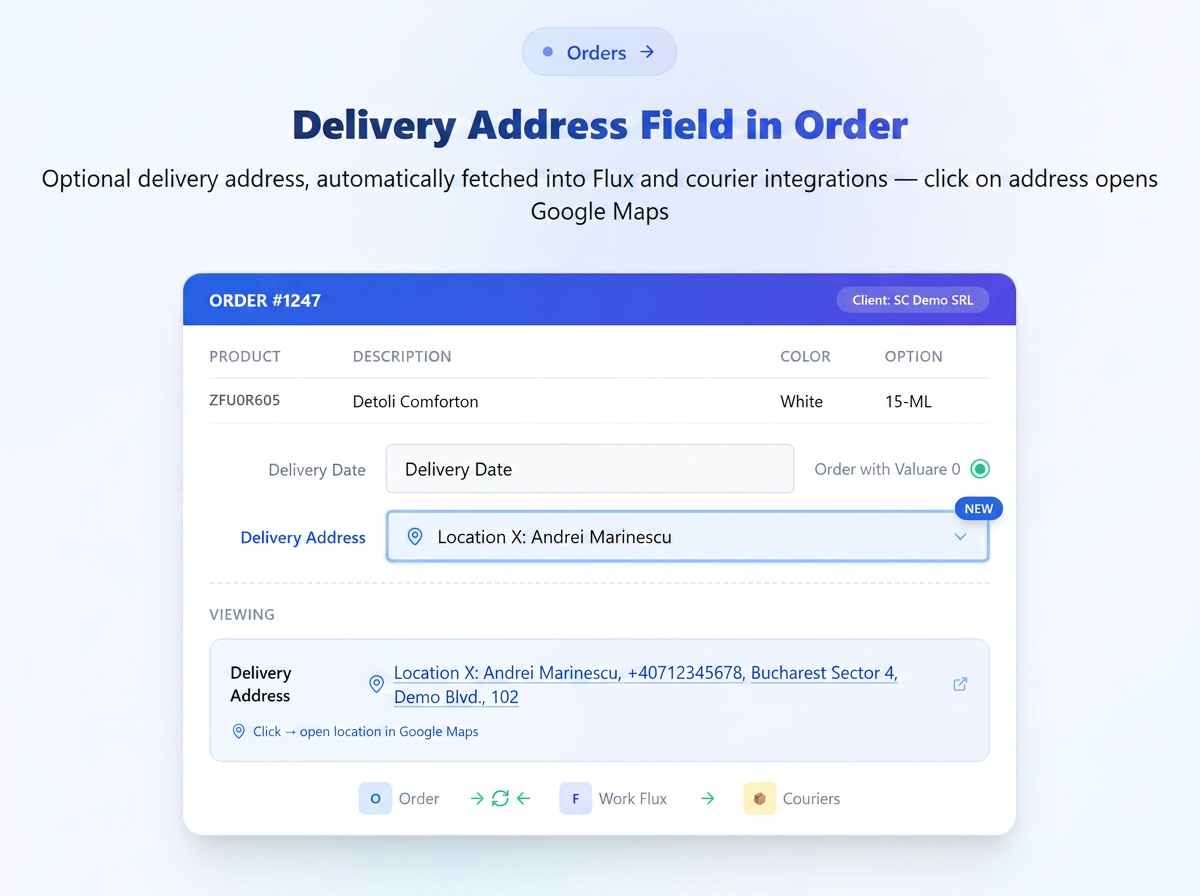
In the order form, there is an optional field for the delivery address. The selected address is automatically pulled into the Workflow and courier integrations, eliminating the need for re-selection.
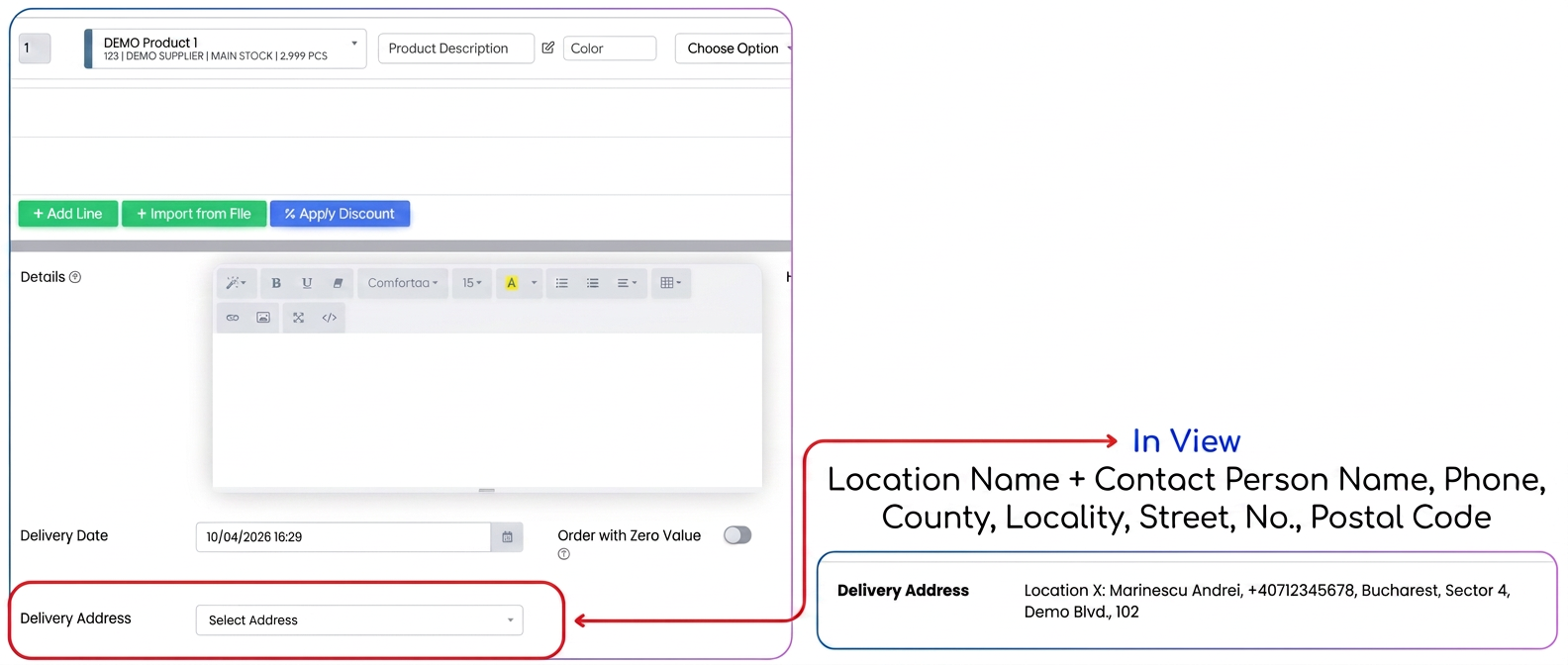
Features:
- "Delivery address" field in the order, displayed under the "Delivery date" field
- Optional field
- Available addresses are automatically loaded based on the selected client, with the possibility to add, edit, and delete directly from the field
- The address filled in the order is automatically pulled into the "Delivery details" instruction in the Workflow and into courier integrations
- The address is visible in the order view mode for users, operators, and IP-based logged-in users
- The address appears as a hyperlink — clicking it opens the location directly in Google Maps
- "Delivery address" variable available in Order and Dispatch Note templates — it can be added to the CLIENT section of the template to be included in the generated PDF