
In iflows, there are three main ways to send emails to customers, each serving a specific purpose:
1. Automated Emails (Notifications)
These are fully automated and are sent by the system without manual intervention, based on certain events. Once configured, notifications are sent consistently and automatically when a specific event occurs in the platform, such as:
- Order completed notification
- Contract expiration notification
- Overdue invoice notification
- Customer level change notification
- Offer expiration notification
These notifications allow you to keep customers informed without the need for constant action on your part.
2. Sending documents or information with a single click from the platform
This is a semi-automated function where, although you decide when to send the information, the system helps you do it very quickly with a single click. You can send emails from various sections of the platform, such as:
· Order – Send order details· Notice (Delivery Note)
· Invoice / Proforma
· Receipt
· Offer
This method is useful when you have documents generated in the platform and want to transmit them quickly without needing to create new messages manually.
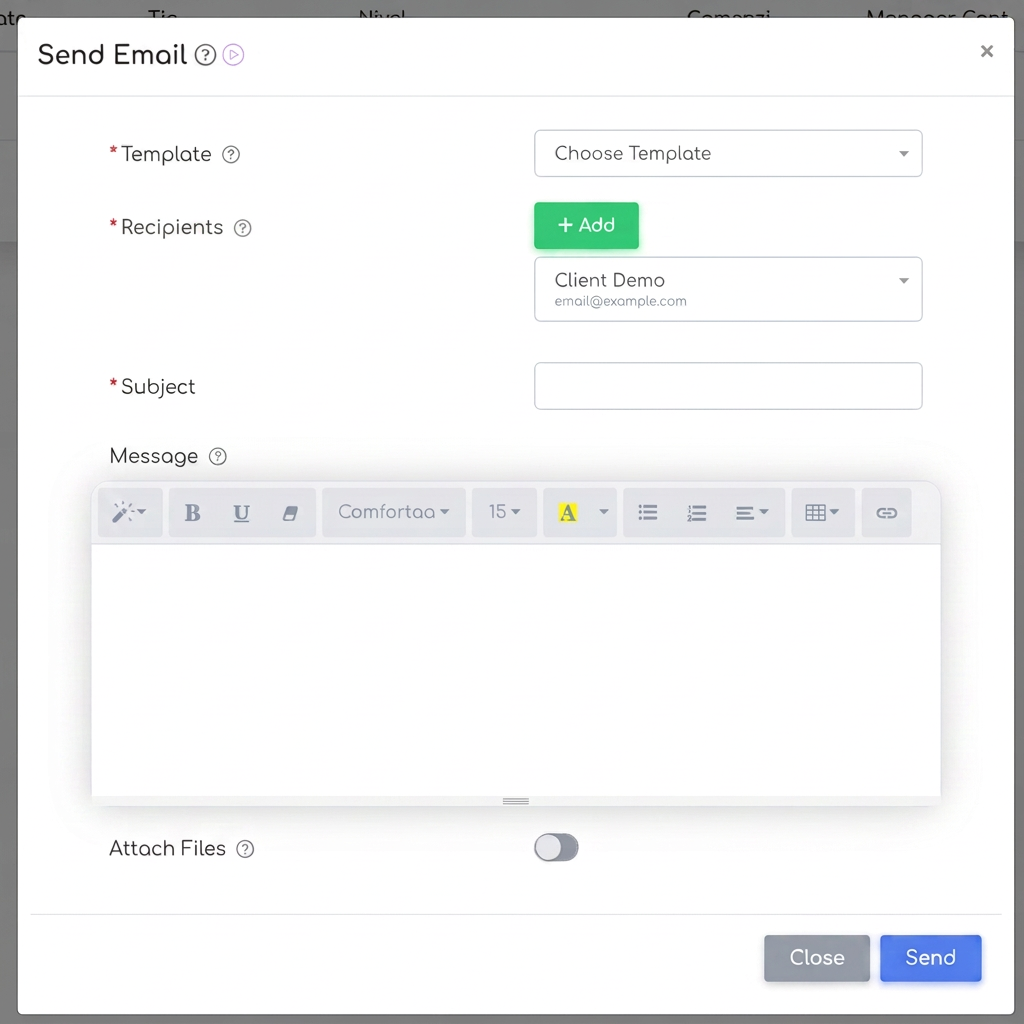
3. Sending personalized emails
This option allows you to send fully personalized emails to customers from the Customers section. From here, you can create a message that is not necessarily linked to an order or a predefined document. It is useful for ad-hoc or personalized communications, such as:
· Special communications that are not linked to a standard workflow
· Additional information requested by the customer
This method gives you total flexibility to transmit unique information tailored to the needs of each customer.

Email Templates
For both automated notifications and manual emails, iflows uses email templates. These templates can be fully customized based on your business specifics and how you want to communicate with customers.
In iflows, there are two types of templates:
· Predefined templates – These are created to cover standard communication scenarios, such as order or invoice notifications.
· Custom templates – These allow you to create unique emails tailored to your company's communication style.
Configuration of these templates is done in the section, where you can create new templates or edit existing ones.
Additional Recommendation
To ensure you are fully utilizing the email template personalization features, I recommend watching the tutorial Personalize Communication: Email Templates, which will guide you step-by-step through the configuration process.