
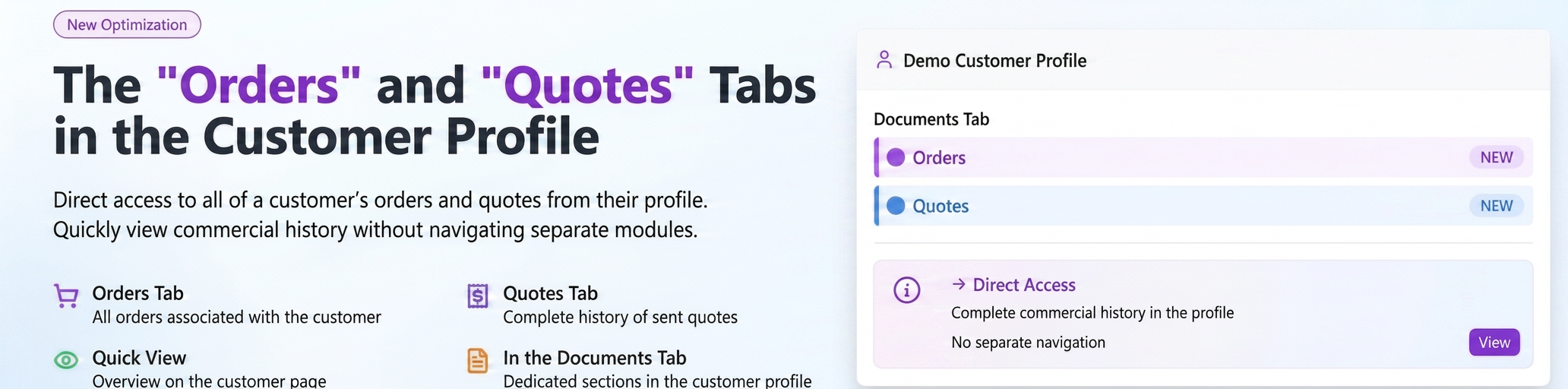
To streamline access to information, you can now view all associated orders and quotes directly on a customer's details page. Two dedicated sections have been added to the “Documents” tab: “Orders” and “Quotes”. This optimization allows you to have a quick and complete overview of the customer's commercial history without needing to navigate to separate modules.
Step-by-step guide for use:
- Navigate to the Customers module from the main menu.
- Identify the desired customer in the list and access their details page by clicking the “Customer Details” icon.
- On the customer details page, select the “Documents” tab.
- Here you will find two dedicated sub-tabs:
- Orders: Displays a list of all orders for that customer, along with status, date, value, and quick actions (view, generate PDF, edit, delete).
- Quotes: Displays a list of all quotes, including status, date, validity, value, and corresponding actions.
Related articles
Customers: Inactive / Active status - specific term established per customerTutorialsCustom Customer TypesTutorialsCustomer: Unpaid Invoices StatusTutorialsCustomer Report - Balance, Overdue Balance and Unallocated Balance columnsTutorialsSticky Table Header and Product Column in Sales Orders/QuotesTutorials