
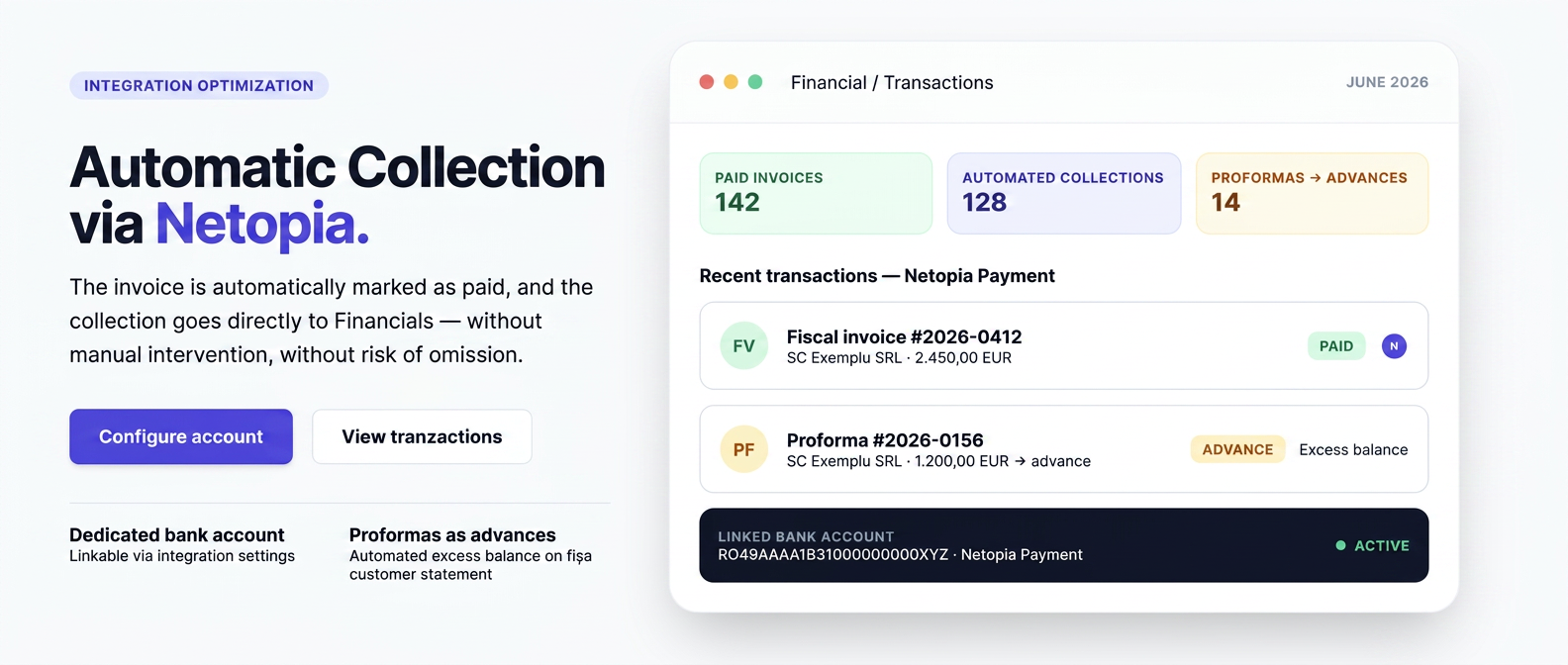
The Netopia integration has been optimized with the same automated capabilities as other payment integrations in the platform: upon payment confirmation, the invoice is automatically marked as paid, and the collection is recorded in Finance on the bank account associated with the integration, without manual intervention.
In addition to this automation, the integration now includes the association of a dedicated bank account for collections, configurable from the integration settings.
News and functionalities
- Automatic marking as paid — upon payment confirmation, the invoice receives the paid status and the collection appears in , in the bank register.
- Optimized support for proformas — for proformas, the payment is automatically recorded as a customer advance.
- Dedicated bank account — upon activation you can choose the bank account for collections or let a new one be created automatically.
- Dedicated payment method — upon activation, the Netopia Payment method is automatically created, where all collections appear.
Configuration
For users already using Netopia, you need to access the integration settings to associate a bank account.
- Open Integration Settings (gear icon) next to Netopia in the list of installed integrations.
- Select Transactions Bank Account or leave the field empty for a new account to be created automatically. The account represents the place where collections via Netopia will be recorded.
- Save changes — the integration applies the new settings immediately.
For users activating Netopia for the first time now, the bank account is selected directly in the activation window, along with the other credentials.
How to use
After configuring the bank account, the integration behavior is fully automatic upon payment confirmation.
Tax invoice
For a tax invoice, after payment confirmation through Netopia, the document receives the paid status, and the collection automatically appears in , under the Netopia Payment method and on the configured bank account.
Proformas — recording as advance and surplus balance
For proformas, the payment confirmed through Netopia does not mark the proforma as paid (the proforma is not a tax document), but is automatically recorded as a customer advance. The collection appears in , under the Netopia Payment method and on the configured bank account.
This advance generates a surplus balance (unallocated balance) on the customer's file, in their favor. The surplus balance is displayed under the customer's name in the invoice list and remains available to be used when issuing the related tax invoice.
Generating the tax invoice remains a separate operation and is not performed automatically. When collecting the tax invoice, the surplus balance (the advance collected through Netopia) can be used to settle the invoice, without a new payment from the customer. The steps are:
- Generate the tax invoice for the customer who has a surplus balance.
- Press the Record Collection button next to the invoice.
- The platform displays the warning: "ATTENTION! The customer has a surplus balance (collection) of X EUR."
- The Use Surplus Balance switch is checked by default; the surplus amount is automatically allocated, without requiring a new transaction.
- Press Collect to finish.
If the surplus is greater than the invoice value, the difference remains as an unallocated balance for a future invoice. If the user does not check the switch, the surplus remains unused and can be manually allocated later.
Note: the surplus balance mechanism is described at length in the existing documentation. This document only links it to the Netopia flow.
Refunds
Refunds are not managed from iflows; any returns are made from the Netopia or bank account.