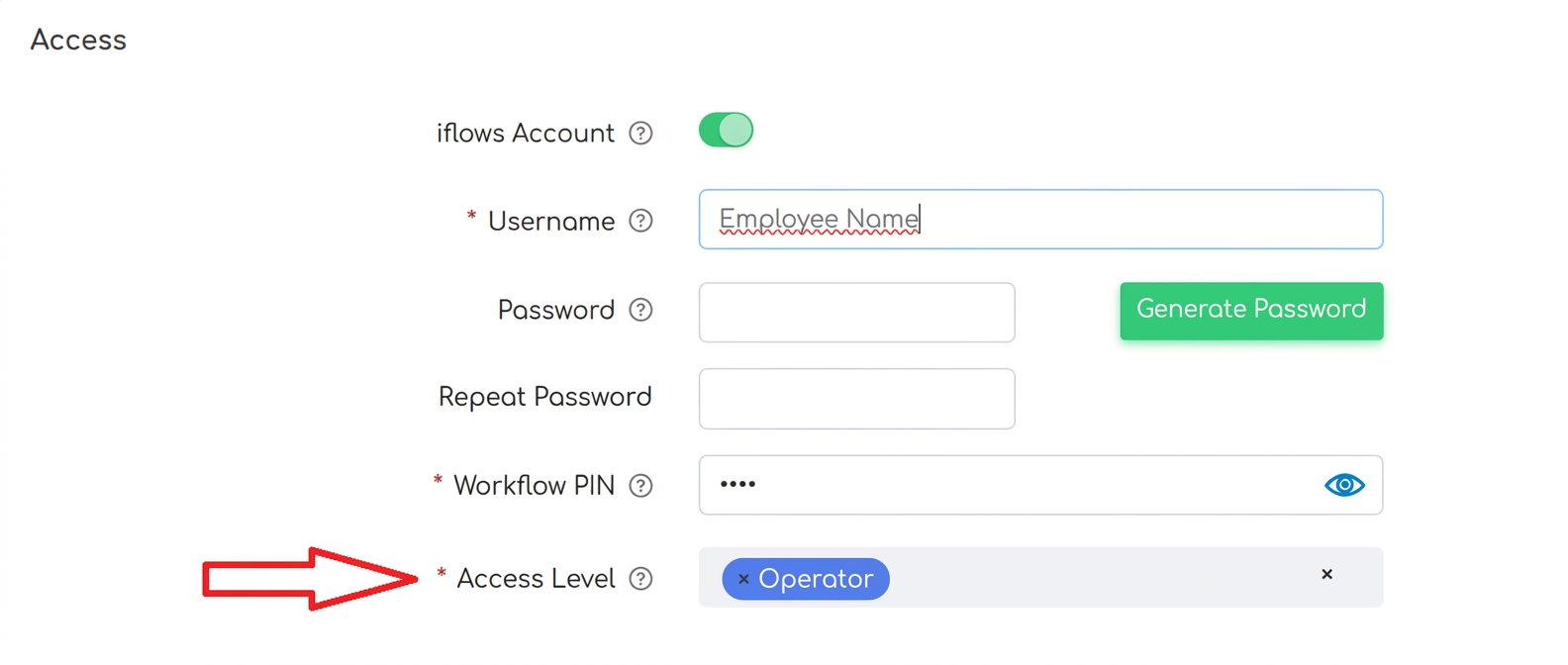
Please access the Financial - Employees section, search for the employee you wish to edit, then click the edit button in the action column corresponding to the chosen employee. At the bottom of the employee profile, you will find the Access Level column, where you can change the role from administrator to operator.
We also recommend watching the Using the PIN tutorial, available at this link: Tutorial. This tutorial explains how you can set specific locations to access the iflows platform without the need to log in, specifically for operators. Operators will see only the workflow and will be able to pick up and complete tasks, but without access to the platform's extended menu. If you set a location, when accessing your link (company.iflows.com), the workflow will open automatically, even if no one is logged into the platform on that device. To pick up and complete tasks, operators will use their associated PIN.