
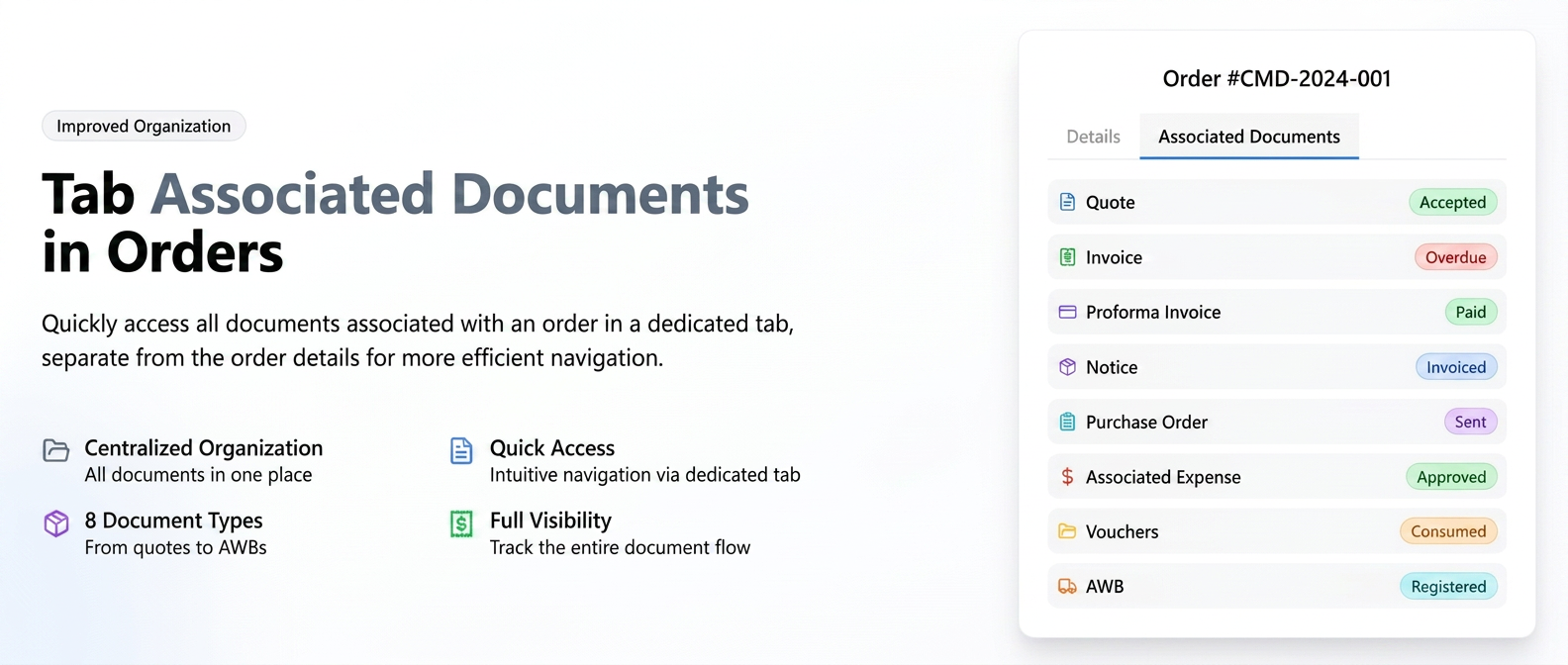
In addition to the document summary that remains visible in the "Details" tab of an order, this functionality introduces a dedicated tab, "Associated Documents".
This has been designed to provide a centralized, complete, and more detailed view of all documents generated or linked to that specific order. Unlike the summary on the details page, the new tab presents information in a tabular format, including additional details such as the document status (e.g., Paid/Unpaid for invoices, Active for AWBs), while also introducing new associated documents, such as consumption vouchers.
The full list of documents centralized here includes:
- Quote
- Invoice
- Proforma Invoice
- Notice (Aviz)
- Purchase Order
- Associated Expense
- Consumption, delivery, or return vouchers
- AWB
To view this tab, the corresponding permission must be enabled for the user's access level.
Accessing the "Associated Documents" Tab
- Navigate in the menu to Sales -> Orders.
- From the list, open the desired order by clicking on the "Order Details" icon (the eye).
- On the order view page, alongside the "Details" and "Comments" tabs, you will find the new "Associated Documents" tab.
- Click on this tab to access the centralized and detailed list of all documents related to the order. You will still be able to view their simplified summary in the "Documents" section of the "Details" tab.
Enabling Permission (action performed by an Administrator)
- Navigate in the menu to Financial -> Employees.
- Select the Permissions tab.
- Identify the desired access level and click on the edit icon (the pencil).
- In the permission settings window, use the search field and enter "documents".
- Locate the permission "Orders - Associated Documents" in the list.
- Ensure that the toggle button in the "View" column is activated (green).
- Click the "Save" button to apply the changes.